Main Points
- No single tool covers feedback, roadmaps and usage data, so most teams combine two or three.
- Jira Product Discovery and Canny are the lowest-risk starting points for small teams.
- Amplitude and Pendo show what users do after launch, which roadmap tools cannot.
- Several vendors hide prices behind a demo, so ask for a written quote.
The Best Software Product Management Tools at a Glance
| Tool | Type | Best for |
|---|---|---|
| 1. Productboard | Feedback and roadmap platform | Teams that gather lots of customer feedback |
| 2. Aha! Roadmaps | Strategy and roadmap suite | Larger teams linking strategy to delivery |
| 3. Jira Product Discovery | Idea and prioritization tool | Teams already working in Jira |
| 4. ProductPlan | Roadmap and planning tool | Teams that need clear, shareable roadmaps |
| 5. Amplitude | Product analytics | Teams that judge features by usage data |
| 6. Pendo | Analytics and in-app guides | Teams that guide and measure users inside the app |
| 7. Canny | Feedback boards and roadmap | Small SaaS teams collecting feature requests |
| 8. airfocus by Lucid | Prioritization and roadmap tool | Teams that want transparent scoring models |
| 9. Dovetail | Customer research repository | Teams that run interviews and want findings searchable |
The 9 Best Software Product Management Tools, Ranked
I order the list from tools that cover the most ground to specialists, so you can stop when you find your fit. A tool cannot fix unclear goals, which is why my software product management consulting work starts with how decisions get made and only then picks software. If you want the method before the tool, read my software product management framework. Ratings come from G2 and prices from vendor pages, and both can change.
Productboard
The Strongest Tool for Turning Scattered Customer Feedback Into a Prioritized Roadmap, If You Can Afford a Sales Process
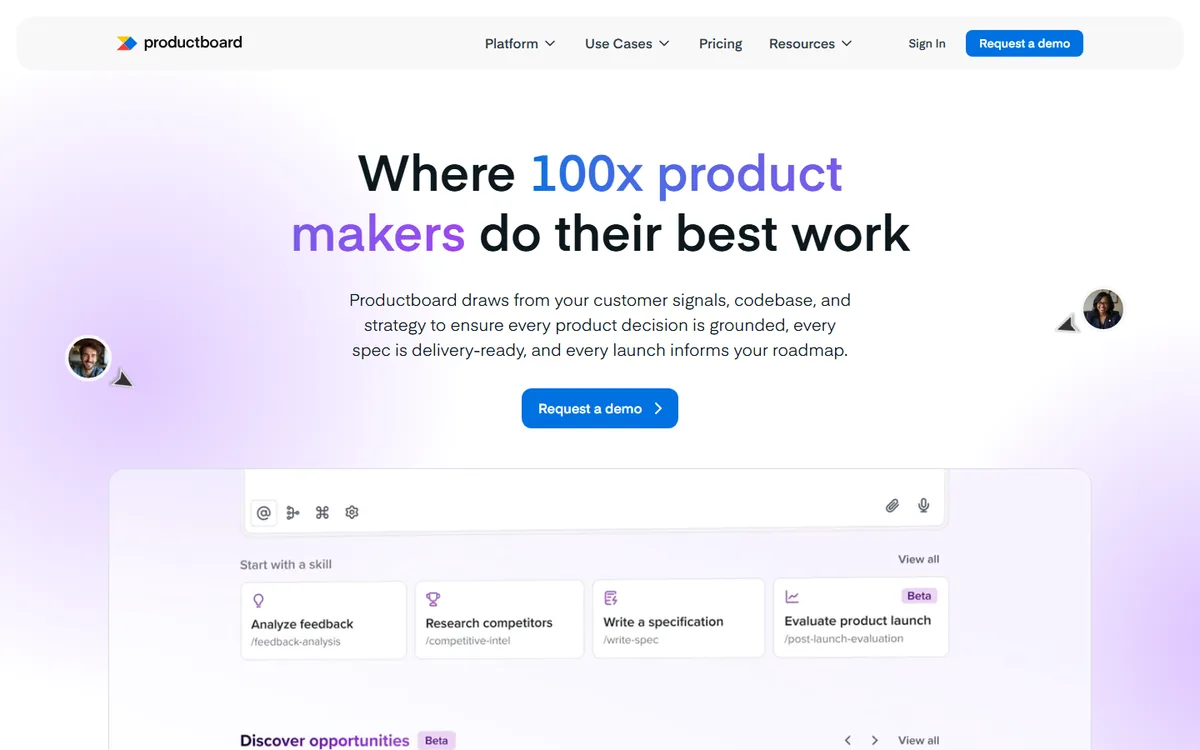
Productboard is a product management platform that collects customer feedback, links it to features and shows priorities on shareable roadmaps.
Productboard is the tool I suggest when feedback arrives from many places, such as support tickets, sales calls and surveys, and nobody can say which request matters most. Notes get linked to the features they support, so you can see how many customers asked for something and who they are. That evidence is what ends the argument about the next quarter.
It takes setup time and discipline. If nobody tags feedback, the tool fills up with noise and the scores mean little. Pricing is not shown on the website, which slows down small teams that want to try it quickly. For a team of two product managers, a lighter tool may do the same job.
Productboard Strengths
- Feedback from many sources lands in one place and links to features
- Roadmap views can be shared with executives and customers
- Prioritization scores use customer evidence, not opinions
Productboard Weaknesses
- Value depends on how well the team tags and triages feedback
- Prices are hidden behind a demo request
Productboard Pricing
Productboard lists Business and Enterprise plans on its pricing page. Neither shows a price, and the page points to a demo request or sales contact. Plans can be billed monthly or annually, with a stated saving of 21 percent for annual billing, and AI features use monthly credits per maker. Ask for a written quote that names the number of makers.
Productboard Reviews
- G2: 4.2 of 5 stars (based on 256 verified reviews)
Aha! Roadmaps
A Complete Strategy-to-Delivery Suite for Teams That Want Goals, Roadmaps and Ideas in One System, at a Higher Price Per Seat
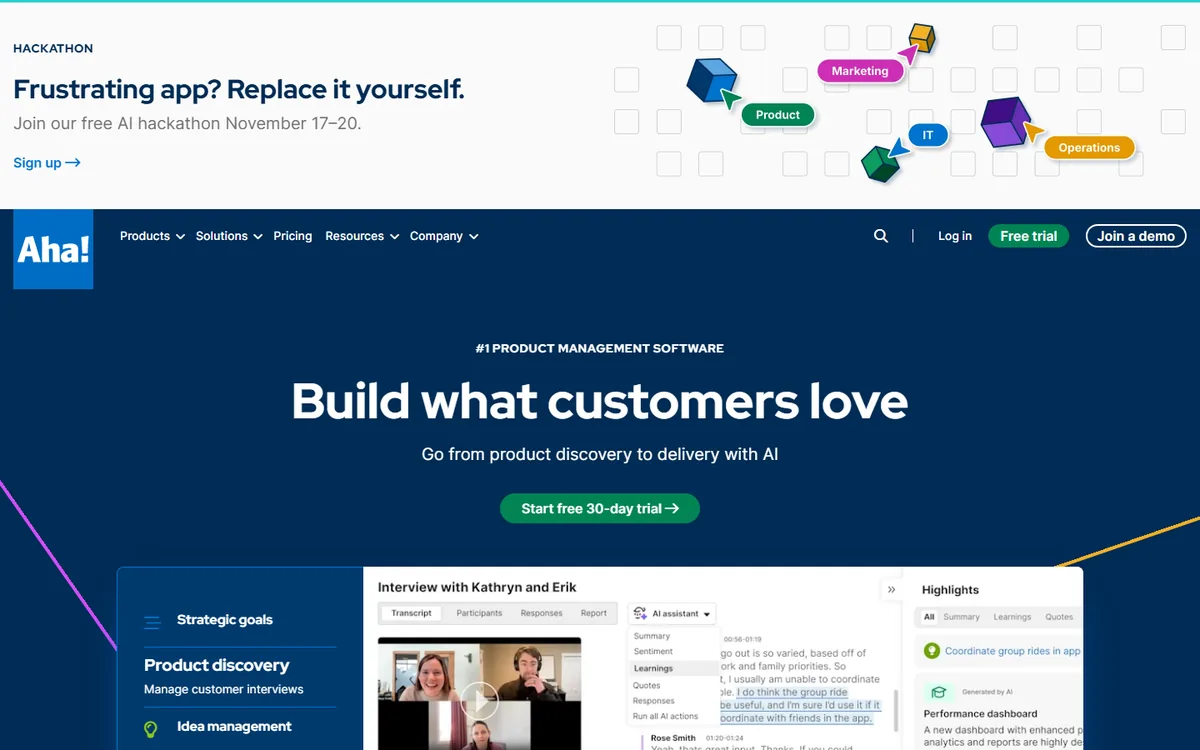
Aha! Roadmaps is a product strategy and roadmapping tool that connects goals, initiatives, releases and customer ideas.
Aha! suits organizations where product leaders have to explain how each release serves a company goal. You can build roadmaps for different audiences, such as a detailed view for engineering and a high-level view for the board, from the same underlying data. Its idea portals let customers vote, which feeds the prioritization work.
It is a big product. Small teams often use a fraction of it and still pay for the whole thing, and the number of fields and views can overwhelm new users. Start with roadmaps and ideas only, and add modules when a real need appears.
Aha! Roadmaps Strengths
- Goals, releases and ideas connect in one place
- Several roadmap views come from one data set
- Idea portals collect and rank customer votes
Aha! Roadmaps Weaknesses
- Starting prices per seat are higher than most competitors
- The breadth of features takes time to learn
Aha! Roadmaps Pricing
Aha! lists starting prices per user per month: Roadmaps at $59, Discovery and Ideas at $39 each, Knowledge at $18 and Develop, Teamwork and Whiteboards at $9 or less. Each product offers a free trial. You can buy products separately, so price the combination you need.
Aha! Roadmaps Reviews
- G2: 4.4 of 5 stars (based on 375 verified reviews)
Jira Product Discovery
The Obvious Pick for Teams That Build in Jira and Want Ideas, Priorities and Delivery Status in the Same Place, With Lighter Roadmap Features Than the Specialists
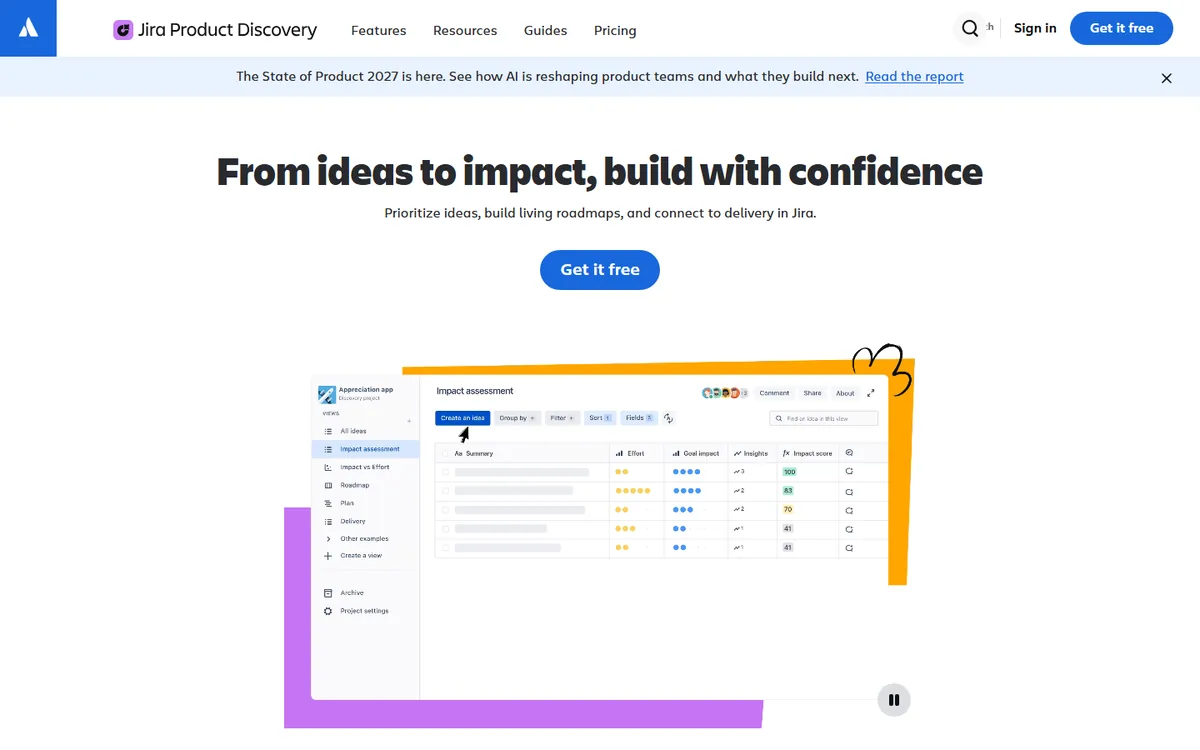
Jira Product Discovery is an Atlassian tool for collecting ideas, scoring them and linking the chosen ones to Jira delivery work.
The strength is the link to delivery. When an idea moves to development, the engineers see it in Jira and product managers see progress without asking for updates. Scoring fields let you rank ideas by impact and effort, and views can be shared with stakeholders who do not need a paid seat.
Roadmapping is simpler than in the dedicated platforms, and the customer feedback features are basic. If your team does not use Jira, much of the appeal disappears. Treat it as a good prioritization layer on top of Jira, not a full strategy tool.
Jira Product Discovery Strengths
- Ideas connect directly to Jira issues and their status
- Stakeholders can view without paying for a seat
- The free plan lets a small team try it properly
Jira Product Discovery Weaknesses
- Roadmap and feedback features are lighter than in dedicated tools
- Value drops if your engineers use another tracker
Jira Product Discovery Pricing
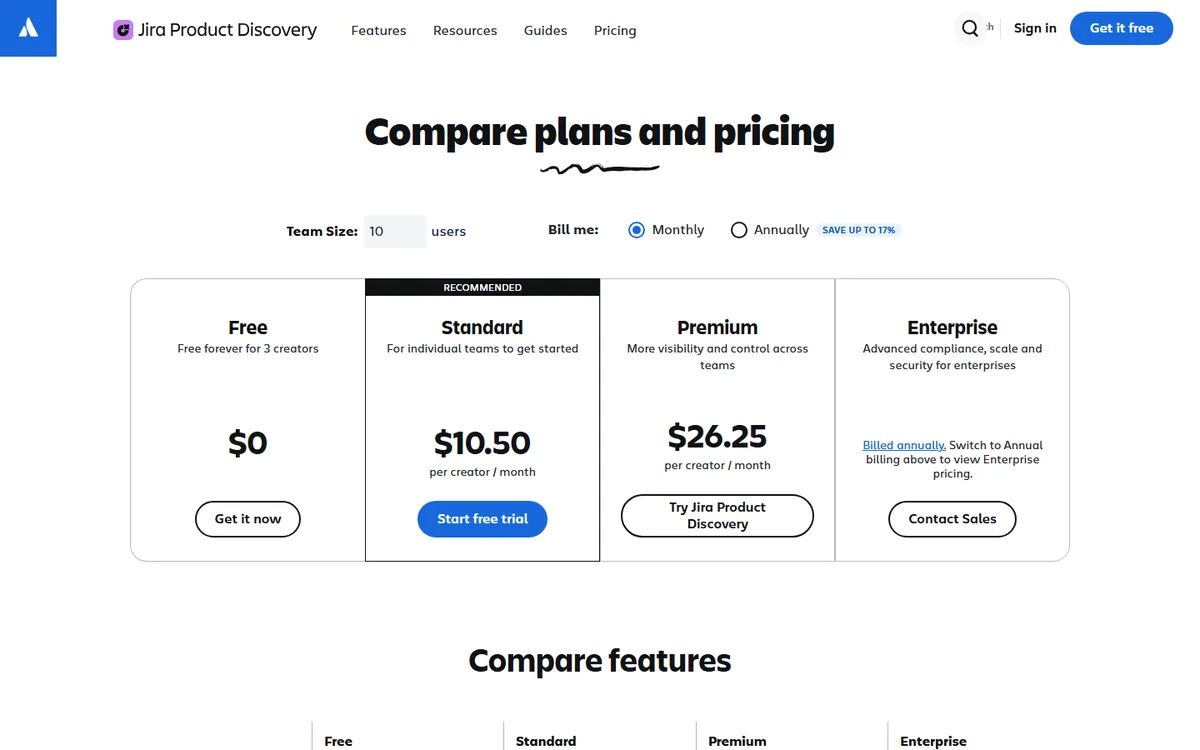
Atlassian lists a Free plan for up to 3 creators with 2 GB of storage. Standard costs $10.50 per creator per month and Premium $26.25 per creator per month. Enterprise is sold through sales. Contributors are free and do not count toward the creator limit.
Jira Product Discovery Reviews
- G2: 4.3 of 5 stars (based on 201 verified reviews)
ProductPlan
A Roadmap Builder That Produces Clean Visual Plans Quickly, as Long as You Accept That Pricing Comes Only After a Demo
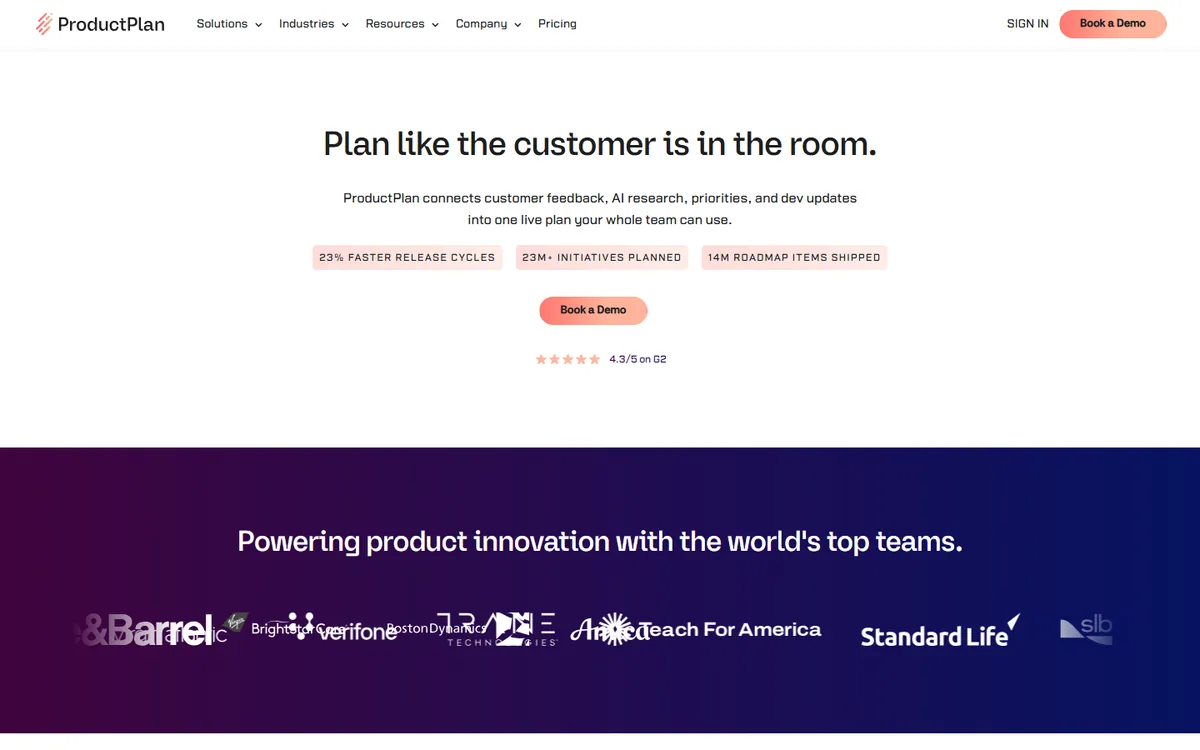
ProductPlan is a roadmapping tool for building visual plans, tracking priorities and sharing them with stakeholders.
ProductPlan is built around the roadmap itself, and it does that job well. Drag-and-drop planning, color-coded lanes and several view types let you produce a plan that executives understand in a minute. Prioritization and feedback tools were added over time, and its pricing says viewers are always included, so you pay for the people who build and manage roadmaps.
The price is only available through a demo, which makes comparison harder. It is less strong on delivery tracking than tools tied to a tracker, so many teams pair it with Jira or Azure DevOps. For companies that mostly need one clear roadmap, that focus is an advantage.
ProductPlan Strengths
- Roadmaps are quick to build and easy to read
- Viewers are always included, so sharing costs nothing extra
- Enterprise features add OKRs and capacity planning
ProductPlan Weaknesses
- No public price per editor
- Delivery tracking depends on another tool
ProductPlan Pricing
ProductPlan shows two plans, Professional and Enterprise, and both use a request-for-pricing button. The page describes one transparent price based on the people who build and manage roadmaps, but publishes no figure. Enterprise adds objectives, portfolio management, capacity planning and single sign-on.
ProductPlan Reviews
- G2: 4.3 of 5 stars (based on 220 verified reviews)
Amplitude
The Best Free Start for Teams That Want to See What Users Actually Do Before and After Every Release
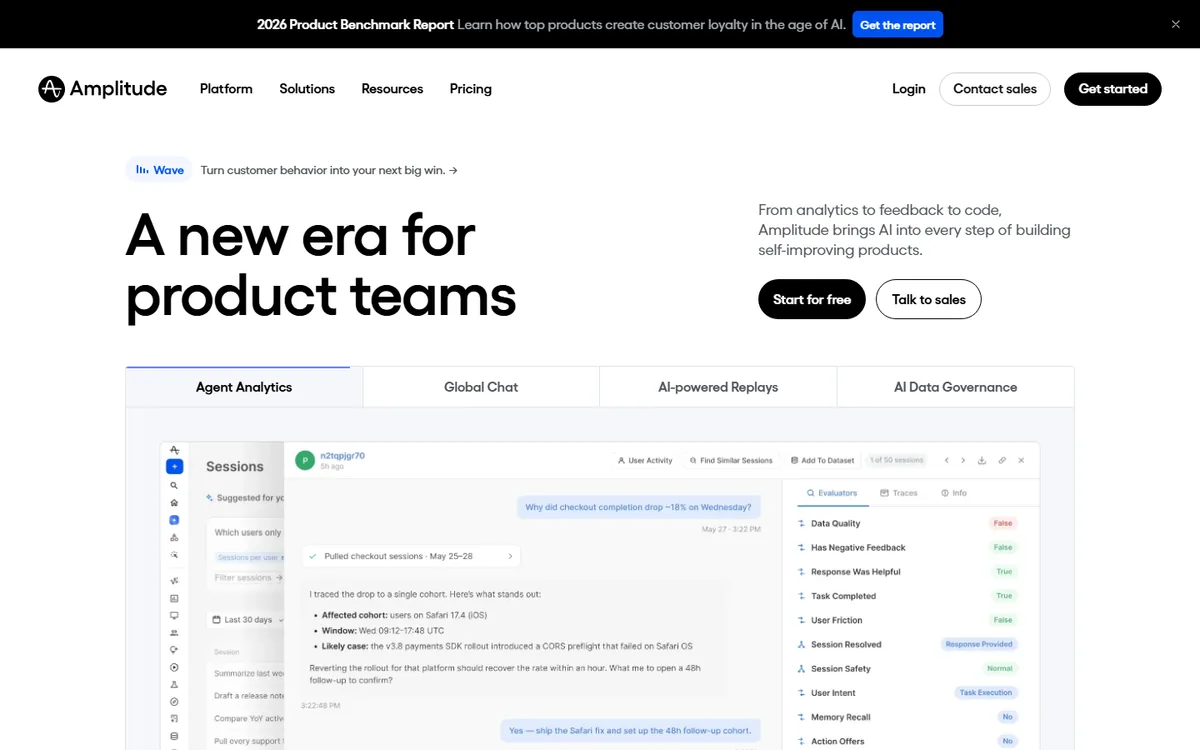
Amplitude is a product analytics platform that tracks user behavior, funnels, retention and experiments.
Roadmap tools tell you what you plan. Amplitude tells you what happened. It shows which features people use, where they drop out of a flow and which groups come back, and it ties experiments to those numbers. For a product manager, that is the proof behind every claim about a feature's success.
Good data needs good tracking. Teams that skip an event plan end up with messy names and dashboards nobody trusts, so assign an owner before you start. Paid tiers use event volume pricing that you must request from sales, which can surprise teams that grow fast.
Amplitude Strengths
- Funnel, retention and cohort views answer common product questions
- The free plan includes 2 million events per month
- Experiments connect to the same data
Amplitude Weaknesses
- Poor event naming makes results unreliable
- Paid prices depend on event volume and need a sales conversation
Amplitude Pricing
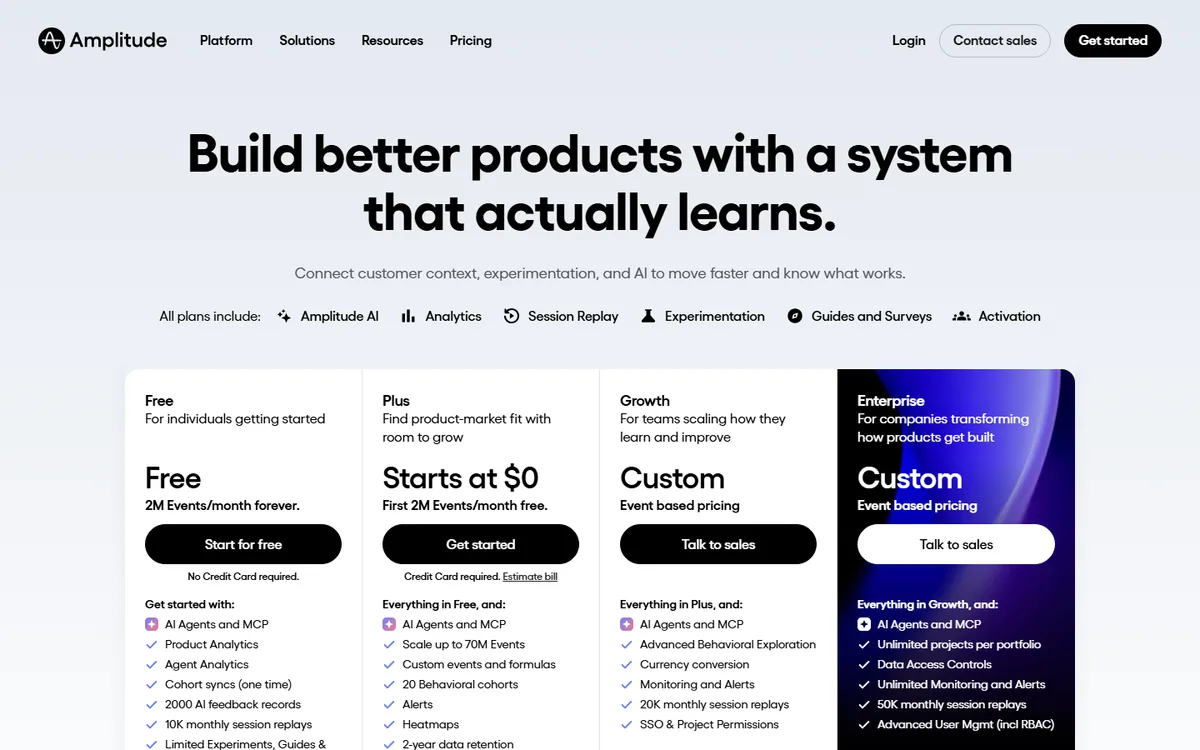
Amplitude offers a Free plan with 2 million events per month, 10,000 session replays and unlimited team members. Plus starts at $0 and needs a credit card. Growth and Enterprise use custom pricing based on event volume, so you need to contact sales.
Amplitude Reviews
- G2: 4.4 of 5 stars (based on 3,112 verified reviews)
Pendo
A Combined Analytics and In-App Guidance Tool That Lets You Measure and Teach at Once, With Pricing You Must Request
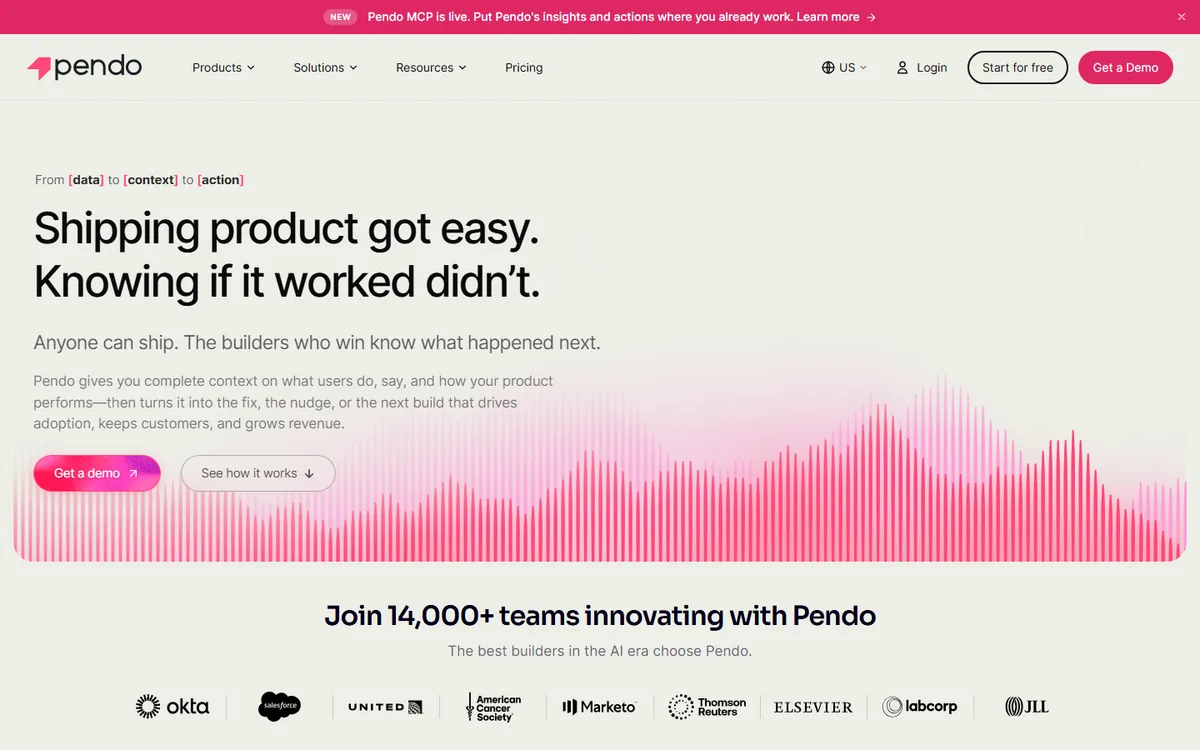
Pendo is a product experience platform that combines usage analytics, in-app guides, surveys and feedback.
Pendo is useful when you want to measure adoption and act on it in the same tool. You can see which features customers skip, then add a short in-app guide or a survey for exactly that group. Product teams use it to confirm that a new feature is found and used after launch.
The tool covers a lot, and pricing depends on monthly active users, so costs rise with success. The free plan caps at 500 monthly active users, which suits a pilot or an internal tool. For heavy analysis needs, a dedicated analytics tool may go deeper.
Pendo Strengths
- Analytics and in-app guides live in one product
- Surveys and NPS collect feedback inside the app
- A free plan exists for small pilots
Pendo Weaknesses
- Paid plans are priced by monthly active users and need a quote
- Analysis depth is lighter than in dedicated analytics tools
Pendo Pricing
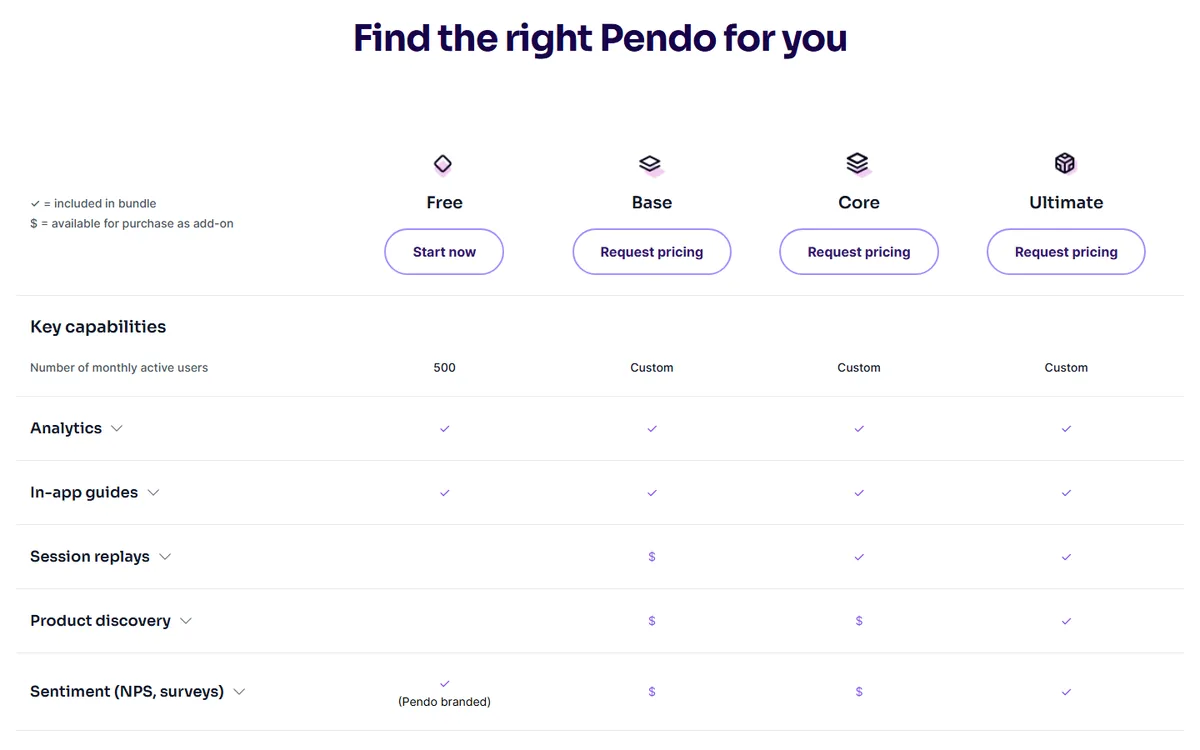
Pendo Free covers up to 500 monthly active users and includes product analytics, in-app guides and branded roadmaps and NPS surveys. Base, Core and Ultimate are priced by monthly active user volume, with no published prices. You must request pricing. Pendo also lists Novus, an AI product that was free in beta when I checked.
Pendo Reviews
- G2: 4.4 of 5 stars (based on 1,830 verified reviews)
Canny
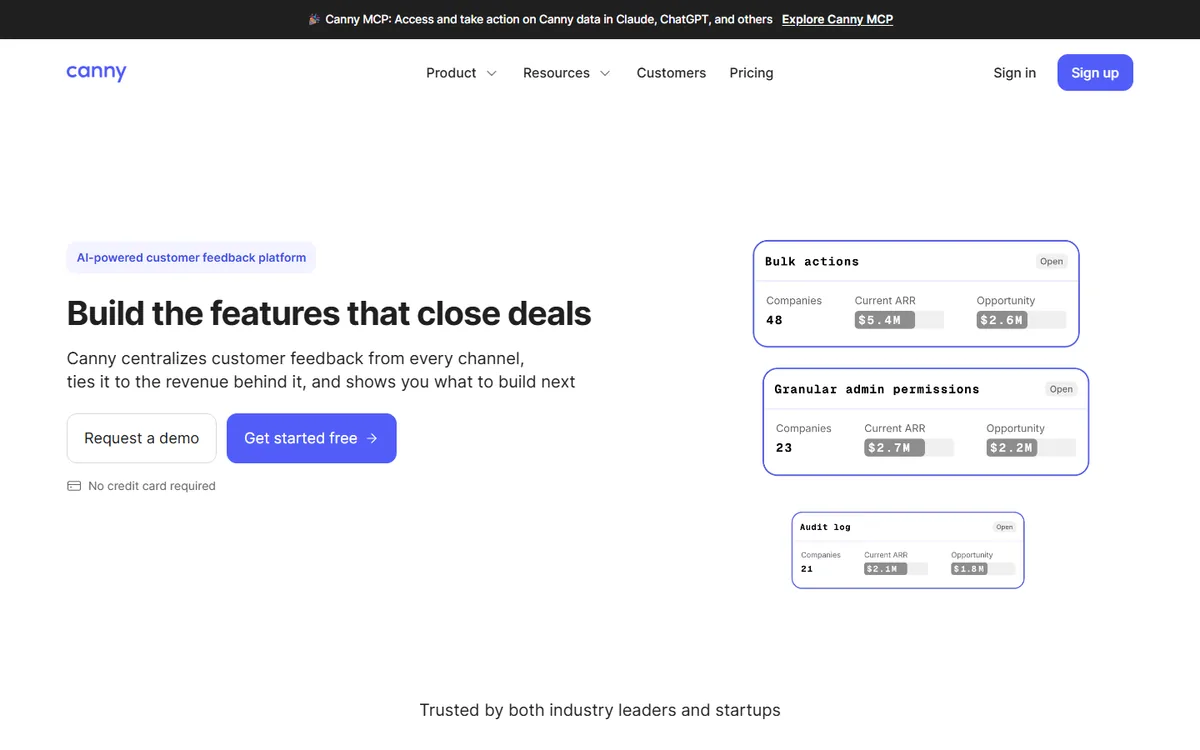
A Simple, Affordable Way to Collect Feature Requests and Show Customers What You Are Building
Canny is a feedback management tool where customers post and vote on ideas, and you publish a public roadmap and changelog.
Canny solves one problem cleanly. Customers submit requests on a public board, vote on the ones they care about and see when something ships. It merges duplicates, links requests to customer accounts and connects to tools such as Jira and Intercom, so support and product work from the same list.
It is not a full product management suite. Strategy, goals and deep prioritization models are outside its scope, and public boards need moderation. For a small SaaS team, it is often the best first tool because setup takes an afternoon.
Canny Strengths
- Setup is quick and customers understand the voting board
- Duplicate merging keeps the request list clean
- Public roadmap and changelog build trust
Canny Weaknesses
- Limited strategy and planning features
- Public boards need regular moderation
Canny Pricing

Canny has a Free plan with 25 tracked users, 5 managers, unlimited boards and unlimited feedback. Pro costs $79 per month billed yearly. Business needs a demo for a quote. A tracked user is someone who has posted, voted or commented.
Canny Reviews
- G2: 4.5 of 5 stars (based on 110 verified reviews)
airfocus by Lucid
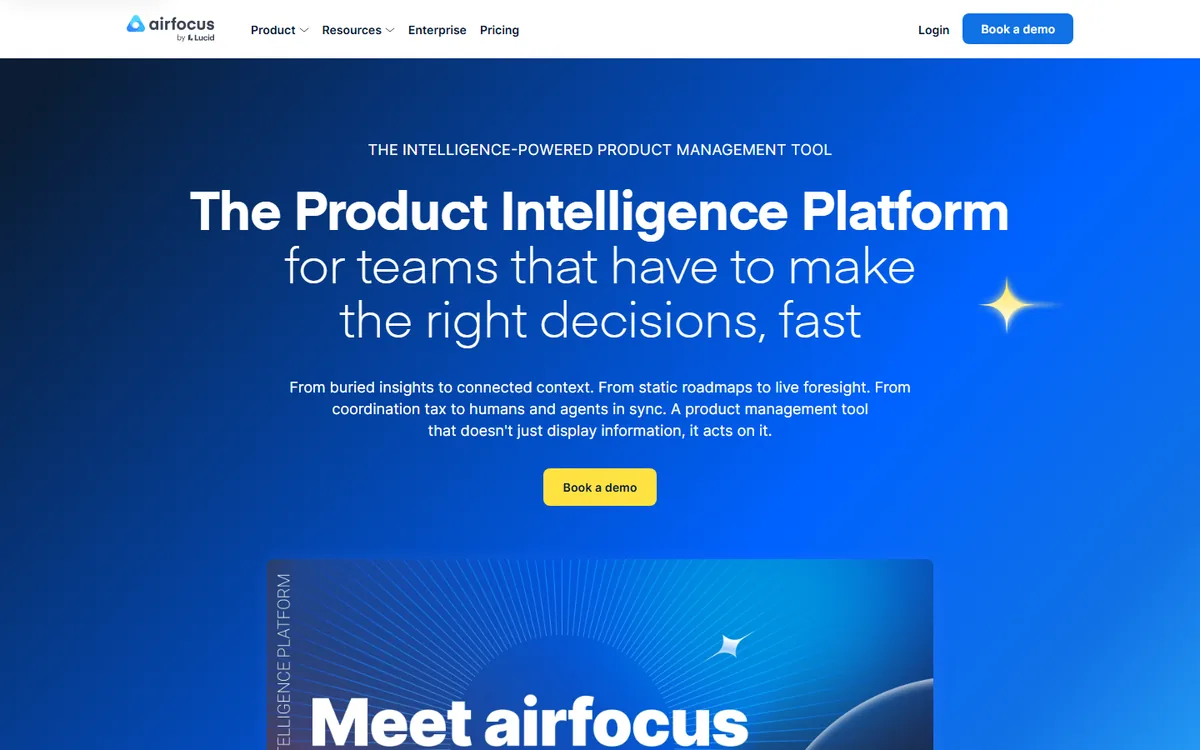
A Flexible Prioritization Tool With Modular Scoring Frameworks, Best for Teams That Want to Show Their Working
airfocus is a product management tool built around prioritization frameworks, roadmaps and team-wide input.
airfocus lets you pick a scoring method, such as value versus effort or a weighted model, and apply it to every item. Stakeholders can score items too, which spreads ownership of the result. Roadmaps update when priorities change, so the plan and the reasoning stay together.
You still need to decide what the scores mean. A model with the wrong inputs produces tidy rankings with weak value, so agree on criteria before you start. Pricing is by request only, and the product now sits under Lucid, so check how plans are packaged when you evaluate.
airfocus by Lucid Strengths
- Scoring frameworks are modular and easy to explain
- Stakeholders can score items collaboratively
- Roadmaps update as priorities change
airfocus by Lucid Weaknesses
- Pricing is by request only
- Good results depend on well chosen scoring criteria
airfocus by Lucid Pricing
airfocus shows Professional and Enterprise plans, and both use a request-pricing button. No per-editor price is published. Professional covers roadmapping, advanced prioritization and feedback management. Enterprise adds objectives and OKRs, portfolio management, capacity planning, SAML single sign-on and SCIM provisioning.
airfocus by Lucid Reviews
- G2: 4.4 of 5 stars (based on 142 verified reviews)
Dovetail
A Research Repository That Keeps Interview Notes, Tags and Insights Searchable, Which Helps Most Once You Run Interviews Regularly
Dovetail is a customer research tool for storing interviews, tagging evidence and sharing insights.
Dovetail gives discovery work a home. You upload recordings or notes, highlight key moments, tag them and search across all research later. A new product manager can find what customers said about onboarding two years ago without asking anyone.
It only pays off if the team interviews customers regularly. For a team that does a few sessions a year, a shared folder is enough. Pricing has also changed to a platform fee plus credits, so model your expected usage before you commit.
Dovetail Strengths
- Interviews, tags and insights are searchable in one place
- Highlights can be shared as short evidence clips
- Useful for onboarding new product managers
Dovetail Weaknesses
- Pricing has no small paid tier and uses credits
- Little value without regular interviews
Dovetail Pricing
Dovetail lists three paid levels: Bronze at $4,800 a year for the platform plus credits at 15 cents each, with up to 5 users, and Silver and Gold, which require a sales contact. The page shows no free plan, only a 30-day trial of Gold.
Dovetail Reviews
- G2: 4.5 of 5 stars (based on 178 verified reviews)
Estimate the Return on a Product Management Tool
Before you pick a plan, check whether the numbers work. Enter the hours your team spends each week on collecting feedback and building roadmap updates, plus the monthly price of the tool you consider. The calculator shows what it could return in a year.
Does the Tool Make Sense for You?
Drag the sliders to reflect your tasks and the plan you want to compare.
How to Choose the Right Software Product Management Tool
Start with the job you need done, not the longest feature list. Before you compare vendors, answer four questions:
- Is your biggest gap feedback, planning, prioritization or usage data?
- Does your engineering team already work in Jira?
- How many people will build roadmaps, and how many only read them?
- Can you get a written price before the trial ends?
Tools work best when the habits behind them are settled. My list of software product management best practices covers the habits worth setting before you buy. If you want a second opinion on your stack, a short call usually settles it.
Questions About Software Product Management Tools
What Are the Best Software Product Management Tools?
It depends on your gap. For feedback, look at Productboard or Canny. For roadmaps, ProductPlan and Aha! are common picks. For usage data, Amplitude and Pendo. Teams that build in Jira often start with Jira Product Discovery because it links ideas to delivery.
Do I Need a Separate Roadmap Tool If I Use Jira?
Not always. Jira Product Discovery covers ideas and prioritization for many teams. If you need polished roadmaps for executives or customers, or goal tracking, a dedicated tool such as ProductPlan or Aha! may be worth the cost.
Which Tools Have a Free Plan?
Jira Product Discovery, Amplitude, Pendo and Canny all list a free plan. The limits differ: Jira Product Discovery allows 3 creators, Canny 25 tracked users, Pendo 500 monthly active users and Amplitude 2 million events per month.
What Is the Difference Between a Roadmap Tool and a Product Analytics Tool?
A roadmap tool holds your plan: goals, priorities and timing. A product analytics tool shows what users do in the product. You need both to learn whether the plan worked, so teams often connect them through shared goals.
How Much Do Software Product Management Tools Cost?
Published prices range from free to $59 per user per month for Aha! Roadmaps. Productboard, ProductPlan, airfocus and Pendo do not publish prices, so request quotes early. Count only the people who build roadmaps, since viewers are often free.
Should a Small Team Buy a Full Suite?
Usually not. A small team gets more from one board for feedback and one view of priorities. Add a suite when you have several products, several stakeholders and a real need to link goals to delivery.
How Do I Measure Whether a Product Tool Is Working?
Pick two numbers before you start, such as the time from request to decision and the share of shipped features with a measured outcome. Check them after one quarter. If neither moves, the problem is probably the process, not the software.
Important: prices, plans and ratings move quickly. They reflect our last update, so double-check each vendor’s site before purchasing. Nothing in this article is legal or financial advice.
Did this article help you?
Thanks, noted.
Whitney Sorensen
Whitney leads the Umber editorial team and works with the consultants to turn real client projects into practical guides on software selection, custom development, integration and legacy modernization. Before joining Umber, she spent years writing and editing for engineering and IT teams. She has since reviewed architecture audits, system selections and modernization plans from client projects across industries from manufacturing to healthcare. She works remotely from the USA.