Jump to content
Contact

Software Training Consulting

Your people learn the new system on their own tasks and use it well from the first week, with training built around the work they do. You start with a free first call and strategy workshop.

Schedule a Free Consultation
  • Savings shown up front
  • No pressure
  • Fast reply
Rated by teams in 7 sectors
Devices facing a speech bubble stand for teams learning new software through guided hands-on training.
  • Full-service, end-to-end software consulting
  • 200+ selections & implementations
  • 80+ legacy modernizations
  • 100+ architecture audits
  • Rated by teams in 7 sectors
  • Complimentary consultation and strategy session
  • Dedicated account manager
  • Five-plus support languages

What Is Software Training Consulting?

software training consulting is a service that helps you plan, build and run training so people can use new or changed software. An experienced consultant works out who needs to learn what, builds short role-based material and checks that people can do the job afterwards, not only that they attended a session.

How Software Training Consulting Works for Your Business

  1. You share what is changingThe new system, the roles affected and the go-live date set how much training you need and when.
  2. Consultants map the jobsEach role gets a short list of tasks it must do in the system, ranked by how often and how risky they are.
  3. Learning is built around tasksShort lessons and practice exercises use your own data and screens, not generic demos.
  4. People practice before go-liveUsers finish real tasks in a sandbox, and the ones who struggle get extra help early.
  5. Done tick iconSupport continues after launchIn-app guides, champions and weekly adoption reports show where people still get stuck.

What Software Training Consultants Actually Do

A good engagement covers analysis, material and follow-up, so training does not end with an attendance list.

  • Training needs analysis by role
  • Role-based learning paths
  • Sandbox exercises with your data
  • In-app guides and quick references
  • Champion and trainer programs
  • Adoption tracking after go-live

The Hidden Costs of Software Nobody Was Trained to Use

Poor training hides inside a normal launch: workarounds, flooded help desks and features that never get used. Yet it is often why a good system looks like a bad purchase.

  • Hourglass icon1.

    Slow Productivity After Go-Live

    When people learn by trial and error, the first months cost far more hours than a week of focused training would have.

    Real costLost Hours

    Time spent searching instead of working

  • Warning icon2.

    Mistakes in Real Data

    Users who guess at fields and steps create bad records, and the cleanup lands on someone else.

    Real costRework and Errors

    Bad data that spreads through reports

  • Inbox icon3.

    A Help Desk Full of Basic Questions

    Without guides at the point of work, the same questions arrive daily, and experts spend their week answering them.

    Real costSupport Overload

    Skilled people stuck on how-to tickets

  • People icon4.

    Workarounds That Replace the System

    If the new tool feels hard, people go back to spreadsheets, and the money spent on software stops paying back.

    Real costLow Adoption

    Licences paid for and not used

Software Training Consulting Built Around the Work Your People Do

Generic training covers every menu and still leaves people lost. Yours starts with the daily tasks of each role, because a warehouse clerk and a finance controller need very different parts of the same system.

From there you get short lessons, practice exercises and guides that fit your configuration and your data. Every piece has an owner, a way to measure whether people can do the task and a plan to keep it current.

How We Work With You

  • A task list for every role
  • Short lessons built on your own data
  • Practice before go-live, not only demos
  • Adoption reports that show who needs help

Why Training Decides Whether New Software Pays Back

The licence is only part of the cost. The return depends on people using the system correctly, every day. Focused training costs a small share of the project and protects the rest. Start with the roles and tasks that carry the most risk.

Choose This If You Want To

  • Lightning bolt iconReach full productivity in weeks, not months
  • Shield iconCut errors from people guessing at fields and steps
  • Upward trend iconUse the features you already paid for
  • Clock iconFree experts from answering the same questions
  • Plug and socket iconKeep guidance in step with every system update
  • Target iconSee who has learned the task and who has not

Your Software Training Consulting Process, Step by Step

  1. Step 1

    Free Consultation

    You describe the system, the roles and the date people must start using it. Your consultant asks about past launches and tells you where training is likely to matter most.

    You get a written summary and a cost range

    A short written version you can circulate before deciding.

  2. Step 2

    Training Needs Analysis

    Roles, tasks and current skills are mapped. You see which groups need a full course, which need a short guide and which risks justify extra practice.

    You get a training plan and a fixed quote

    Clear priorities, a timeline and one fixed price for your first round of training.

  3. Step 3

    Build and Practice

    Lessons, sandbox exercises and in-app guides are built with your trainers and users. Each role tries its real tasks before the system goes live.

    You get ready-to-use material and trained staff

    Materials your team can reuse for new hires and later releases.

  4. Ongoing

    Support and Improve

    Your account manager tracks adoption after launch. Weak spots lead to updated guides and short refreshers.

    You get adoption reports and refreshers

    Clear numbers on who uses what, plus support whenever you need it.

What’s Included With Software Training Consulting

Choose a single service or get the full program, from first review to ongoing support.

  • Every Role Mapped to Its Tasks

    A short, ranked task list per role, built from how people really work.

  • Lessons Built on Your Own Data

    Short sessions using your screens and records, not generic demos.

  • Sandbox Practice Before Go-Live

    Users finish real tasks in a safe copy of the system.

  • In-App Guides at the Point of Work

    Step-by-step prompts that help while people do the task.

  • Champions and Trainers Prepared

    Your own people trained to answer first questions in each team.

  • Adoption Reports After Launch

    A clear view of who uses the system and where they get stuck.

Selections & Implementations200+
Custom Apps & Integrations120+
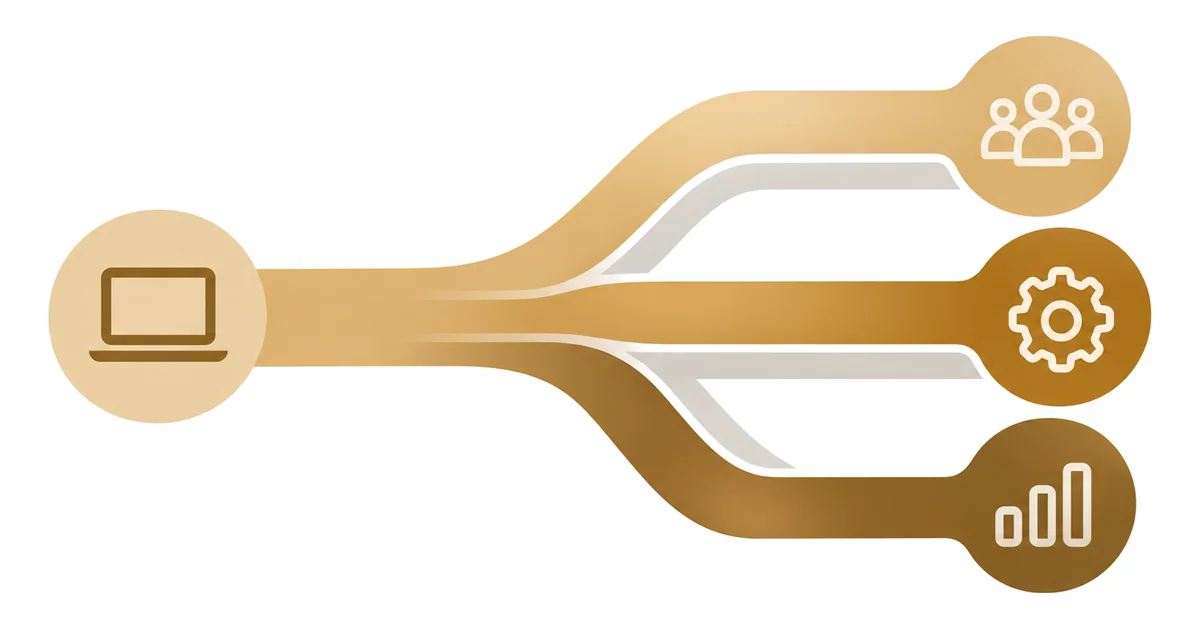
One track splitting into three different paths shows training tailored to the role each person plays.
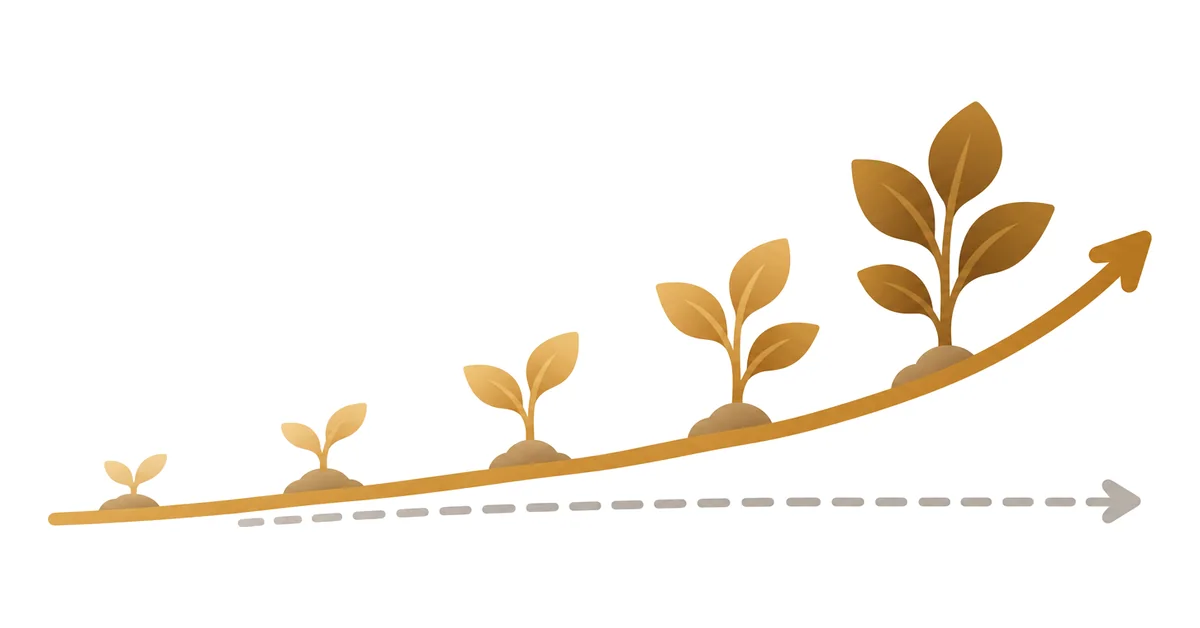
A rising curve with growing sprouts against a flat dashed line shows software use growing after training.

Software Training Consulting Results From Real Clients

Plain Answers From the Start

“On the discovery call they asked about our codebase and release habits instead of pitching a platform, and told us one rewrite could wait. That honesty is why we hired them. The work since has been practical, well documented and free of buzzwords.”

R
RyanEngineering Director, Medical Device Maker

CRM Rollout With 94% Adoption

“Our last CRM sat unused because reps hated the data entry. Umber trimmed the fields, wired it to our quoting tool and trained each team on its own screens. Ninety-four percent of reps log activity weekly, and forecasts finally match what ships.”

T
TomSales Operations Lead, Retail Chain

ERP Picked From 9 Down to 2

“We had nine ERP vendors in a spreadsheet and no way to compare them. Umber scored each one against our plant workflows, ran scripted demos and killed seven options in three weeks. The choice we made came in 18% under the first quote.”

M
MarcusPlant Manager, Components Manufacturer

Your Rollout Before and After Software Training Consulting

How time is spent today and what you could recover.

Before

  • One demo for everyone, then a recorded video
  • People learn by trial and error
  • Basic questions flood the help desk
  • Spreadsheets quietly replace the system
  • Nobody knows who is actually using it

After

  • Role-based lessons built on real tasks
  • Practice in a sandbox before go-live
  • In-app guides answer questions on the spot
  • Adoption tracked per team and per task
  • Weak spots found and fixed in weeks

Benefits of Software Training Consulting for Your Business

Why outside help pays off here.

Clock iconYou Reach Full Productivity Sooner

People who practice their own tasks before launch need far less time to get up to speed. The dip after go-live gets shorter and shallower.

Shield iconYou Protect Your Data Quality

Users who know what each field means create clean records. Reports stay trustworthy and cleanup work shrinks.

Upward trend iconYou Get Value From the Features You Bought

Training shows people the parts of the system that save them time. Licences you already pay for start to earn their cost.

Target iconYou Build a Lasting Capability

Champions, guides and onboarding material stay with your team, so the next release or the next new hire does not start from zero.

Software Training Consulting Scope and Cost

Every engagement gets a fixed quote after the free review. Prices depend on the number of roles, users and systems. Here is how the common engagements are scoped.

EngagementWhat it includesTypical lengthPricing
Training needs analysisMost requestedRoles, tasks, current skills and a prioritized training plan1 to 3 weeksFixed quote
Training program buildRole-based lessons, sandbox exercises, guides and trainer notes3 to 8 weeksFixed quote
Go-live supportOn-site or remote floor support, champions and daily issue review2 to 4 weeksFixed quote
Adoption retainerAdoption reports, guide updates and refreshers after each releaseMonthly, ongoingMonthly retainer

What to Expect Before Your Project Starts

  • Hidden fees

    Prices Agreed Up Front

    You receive a fixed quote after the analysis, with no hidden extras and no surprise invoices.

  • Training for its own sake

    A Candid Fit Check

    If a simple guide is enough, you hear it on the first call, along with what to do instead of a course.

  • Status reports that say little

    Plain Answers at Every Step

    You get short weekly updates on what is done, what is blocked and what is needed from you.

  • Long waits

    Written Next Steps After the Call

    You leave the call with a summary of priorities, timing and likely cost that your colleagues can review.

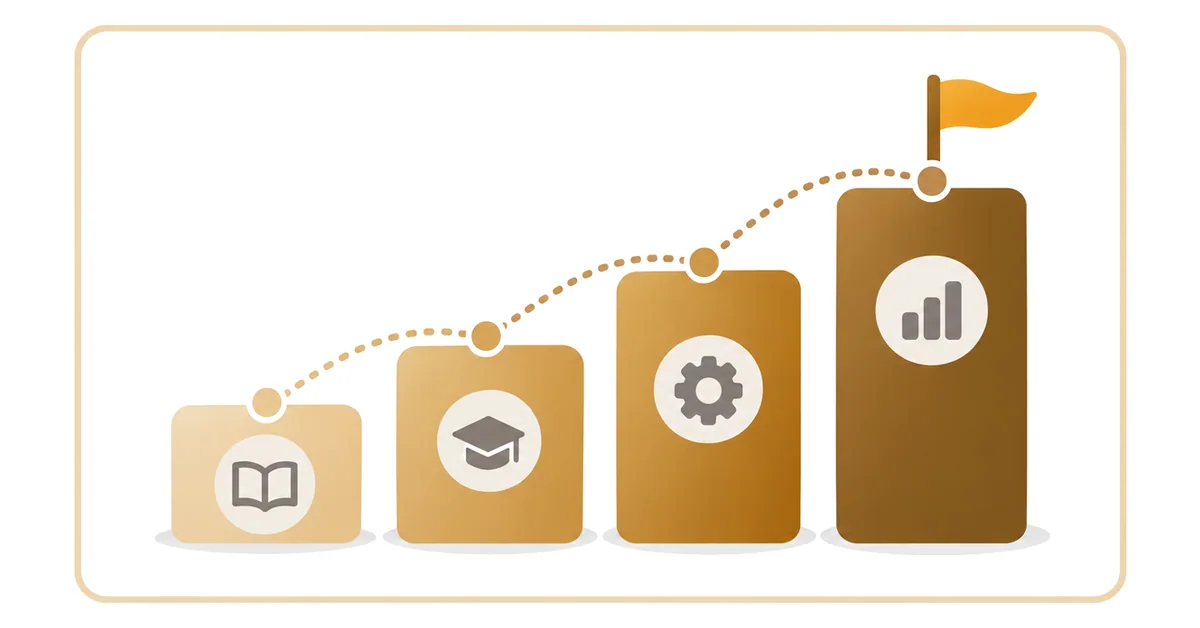
A rising staircase of four phases illustrates learning paths for different roles, one of the deliverables in software training consulting.

Role-Based Learning Paths That Match How Your People Work

Each role gets only the lessons it needs, in the order the work arrives. Nobody sits through screens they will never use.

Paths are built from real tasks and your own records, so people recognize their day in the exercises. You decide the depth for each group, from a short guide to a full course.

A map with pins on connected regions illustrates step-by-step prompts inside an application, a deliverable of software training consulting.

In-App Guidance That Helps While People Do the Work

Training fades within weeks, so guidance sits where the work happens. Prompts and checklists inside the system help at the moment a question appears.

Guides are updated with each release, and usage data shows which steps still cause trouble, so refreshers go where they are needed.

Software Training Consulting for Your Industry

Where the work pays back first in your sector.

Manufacturing

Shop-floor and planning staff learn new ERP and production tools in short blocks around shifts. Training is built per role and per site. See ERP software consulting for the system side.

Healthcare

Clinical and billing staff have little time and strict rules. Training stays short, task-based and includes how to handle patient data. Read about software implementation consulting for rollouts.

Logistics and Retail

Seasonal staff and many locations need fast, repeatable onboarding. Guides and short lessons carry most of the load. Explore CRM software consulting for customer-facing systems.

SaaS and Software Companies

Your own teams adopt new engineering and support tools constantly. For delivery practices, see agile software consulting.

How to Choose the Right Software Training Consulting Partner

The right partner makes the difference between training people use for years and a course nobody remembers. Before you sign, check that your software training consulting partner can show you each of these:

  • A needs analysis that ranks roles and tasks by risk and frequency
  • Material built on your configuration and data, not generic demos
  • Practice and a check of skills, not only attendance
  • A plan for new hires and later releases
  • A fixed quote before the work starts, with no hidden extras

Also ask who owns the material after the engagement. You should receive every lesson and guide in editable form, so your team can update them as the system changes.

What You Can Count On From Your Software Partner

  • Fixed price icon

    One Agreed Price

    See the full price before any build begins.

  • Coin icon

    Expert Work at a Sensible Price

    Full-service, end-to-end consulting at a price that fits a first project.

  • Account manager icon

    Personal Account Lead

    One contact who knows your project and answers your questions fast.

  • Shield icon

    Your Code Stays Protected

    Least-privilege access, documented data flows and NDAs on request.

Software Training Consulting FAQs

What Does a Software Training Consultant Do?

A software training consultant works out who needs to learn what, builds short role-based material and checks that people can do their tasks. You receive a training plan, lessons, practice exercises and adoption reports based on your own system and staff.

When Should Training Start in a Software Project?

Planning starts early, during design, so you know which tasks and roles matter. Lessons are delivered one to two weeks before go-live, using real data, because people forget what they learned months earlier.

Can You Train Our Own Trainers?

Yes. Champions and internal trainers are often the best long-term answer. They learn the material, the teaching method and how to handle first-line questions, so your team can keep going after the project ends.

How Do You Measure Whether Training Worked?

By checking tasks, not attendance. Users finish real exercises, and after launch you see adoption, error rates and help desk questions by team. Gaps lead to short refreshers and updated guides.

Do We Need a Learning Management System?

Not always. For a small rollout, short guides and recorded walkthroughs may be enough. A learning platform pays off when many people or many releases are involved. You get an honest view in the training plan.

How Much Does Software Training Consulting Cost?

The cost depends on the number of roles, users and systems. You get a realistic range on your free discovery call and a fixed quote after the needs analysis, so there are no surprises later.

Can Training Cover Systems We Already Use?

Yes. Many teams add training after launch, when adoption is low. An analysis shows where people struggle, and targeted guides and refreshers often bring the system back into daily use.

Start Your Training Plan With a Free Review

Get a free review of your rollout and a clear plan for training your people.

Schedule a Free Consultation

Get Your Free Discovery Call

Enter your name.
That email address looks incomplete.
Add a short subject.
Tell us in a sentence or two what you need.