Main Points
- Watch real work first: the ten most common tasks per role should drive every lesson.
- Short task-based walkthroughs, real exercises and one-page guides beat long courses.
- Train managers first and give people time and a place to practice and ask questions.
- Review training material after every release, or it quietly goes out of date.
You rarely need a full training redesign to get better results. Small, specific moves often change adoption within a month: a shorter video, a real exercise, a better place to ask a question. The ten tips below come from rollouts and training programs I have worked on. For a structured program built around your own system, software training consulting goes deeper.
Each tip has a short explanation and an action you can take this week. For the rules behind them, read the software training best practices, and for real programs, see my software training examples.
Ten Tips and the Effort Each One Takes
| Tip | Effort | Best for |
|---|---|---|
| 1. Observe real work | 1 to 2 days | New programs |
| 2. Teach the why in a sentence | Hours | Existing lessons |
| 3. Short screen walkthroughs | Hours per clip | Frequent tasks |
| 4. Real exercises | 1 day | Every lesson |
| 5. Cheat sheets | Hour per guide | Rare tasks and small changes |
| 6. Managers first | Half a day | Rollouts with approvals |
| 7. Practice time | Calendar only | Busy teams |
| 8. Easy ways to ask | Hours | Low adoption |
| 9. Share small wins | An hour per month | Skeptical teams |
| 10. Review after releases | Process change | Long-term programs |
Tips one to five improve the material. Tips six to eight improve the environment around it, and nine and ten keep the effort alive.
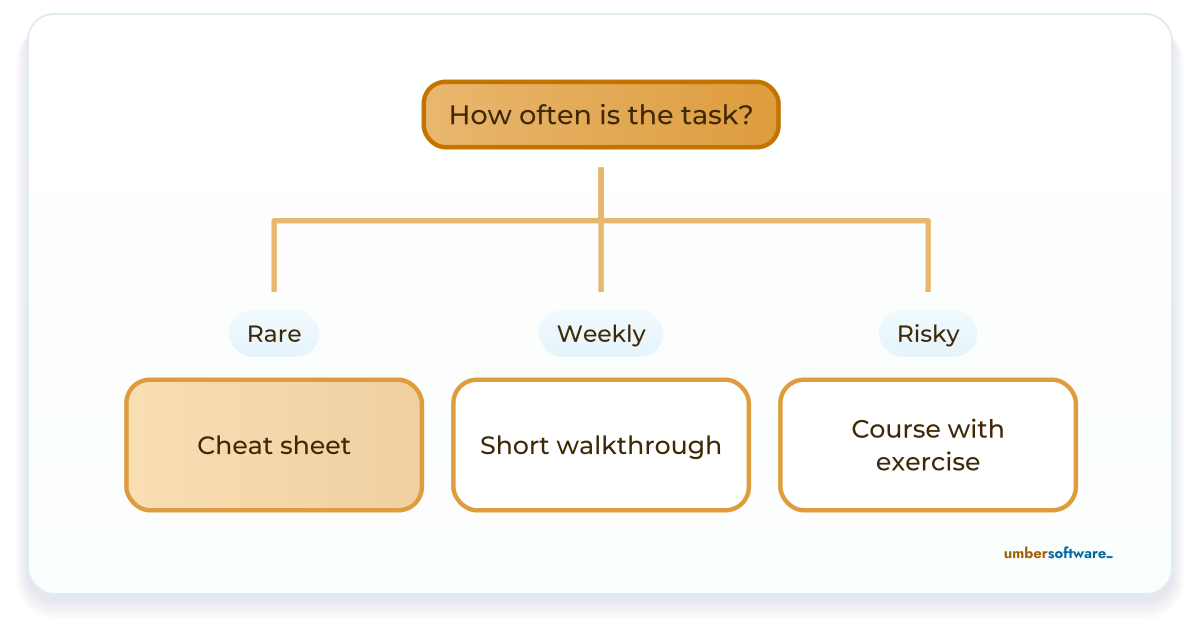
Ask Users What They Do Before You Plan Anything
Sit with three or four people from each role for an hour and watch their real work. You will see shortcuts, workarounds and tasks that never appear in a process document. Those observations decide what the training must cover.
A short list of the ten most common tasks per role is the most useful document in any training project. It takes a day to produce and saves weeks of building lessons nobody needs.
Try this week: Book three one-hour observation sessions this week and write down every task you see.
Teach the Why in One Sentence, Then Show the How
People remember steps better when they know the reason for them. 'Enter the cost center first because it decides who approves the invoice' beats a bare list of clicks. One sentence of context per task is enough.
Skip long explanations of how the system works inside. Most users want to finish a job, not understand the architecture.
Try this week: Add a single 'because' line to the first step of your three most important lessons.
Record Short Screen Walkthroughs Instead of Long Videos
A two-minute video that shows one task from start to finish is watched. A forty-minute recording is not. Keep each clip to one task, add a clear title and put the clips where people work, next to the screen or in the help menu.
Narrate calmly and do not edit away small hesitations. Viewers trust a walkthrough that looks like a real person doing real work.
Try this week: Record your most frequent task in one take and share it with five users for feedback.
Give Every Lesson a Real Exercise
Reading about a task creates the feeling of knowing. Doing it creates the skill. End each lesson with an exercise on realistic data: enter this order, fix this error, run this report.
Make exercises slightly awkward on purpose. A return with a missing reference teaches more than a perfect example, because the awkward case is the one that generates the support ticket.
Try this week: Add one imperfect-record exercise to each lesson in your plan.
Use a Cheat Sheet Where a Course Is Overkill
Not every change needs a session. A one-page guide with a screenshot and six steps covers a minor update, a rarely used report or an occasional task. Keep the page short enough to read in a minute.
Pin it where people look: the intranet home page, a team channel or the tool's own help panel. A guide nobody can find is not a guide.
Try this week: Turn the five most asked help desk questions into one-page guides.
Train Managers First, and Train Them Differently
Managers set the example, answer questions and judge whether the new system works. If they do not understand it, their team will not use it. Give them a short session before the team gets theirs, with a focus on the reports and approvals they will use.
Add a few lines on how to coach: what to look at in the first weeks and how to respond when someone struggles.
Try this week: Schedule a thirty-minute manager briefing at least one week before the first team session.
Schedule Practice Time, Not Only Sessions
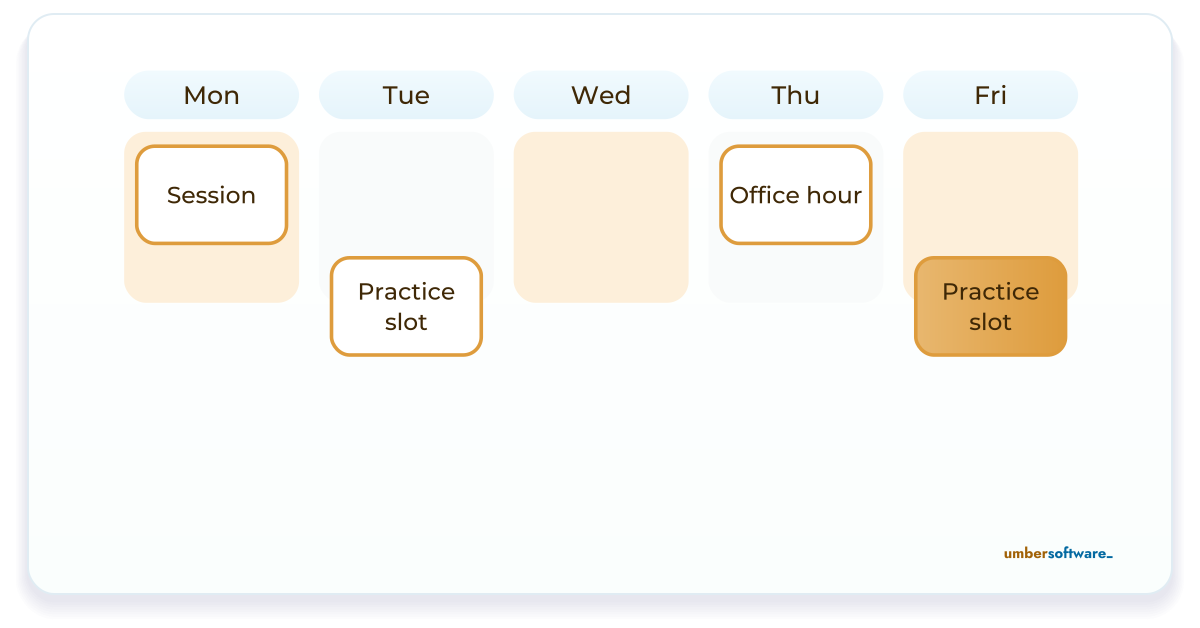
After a lesson, people need time to try the task with no pressure. Block thirty minutes in the calendar for practice a day or two later. Without it, the work of the week swallows the lesson.
Some teams run a short 'office hour' for open questions. It costs little, and it turns confusion into a quick answer rather than a ticket or a workaround.
Try this week: Add a practice slot and an open question hour to each training week.
Make It Easy to Ask for Help
Few people ask a question when it feels like a bother. Give them a named channel, a person who answers quickly and a sign that questions are welcome. Answer in public when you can, so others see the answer.
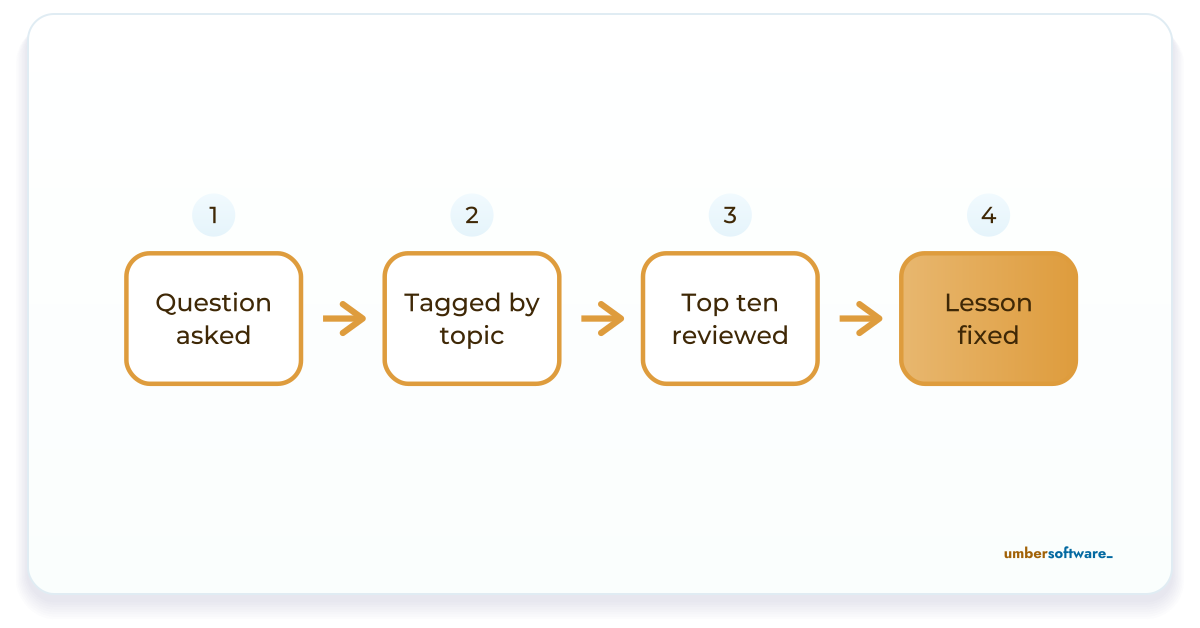
Track the questions. The ten most common ones tell you which lesson to improve or which screen to simplify, and they feed your next round of guides.
Try this week: Open a dedicated question channel and review its top ten questions every Friday.
Review the Material After Every Release
Software changes, and training goes out of date quietly. A button moves, a field is renamed and the guide no longer matches the screen. Users stop trusting the material, then stop reading it.
Add one line to your release process: which lessons and guides does this change affect? Assign an owner and a deadline, and retire anything that no longer applies.
Try this week: Add a 'training impact' item to your release checklist today.
Which Tips to Do First
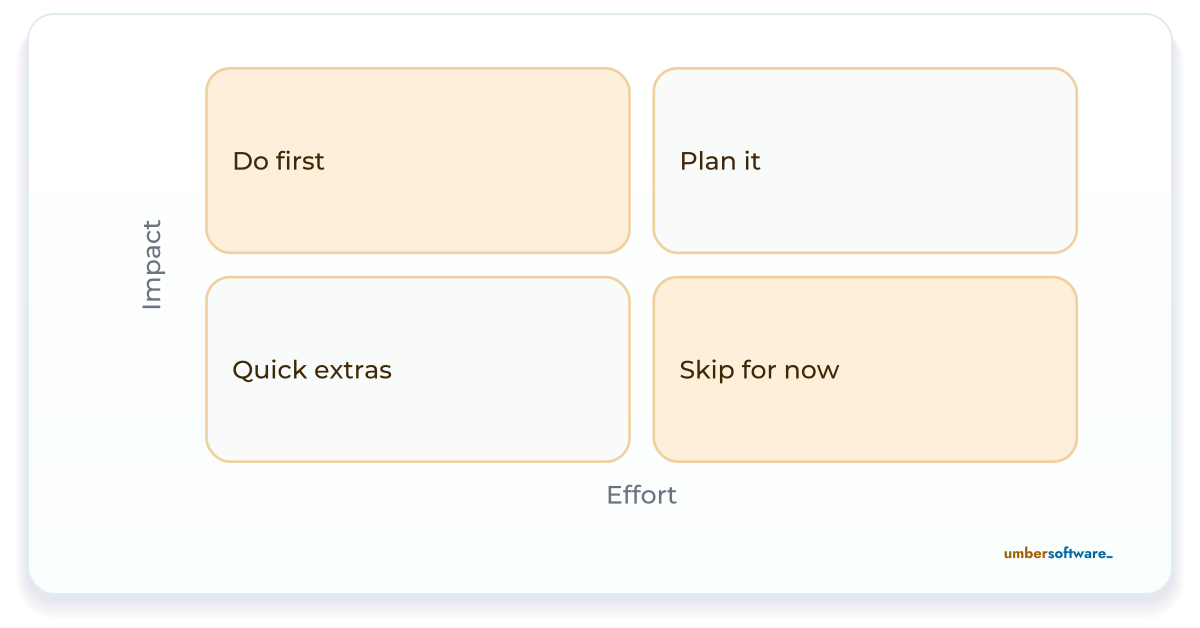
You do not need all ten at once. If you are starting a program, begin with tip one and tip four, since they shape the content. If you already have training and adoption is low, start with tips three, five and eight, which improve what people see and where they find help.
For a rollout with a fixed date, add tip six early. A manager who has seen the system in advance is your best source of calm on the day. A team that hears about the system from a confused manager forms its opinion long before the first session.
Resist the urge to add new tools in the first week. Most of these tips need a screen recorder and a shared folder. When your program grows and you need tracking, guides inside the software or completion records, my review of software training tools compares seven options with published prices and ratings.
A quick example of how the tips combine: a distribution company moved its order desk to a new system. The trainer observed two clerks for a morning, listed eleven tasks, recorded one short clip for each and added a practice slot two days after the live session. The manager of the desk went through the material first and answered the first questions in a shared channel. Within a few weeks, the questions in that channel were mostly about unusual orders rather than basic steps, which is the sign that the training had done its job.
Common Slips When Putting the Tips to Work
Three slips come up often. The first is building everything before testing anything: record one clip and one guide and ask five users whether they help. The second is measuring only attendance. Track whether people finish tasks and how many questions arrive. The third is treating training as a project that ends. Software changes and people join, so someone needs to own the material.
Another slip is copying a polished course from the vendor without adapting it. Vendor material shows every feature. Yours should show the tasks your people do with your settings, your fields and your naming.
If you are the one who will deliver the training, remember that confidence is contagious. A trainer who is relaxed about mistakes, admits when a question needs checking and follows up the next day builds trust quickly. That trust is worth more than any slide.
How to Choose Your First Three Tips
Pick tips by the symptom you see today.
- People attend but cannot do the task: tips one and four.
- The help desk is full of basic questions: tips five and eight.
- Adoption differs a lot between teams: tips six and nine.
- Material is out of date: tip ten, and an owner for every guide.
Run the first three for a month, look at the questions and the task checks and adjust. Small cycles teach you faster than a big plan.
Questions About Software Training Tips
What Is the Quickest Way to Improve Software Training?
Replace one long course with short task-based lessons and a hands-on exercise for each. Add one-page guides for occasional tasks. This usually costs a few days of work and improves results within the next training round.
How Do I Keep People Engaged in Software Training?
Make it about their own tasks, keep sessions short and let them practice on realistic data. Engagement drops when training shows features people will never use, so cut everything that does not match a real job.
How Many People Should Be in a Training Session?
Small groups of six to twelve work well for hands-on sessions, because everyone can ask questions and try the task. Larger groups suit demonstrations and announcements, followed by smaller practice groups.
How Should I Train Remote or Hybrid Teams?
Use short live sessions with a practice exercise, recorded walkthroughs for reference and a clear channel for questions. Share the sandbox access link before the session, so that everyone can try the task while you watch.
What Should I Do When People Forget What They Learned?
Provide guidance at the point of work and schedule short refreshers around the first real use. Forgetting is normal. The fix is to reduce the memory required, with guides, prompts and checklists.
Do I Need Special Tools for Software Training?
No. A shared drive, a screen recorder and a sandbox cover most small programs. Tools help when the number of people or releases grows. Choose them after you know which problem they should solve.
When Should I Call a Consultant?
When the rollout is large, adoption is already low or your team has no training capacity. A consultant can analyze roles, build the first material and prepare champions, so your team keeps the program running.
Please note: this guide is general information and not legal, financial or tax advice. Numbers and examples are typical-project estimates; confirm current details with your providers and advisers.
Did this article help you?
Thanks, noted.
Whitney Sorensen
Whitney leads the Umber editorial team and works with the consultants to turn real client projects into practical guides on software selection, custom development, integration and legacy modernization. Before joining Umber, she spent years writing and editing for engineering and IT teams. She has since reviewed architecture audits, system selections and modernization plans from client projects across industries from manufacturing to healthcare. She works remotely from the USA.