Main Points
- The best programs are built around real tasks, with practice on realistic data.
- Format follows the work: shift blocks, pre-opening sessions, in-app prompts or micro-lessons.
- Champions and managers who use the system visibly drive adoption.
- Measure what people can do and what they use, not who attended.
Descriptions of training programs usually stop at the schedule. What matters is why the program fit the work, and what changed afterwards. I picked seven programs from my project notes that differ widely in setting: a plant, clinics, a sales team, stores, an engineering group, a finance department and warehouses. Details are generalized, since they come from client work. If you want a program like this for your own system, software training consulting builds it with you.
Each example has a short description, a step-by-step view of the program and the tools used. For the principles behind them, see the software training best practices, and for quick moves, my list of software training tips.
Seven Programs Compared
| Example | Setting | Key idea |
|---|---|---|
| 1. A Manufacturer Trains by Shift and Role for an ERP Go-Live | Mid-sized manufacturing, 300 users | Blocks that fit shifts |
| 2. A Clinic Group Moves Staff to New Scheduling Software in Two Mornings | Healthcare, 12 clinics | Two short sessions before opening |
| 3. A Sales Team Uses Champions to Make a New CRM Stick | B2B services, 60 users | Champions and manager habits |
| 4. A Retailer Onboards Seasonal Staff With In-App Guides | Retail, 40 stores | Prompts inside the app |
| 5. An Engineering Team Learns a New CI Platform Through Pairing | Software company, 45 engineers | Pairing on real pipelines |
| 6. A Finance Team Practices Month-End in a Sandbox | Finance department, 25 users | A mock close in a sandbox |
| 7. A Logistics Firm Teaches Warehouse Staff With Micro-Lessons | Logistics, 3 warehouses | Two-minute micro-lessons |
A Manufacturer Trains by Shift and Role for an ERP Go-Live
The plant ran three shifts, so one big classroom week was impossible. The team built a task list for each of nine roles, such as planner, buyer, stores clerk and line supervisor, and delivered thirty-minute blocks at shift changes. Each block used a masked copy of last month's orders.
Supervisors received a short extra session on approvals and reports. By go-live, every role had passed a practical check with two or three real tasks, and the people who struggled had a second session within two days. The help desk reported mostly questions about unusual orders in the first month, not basic screens.
How the program ran
- List the tasks of every role and rank them by frequency.
- Build blocks of thirty minutes that fit the shift pattern.
- Load a masked copy of recent orders into the sandbox.
- Run the practical check at the end of each block.
- Repeat the session for anyone who misses a task within two days.
- Hold a daily question hour in the first week.
Tools behind the program
A sandbox client of the ERP, a shared drive for one-page guides and a simple spreadsheet for the task check were enough. The vendor's training environment saved weeks of setup.
A Clinic Group Moves Staff to New Scheduling Software in Two Mornings
Front-desk staff have no time for long courses. The group delivered two forty-minute sessions on consecutive mornings before opening, each focused on one flow: booking and rescheduling on day one, check-in and billing notes on day two. Every session ended with each person completing a practice booking.
Each clinic named one champion, who received an hour of extra training and a laminated one-page guide for the desk. Patient data in the practice environment was fictional, which also removed privacy worries. Within a month, the number of calls to the central support line dropped to a handful per week.
What the two mornings looked like
- Choose two flows that cover most daily work.
- Schedule sessions before opening hours, two days in a row.
- Use fictional patient records in the practice environment.
- Close each session with a hands-on booking exercise.
- Give each clinic a champion and a one-page guide.
- Review support calls weekly for a month.
What was needed to run it
A practice tenant from the vendor and a printed guide covered the need. A short recorded walkthrough helped staff who missed a session.
A Sales Team Uses Champions to Make a New CRM Stick
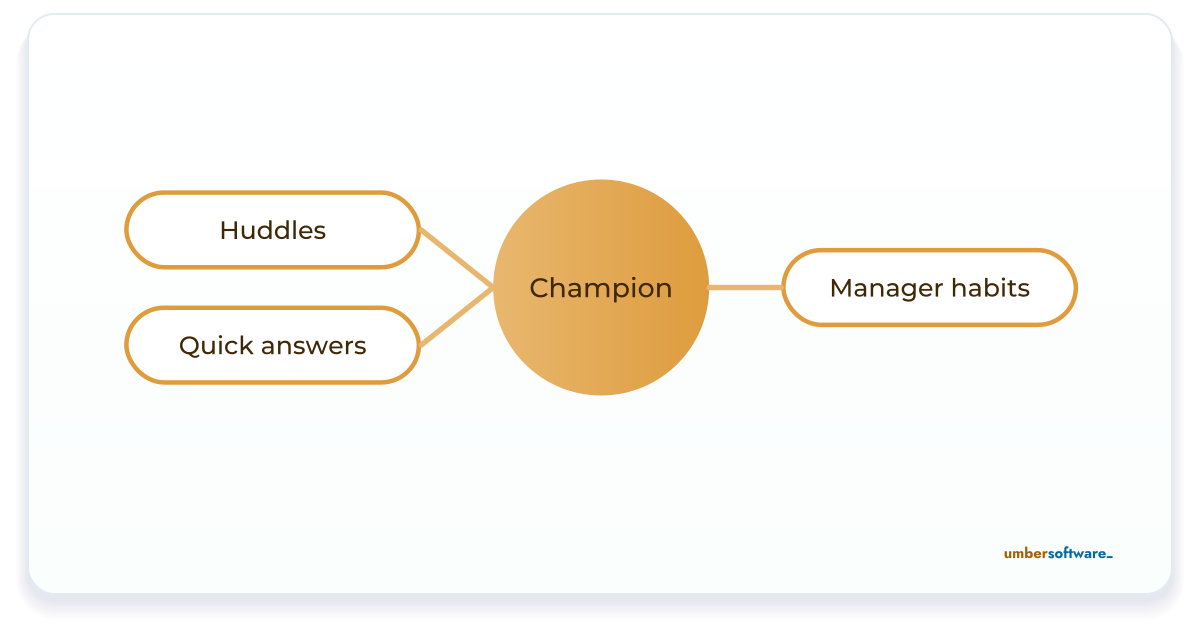
An earlier CRM had failed because reps found data entry tedious. This time the team trimmed the fields to those that managers used in reports and trained reps on their own pipeline stages, not on the whole product. Six reps were chosen as champions, one per team, and received extra practice time.
Champions ran fifteen-minute huddles after the weekly sales meeting for the first six weeks. Managers began each pipeline review in the CRM, which signaled that the data mattered. Adoption, measured by updated opportunities per week, climbed steadily, and the champions' notes led to three field changes.
How the rollout worked week by week
- Reduce the required fields to those used in reports.
- Choose one respected champion per team.
- Train reps on their own pipeline stages and deals.
- Run short champion huddles after the weekly meeting.
- Start every pipeline review inside the CRM.
- Collect champion feedback and change the form.
Tools that supported it
The CRM's built-in guided prompts and a shared channel for questions were enough. A short video for each pipeline stage helped new hires.
A Retailer Onboards Seasonal Staff With In-App Guides
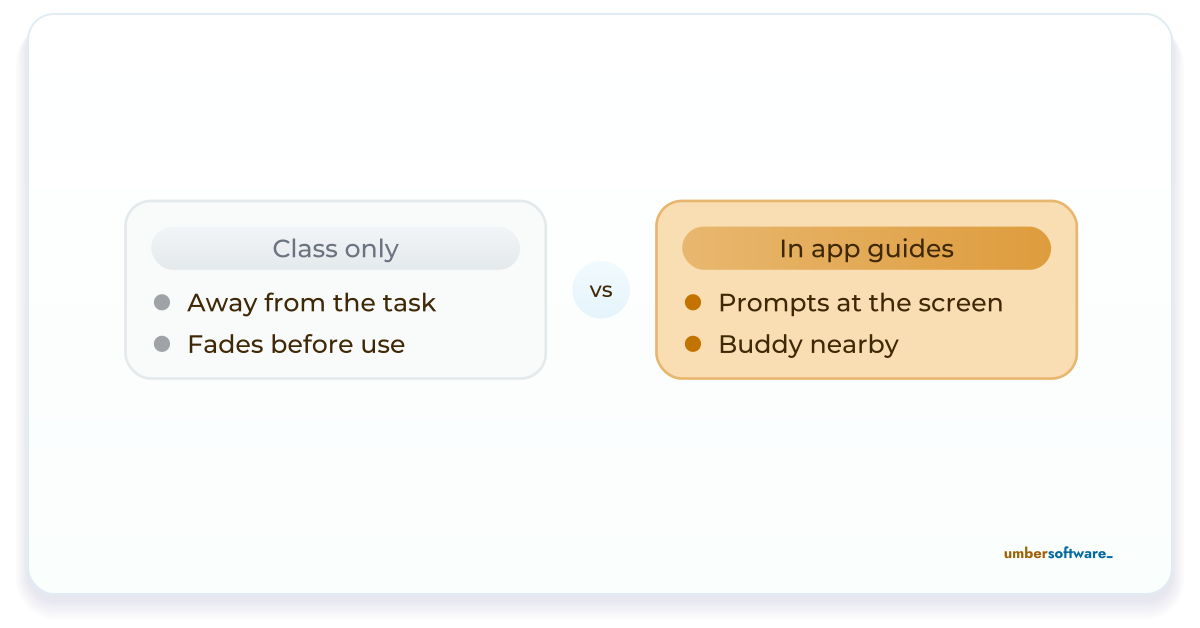
Each autumn the retailer hires hundreds of seasonal workers who use a point-of-sale and stock app for a few weeks. A full course made no sense. The team built step-by-step in-app prompts for the six most common tasks, such as processing a return or looking up stock in another store.
New staff received a ten-minute introduction and a buddy for the first shift. The prompts appeared when someone opened the relevant screen and could be turned off. Store managers reported that new workers handled returns correctly on the first day, and the number of calls to the area manager dropped.
What new staff saw on the shop floor
- Choose the six tasks that make up most seasonal work.
- Write each task as a short prompt of three to five steps.
- Show the prompt on the first use of the screen.
- Give each new worker a buddy for the first shift.
- Hold a ten-minute introduction on day one.
- Review which prompts people skip or reopen.
Tools for the in-app prompts
A digital adoption tool placed the prompts inside the app, and usage reports showed which steps still caused errors. For a small retailer, printed step cards at the till would serve a similar purpose.
An Engineering Team Learns a New CI Platform Through Pairing
Moving build pipelines to a new platform affects every developer. Instead of a lecture, the platform team ran pairing sessions in which a developer migrated one of their own pipelines with a platform engineer next to them. Each session took ninety minutes and produced a working pipeline.
The migrated pipelines became examples in an internal gallery, with comments explaining the choices. Developers who had finished became pairing partners for the next group. The team retired the old system on schedule, and the gallery became the default reference for new hires.
From first session to retirement of the old system
- Pick a real pipeline from each team as the exercise.
- Pair each developer with a platform engineer for ninety minutes.
- Publish the result in an internal gallery with notes.
- Let finished developers pair with the next group.
- Hold a weekly open session for hard cases.
- Retire the old system on a date announced in advance.
Tools used for pairing
The platform's own documentation and a shared repository of examples carried most of the load. A chat channel for questions kept answers visible to everyone.
A Finance Team Practices Month-End in a Sandbox
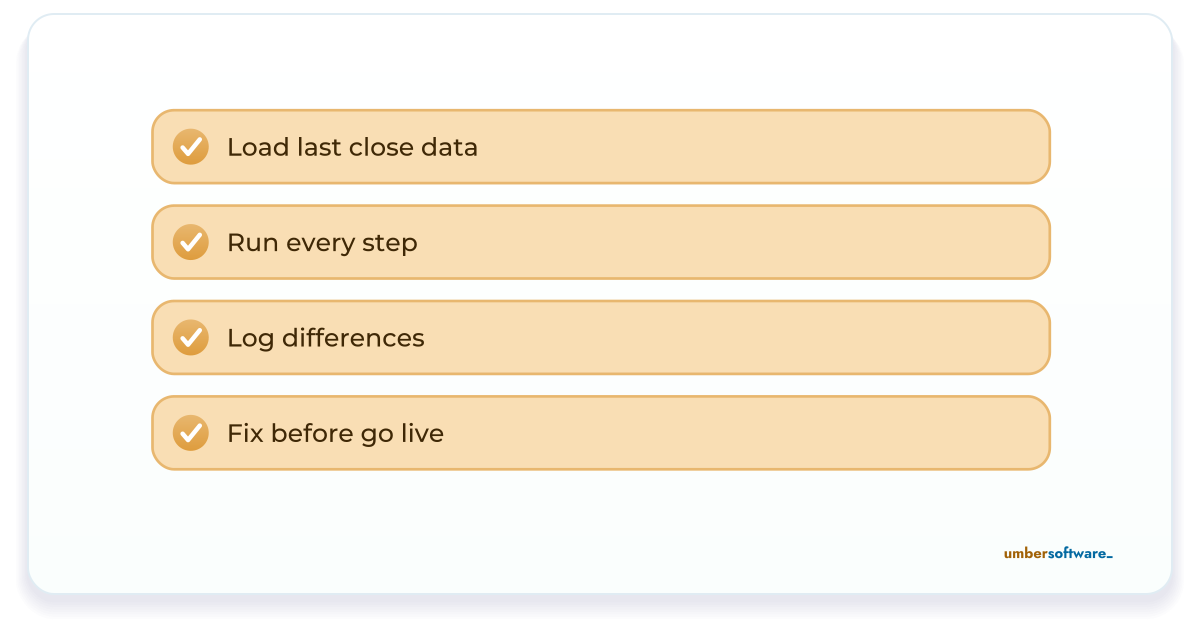
A new accounting system changed how month-end worked. The controller scheduled a mock close in the sandbox, using last quarter's data. Each accountant processed the actual tasks of their role, from accruals to intercompany entries, against a checklist and a clock.
The mock close exposed three process steps that the system handled differently and one report that was missing. These were fixed before the real close. The real first close finished a day later than usual, and the second finished a day earlier, which the team credited to the rehearsal.
How the mock close was run
- Copy last quarter's data into the sandbox.
- Write the month-end tasks for each accountant as a checklist.
- Run the mock close with a clock and a shared log.
- Record every difference from the old process.
- Fix configuration and reports before go-live.
- Repeat the mock close if the first run showed major gaps.
What the mock close ran on
The accounting system's test environment and a shared checklist were all that was needed. A simple log of issues helped the controller prioritize fixes.
A Logistics Firm Teaches Warehouse Staff With Micro-Lessons
Warehouse staff use a handheld app for picking and putaway, and they are rarely at a desk. The firm built two-minute micro-lessons that played on the handheld during quiet moments, each covering one scan flow. A supervisor reviewed the results at the start of the shift.
New hires completed ten lessons in their first three days, alongside a mentor. Supervisors saw which lessons were repeated most often and used that data to decide on the daily five-minute briefing topic. Picking errors in the first two weeks of new hires dropped compared with the previous intake.
What a new hire did in the first days
- Break the handheld app into single-flow lessons.
- Keep each lesson under two minutes.
- Play lessons on the handheld during quiet periods.
- Pair each new hire with a mentor for three days.
- Review repeated lessons at the start of each shift.
- Turn the most repeated topic into the daily briefing.
Tools for micro-lessons
A learning platform with mobile delivery hosted the micro-lessons. Reports by person and lesson gave supervisors something concrete to act on.
What the Seven Programs Have in Common
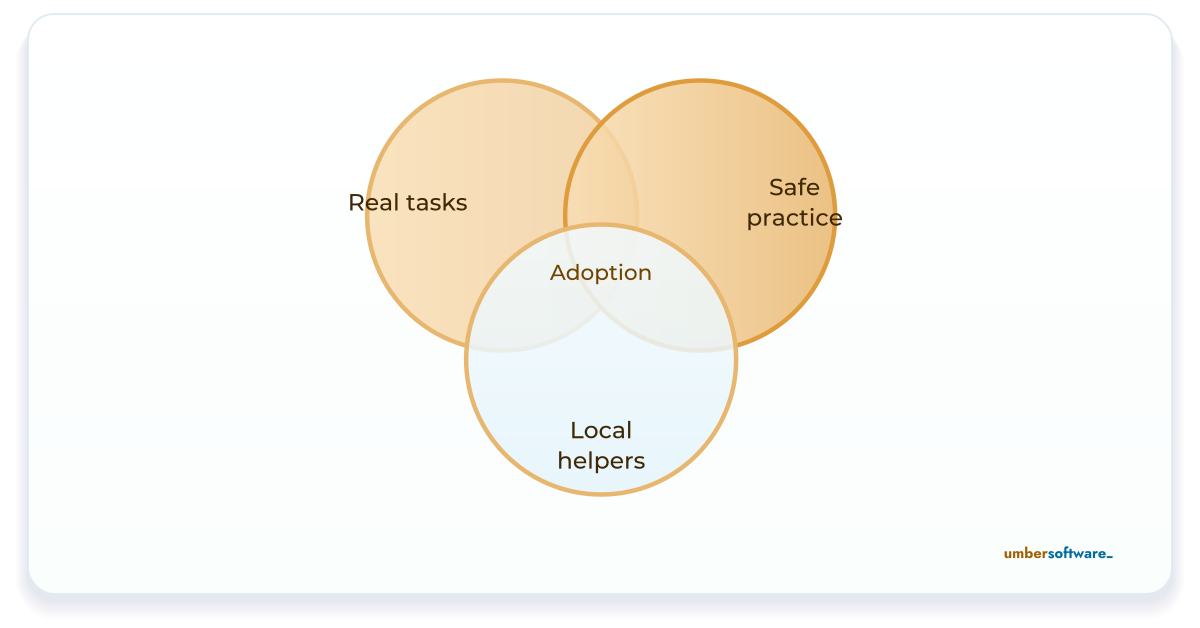
The settings differ, and the same patterns show up in each one. Every program started with a list of real tasks. Every program used realistic data or live work as the exercise. Every program kept sessions short and placed them close to first use. And in every case, someone watched the results after launch and changed something because of them.
The differences lie in format. A plant with shifts uses blocks, a retailer with seasonal staff uses prompts in the app and a logistics firm with handhelds uses micro-lessons. Choose the format by asking how and when your people can learn without hurting their work.
If you are comparing platforms for your own program, my ranking of software training tools covers seven products, including those that place guidance in the application.
How to Choose the Example to Copy
Match your situation to the example that is closest.
- Many roles and sites: the manufacturer, with a task list per role.
- Staff with little time: the clinic group or the warehouse micro-lessons.
- A past failure with adoption: the CRM champion program.
- High turnover or seasonal staff: the in-app guides.
- A technical team: pairing on real work.
Whichever you copy, adapt it. Change the length of the sessions, the practice data and the people who lead, so that they fit your own culture.
Questions About Software Training Examples
What Makes a Software Training Example Worth Copying?
Look for programs that tie lessons to real tasks, include practice and track results after launch. Examples that only describe a course schedule tell you little. Copy the principle that fits your context, not the format.
How Much Does Software Training Cost?
It depends on the number of people, roles and systems, and on whether you build material in-house or hire help. A focused program for one team can be modest, while a company-wide rollout needs a proper budget. A consultant can give a range after a short analysis.
Can Small Companies Do This Too?
Yes. The examples scale down well. A team of ten can use a task list, a sandbox, a one-page guide and a champion, and still get most of the benefit.
How Do I Measure Whether a Program Worked?
Track task completion in practice, adoption and feature use after launch, errors in records and help desk questions by team. Compare these with the baseline before the rollout.
What Should I Do When Only Some Staff Attend?
Offer the same session at different times and provide a recorded version for reference. Check ability on tasks for everyone, so that the missing group is visible in your numbers.
Do These Examples Apply to Custom-Built Software?
Yes. Custom software often has less documentation than packaged products, which makes task lists, walkthrough videos and champions even more valuable. Include training in the delivery plan, not as an afterthought.
Where Do I Start If My Rollout Is Next Month?
List the top ten tasks per role, build a sandbox with masked data, schedule short sessions in the final two weeks and name champions. Add in-app guides for the tasks that cause the most questions.
Please note: this guide is general information and not legal, financial or tax advice. Numbers and examples are typical-project estimates; confirm current details with your providers and advisers.
Did this article help you?
Thanks, noted.
Whitney Sorensen
Whitney leads the Umber editorial team and works with the consultants to turn real client projects into practical guides on software selection, custom development, integration and legacy modernization. Before joining Umber, she spent years writing and editing for engineering and IT teams. She has since reviewed architecture audits, system selections and modernization plans from client projects across industries from manufacturing to healthcare. She works remotely from the USA.