Jump to content
Contact

CRM Software Consulting

Your team gets a CRM that fits how you sell, connects to your other systems and gets used every day. You start with a free first call and strategy workshop.

Schedule a Free Consultation
  • Savings shown up front
  • No pressure
  • Fast reply
Rated by teams in 7 sectors
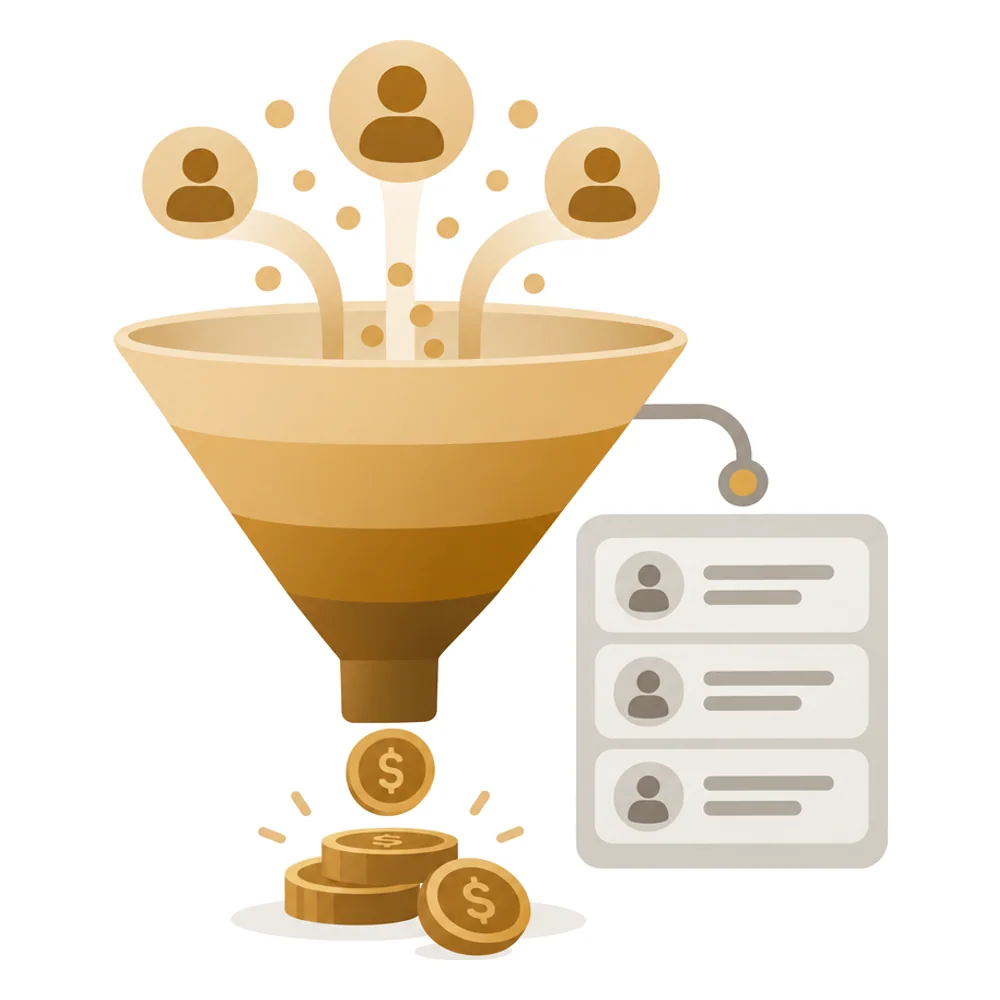
A funnel turning many dots into a few coins stands for a CRM that guides leads into closed deals.
  • Full-service, end-to-end software consulting
  • 200+ selections & implementations
  • 80+ legacy modernizations
  • 100+ architecture audits
  • Rated by teams in 7 sectors
  • Complimentary consultation and strategy session
  • Dedicated account manager
  • Five-plus support languages

What Is CRM Software Consulting?

CRM software consulting is a service that helps your business choose the right customer relationship management system, set it up around your sales process, connect it to your other software and get your team to use it. You start with how you sell and what you need to see, not with a vendor demo.

How a CRM Project Works in Your Business

  1. Your sales process is mappedLead sources, handoffs, deal stages and approval rules are written down as they really work, not as the old slide deck says.
  2. The right CRM is chosenShortlisted systems are scored against your map, tested with scripted demos and compared on three-year cost.
  3. It is configured and connectedFields, pipelines and permissions follow your process, and the CRM exchanges data with your ERP, billing, email and support tools.
  4. Your data moves over cleanRecords are de-duplicated, mapped and test-imported before the final cut-over, with a rollback plan ready.
  5. Done tick iconYour team uses it every dayTraining, adoption reports and admin handover keep the data accurate after launch.

What CRM Software Consultants Actually Do

A good engagement covers selection, build and adoption, so you never end up with a licensed CRM that nobody opens.

  • Sales process mapping and requirements
  • CRM selection and vendor scoring
  • Configuration, fields and pipelines
  • Data cleaning and migration
  • ERP, billing and support integration
  • Reporting, training and adoption tracking

The Hidden Costs of a CRM That Does Not Fit Your Business

A wrong or half-adopted CRM costs far more than its licence. Reps keep private spreadsheets, managers distrust the forecast and customers repeat themselves, all while you keep paying per seat.

  • Hourglass icon1.

    Reps Lose Selling Time to Data Entry

    Overloaded forms and duplicate entry in two systems push reps to skip fields, so the data you paid to collect never arrives.

    Real costTime Lost Every Week

    Time your reps never spend with buyers

  • Warning icon2.

    Forecasts Nobody Trusts

    Stale stages and missing close dates make the pipeline report a guess instead of a number, so planning happens in side spreadsheets.

    Real costPlanning on Bad Data

    Hiring and stock decisions built on a shaky forecast

  • Inbox icon3.

    Leads Fall Between the Cracks

    Web forms, emails and trade-show lists land in different places, so follow-up depends on who remembers.

    Real costLost Deals

    Leads that go to the vendor who replied first

  • People icon4.

    Licences Nobody Uses

    Seats are bought for the whole team while only part of it logs in, and the renewal still arrives every year.

    Real costWasted Software Spend

    Licence fees for a system that sits idle

CRM Software Consulting Built Around How Your Team Sells

CRM projects that stall usually started with a vendor. Yours starts with a clear map of how a lead becomes a customer, where deals get stuck and which numbers your managers need each week.

From there you get a system with only the fields your reps use, pipelines that match your real stages and connections to the software that already holds your orders, invoices and tickets. Every field has an owner, every integration has a monitor and every report has a definition everyone agrees on.

How We Work With You

  • A written sales process map and requirements list
  • A scored comparison of the CRMs worth considering
  • Integrations with your ERP, billing and support tools
  • Adoption and data-quality reports after launch

Why a Well-Fitted CRM Pays Off Faster Than a Bigger One

You do not need the largest platform. You need the one that matches your process, your integrations and your team's habits. Start with one sales team, prove the data is clean and roll out from there.

Choose This If You Want To

  • Lightning bolt iconCut the data entry that slows your reps after every call
  • Upward trend iconForecast from stages and dates you can trust
  • Shield iconKeep customer data accurate, permissioned and documented
  • Clock iconFollow up on every lead while it is still warm
  • Plug and socket iconConnect quoting, billing, ERP and support to one customer record
  • Target iconSee which channels and reps produce revenue

Your CRM Software Consulting Process, Step by Step

  1. Step 1

    Free Consultation

    You talk through your sales process, your current tools and the problems that frustrate your team most. Your consultant asks about volumes, integrations and who needs which reports.

    You get a written summary and a cost range

    A short written version you can circulate before deciding.

  2. Step 2

    CRM Assessment and Selection

    Your process is mapped, your current system is reviewed and the shortlisted platforms are scored against your requirements, with scripted demos and a three-year cost comparison.

    You get a ranked recommendation and a fixed quote

    Clear scores, trade-offs, timeline and one fixed price for the implementation.

  3. Step 3

    Build, Migrate and Connect

    The CRM is configured in stages and tested with your real records. Data is cleaned and migrated, and integrations are built with error monitoring from day one.

    You get a working CRM, ready to launch

    Connected to your other systems, with documentation and training for the people who own it.

  4. Ongoing

    Launch and Optimize

    Your account manager tracks adoption and data quality after go-live and proposes small fixes before they become frustrations.

    You get monthly adoption and data-quality reports

    Who logs activity, which fields stay empty and where reports drift, plus support whenever you need it.

What’s Included With CRM Software Consulting

Choose a single service or the full program, from selection to ongoing support.

  • Your Sales Process, Mapped and Written Down

    Stages, handoffs and approval rules documented before any configuration starts.

  • A Vendor-Neutral CRM Shortlist

    Platforms scored against your requirements, with scripted demos and three-year cost.

  • A CRM Configured for Your Team

    Lean fields, matching pipelines, roles and permissions set up around your process.

  • Clean Data Moved Over Safely

    De-duplication, field mapping, a test import and a rollback plan.

  • Your Other Systems Connected

    ERP, billing, email and support tools sharing one customer record, with monitored integrations.

  • Training and Adoption Tracking

    Role-based training, admin handover and reports that show who uses what.

Selections & Implementations200+
Custom Apps & Integrations120+
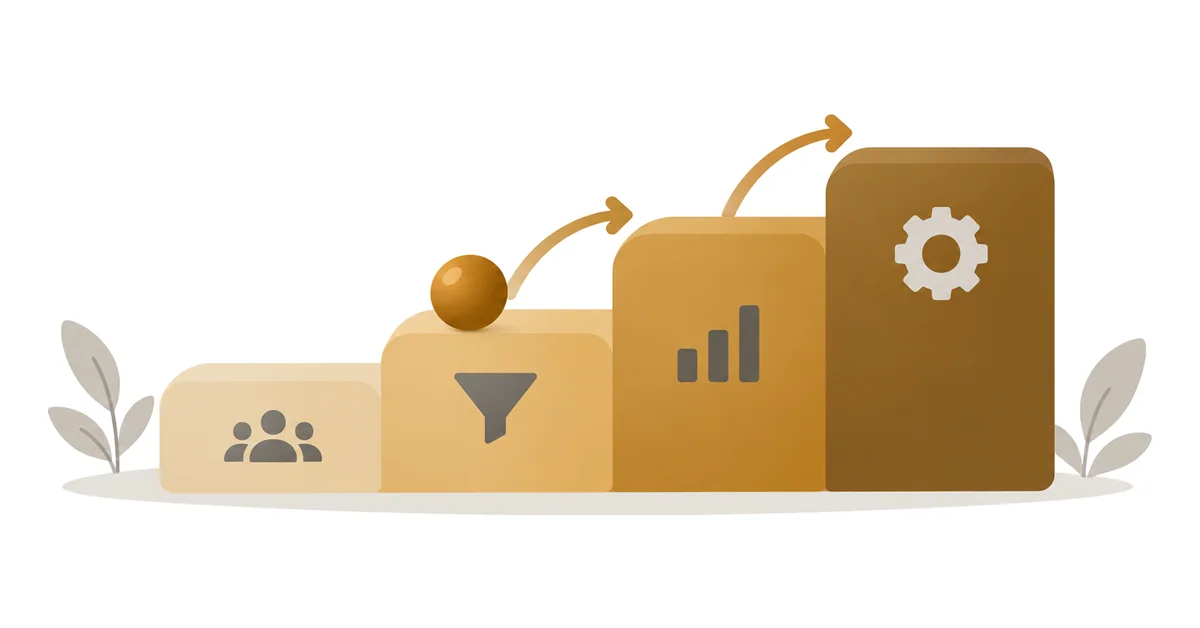
Rising steps with a ball on the second show deals moving through defined sales pipeline stages inside a CRM.
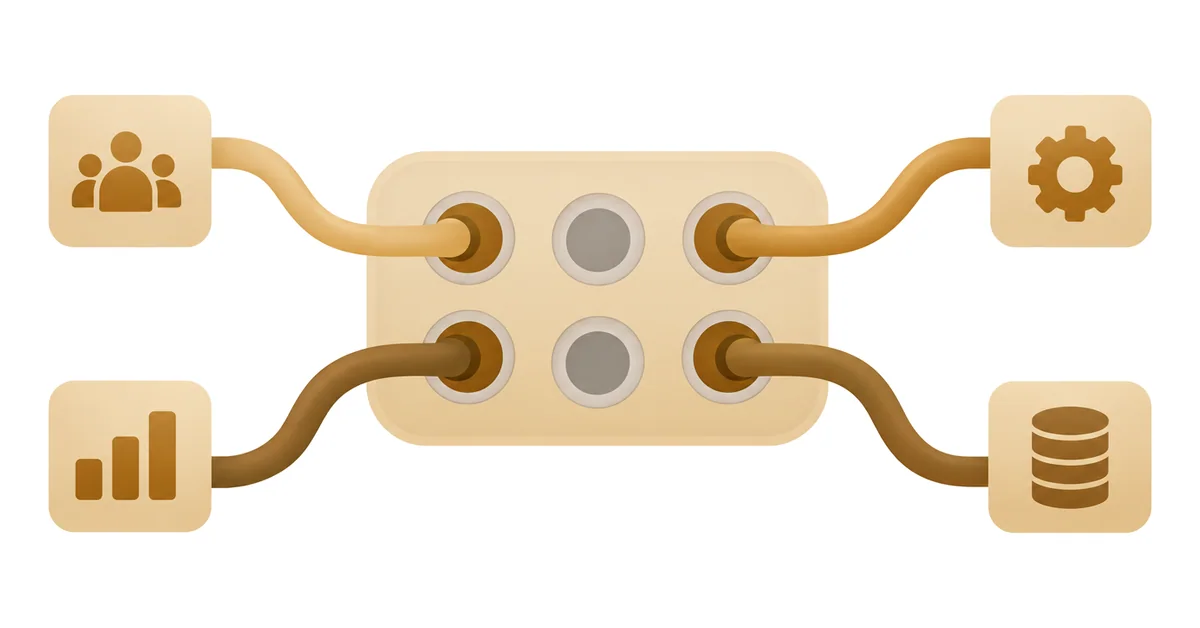
A switchboard with cables joining pairs of sockets shows a CRM connected to the other business systems around it.

CRM Software Consulting Results From Real Clients

CRM Rollout With 94% Adoption

“Our last CRM sat unused because reps hated the data entry. Umber trimmed the fields, wired it to our quoting tool and trained each team on its own screens. Ninety-four percent of reps log activity weekly, and forecasts finally match what ships.”

T
TomSales Operations Lead, Retail Chain

11 Systems, 1 Integration Layer

“Orders, inventory and billing lived in eleven systems that synced by hand. Umber designed one integration layer with monitored APIs. Manual re-entry is gone, order errors fell by 62%, and new warehouse tools now plug in within days.”

S
SofiaOperations Director, Logistics Company

Plain Answers From the Start

“On the discovery call they asked about our codebase and release habits instead of pitching a platform, and told us one rewrite could wait. That honesty is why we hired them. The work since has been practical, well documented and free of buzzwords.”

R
RyanEngineering Director, Medical Device Maker

Your Sales Workflow Before and After CRM Consulting

How time is spent today and what you could recover.

Before CRM Consulting

  • Contacts spread over inboxes and spreadsheets
  • Reps retype the same deal data twice
  • Pipeline stages mean different things to each rep
  • Forecasts rebuilt by hand every month
  • Orders and invoices invisible on the customer record

After CRM Consulting

  • One customer record for every team
  • Data flows in from email, forms and quoting
  • Stages defined once and used by everyone
  • Reports that update as deals move
  • Orders, invoices and tickets shown next to the deal

Benefits of CRM Software Consulting for Your Business

Why outside help pays off when you choose or fix a CRM.

Clock iconYou Win Back Selling Time

Lean forms, automatic email logging and linked quoting remove the admin your reps skip or resent. More of the week goes to conversations with buyers.

Shield iconYou Get Data You Can Trust

Clear field ownership, validation rules and de-duplication keep records accurate. Reports stop being argued about and start being used.

Upward trend iconYou Avoid the Wrong Platform

Choosing on features alone often leads to a costly switch within a few years. A scored selection against your own process lowers that risk and gives you a decision you can defend.

Target iconYou Get a CRM That People Open

Adoption is planned from the first week, with training per role and reports that show where usage drops. Your licence cost buys results and not shelfware.

CRM Software Consulting Scope and Cost Drivers

Every project gets a fixed quote after a free assessment. Here is what typically shapes scope and timeline.

EngagementWhat it includesTypical timelineMain cost driver
CRM selectionProcess map, requirements, vendor scoring, scripted demos2 to 4 weeksNumber of vendors scored
ImplementationMost commonConfiguration, migration, integrations, training2 to 4 monthsIntegrations and data volume
CRM rescueAudit of an unused system, field and workflow clean-up, retraining3 to 8 weeksData quality and custom code
Integration projectCRM to ERP, billing or support with error monitoring3 to 10 weeksSystems involved and API quality

The CRM licence is paid to the vendor and listed separately in your quote. See current vendor prices in the ranking of the best CRM software.

What to Expect Before Your CRM Project Starts

  • Hidden fees

    Prices Agreed Up Front

    You receive a fixed quote after the assessment, with licence costs listed separately and no surprise invoices.

  • Selling you the biggest platform

    A Candid Fit Check

    If your current CRM is fine and the setup is the problem, you hear it on the first call.

  • Status reports that say little

    Plain Answers at Every Step

    You get short weekly updates on what is done, what is blocked and what is needed from you.

  • Long waits

    Written Next Steps After the Call

    You leave the call with a summary of priorities, timing and likely cost that your colleagues can review.

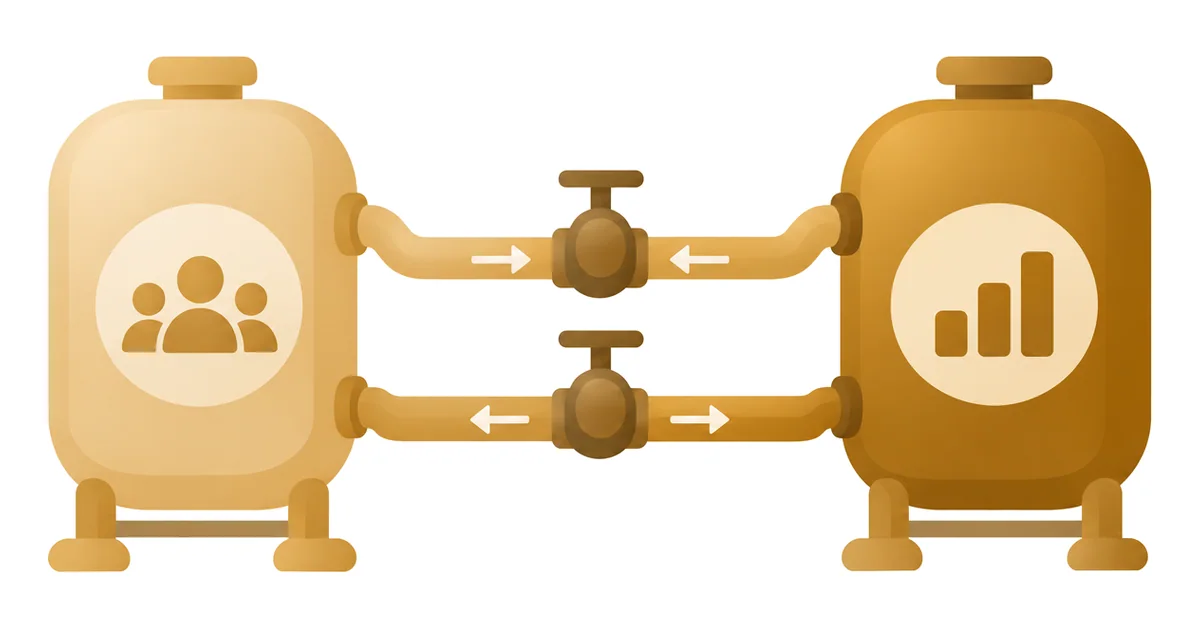
Two tanks joined by pipes with valves in both directions show customer and order data staying in sync between CRM and ERP.

Integrations That Keep Your CRM and ERP in Sync

A CRM that cannot see orders and invoices forces your reps to ask finance for answers. Your consultant decides which system owns each field, then builds monitored connections so quotes, orders and payments show up on the customer record.

Failed syncs raise an alert with the record and the reason, so errors get fixed in hours and not discovered at quarter-end. Your sales and finance teams finally work from the same numbers.

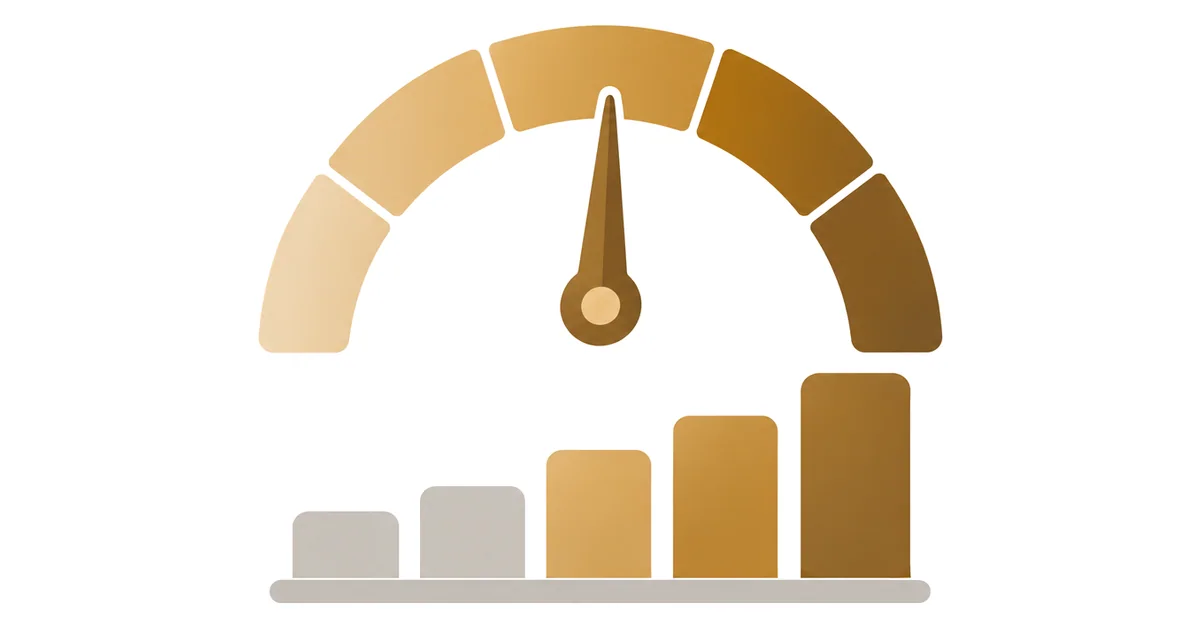
A gauge and rising bars show how many reps open the CRM each week, tracking adoption as habits form.

Adoption Plans That Make Reps Open the CRM

Training happens per role, on your own data, with a short guide for each team. Managers get a weekly view of who logs activity and which fields stay empty, so you can coach early.

Fields that nobody uses are removed, and fields that matter are made quicker to fill. The system gets lighter as it matures, which is the opposite of how most CRMs age.

CRM Software Consulting for Your Industry

The CRM problems that come up first in your sector.

Manufacturing and Distribution

Link quotes, orders and service history to the account so sales sees the whole relationship. Your CRM and your ERP software consulting project should share one customer master from the start.

Healthcare and Life Sciences

Track referrals, partner accounts and vendor contacts with strict access rules and a documented data flow. Pair the setup with software security consulting when regulated data is involved.

Logistics and Professional Services

Keep quotes, contracts and account reviews in one pipeline, and trigger follow-ups from shipment or project milestones. Software automation consulting covers the routine steps in between.

Software and Retail

Connect product usage, support tickets and renewals to the account record. If you are still comparing platforms, see software selection consulting, and for the rollout itself, software implementation consulting.

How to Choose the Right CRM Software Consulting Partner

The right partner makes the difference between a CRM that quietly runs your pipeline for years and a licence nobody opens. Before you sign, check that your CRM software consulting partner can show you each of these:

  • A selection method that scores vendors against your process, not a favorite platform
  • Hands-on experience with the ERP, billing and support systems you already run
  • A migration plan with data clean-up, a test import and a rollback step
  • A fixed quote with licence costs listed separately
  • Adoption reporting after launch, not only a go-live date

Also ask who administers the CRM after launch. You should receive documentation and admin training, so changes to fields and pipelines do not depend on the consultant.

What You Can Count On From Your CRM Partner

  • Fixed price icon

    One Agreed Price

    See the full price before any build begins.

  • Coin icon

    Expert Work at a Sensible Price

    Full-service, end-to-end consulting at a price that fits a first project.

  • Account manager icon

    Personal Account Lead

    One contact who knows your project and answers your questions fast.

  • Shield icon

    Data Protection Built In

    Least-privilege access, documented data flows and NDAs on request.

CRM Software Consulting FAQs

How Do We Know Which CRM Fits Our Business?

You compare CRMs against your own sales process, not against feature lists. Your consultant maps how a lead becomes a customer today, scores three to five shortlisted systems against that map and runs scripted demos with your own data. You see the scores, the trade-offs and the total cost over three years in writing, so the choice is easy to defend inside your company.

Can You Work with the CRM We Already Have?

Yes. Many projects fix an existing system instead of replacing it. A review of your fields, pipelines, automations and integrations often shows that the tool is fine and the setup is the problem. You hear it on the first call if a switch is not worth the cost, along with what to clean up first.

How Long Does a CRM Implementation Take?

A focused rollout for a small sales team usually takes weeks. A rollout with data migration, several integrations and role-based reporting takes a few months. After the discovery call you get a timeline with milestones, and the work is released in stages so your team can test each part with real records before the next one starts.

What Does CRM Consulting Cost?

Cost depends on the number of users, how many systems must connect and how much data has to move. You get a realistic range on the free discovery call and a fixed quote after the assessment, so there are no surprises. The quote also lists the software licence cost separately, because that is paid to the vendor and not to Umber.

How Do You Get Our Sales Team to Actually Use the CRM?

Adoption is designed in from the start. The consultant trims fields to what reps really need, wires the CRM into the quoting and email tools they already use and trains each team on its own screens. A weekly adoption report shows who logs activity and where data is missing, so problems surface in weeks and not at the next quarterly review.

Do You Migrate Data from Spreadsheets or an Old CRM?

Yes. Migration covers contact and account clean-up, duplicate merging, field mapping, a test import and a final cut-over with a rollback plan. Records that are too old or too incomplete are listed for your approval before they move, so the new system starts clean and not cluttered.

Will the CRM Connect to Our ERP, Billing and Support Tools?

It should, and integration is where many CRM projects stall. Your consultant designs the connections up front, including which system owns each field, how errors are reported and who fixes them. Orders, invoices and support tickets then appear on the customer record without manual copying.

Do You Handle Compliance Needs Such as Healthcare Data Rules?

Your CRM setup respects the rules of your industry. For regulated data, access follows least-privilege roles, sensitive fields are limited or kept out of the CRM, and every data flow is documented for your security and compliance team. You should confirm the legal details with your own advisers, and your consultant prepares the technical evidence they ask for.

What Happens After the CRM Goes Live?

Your dedicated account manager reviews adoption, data quality and report accuracy with you after launch and suggests small fixes before they turn into frustration. Support is available in 5+ languages. You also receive documentation and admin training, so your own team can adjust fields, pipelines and permissions without waiting for a ticket.

Which CRM Platforms Do You Work With?

Umber works across 50+ platforms, languages and frameworks, including the large suites and the lighter tools for small teams. Recommendations are vendor-neutral. A platform is only suggested when it scores best against your requirements, and you see the reasoning in writing before anything is bought.
Start Your CRM Project With a Free Plan

Get a free CRM review and a clear plan for selection, setup or rescue.

Schedule a Free Consultation

Get Your Free Discovery Call

Enter your name.
That email address looks incomplete.
Add a short subject.
Tell us in a sentence or two what you need.