Main Points
- Free and low-cost CRMs such as HubSpot, Zoho, Freshsales and Pipedrive get a small team running fast.
- Salesforce and Microsoft Dynamics 365 Sales fit complex processes, and both need an admin or partner.
- Ratings are close at the top, so fit with your sales process and integrations decides more than stars.
- Price the full cost over three years, including integrations, migration and training, before you commit.
The Best CRM Software at a Glance
| Tool | Type | Best for |
|---|---|---|
| 1. HubSpot CRM | All-in-one CRM suite | Teams that want CRM, marketing and service on one platform |
| 2. Salesforce Sales Cloud | Enterprise CRM platform | Complex sales organizations that need deep customization |
| 3. Zoho CRM | Customizable CRM suite | Budget-conscious teams that already use other Zoho apps |
| 4. Pipedrive | Pipeline-first sales CRM | Small sales teams that live in a visual pipeline |
| 5. monday CRM | Flexible work-management CRM | Teams that want sales, projects and handoffs in one visual workspace |
| 6. Freshsales | Sales CRM with built-in phone and email | Small teams that want calling, email and AI scoring included |
| 7. Microsoft Dynamics 365 Sales | Enterprise CRM in the Microsoft stack | Microsoft-centric companies that want CRM tied to Teams, Outlook and ERP |
| 8. Close | Inside sales CRM with built-in calling | Inside sales teams that live on the phone and in email |
| 9. Insightly | CRM with project tracking | Service-heavy small businesses that track projects after the sale |
| 10. Copper | CRM for Google Workspace | Teams that work in Gmail and Google Workspace all day |
| 11. Nutshell | Small business CRM with email marketing | Small B2B teams that want CRM and email marketing in one tool |
| 12. Capsule | Simple contact and pipeline CRM | Small teams that want a clean, quick-to-learn CRM |
| 13. Less Annoying CRM | Single-plan small business CRM | Very small teams that want one price and no setup fuss |
| 14. Bitrix24 | CRM and collaboration workspace | Teams that want CRM, tasks, chat and documents in one workspace |
| 15. Attio | Modern, data-model-first CRM | Startups and product-led teams that want a flexible data model |
The 15 Best CRM Software Options, Ranked
I start with the systems that suit the widest range of teams and move toward specialist and enterprise tools, so you can stop reading when you find your fit. Ratings and prices come from the G2 and Capterra listings I read for this update, and I note where a platform has no listing. In the CRM software consulting projects I review, the fit with your sales process matters more than a half-point of rating.
HubSpot CRM
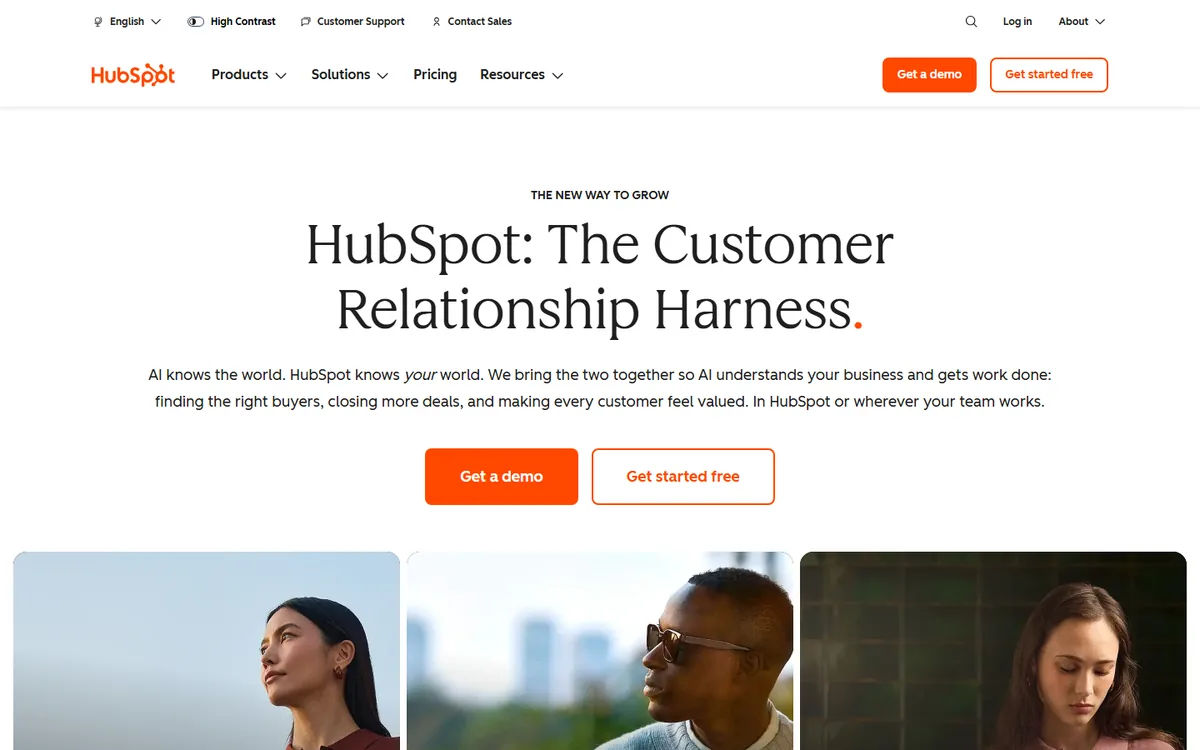
The Easiest Full CRM to Start With, As Long as You Plan for the Upgrade Costs
HubSpot pairs a free CRM with paid sales, marketing and service hubs that share one contact database and one reporting layer.
I put HubSpot first because it gets small and mid-sized teams to a working CRM faster than anything else I use. Contacts, deals, email logging, meetings and a simple pipeline work on day one, and the interface is clean enough that reps rarely need training to log a call. Marketing forms, landing pages and a shared inbox sit on the same records, so leads arrive with their history attached.
The catch shows up when you grow. Automation, custom reporting and advanced permissions sit in higher tiers, and seat prices rise quickly once several hubs are in play. In projects I review, the CRM itself is rarely the issue, but the jump from the free tier to a paid bundle surprises finance teams. Model the three-year cost for the hubs you really need before you commit.
HubSpot CRM Strengths
- A free CRM that is useful on its own, not a stripped demo
- Marketing, sales and service data live on one record
- A large app marketplace and many ready-made integrations
HubSpot CRM Weaknesses
- Costs climb sharply as you add hubs, seats and contacts
- Advanced automation and reporting need the higher tiers
HubSpot CRM Pricing
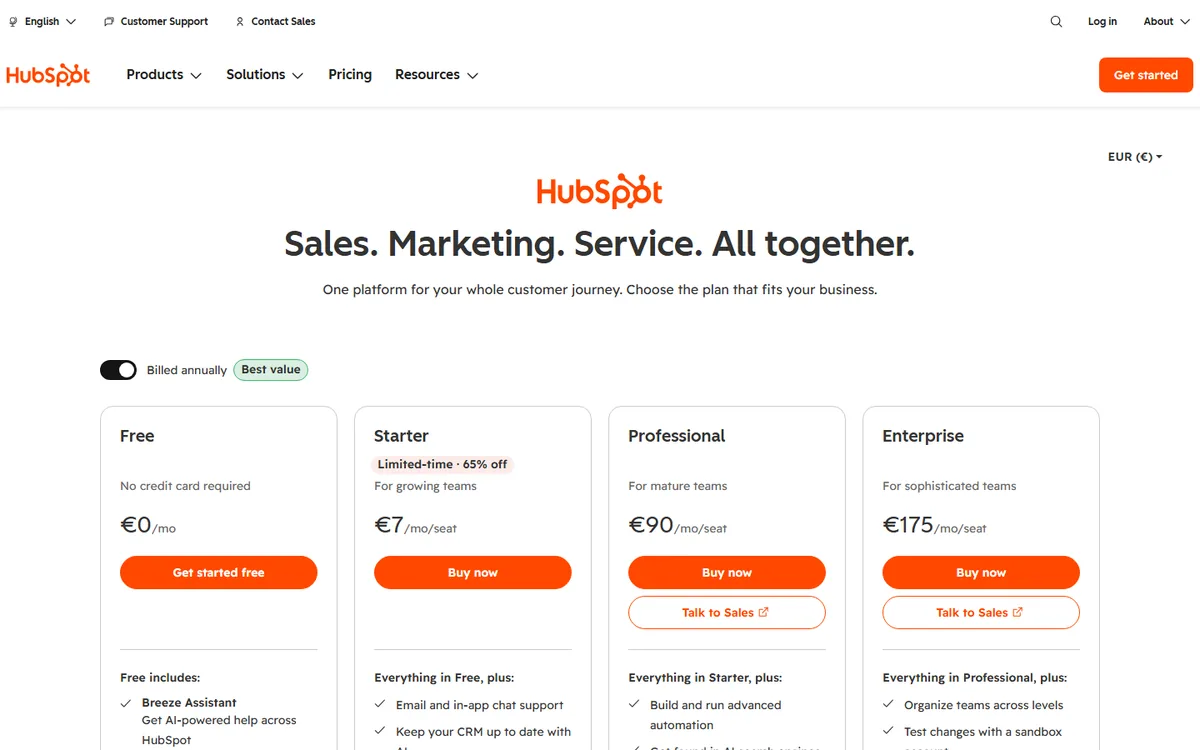
HubSpot has a free CRM. Capterra lists paid plans from $20 per user per month, and G2 lists Sales Hub Starter at $15 and Professional at $90 per user per month. Bundles, billing terms and contact tiers change the final bill, so confirm the current price on the HubSpot site.
HubSpot CRM Reviews
- G2: 4.4 of 5 stars (based on +14,000 verified reviews)
- Capterra: 4.5 of 5 stars (based on +4,400 verified reviews)
Salesforce Sales Cloud
The Most Configurable CRM on This List, and the One Most Likely to Need an Admin
Salesforce Sales Cloud is the market-leading CRM for complex sales processes, with an extensive app ecosystem and strong AI features through Agentforce.
Salesforce is where I send companies with multi-step approvals, several product lines, territories and a need to model their own objects. You can shape almost any process into it, and the ecosystem of partners, apps and developers is the largest in the category. If your sales motion does not fit a simple pipeline, you will probably end up here.
That flexibility has a price in effort. Salesforce works best with a named admin or a partner who owns configuration, and it rewards careful data design up front. I have seen mid-sized teams buy it for the brand and then struggle with page layouts nobody maintains. Choose it when you have the process complexity and the people to run it.
Salesforce Sales Cloud Strengths
- Almost any process or object can be modeled
- The biggest ecosystem of partners, apps and developers
- Mature reporting, forecasting and permission controls
Salesforce Sales Cloud Weaknesses
- Needs an admin or partner to keep it clean
- Add-ons and editions make the real cost hard to predict
Salesforce Sales Cloud Pricing
G2 lists Starter at $25, Professional at $100 and Enterprise at $165 per user per month. Capterra notes that the $25 Starter Suite is capped at five users. Larger editions and add-ons are quoted, so check the Salesforce pricing page for your case.
Salesforce Sales Cloud Reviews
- G2: 4.4 of 5 stars (based on +27,000 verified reviews)
- Capterra: 4.4 of 5 stars (based on +18,000 verified reviews)
Zoho CRM
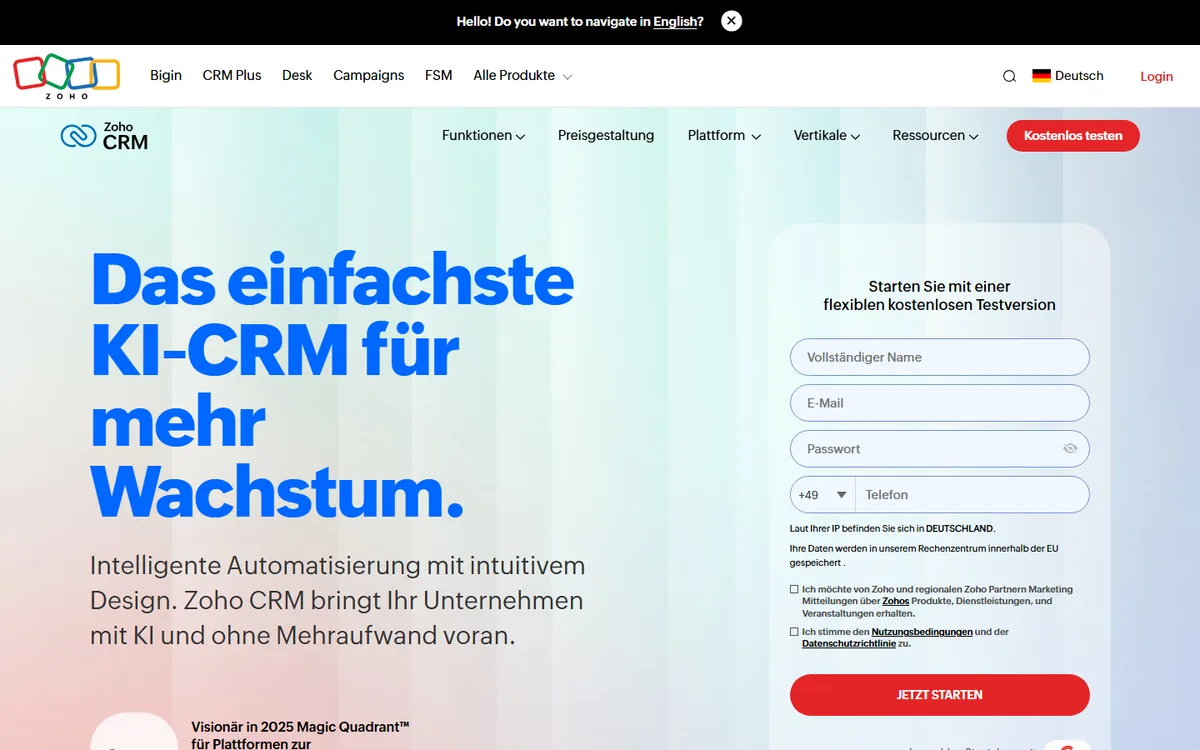
The Best Feature-per-Dollar Option If You Accept a Busier Interface
Zoho CRM offers a deep feature set, workflow automation and AI assistance at a lower price than the large suites, and it connects to the wider Zoho app family.
Zoho CRM is the system I suggest when budget matters and the team is willing to invest a few weeks in setup. You get lead scoring, blueprints that enforce sales stages, workflow rules, territory management and decent reporting at prices well below the big names. If you also use Zoho Books, Desk or Campaigns, the connections are native.
The interface carries a lot of options, and new admins often enable more than the team needs. I advise clients to start with one pipeline, three or four custom fields and a short list of automations, then add as real needs appear. Third-party integrations can be less polished than in larger ecosystems, so test the ones you depend on.
Zoho CRM Strengths
- Strong feature depth for the price
- Native links to the wider Zoho app family
- Blueprints keep reps in your sales process
Zoho CRM Weaknesses
- The interface feels busy until you trim it
- Some third-party integrations are less polished
Zoho CRM Pricing
G2 lists a free edition, Professional at $23 and Enterprise at $40 per user per month. Capterra lists the Standard tier from $14 per user per month. Edition names and prices shift by billing term, so confirm them on the Zoho pricing page.
Zoho CRM Reviews
- G2: 4.1 of 5 stars (based on +2,900 verified reviews)
- Capterra: 4.3 of 5 stars (based on +7,000 verified reviews)
Pipedrive
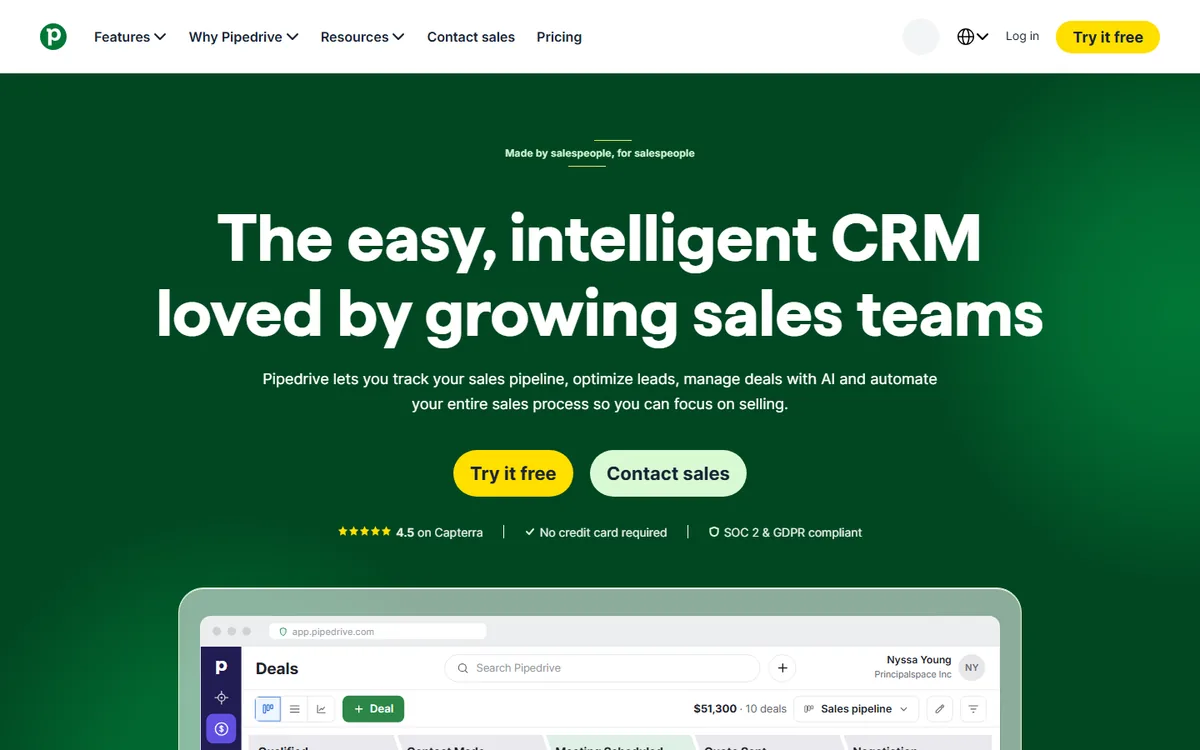
A Pipeline CRM That Reps Actually Enjoy Using, With Limits Beyond Sales
Pipedrive is built around a visual deal pipeline, with activity reminders, email sync and automation that keep small sales teams moving.
Pipedrive wins on focus. Everything starts from the deal board, and reps see the next action for each opportunity without digging through menus. For teams that sell through a clear sequence of stages, I rarely see faster adoption. Email sync, call logging and activity reminders cover the daily routine well.
It is a sales CRM first. Service, complex quoting and deep customization are not its strength, and marketing features sit in add-ons. If your process includes orders, contracts and renewals across departments, plan for integrations or choose a broader platform. For a team of three to thirty sellers, it is hard to beat.
Pipedrive Strengths
- The visual pipeline is clear and quick to learn
- Activity reminders keep follow-ups from slipping
- Reasonable entry pricing for small teams
Pipedrive Weaknesses
- Limited depth outside the sales process
- Several useful features cost extra as add-ons
Pipedrive Pricing
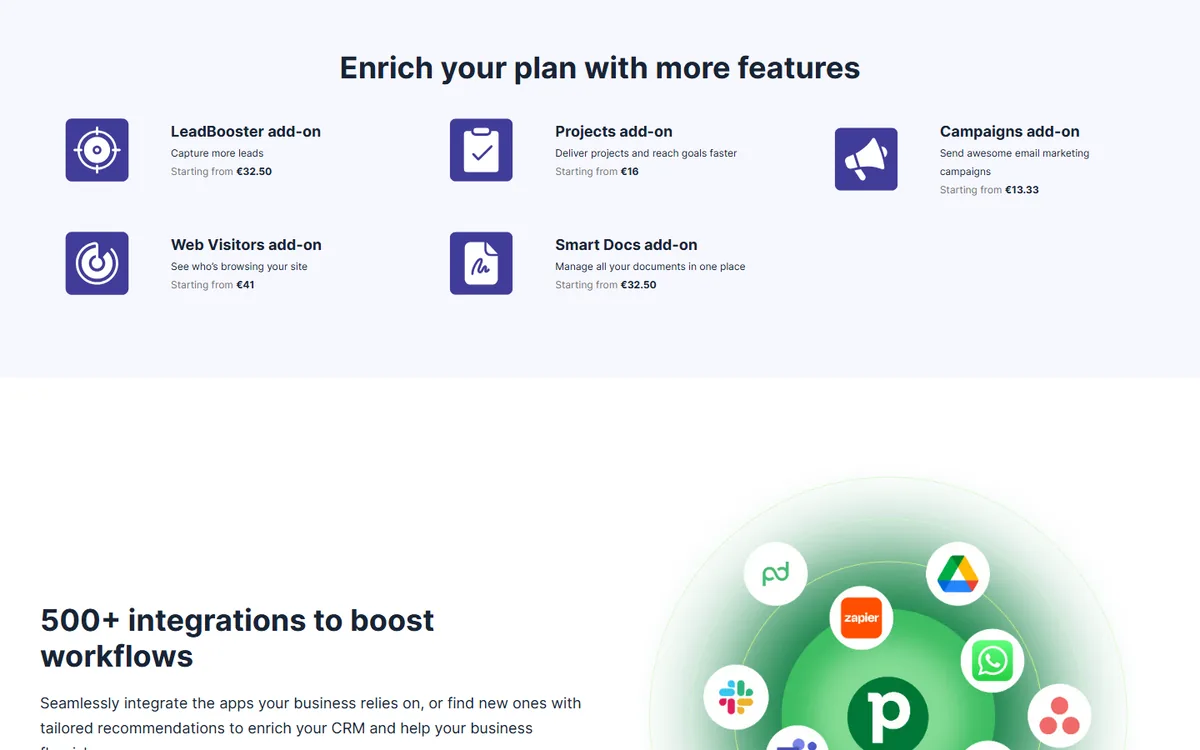
G2 lists Lite at $19, Growth at $34 and Premium at $64 per user per month. Capterra shows Lite at $14 per user per month billed annually and $24 billed monthly. Add-ons are priced separately, so check the Pipedrive pricing page.
Pipedrive Reviews
- G2: 4.3 of 5 stars (based on +5,100 verified reviews)
- Capterra: 4.5 of 5 stars (based on +3,000 verified reviews)
monday CRM
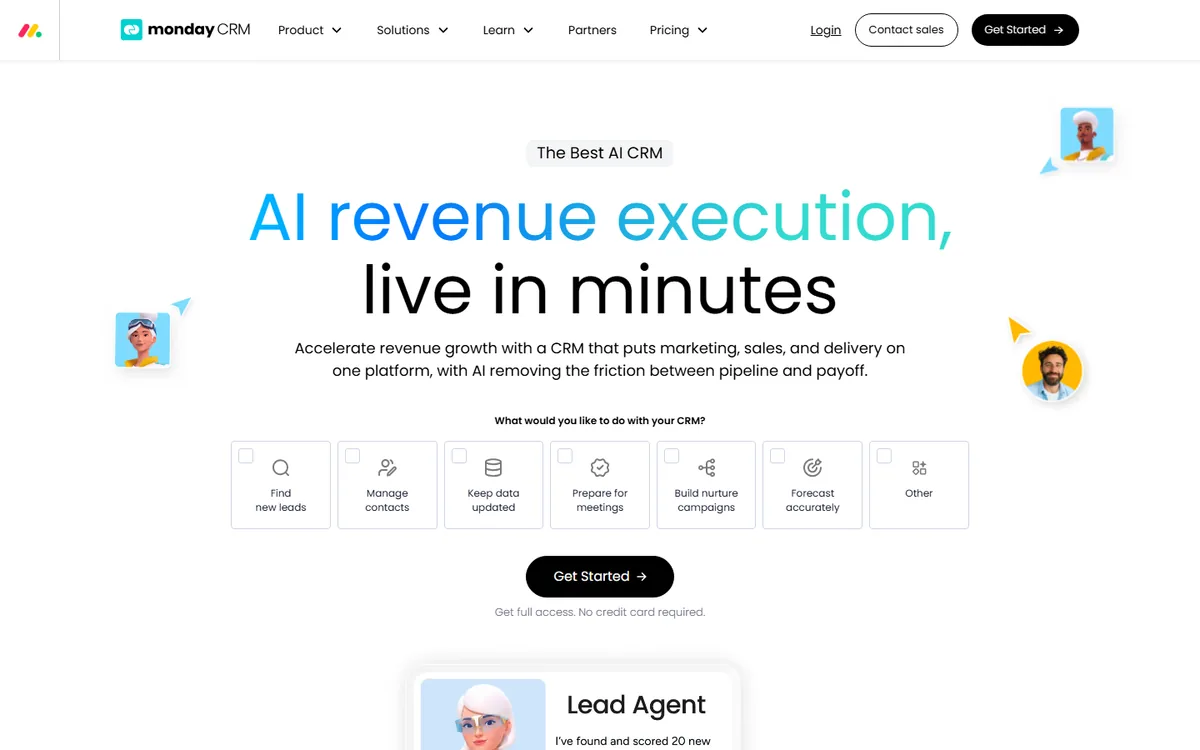
A Flexible Visual CRM That Suits Teams Who Hand Deals to Delivery
monday CRM brings the boards and automations of monday.com to sales, with pipelines, email sync and dashboards that other teams can also read.
monday CRM works well when the sale does not end at signature. Deals move to onboarding or delivery boards in the same workspace, so account managers, project teams and finance see the same context. Customization is mostly drag and drop, which lets non-technical admins adjust the system without a developer.
Seat minimums and tier limits matter here. Some pricing tiers sell seats in bundles, and the best automation and integration features sit in higher plans. I also see teams build too many boards because it is so easy. Keep one clear pipeline and a short field list, or the flexibility turns into clutter.
monday CRM Strengths
- Easy visual customization without code
- Handoffs to delivery teams happen in the same workspace
- Clean dashboards that other departments can read
monday CRM Weaknesses
- Seat bundles and tier limits need checking
- Deep sales analytics trails the specialist CRMs
monday CRM Pricing
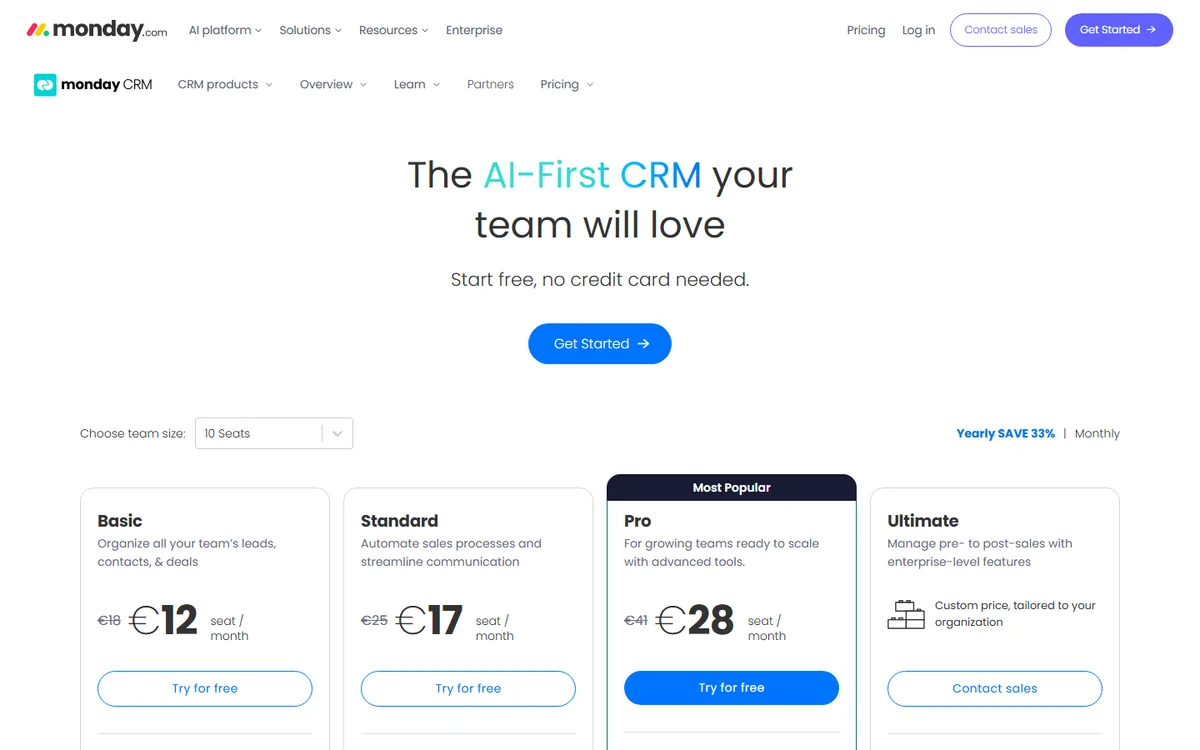
G2 lists Basic at $12, Standard at $17 and Pro at $28, and Capterra lists Basic from $12 per user per month. Minimum seat counts and billing terms apply, so confirm them on the monday.com pricing page.
monday CRM Reviews
- G2: 4.5 of 5 stars (based on +1,900 verified reviews)
- Capterra: 4.7 of 5 stars (based on +500 verified reviews)
Freshsales
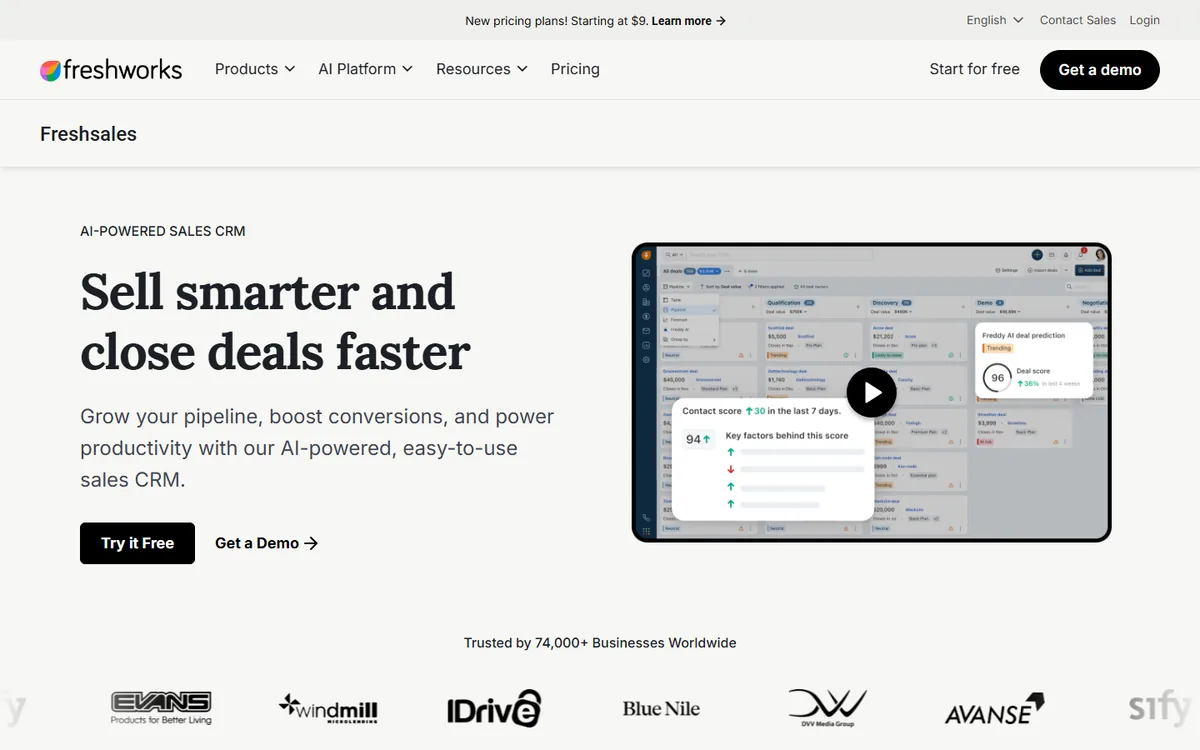
Strong Value for Small Teams That Want Phone, Email and Scoring in One Place
Freshsales from Freshworks combines contact management, built-in phone and email, lead scoring and a visual pipeline with a free starter tier.
Freshsales packs a lot into its lower tiers. Click-to-call, email tracking, AI lead scoring and a pipeline view are all available without extra tools, which keeps the stack small. If you already use Freshdesk for support, the shared customer view is a clear plus.
It suits sales teams of up to a few dozen. Larger organizations tend to hit limits in complex permission models and custom objects, and some AI features require the higher plans. During trials, I ask clients to test the phone integration with their actual regions and numbers, because calling quality varies by country.
Freshsales Strengths
- Phone, email and scoring built in
- A free tier and low entry prices
- Shared customer view with Freshdesk support
Freshsales Weaknesses
- Complex permissions and custom objects are limited
- Telephony coverage and quality differ by country
Freshsales Pricing
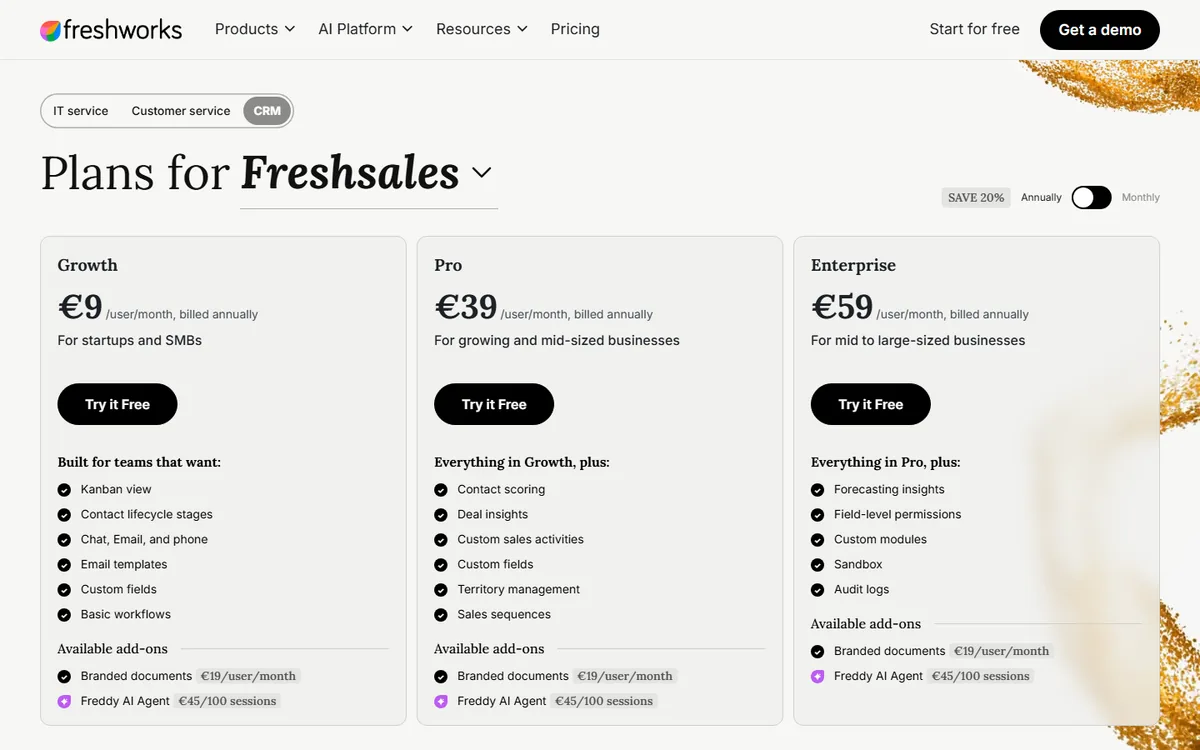
G2 lists Growth at $9, Pro at $39 and Enterprise at $59 per user per month. Capterra lists plans from $11 per user per month, with a free version. Confirm current plans on the Freshworks pricing page.
Freshsales Reviews
- G2: 4.5 of 5 stars (based on +1,200 verified reviews)
- Capterra: 4.5 of 5 stars (based on +600 verified reviews)
Microsoft Dynamics 365 Sales
The Natural Choice When Your Company Runs on Microsoft, With a Heavier Setup
Dynamics 365 Sales is Microsoft's CRM, with deep links to Outlook, Teams, Power Platform and Dynamics ERP products, plus Copilot features for sellers.
If your company lives in Outlook, Teams and Excel, Dynamics 365 Sales makes sense. Seller activity from email and meetings flows into records, and Power Platform lets your IT team build apps and automations on the same data. Companies that run Dynamics 365 Finance or Business Central get a clean path to a connected customer record.
The trade-off is complexity. Licensing is layered, and implementation usually needs a partner. G2 reviewers rate it lower than most tools on this list, which matches what I see: strong in the right environment, heavy for a small team. Use it when the Microsoft integration is a real requirement, not a nice extra.
Microsoft Dynamics 365 Sales Strengths
- Deep integration with Outlook, Teams and Power Platform
- A clear path to Dynamics ERP products
- Copilot features for summaries and next steps
Microsoft Dynamics 365 Sales Weaknesses
- Licensing and setup are more complex than lighter tools
- Smaller teams often find it heavy
Microsoft Dynamics 365 Sales Pricing
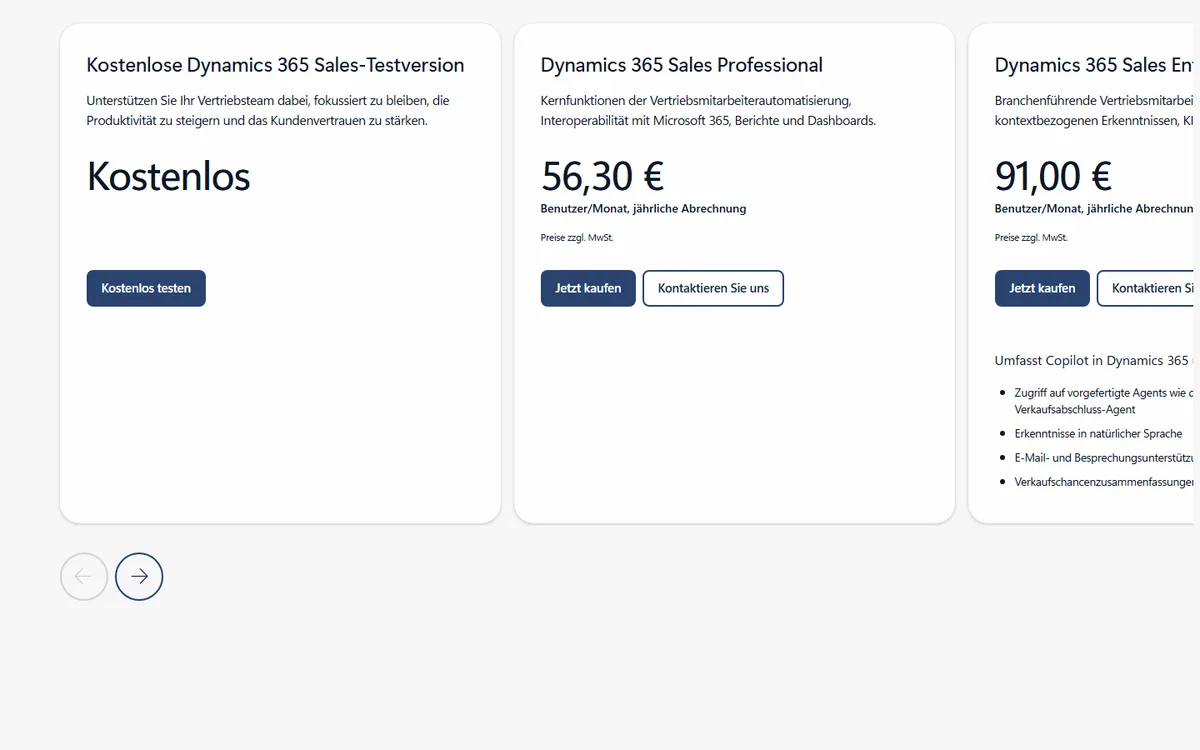
G2 lists the Customer Engagement plan at $115 per user per month, and Capterra lists the product from $65 per user per month. Microsoft's own price list changes with bundles, so check the Dynamics 365 pricing page before you budget.
Microsoft Dynamics 365 Sales Reviews
- G2: 3.8 of 5 stars (based on +1,600 verified reviews)
Close
Built for Teams That Sell by Phone and Email, With Calling Inside the CRM
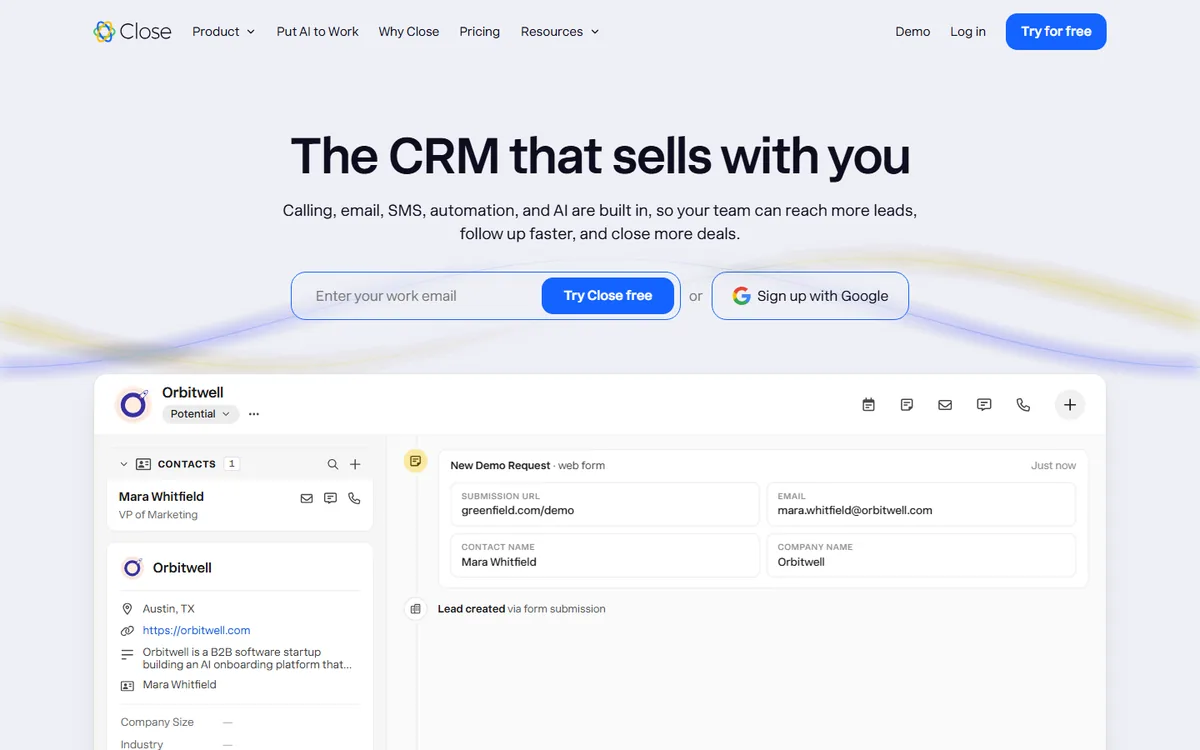
Close is a CRM for inside sales, with calling, SMS, email sequences and a power dialer built into the same screen as the lead record.
Close is the CRM I recommend to inside sales teams who make many calls a day. Calls, texts and emails live on the lead record, and the power dialer, call recording and sequences reduce the clicks between conversations. Its reporting centers on activity and conversion, which is what a sales manager of such a team needs.
It is narrower than a general business CRM. Marketing, service and heavy customization are not the focus, and enterprise features are limited. Pricing climbs on the higher plans where the dialer and advanced automation sit. For field sales or long, multi-stakeholder deals, I would look at broader platforms.
Close Strengths
- Calling, SMS and email inside the lead record
- Power dialer and sequences speed up outreach
- High ratings for ease of use and support
Close Weaknesses
- Narrow focus on inside sales
- Higher plans carry the best calling and automation features
Close Pricing
G2 lists Solo at $9, Essentials at $35 and Growth at $99 per user per month. Capterra notes the Solo plan is limited to one user and 10,000 leads, with a free trial but no free version. Confirm current plans on the Close pricing page.
Close Reviews
- G2: 4.7 of 5 stars (based on +2,100 verified reviews)
- Capterra: 4.7 of 5 stars (based on +160 verified reviews)
Insightly
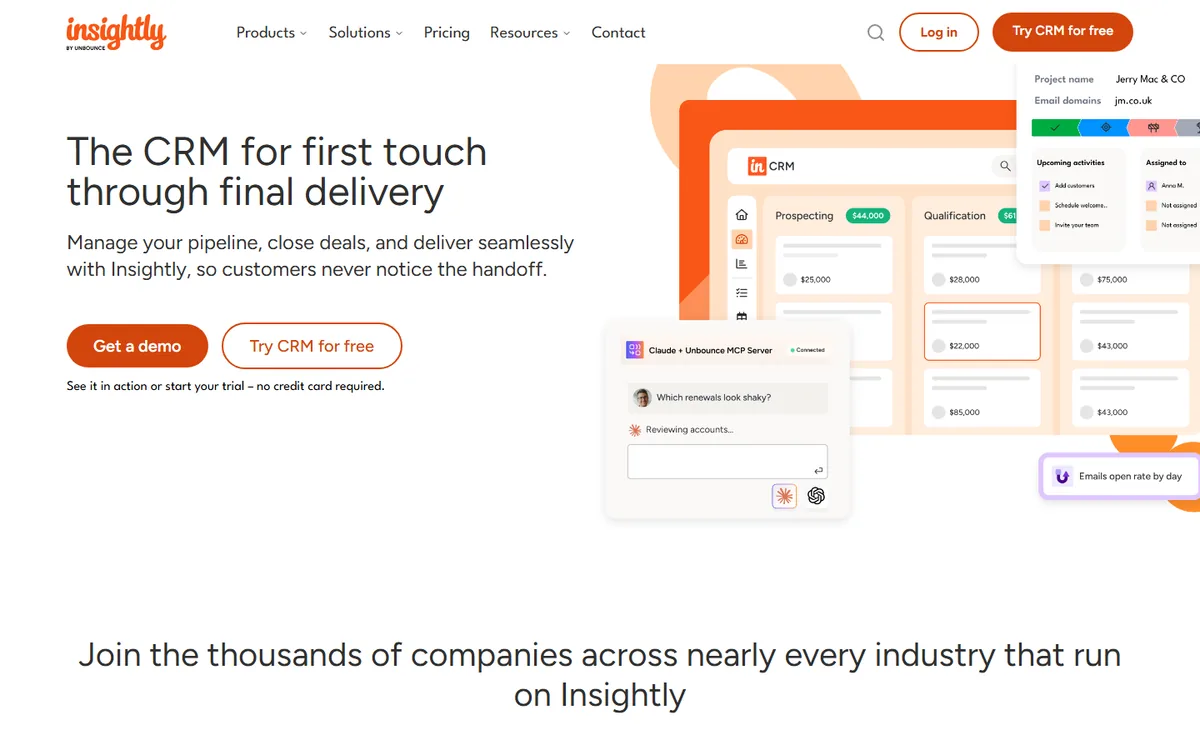
A Practical Pick When Deals Turn Into Projects You Also Need to Track
Insightly combines CRM with project and task tracking, so sales and delivery teams can follow a deal from lead to completed work.
Insightly fits businesses where the sale starts a project, such as consulting, construction services or agencies. A won opportunity can become a project with tasks and milestones, and the history stays on the account. Microsoft 365 and Google Workspace integrations are straightforward, which helps small teams.
Capterra reviewers praise value and ease of learning, but also mention limited automation on lower tiers and slowdowns with large data sets. If you expect heavy automation or very large databases, run a pilot with realistic volumes first. For a small team that needs light project tracking next to the pipeline, it is a sensible option.
Insightly Strengths
- Opportunities convert to projects with tasks
- Good value compared with the large suites
- Works with Microsoft 365 and Google Workspace
Insightly Weaknesses
- Automation is limited on lower tiers
- Reviewers report slowdowns with large data sets
Insightly Pricing
G2 lists Plus at $29, Professional at $49 and Enterprise at $99 per user per month, billed annually. Confirm current plans on the Insightly pricing page.
Insightly Reviews
- G2: 4.2 of 5 stars (based on +900 verified reviews)
- Capterra: 4.0 of 5 stars (based on +650 verified reviews)
Copper
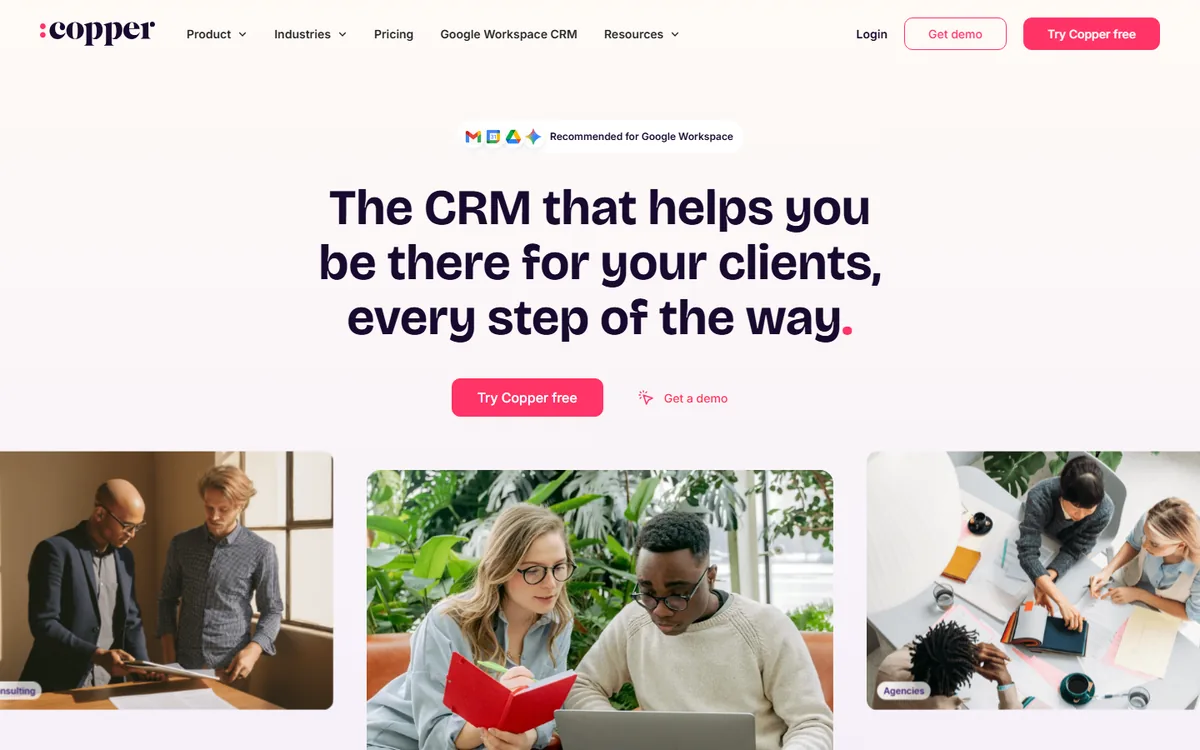
The Closest Thing to a CRM Built Into Gmail
Copper sits inside Gmail and Google Workspace, so contacts, emails and deals update from the tools your team already has open.
Copper is built for teams that do their job in Gmail, Calendar and Drive. Contacts and conversations are pulled in from your inbox, and a side panel shows the deal while you write. Because the data capture happens in the background, reps do less manual logging, which is the single biggest driver of adoption I see.
The flip side is that Copper fits Google-based teams best. If you run Microsoft 365, the experience is weaker. Reporting and customization are lighter than in the large suites, and the higher plans carry the automation features. For a small Google-centric team, that is a fair trade.
Copper Strengths
- Lives inside Gmail and Google Workspace
- Automatic capture reduces manual logging
- Simple setup and a clean interface
Copper Weaknesses
- Weaker fit if you use Microsoft 365
- Reporting and customization are lighter than in larger suites
Copper Pricing
G2 lists Starter at $12, Basic at $29 and Professional at $69 per user per month. Capterra lists the Starter plan at $12 per user per month with a free trial. Confirm current plans on the Copper pricing page.
Copper Reviews
- G2: 4.5 of 5 stars (based on +1,100 verified reviews)
- Capterra: 4.4 of 5 stars (based on +600 verified reviews)
Nutshell
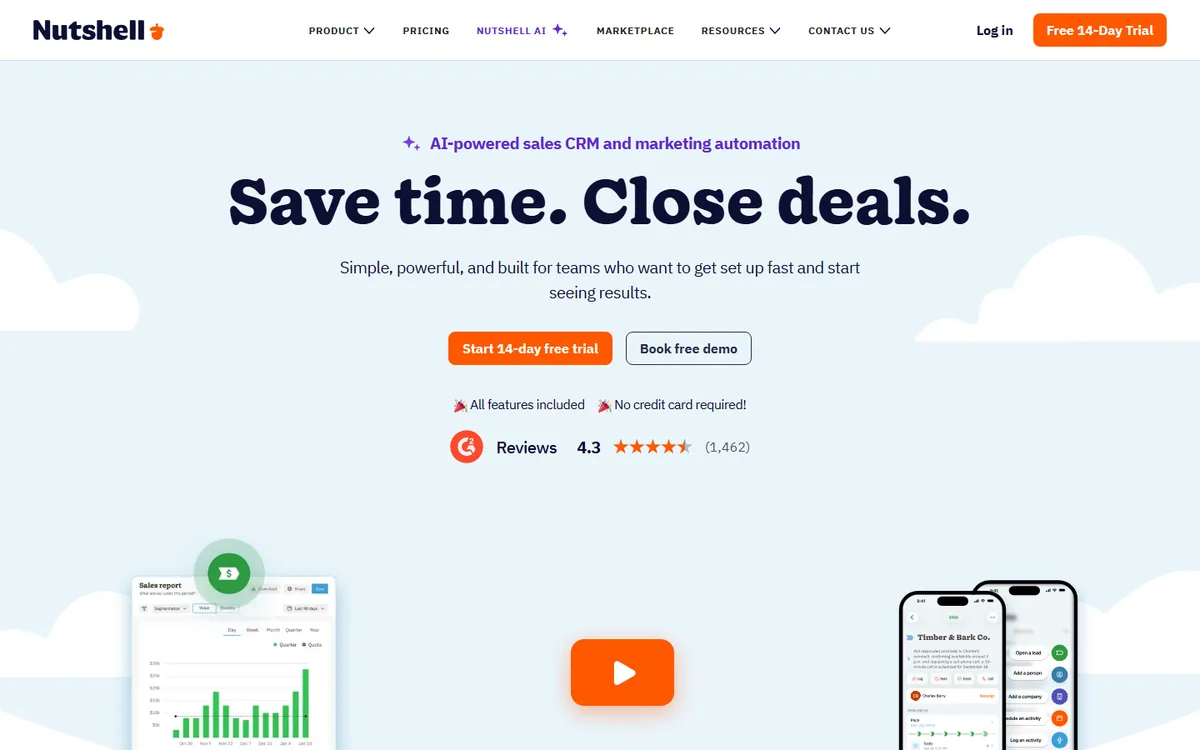
A Friendly CRM for Small B2B Teams That Includes Email Marketing
Nutshell offers a visual pipeline, email sync, sales automation and email marketing for small B2B teams in a straightforward interface.
Nutshell is a good fit for small B2B teams that want sales and light marketing in one place. The pipeline is easy to read, automation handles follow-up reminders and the email marketing tools reuse the same contact data. Support gets positive notes in reviews, which counts for a team without an admin.
It is not built for complex enterprise processes. Custom objects and advanced reporting are limited compared with larger platforms, and growth-stage companies may outgrow it. Treat it as the CRM for a team of up to a few dozen who want something that is working in a week.
Nutshell Strengths
- Simple, readable pipeline
- Email marketing built in
- Reviewers praise the support team
Nutshell Weaknesses
- Limited custom objects and advanced reporting
- Larger teams may outgrow it
Nutshell Pricing
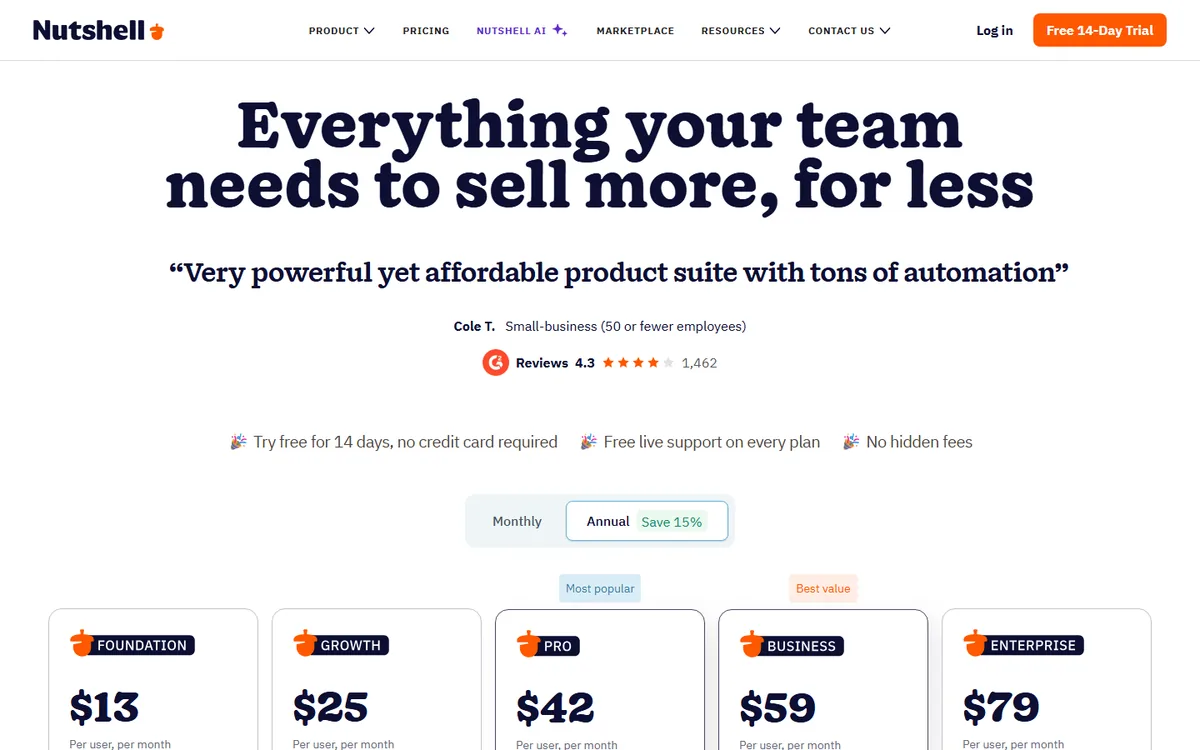
G2 lists Foundation at $13, Growth at $25 and Pro at $42 per user per month. Capterra lists plans from $13 per user per month with a free trial and no free version. Confirm current plans on the Nutshell pricing page.
Nutshell Reviews
- G2: 4.3 of 5 stars (based on +1,400 verified reviews)
- Capterra: 4.4 of 5 stars (based on +600 verified reviews)
Capsule
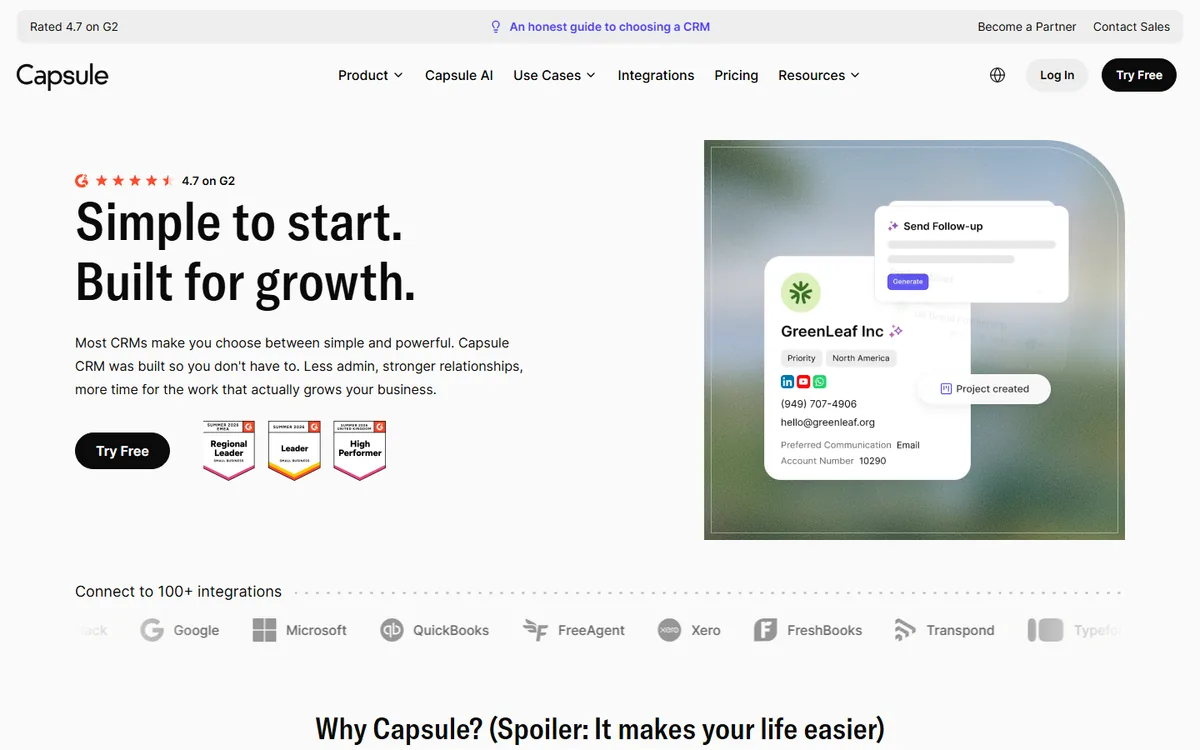
A Clean, Quick-to-Learn CRM for Small Teams With Straightforward Needs
Capsule keeps contacts, deals and tasks in a tidy interface, with integrations to Google Workspace, Microsoft 365 and common accounting tools.
Capsule does not try to be everything. You get contacts, opportunities, tasks, a customizable pipeline and a simple mobile app, and you can learn it in an afternoon. Integrations with Google Workspace, Microsoft 365 and accounting tools such as Xero and QuickBooks cover the usual needs of a small business.
The limits arrive with scale. Automation and reporting are modest, and larger teams with complex processes will want more. I use Capsule as the answer to a team that currently runs everything on spreadsheets and just needs a shared, reliable contact and deal list.
Capsule Strengths
- Easy to learn and tidy to use
- Integrations with common office and accounting tools
- High G2 satisfaction scores
Capsule Weaknesses
- Automation and reporting are modest
- Not designed for complex enterprise processes
Capsule Pricing
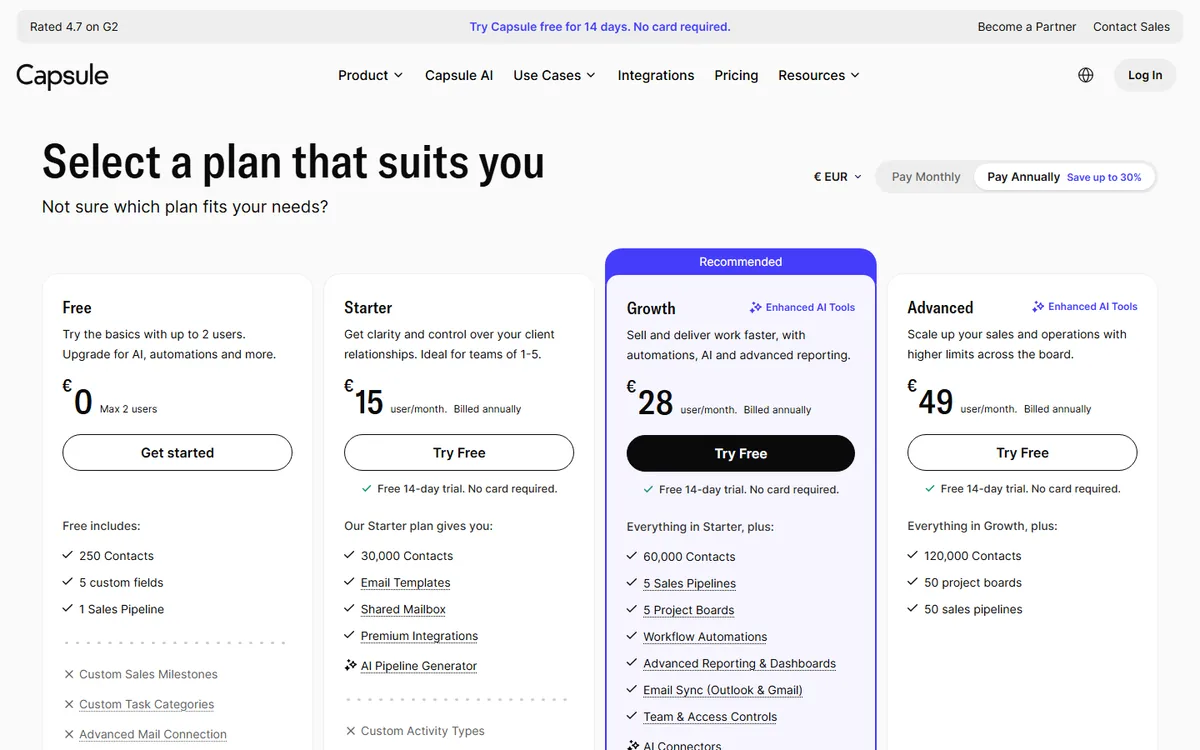
G2 lists Starter at $22, Growth at $40 and Advanced at $60 per user per month. Capterra lists a free version and a free trial. Confirm current plans on the Capsule pricing page.
Capsule Reviews
- G2: 4.7 of 5 stars (based on +500 verified reviews)
- Capterra: 4.5 of 5 stars (based on +160 verified reviews)
Less Annoying CRM
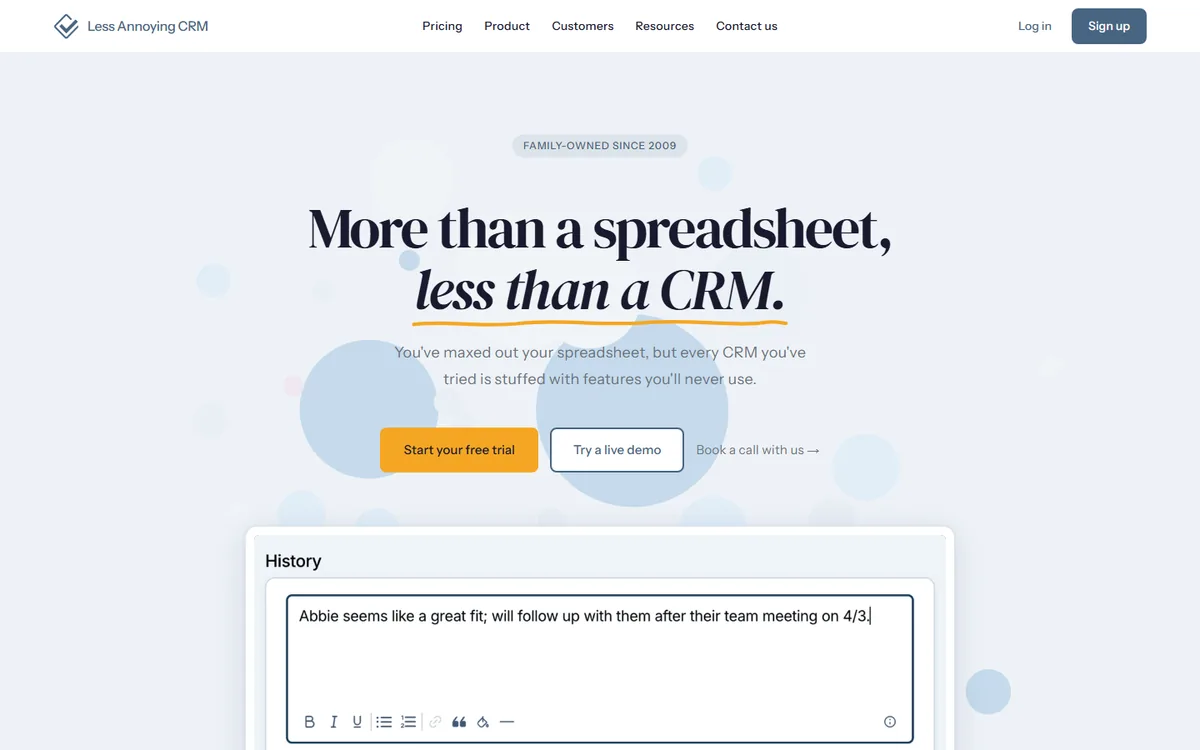
The Simplest CRM Here, With One Plan and a Reputation for Great Support
Less Annoying CRM offers contact management, pipelines, tasks and calendar in a deliberately simple product with one flat per-user price.
Less Annoying CRM lives up to its name. It has one plan, a small number of screens and support that reviewers mention repeatedly. For a team of two to fifteen people who want to track contacts, follow-ups and deals, you can be productive within a day.
The simplicity is also the limit. Advanced automation, deep reporting and large-scale customization are not available, and integrations are fewer than in the big platforms. If you can already see complex needs coming, choose something with more room. If you want the CRM your team will definitely use, this is a strong candidate.
Less Annoying CRM Strengths
- One plan, one price, no tier puzzle
- Top satisfaction ratings on G2 and Capterra
- Very fast to learn and to roll out
Less Annoying CRM Weaknesses
- Little automation or advanced reporting
- Fewer integrations than larger platforms
Less Annoying CRM Pricing
G2 lists a single Core plan at $15 per user per month, and Capterra lists $15 per user per month with a free trial and no free version. Confirm the current price on the Less Annoying CRM pricing page.
Less Annoying CRM Reviews
- G2: 4.9 of 5 stars (based on +670 verified reviews)
- Capterra: 4.8 of 5 stars (based on +660 verified reviews)
Bitrix24
A Wide Free Plan for Teams That Want CRM and Collaboration Together
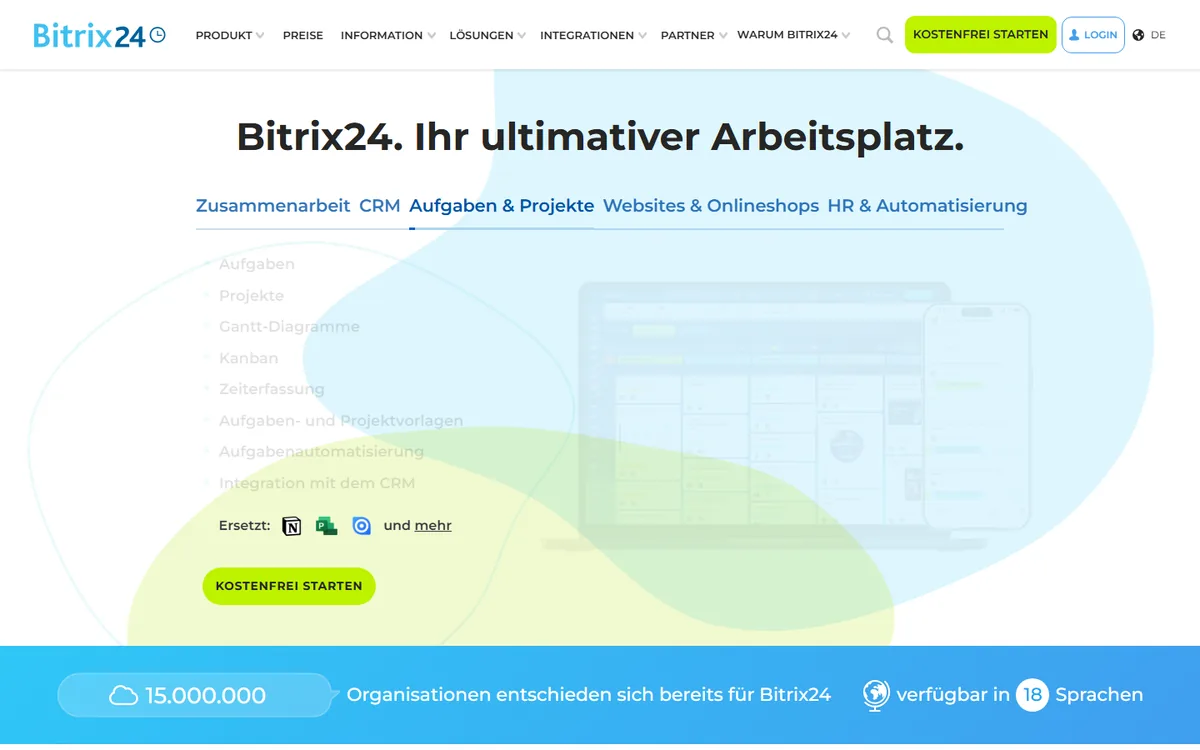
Bitrix24 combines CRM with tasks, chat, documents, video calls and automation in one workspace, with a free tier and flat team pricing.
Bitrix24 offers an unusually wide feature set for the price. Beyond CRM you get task management, group chat, a document drive, telephony and basic HR tools, which can replace several small subscriptions. Flat team pricing instead of per-seat pricing helps companies with many occasional users.
That breadth makes the interface dense, and getting the setup right takes some effort. I recommend naming one owner who decides which tools to switch on, because a half-configured Bitrix24 confuses people. The cloud has user limits per plan, so check them against your headcount.
Bitrix24 Strengths
- A free tier and flat team pricing
- CRM, tasks, chat and documents in one place
- Broad feature set for the cost
Bitrix24 Weaknesses
- The dense interface needs a firm owner
- User limits per plan need checking
Bitrix24 Pricing
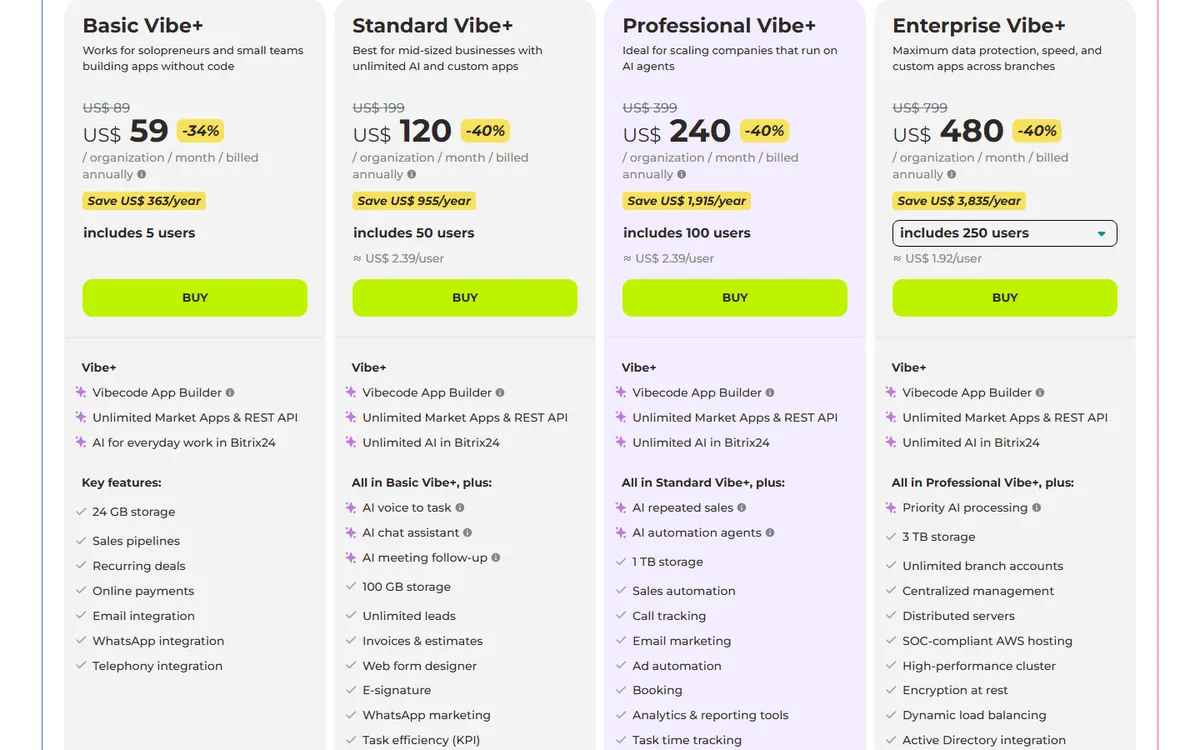
G2 lists a Free edition, Basic at $69 per month for five users and Standard at $144 per month for 50 users. Capterra lists plans from $69 per month flat, with a free version and a free trial. Confirm current plans on the Bitrix24 pricing page.
Bitrix24 Reviews
- G2: 4.1 of 5 stars (based on +600 verified reviews)
- Capterra: 4.2 of 5 stars (based on +1,000 verified reviews)
Attio
A Modern, Flexible CRM for Teams That Think in Custom Data Models
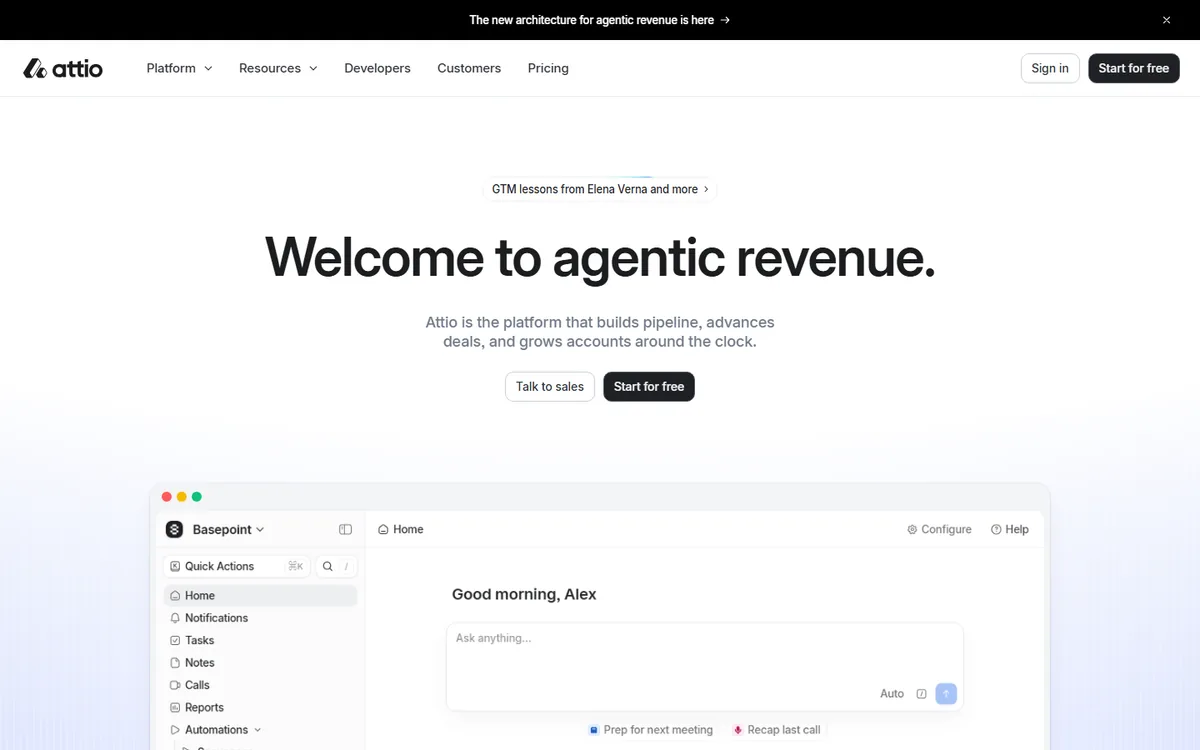
Attio is a newer CRM that lets you build your own objects and relationships, with automatic contact enrichment and a spreadsheet-like interface.
Attio appeals to teams who find older CRMs rigid. You define your own objects, such as accounts, partners or product trials, and link them as you like. Email and calendar sync fill in relationships automatically, and the interface feels closer to a smart spreadsheet than a form-heavy CRM.
As a newer product, it has fewer integrations, fewer consultants who know it and less depth in areas such as complex territory management. I suggest it to startups and product-led teams with a technical admin, and I would not pick it for a large sales organization with strict process controls.
Attio Strengths
- Custom objects and relationships without code
- Automatic enrichment from email and calendar
- Clean, modern interface
Attio Weaknesses
- Fewer integrations and specialists than established tools
- Less depth for complex enterprise sales processes
Attio Pricing
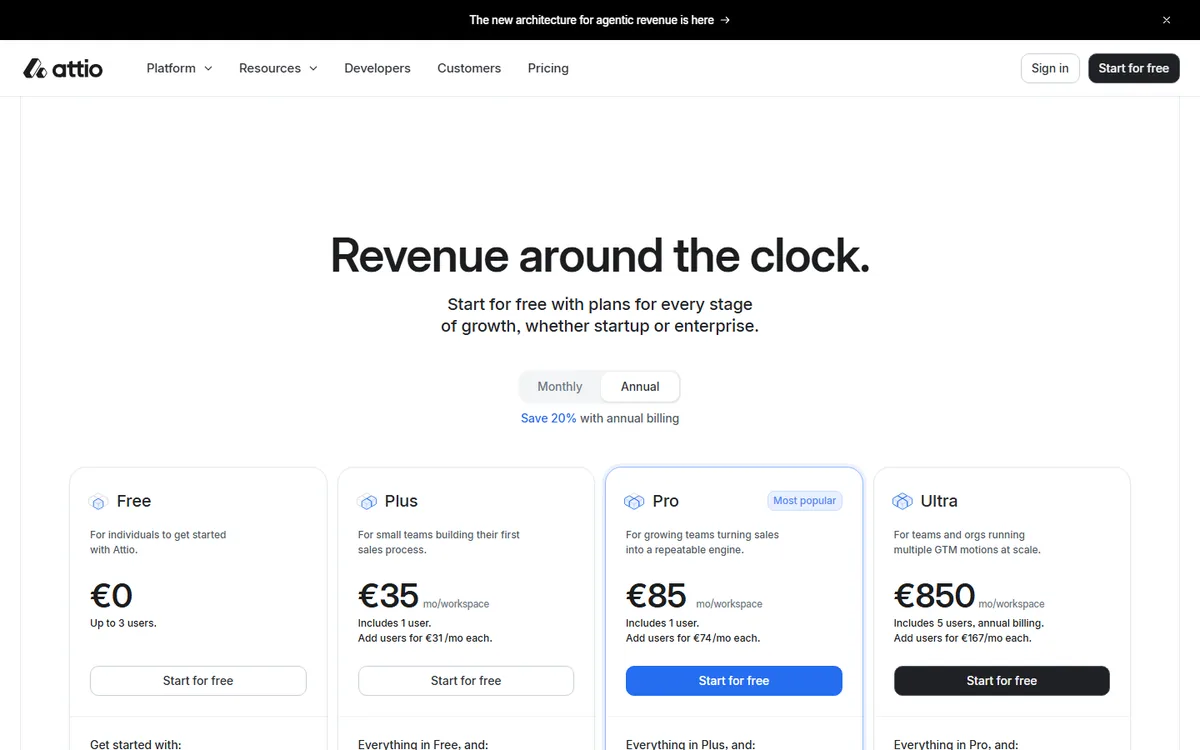
G2 lists a Free plan, Plus at $29 and Pro at $69 per user per month. Confirm current plans on the Attio pricing page.
Attio Reviews
- G2: 4.3 of 5 stars (based on +590 verified reviews)
Estimate the Return on a CRM
Before you pick a plan, check whether the numbers work for you. Enter the manual hours your team spends on admin that a CRM could cover, plus the monthly price of the plan you are considering, and you will see what it could return in a year. For realistic benchmarks and failure patterns, see my notes on CRM software statistics.
Does the Tool Make Sense for You?
Drag the sliders to reflect your tasks and the plan you want to compare.
How to Choose the Right CRM Software
In my experience, fit with your process decides more than any feature list. Before you compare vendors, I suggest you answer four questions:
- How does a lead become a customer in your business, and who touches the deal along the way?
- Which systems hold your orders, invoices and tickets, and do they offer modern APIs?
- How sensitive is your customer data, and where does it need to be stored?
- Who will administer the CRM after launch: a sales ops person, IT or a partner?
If you run a small team and want quick adoption, I usually point to HubSpot, Pipedrive, Capsule or Less Annoying CRM. If your people live in Gmail or Microsoft 365, look at Copper or Dynamics 365 Sales. If you have complex processes and an admin, look at Salesforce. Seeing how other companies use these tools helps, so read my CRM software examples before you shortlist.
Weigh the upsides against the costs honestly. My summary of CRM software pros and cons covers what usually goes wrong, and the plan in CRM software implementation shows how to roll out the winner without delays. Vendors also keep adding AI features, which I track in my overview of CRM software trends. If you want a second opinion on your shortlist, a short call usually settles it.
Questions About Choosing CRM Software
What Is the Best CRM Software for a Small Business?
For most small businesses I recommend starting with HubSpot, Pipedrive or Less Annoying CRM. HubSpot has a useful free tier and room to grow, Pipedrive is built around a clear sales pipeline and Less Annoying CRM keeps pricing and setup very simple. Pick the one whose workflow matches how you sell, then run a two-week trial with real deals.
Is There a Good Free CRM?
Yes. HubSpot, Zoho CRM, Freshsales, Bitrix24 and Attio list free tiers at the time of writing, though limits on users, records and automation apply. A free CRM is enough to prove the habit of logging deals. Once your process needs automation, integrations or reporting, plan for a paid plan and check the total cost.
How Much Does CRM Software Cost?
Entry plans in this list run from about $9 to $29 per user per month, and enterprise editions such as Salesforce Professional and Enterprise reach $100 to $165 per user per month on G2. The licence is only part of the cost. Implementation, data migration, integrations and training often cost more than the first year of seats, so ask for a three-year estimate.
Which CRM Is Best for a Large Company?
Large organizations with complex processes usually shortlist Salesforce Sales Cloud and Microsoft Dynamics 365 Sales. Salesforce offers the broadest ecosystem, and Dynamics fits companies already built on Microsoft tools. Both usually need an administrator or an implementation partner, so budget for that. My guide to CRM implementation explains how to plan the rollout.
How Do I Choose Between CRM Platforms?
Start from your sales process, not the feature list. Write down your stages, handoffs, integrations and reports, then score two or three CRMs against that list with your own data in a trial. Include the people who will use it every day. A tool that reps like will beat a better tool that they avoid.
Can a CRM Connect to My ERP and Billing Software?
Most CRMs on this list connect to ERP and billing tools through native connectors, middleware or APIs. Quality varies, so test the exact integration you need. Decide which system owns each field, and make sure failed syncs raise an alert. Integration is the most common reason a CRM project runs late.
How Long Does It Take to Implement a CRM?
A small team can be running on a lighter CRM within a few weeks. A rollout with data migration, several integrations and role-based reporting takes a few months. Adoption takes longer than installation, so plan training and follow-up reviews for at least the first quarter.
Important: prices, plans and ratings move quickly. They reflect our last update, so double-check each vendor’s site before purchasing. Nothing in this article is legal or financial advice.
Did this article help you?
Thanks, noted.
Whitney Sorensen
Whitney leads the Umber editorial team and works with the consultants to turn real client projects into practical guides on software selection, custom development, integration and legacy modernization. Before joining Umber, she spent years writing and editing for engineering and IT teams. She has since reviewed architecture audits, system selections and modernization plans from client projects across industries from manufacturing to healthcare. She works remotely from the USA.