Main Points
- Scribe and Guidde are the quickest ways to produce guides and videos for a small rollout.
- TalentLMS suits courses, quizzes and completion records, with published prices from $119 a month.
- Whatfix, WalkMe and Userlane put guidance inside the application, but prices come by quote.
- Choose by the problem you have, then run a short pilot on one application before you commit.
The Best Software Training Tools at a Glance
| Tool | Type | Best for |
|---|---|---|
| 1. Scribe | Automatic step-by-step guide creation | Teams that need quick written guides for any software task |
| 2. TalentLMS | Learning management system | Companies that need courses, quizzes and completion records |
| 3. Whatfix | Digital adoption platform | Larger rollouts where help should appear inside the application |
| 4. WalkMe | Digital adoption platform | Enterprises that want guidance and analytics across many applications |
| 5. Userlane | Digital adoption platform | Teams that want guidance with a clear annual price per application |
| 6. Pendo | Product analytics and in-app guides | Software teams that also want usage analytics |
| 7. Guidde | Video guide creation | Teams that prefer short how-to videos over written guides |
The 7 Best Software Training Tools, Ranked
I start with tools that fit the widest range of teams and move toward larger platforms. Tools do not create good training by themselves. In the software training consulting work I do, a team with a clear task list and a simple guide tool beats a team with an expensive platform and no plan. Pair your choice with the habits in the software training best practices, and the quick moves in my software training tips. For programs that worked in practice, see the software training examples.
Scribe
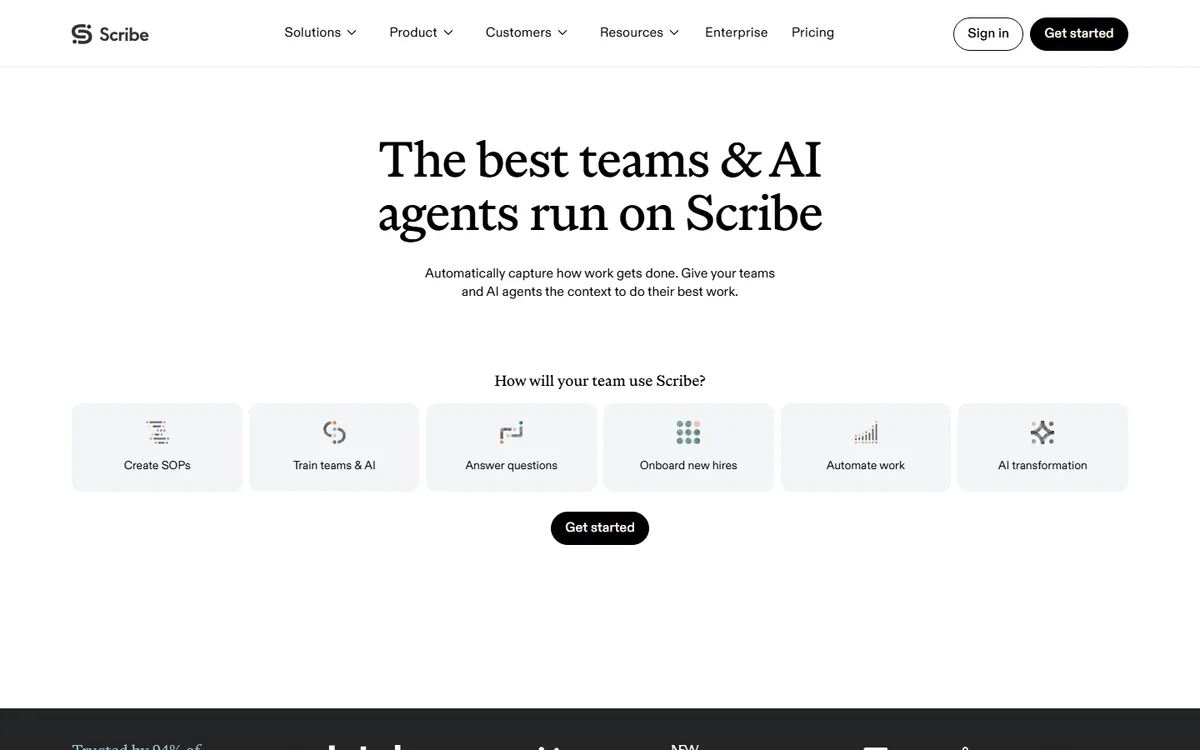
The Fastest Way to Turn a Real Task Into a Clear Step-by-Step Guide
Scribe records what you do on screen and turns it into a written guide with screenshots, in minutes. You edit the steps, add a title and share a link or embed the guide in your help center. It works on websites and, with the desktop app, on other applications.
In the training work I do, the biggest problem is rarely a lack of knowledge. It is that nobody has time to write the guide. Scribe removes that excuse: an expert does the task once and the guide exists. The limit is depth. It captures clicks well, but it does not teach the reason behind a step, so you still add a sentence of context to the important ones.
Scribe Strengths
- Guides are created while you do the task
- Easy to edit, share and embed
- Free plan lets a team try it before paying
Scribe Weaknesses
- Shows clicks, not the reasoning behind them
- Some capture features need the desktop app on a paid plan
Scribe Pricing
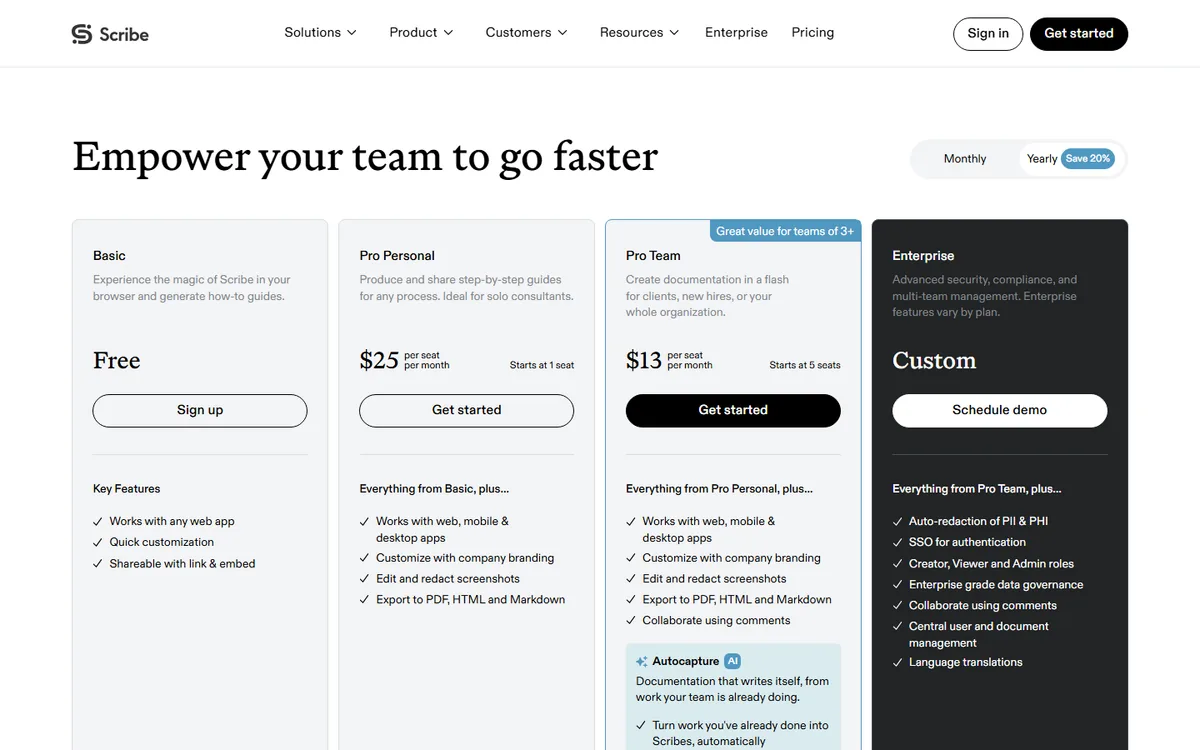
Scribe has a free Basic plan with browser-only capture. Pro Personal costs $25 a month billed yearly, or $35 billed monthly. Pro Team is $13 per seat a month billed yearly, or $17 monthly, with a minimum of five seats. Enterprise pricing is custom and adds single sign-on and unlimited version history.
Scribe Reviews
- G2: 4.8 of 5 stars (based on 1,010 verified reviews)
TalentLMS
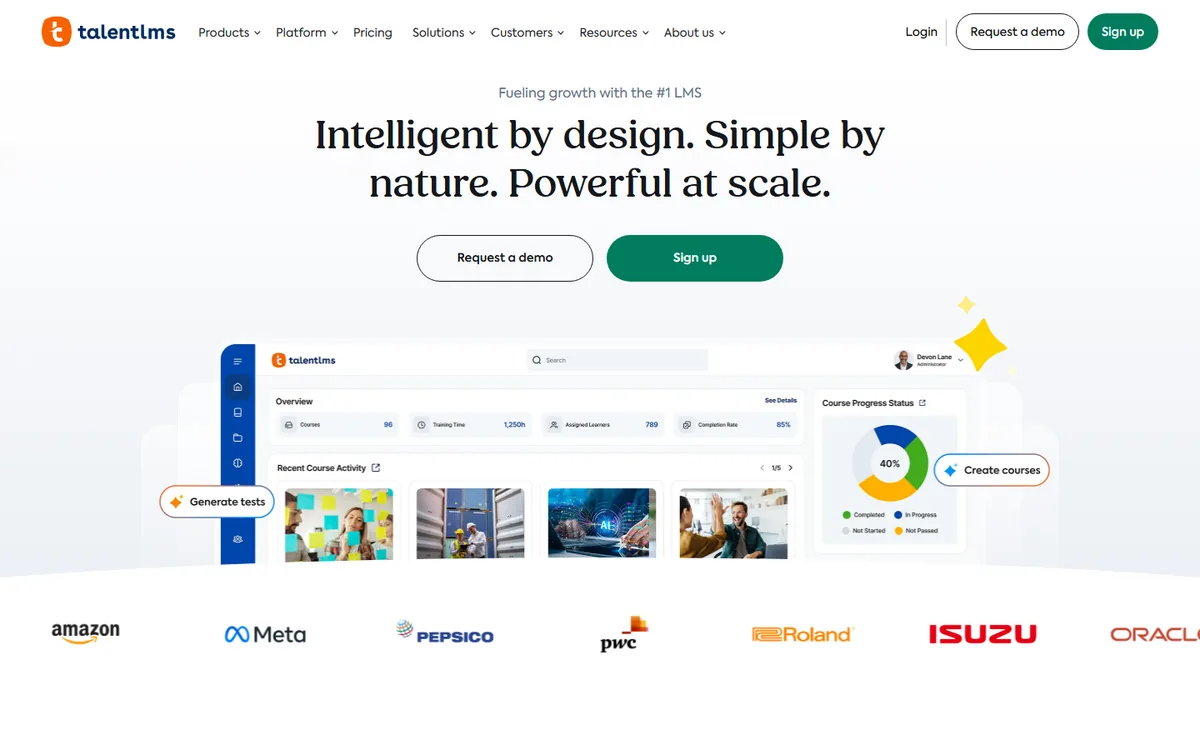
A Straightforward Learning Platform for Courses, Tests and Records Without a Large IT Project
TalentLMS is a cloud learning management system. You upload or build courses, assign them to groups, add quizzes and certificates and see who finished what. It integrates with common business tools and supports mobile learning.
When a software rollout reaches a few hundred people, a spreadsheet of attendance no longer works. A learning platform gives you completion records, reminders and a place for material to live. TalentLMS is one of the easier ones to set up, and my clients usually have a first course live within days. It is a place to host training, though. It does not create the content, so budget for the building work.
TalentLMS Strengths
- Quick to set up and simple for administrators
- Quizzes, certificates and reports are built in
- Published prices and a free plan for small teams
TalentLMS Weaknesses
- Does not guide users inside the application
- Course design takes real effort from your side
TalentLMS Pricing
TalentLMS has a free plan for up to 5 users and 10 courses. Paid plans start at $119 a month for up to 100 users (Core), $229 for up to 500 users (Grow) and $449 a month (Pro), with extra users at $6 each on Pro. Enterprise is custom. Annual billing is listed as a 20 percent saving.
TalentLMS Reviews
- G2: 4.6 of 5 stars (based on 819 verified reviews)
Whatfix
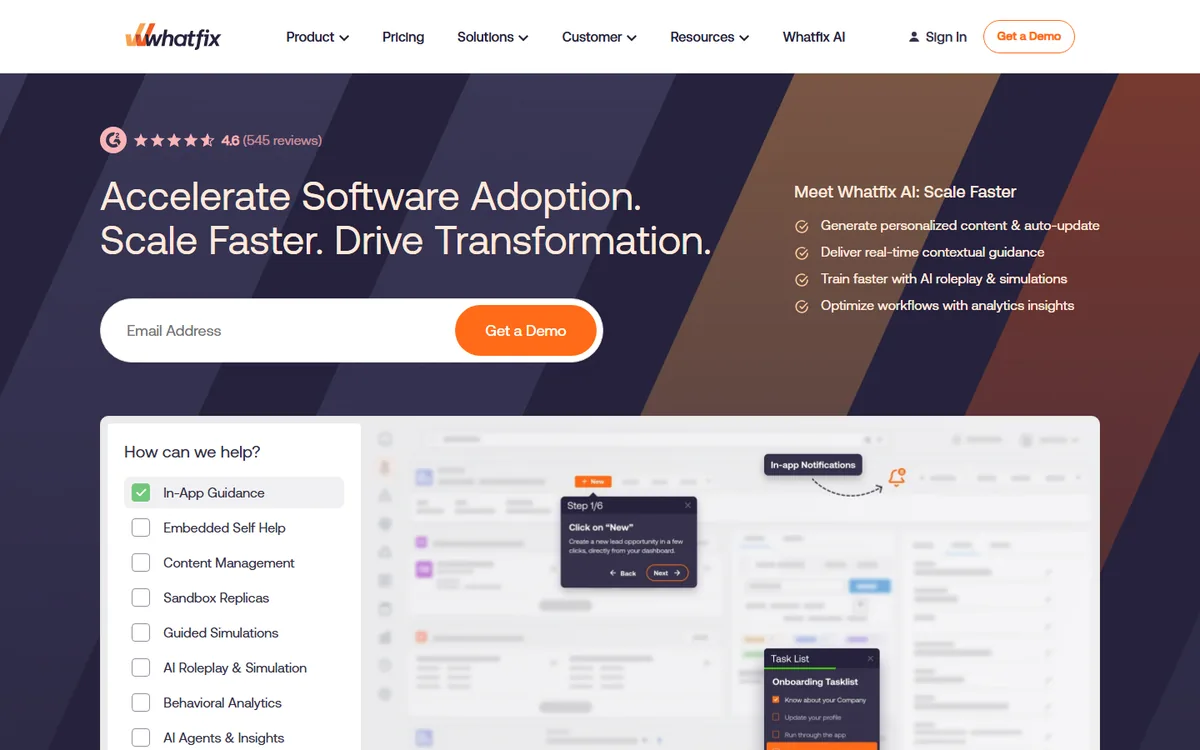
In-App Walkthroughs and Prompts That Help People During the Task, Not After It
Whatfix is a digital adoption platform. It layers walkthroughs, tooltips, pop-ups and a self-help menu on top of your applications, so users see guidance exactly where they need it. It also reports where people struggle and which flows they abandon.
This is the tool I look at when training fades within weeks, a common pattern. Guidance in the screen reduces the memory load, and usage data shows which step creates the trouble. It suits larger programs with several systems, and it takes planning. Someone has to own the content, and every software update can break a flow that needs re-checking.
Whatfix Strengths
- Guidance appears at the moment of need
- Analytics show where users get stuck
- Works across several applications
Whatfix Weaknesses
- Needs a content owner and regular maintenance
- Pricing on request, so budgeting starts with a sales call
Whatfix Pricing
Whatfix does not publish prices. Its pricing page describes plans for web and desktop, mobile and product analytics, with a flat fee plus user license fees, and asks you to request a quote. A free trial is mentioned.
Whatfix Reviews
- G2: 4.6 of 5 stars (based on 563 verified reviews)
WalkMe
An Established Enterprise Platform for Guiding Users Across Many Applications at Once
WalkMe is one of the best-known digital adoption platforms. It provides in-app guidance, automation of repeated steps and analytics for employee-facing and customer-facing applications, with AI-assisted features added in recent releases.
For large companies running many systems, such as an ERP, a CRM and an HR platform, WalkMe gives one layer of guidance across them. In my experience the platform pays off when there is a central owner and a clear list of tasks to support. In a small company, it is more than you need, and the effort of keeping flows current can outweigh the benefit.
WalkMe Strengths
- Covers many applications under one layer
- Strong analytics on user behavior
- Suited to large, complex environments
WalkMe Weaknesses
- Heavy for small teams
- Prices are available only through a quote
WalkMe Pricing
WalkMe does not publish prices. Its pricing page lists a platform for employee applications and one for customer-facing applications and directs you to request a quote. Plan the budget with the vendor's sales team.
WalkMe Reviews
- G2: 4.6 of 5 stars (based on 588 verified reviews)
Userlane
A Focused Adoption Platform With Simple Guidance and Pricing Built Around Your Applications
Userlane places interactive guidance on top of your software: step-by-step walkthroughs, a searchable assistant and announcements. It offers plans scaled by application, department and organization.
Compared with larger platforms, Userlane keeps setup lighter, and I like that it offers pricing based on the number of applications. That suits a company with one or two systems that need support. The trade-off is a smaller ecosystem and fewer review data points, so run a pilot on one application before you commit.
Userlane Strengths
- Straightforward guidance and assistant features
- Pricing models tied to applications or usage
- Plans scale from one application to an organization
Userlane Weaknesses
- Fewer public reviews than the market leaders
- Exact prices still require a quote
Userlane Pricing
Userlane does not publish exact prices. Its pricing page describes Application, Department and Organization plans and two models: a fixed annual fee per application, or a consumption-based model with a per-user base fee plus per-interaction charges. You request a quote for figures.
Userlane Reviews
- G2: 4.7 of 5 stars (based on 81 verified reviews)
Pendo
Product Analytics and In-App Guides in One Place, With a Free Plan to Start
Pendo combines product analytics with in-app guides, surveys and roadmaps. You see which features people use, then place guides where they are needed. It is used by product teams for their own software, and by some companies for internal applications.
Pendo makes sense when you are training users on your own product, or when you want to prove with data whether training changed behavior. For internal rollouts of third-party software it is less natural than a pure adoption platform. The free plan is useful for a pilot, but it is limited by monthly active users.
Pendo Strengths
- Analytics and guides in one platform
- Free plan available for small pilots
- Large base of reviews and users
Pendo Weaknesses
- Aimed mainly at teams who own the software
- Paid prices are based on monthly active users and need a quote
Pendo Pricing
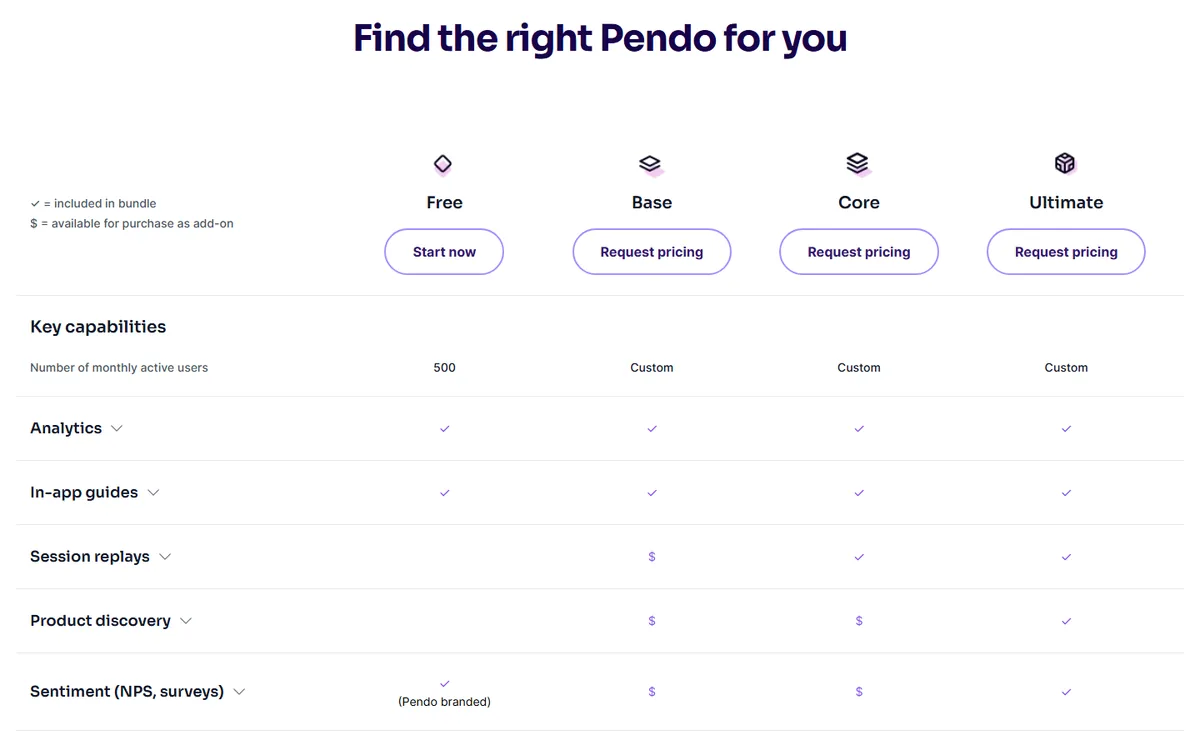
Pendo has a free plan with product analytics and in-app guides for up to 500 monthly active users. Base, Core and Ultimate plans show no published prices, and cost depends on monthly active user volume. A 30-day free trial of the full platform is available through sales.
Pendo Reviews
- G2: 4.4 of 5 stars (based on 1,830 verified reviews)
Guidde
A Quick Way to Create Branded How-To Videos With Automatic Narration
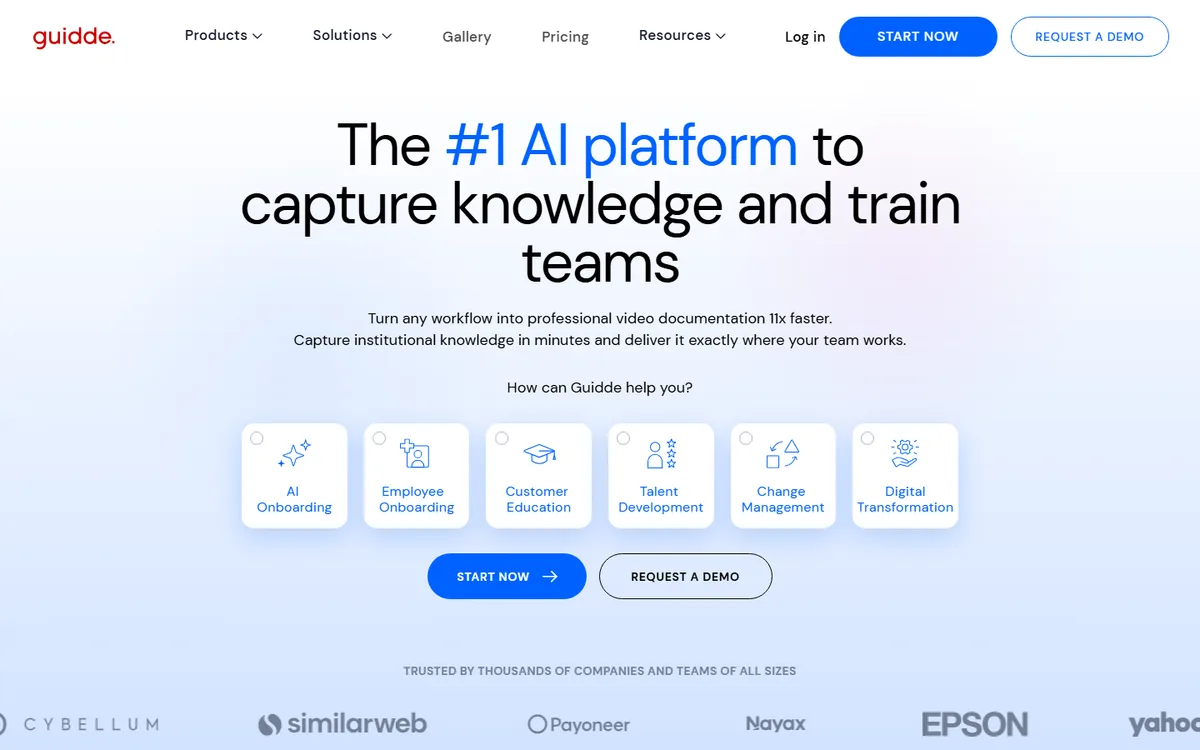
Guidde records your steps on screen and turns them into a short how-to video with automatic voice narration and captions. You edit the script, add your brand and share the clip by link or embed it in your knowledge base.
Video helps with tasks that need to be seen, such as a multi-screen process or a report with many options. Because the narration is automatic, a clip takes minutes, not hours. Videos are harder to update than text, so I suggest using them for stable tasks and keeping a written guide for anything that changes often.
Guidde Strengths
- Videos created quickly with automatic narration
- Branding options and sharing links
- Free plan available
Guidde Weaknesses
- Videos are harder to update than written guides
- Per-creator pricing can add up for larger content teams
Guidde Pricing
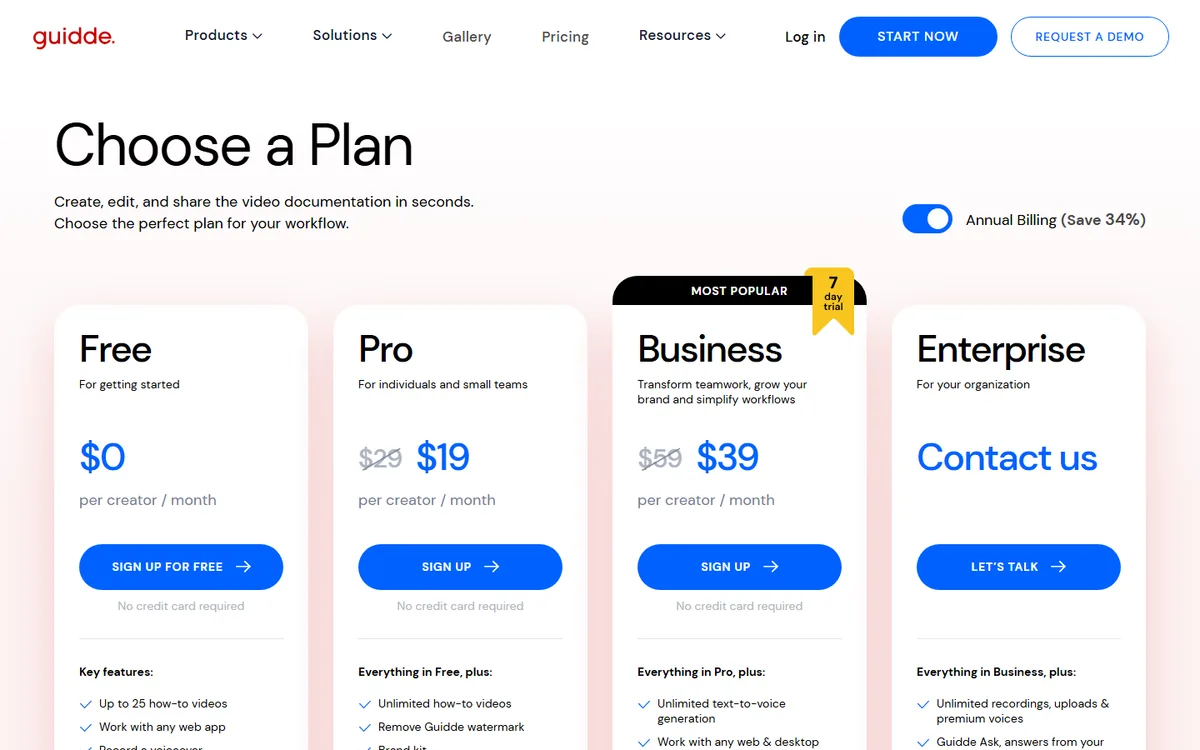
Guidde has a free plan. Pro is listed at $19 per creator a month on annual billing, or $29 monthly, and Business at $39 per creator a month on annual billing, or $59 monthly, with up to five creators. Enterprise is by quote. The pricing page presents the annual and monthly figures together, so confirm which applies when you sign up.
Guidde Reviews
- G2: 4.8 of 5 stars (based on 97 verified reviews)
Estimate the Return on a Training Tool
Before you pick a plan, check whether the numbers work. Enter the hours your team spends answering how-to questions or running repeat sessions, the share a tool could cover and the monthly price, and you will see what it could return over a year. Then confirm that the guides you build match the tasks in your training plan.
Does the Tool Make Sense for You?
Drag the sliders to reflect your tasks and the plan you want to compare.
How to Choose the Right Software Training Tool
Fit with your problem decides more than any feature list. Before you compare vendors, answer four questions:
- How many people do you train, and how often does the software change?
- Do you need completion records, or only guides people can open?
- Should help appear inside the application, or is a link enough?
- Who will keep the material current after launch?
If you are training a small team on one tool, start with Scribe or Guidde. If you need courses, tests and records, look at TalentLMS. For large rollouts where people forget lessons within weeks, evaluate Whatfix, WalkMe or Userlane with a pilot on one application. If you build your own product and want analytics next to the guides, Pendo is the natural candidate. Whatever you pick, give one person ownership of the content, because a tool with stale guides does more harm than none.
Questions About Choosing Software Training Tools
What Is the Best Software Training Tool Overall?
There is no single best tool, because it depends on the problem. For quick guides, I would start with Scribe. For courses and records, TalentLMS. For guidance inside applications across a large rollout, Whatfix or WalkMe.
Do I Need a Learning Management System?
Not for a small rollout. Short guides and recordings in a shared folder can be enough. An LMS pays off when many people, many courses or compliance records are involved.
What Is a Digital Adoption Platform?
It is software that places guidance on top of other applications, such as walkthroughs, tooltips and checklists, and reports how people use them. It helps people complete tasks without leaving the screen.
Are Free Software Training Tools Good Enough?
For small teams, often yes. Scribe, Guidde, TalentLMS and Pendo have free plans with limits. Check user caps and features before you rely on one for a full rollout.
How Much Do Digital Adoption Platforms Cost?
Most vendors, including Whatfix, WalkMe and Userlane, do not publish prices. Cost usually depends on the number of applications and users. Ask for a quote based on your actual scope and compare at least two.
Can These Tools Replace Human Trainers?
They reduce the load, but they do not replace judgment. Champions, live practice and a clear task list remain the basis of good training. The tools make that work easier to sustain.
How Do I Know Whether a Tool Improved Training?
Compare task completion, errors and help desk questions before and after. Tools with analytics help, but the baseline must be recorded before the rollout begins.
Important: prices, plans and ratings move quickly. They were checked in November 2026, so confirm them on each vendor’s site before you buy. Nothing in this article is legal or financial advice.
Did this article help you?
Thanks, noted.
Whitney Sorensen
Whitney leads the Umber editorial team and works with the consultants to turn real client projects into practical guides on software selection, custom development, integration and legacy modernization. Before joining Umber, she spent years writing and editing for engineering and IT teams. She has since reviewed architecture audits, system selections and modernization plans from client projects across industries from manufacturing to healthcare. She works remotely from the USA.