Main Points
- The framework has six phases: frame, define, scan, score, prove and decide.
- Each phase produces a written output that the next one needs.
- Agree scoring weights before any demo and keep them fixed.
- Proof with your own data decides when scores are close.
A framework earns its place when it makes a decision repeatable. If two people run the same selection with it, they should end up with comparable evidence, even if they prefer different tools. The model below is the one I use with clients of the software selection consulting service, trimmed so a small team can run it alone.
It has six phases: frame, define, scan, score, prove and decide. Each one produces a document that the next phase needs, so you never start a phase with missing inputs. Expect two to three weeks for a single tool and six to ten for a core platform.
The Six Phases in One Table
| Phase | Question | Output | Typical time |
|---|---|---|---|
| 1. Frame | What result must the software deliver? | Goal, scope and decision rights | 2 to 3 days |
| 2. Define | What must it do, for whom? | Weighted requirements and scenarios | 1 to 2 weeks |
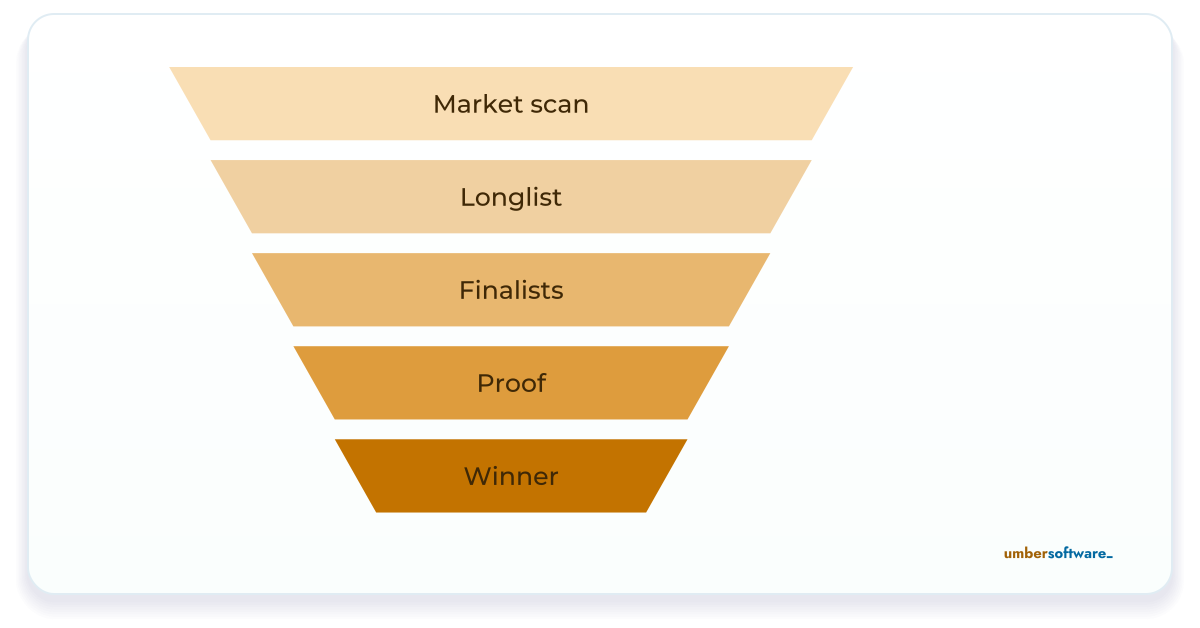
| 3. Scan | Which options exist and fit? | Longlist cut to three to five finalists | 1 week |
| 4. Score | How do finalists compare on paper? | Scored comparison with total cost | 1 week |
| 5. Prove | How do they behave with our data? | Demo and proof-of-concept results | 1 to 3 weeks |
| 6. Decide | What do we choose and on what terms? | Recommendation and negotiation plan | 3 to 5 days |
Phase 1: Frame the Decision
Write the goal as a result: "reduce order entry time by a third" or "give field staff the same data as the office". Add the budget range, the deadline and who decides. Without decision rights, selections drag, because every stakeholder can reopen the list.
Also state what is out of scope. If the project is a CRM, say whether billing and support tickets belong in it.
Phase 2: Define Requirements and Scenarios
Collect requirements from the people who do the work, and sort them into must, should and could. Keep the must list short enough that a vendor can answer each line with yes or no. Then convert the four or five most important workflows into scenarios, which you will use for demos and tests.
Add a technical column: integrations, data volumes, user counts, security needs and hosting constraints. Many options drop out here, and that is the point. The 12-point selection checklist covers the technical items worth including.
Phase 3: Scan the Market
Build a longlist of eight to twelve candidates from analyst coverage, peer review sites and recommendations from similar businesses. Check each against the must-haves, using public documentation. Cut everything that fails one, and write the reason.
Keep one wildcard: an option from outside the usual names, or a hybrid with a custom piece. It keeps the comparison honest and often sharpens the price talk.
Phase 4: Score the Finalists
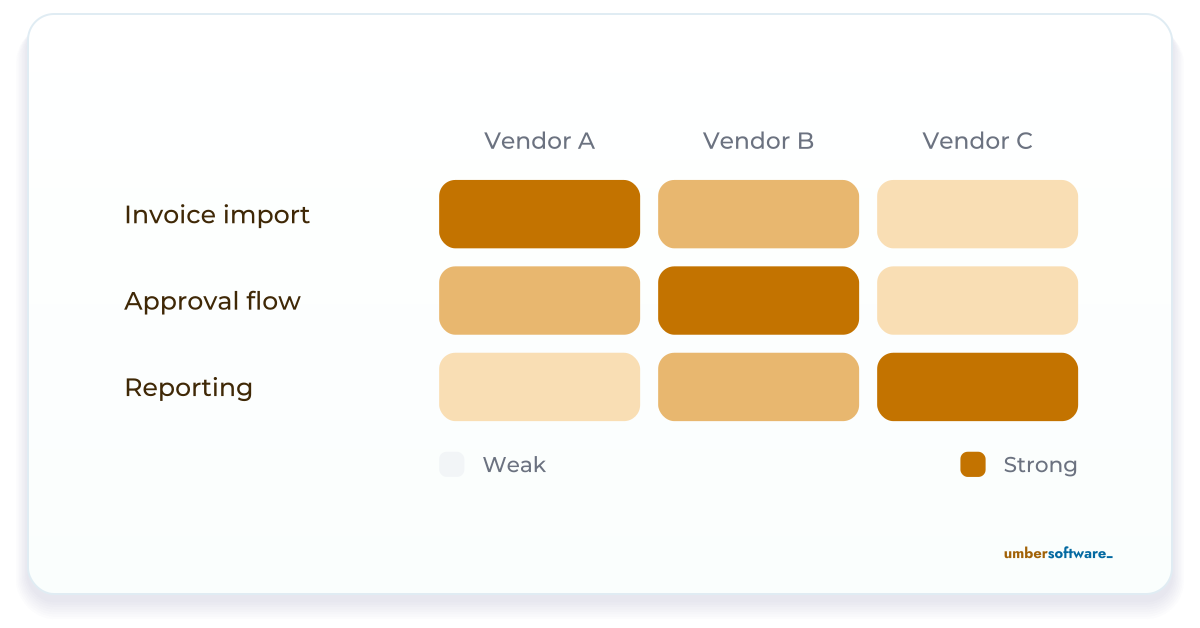
Weights come first. Agree them with stakeholders before any vendor presents, then score each finalist from one to five on every criterion. The worked example below shows how a total score is built: multiply each score by its weight and add the results.
| Criterion | Weight | Vendor A | Vendor B | Vendor C |
|---|---|---|---|---|
| Fit with core workflows | 30% | 4 | 5 | 3 |
| Integration with current systems | 20% | 5 | 3 | 4 |
| Five-year total cost | 20% | 3 | 4 | 5 |
| Security and compliance fit | 15% | 4 | 4 | 3 |
| Vendor stability and support | 15% | 4 | 3 | 4 |
| Weighted total | 100% | 4.0 | 3.9 | 3.8 |
The totals above are an illustration of the method, not data from a real project. The spread is narrow, which is typical. When totals sit this close, the scores do their job by showing where the trade-offs lie, and the proof phase decides.
Add a total cost model here. Include license, implementation, integration, migration, training, support and exit costs over five years, and compare finalists on the same basis. If you are weighing a rebuild of an aging system, the software modernization consulting page covers the other side of that decision.
Phase 5: Prove It With Your Own Data
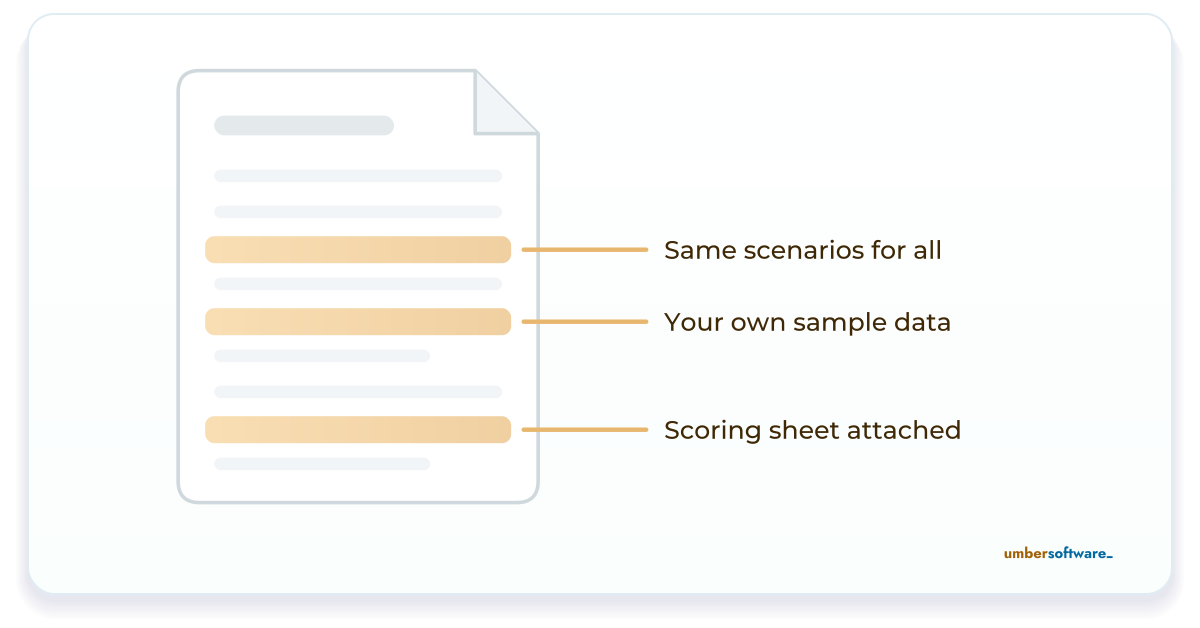
Give finalists the same scenarios and sample data and watch them work. Record time, clicks and errors per scenario. Let users score first, then discuss. For core platforms, add a proof of concept on your hardest process, running for a few days in a sandbox.
Include technical checks in the same phase: import of your real files, an API call against your system, a permission test and a data export. Reference calls belong here too. Ask each reference what went wrong in the first six months.
Phase 6: Decide and Negotiate
Combine scores, proof results, costs and references into a one-page recommendation. State the choice, the main reasons, the risks left and how you will reduce them. Then move to the contract with a list of what you want: price caps at renewal, data export rights, service levels, termination terms.
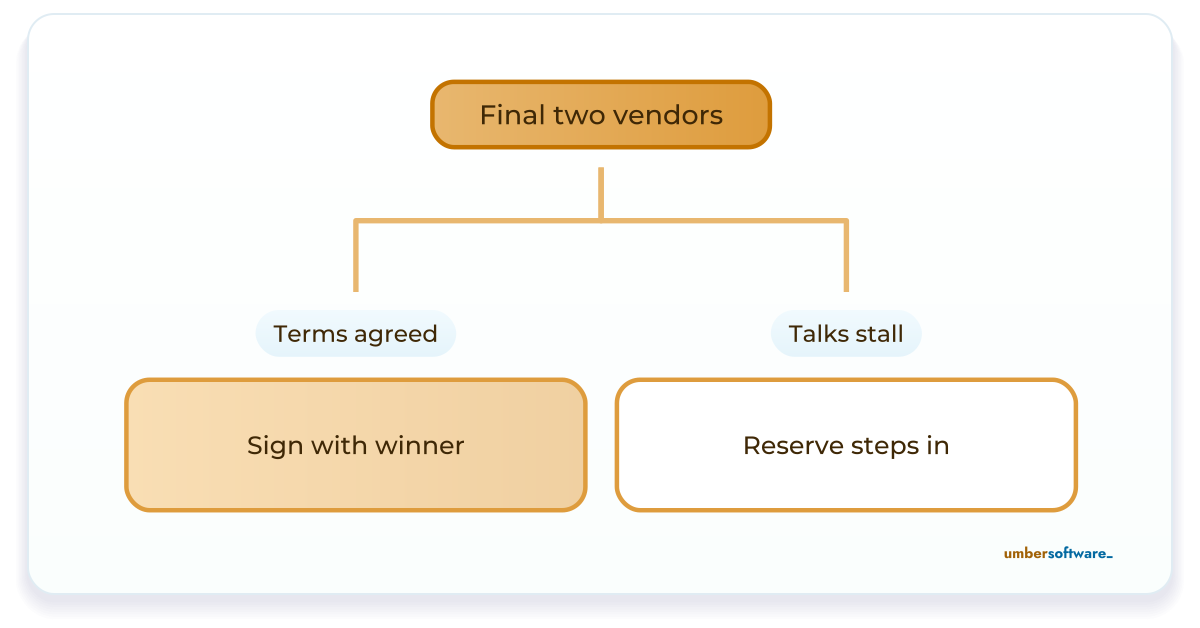
Hold the second-place finalist in reserve until the contract is signed. It keeps the negotiation honest, and it gives you a fallback if terms stall. After signing, move straight into rollout planning. A complete software selection guide covers the thinking behind each phase in more depth.
Who Plays Which Part in the Framework
Each phase needs an owner, a contributor group and a sign-off. Keeping the roles clear prevents the common failure where everyone attends and nobody decides.
| Phase | Owner | Contributes | Signs off |
|---|---|---|---|
| Frame | Project owner | Sponsor | Sponsor |
| Define | Project owner | Daily users, IT | Process owners |
| Scan | Project owner | IT, procurement | Project owner |
| Score | Project owner | Finance, security | Steering group |
| Prove | Daily users | IT, vendors | Project owner |
| Decide | Sponsor | Procurement, legal | Sponsor |
What a Good Demo Script Looks Like
A demo script is one page. It lists three to five scenarios, each with a starting point, the steps a user takes and what a good result looks like. A typical scenario for an order system: a customer changes an order after it has shipped partially, and the invoice must adjust. The script states which data to load, which screens to show and what to measure, such as steps taken and time to finish.
Send the script to each vendor a week before the session, along with a sample file. Vendors who ask good questions about the scenarios usually understand your business. Those who answer every question with "we can configure that" deserve a follow-up on how long the configuration takes and what it costs.
Ways the Framework Gets Bent
The framework fails in predictable ways. Weights change after the demos. A favorite vendor receives extra time. The proof phase shrinks to a trial that nobody scores. Each one turns an evidence-based process into a ceremony around a decision that was made earlier.
- Lock the weights in writing before the first demo.
- Give every finalist the same time and the same script.
- Score separately before group discussion.
- Record exceptions and the reason, so the file tells the truth.
Teams often ask whether the framework is too heavy for a small purchase. It is not, once you scale each document down. A requirement list can be one page, the scoring sheet five rows and the demo script two scenarios. The discipline matters more than the volume, and even a light version stops the most expensive mistake: choosing a tool because the first demo was impressive.
Recording the Decision So It Survives Staff Changes
A selection decision is questioned again at renewal time, usually by someone who was not in the room. Keep one folder with the goal, the requirement list, the scoring sheet with weights, the demo scripts and notes, the cost model, the reference notes and the contract markup. Add a one-page summary that names the alternatives and the reasons they lost.
That folder pays back three times. It shortens the rollout, since the requirements double as acceptance tests. It strengthens your position at renewal, because you know what alternatives scored. And it cuts the effort of the next selection by half, since much of the market scan and the criteria carry over with small updates.
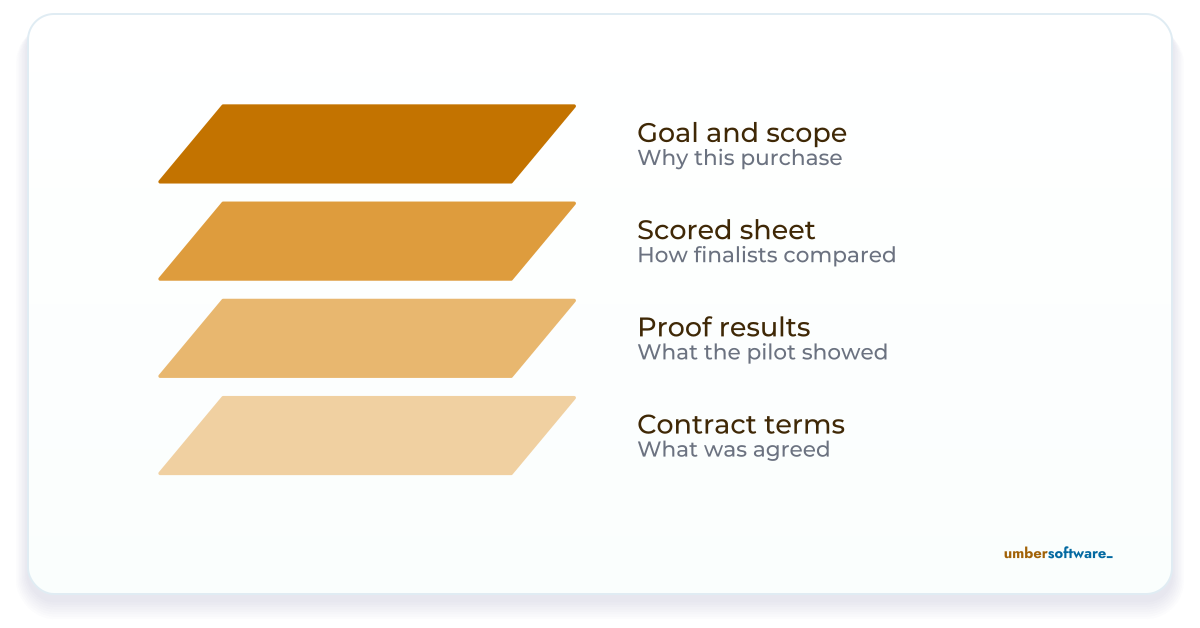
Review the file a few months after go-live and compare reality with the scores. Where the product underperformed a score, note why. Those notes improve your weights next time more than any template could.
Time-Boxing Each Phase
Selections that drift usually have no deadline per phase. Give each one a time box and a person who calls it. If the define phase is still open after two weeks, cut the must list rather than extend the calendar. If the scan phase keeps producing new names, stop adding after the date and take the wildcard into the proof phase. Deadlines protect the decision from perfectionism, and a decent choice made on time beats a perfect one made after the budget year ends.
How to Adapt the Framework to Your Size
Small purchases can merge phases: frame and define in one workshop, scan and score in a week. Large ones add a steering group, a formal proof of concept and legal review. The order stays. What changes is the weight of each document.
- Under 20 users and one integration: run phases 1 to 4 in about two weeks.
- Core platform with several integrations: run all six phases with a proof of concept.
- Regulated data: add a security review to phase 5 and legal review to phase 6.
- Existing tool under review: add a keep-and-improve option to phase 3.
Whichever size you pick, assign one person to keep the documents current. A framework that lives in five inboxes stops being a framework.
Questions About a Software Selection Framework
What Is a Software Selection Framework?
A repeatable model for choosing software: frame the goal, define requirements, scan the market, score finalists, prove them with your own data and decide. It makes two selections comparable and keeps opinions from replacing evidence.
How Long Does the Framework Take?
Two to three weeks for a single tool and six to ten weeks for a core platform. The proof phase takes the most time, since it involves vendors, users and technical checks.
How Do I Choose the Weights?
Agree them with stakeholders before the demos. Start from your goal: if integration drives the result, weight it high. Keep the number of criteria between five and eight, so every score matters.
What If the Scores Are Very Close?
Look at the lowest single score of each finalist, review the proof results and compare references. Close totals usually mean the trade-offs matter more than the number. You can also negotiate on the points where each vendor scored lowest.
Do I Need a Proof of Concept for Every Purchase?
No. Small tools can rely on scripted demos and a trial. Add a proof of concept for core platforms, regulated data or processes with unusual exceptions.
Can I Use the Framework to Decide Between Buying and Building?
Yes. Add build and hybrid options to the longlist in phase three and score them on the same criteria, including five-year cost and maintenance effort.
Who Should Own the Scoring Sheet?
One person, usually the project owner. Everyone fills in their own scores independently and the owner combines them. It stops the loudest voice from setting the result.
Please note: this guide is general information and not legal, financial or tax advice. Numbers and examples are typical-project estimates; confirm current details with your providers and advisers.
Did this article help you?
Thanks, noted.
Whitney Sorensen
Whitney leads the Umber editorial team and works with the consultants to turn real client projects into practical guides on software selection, custom development, integration and legacy modernization. Before joining Umber, she spent years writing and editing for engineering and IT teams. She has since reviewed architecture audits, system selections and modernization plans from client projects across industries from manufacturing to healthcare. She works remotely from the USA.