Main Points
- Open-source frameworks like Playwright, Cypress and Selenium are the strongest starting point if developers write your tests.
- Cloud services such as BrowserStack and Sauce Labs cover real devices and browsers without a device lab.
- Low-code tools like Katalon and mabl help manual testers move into automation.
- Choose by what you test and who maintains the tests, then run a short pilot before you commit.
The Best Software Quality Assurance Tools at a Glance
| Tool | Type | Best for |
|---|---|---|
| 1. BrowserStack | Cloud testing platform | Teams that need real browsers and devices without owning them |
| 2. Playwright | Open-source test automation framework | Developers writing fast, reliable browser tests |
| 3. Selenium | Open-source browser automation | Teams that need broad language support and the largest ecosystem |
| 4. Cypress | JavaScript end-to-end testing framework | Front-end teams that want a smooth developer experience |
| 5. Postman | API testing platform | Teams that test and document APIs |
| 6. TestRail | Test case management | QA teams that need organized test cases and reporting |
| 7. Katalon | Low-code test automation platform | Mixed teams of testers and developers who want one platform |
| 8. Sauce Labs | Cloud testing and app distribution | Teams running large automated suites across devices and browsers |
| 9. Applitools | Visual AI testing | Teams that need to catch layout and visual bugs |
| 10. mabl | AI-assisted low-code test automation | Agile teams that want fast, low-maintenance browser and API tests |
| 11. Tricentis Tosca | Enterprise model-based test automation | Large organizations testing packaged software such as ERP |
| 12. TestComplete | Desktop, web and mobile test automation | Teams testing Windows desktop applications alongside web |
The 12 Best Software Quality Assurance Tools, Ranked
I start with tools that fit the widest range of teams and move toward specialist and enterprise platforms. Keep in mind that tools do not create quality by themselves. In the software quality assurance consulting work I do, a team with clear test goals and an average tool beats a team with an expensive tool and no plan. Pair your choice with the habits in the QA best practices guide.
BrowserStack
The Fastest Way to Test on Real Browsers and Devices Without Buying a Device Lab
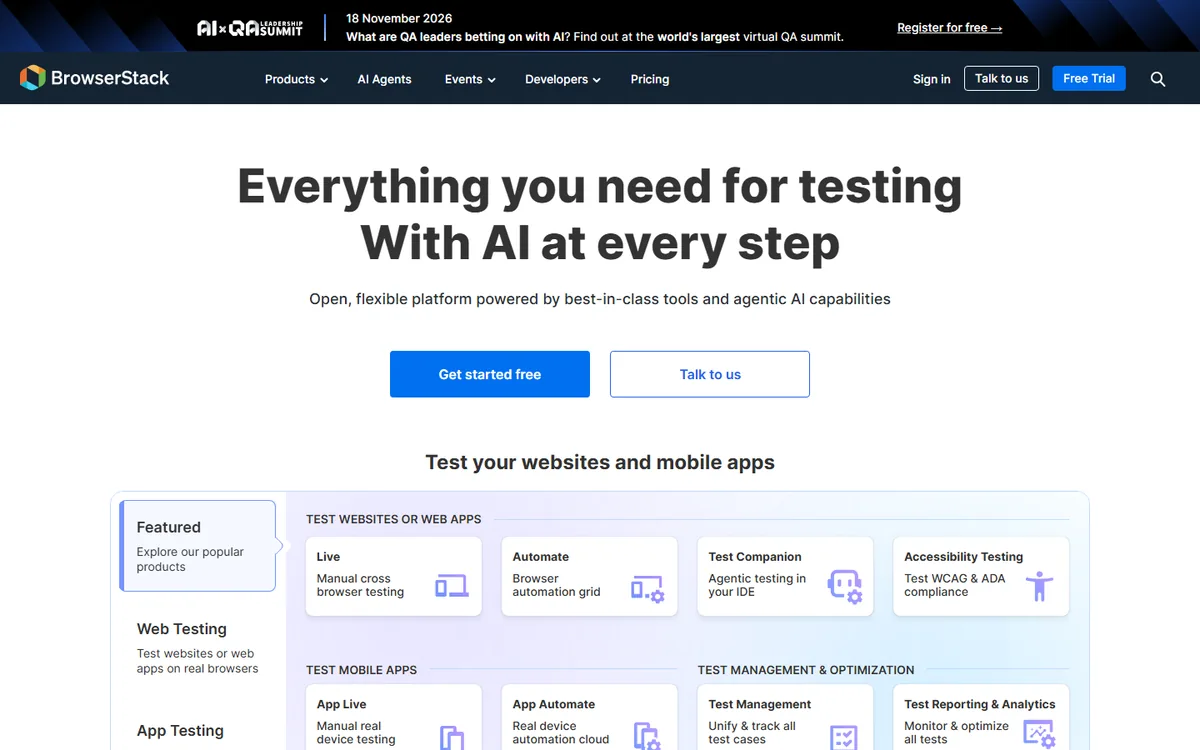
BrowserStack gives your team access to thousands of real browsers and mobile devices in the cloud, for both manual checks and automated runs. It also offers test management, accessibility testing and visual testing under the same account.
In the QA projects I review, compatibility bugs on a handful of older phones and one browser version cause a surprising share of customer complaints. BrowserStack removes the excuse for missing them, since a tester can open the exact device in seconds. The trade-off is cost: parallel test sessions are what you pay for, and a team that runs a large automated suite will pay more than the entry prices suggest.
BrowserStack Strengths
- Huge range of real devices and browsers, so coverage claims are credible
- Works with Selenium, Playwright and Cypress suites you already have
- Live sessions let testers reproduce a customer's exact setup
BrowserStack Weaknesses
- Parallel sessions drive cost up as suites grow
- Many products under one name can make plan choice confusing
BrowserStack Pricing
BrowserStack's published prices start with Live at $29 a month for one desktop user on annual billing, and $39 for desktop and mobile. Automate, for running test suites, starts at $99 a month for desktop and $175 for desktop and mobile, both billed annually. Team, Pro and Enterprise tiers add users and parallel sessions, and the largest ones need a sales quote.
BrowserStack Reviews
- G2: 4.4 of 5 stars (based on 3,369 verified reviews)
Playwright
The Best Free Framework for Modern, Reliable Browser Tests Written by Developers
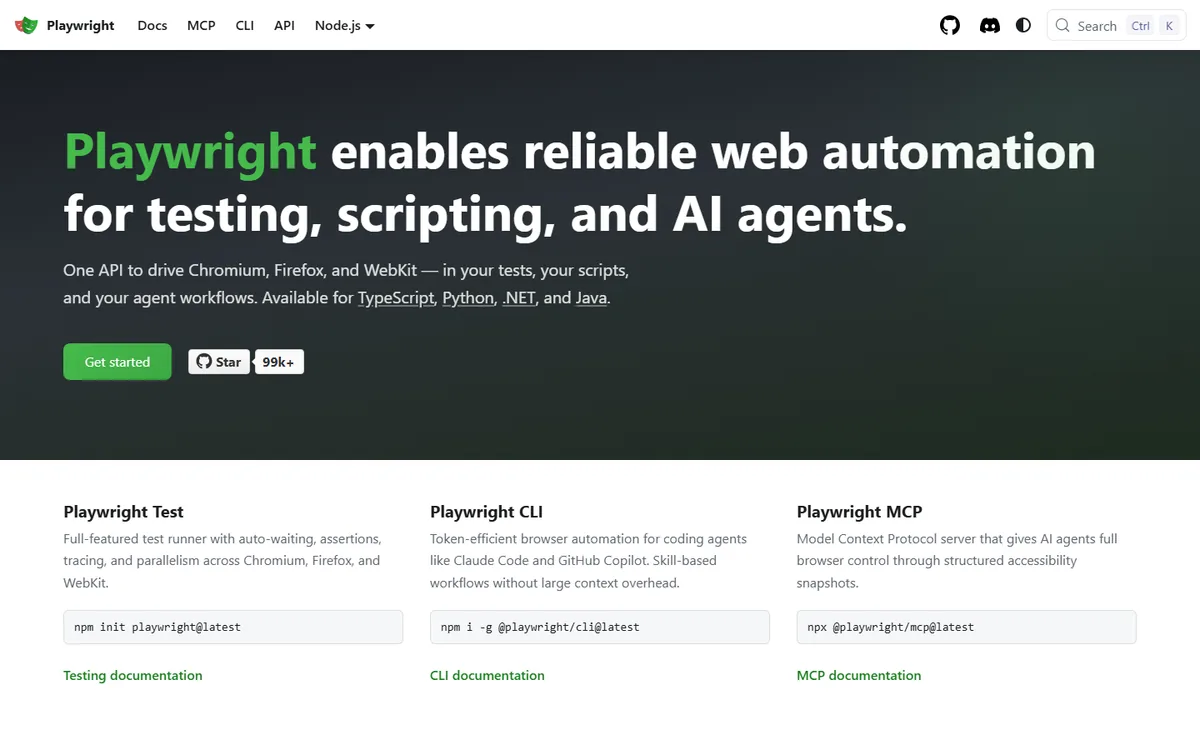
Playwright is an open-source framework from Microsoft that drives Chromium, Firefox and WebKit from one API. You write tests in TypeScript, JavaScript, Python, Java or .NET, and it waits for elements automatically, which removes a whole class of flaky tests.
When I take over a shaky test suite, the failures are usually timing problems: a click happens before the page is ready. Playwright's auto-waiting and built-in tracing make those problems visible and fixable. It is a developer tool, so expect to write code. Teams without engineers on QA often prefer a low-code option from later in this list.
Playwright Strengths
- Auto-waiting and trace viewer cut flaky failures and debugging time
- One API covers three browser engines
- Free, with fast parallel runs built in
Playwright Weaknesses
- Requires programming skills
- Real mobile devices need a separate cloud service
Playwright Pricing
Playwright is free and open source, so you pay only for the machines or cloud services that run your tests.
Playwright Reviews
- G2: 4.8 of 5 stars (based on 14 verified reviews)
Selenium
The Long-Standing Standard for Browser Automation, With the Biggest Ecosystem Around It
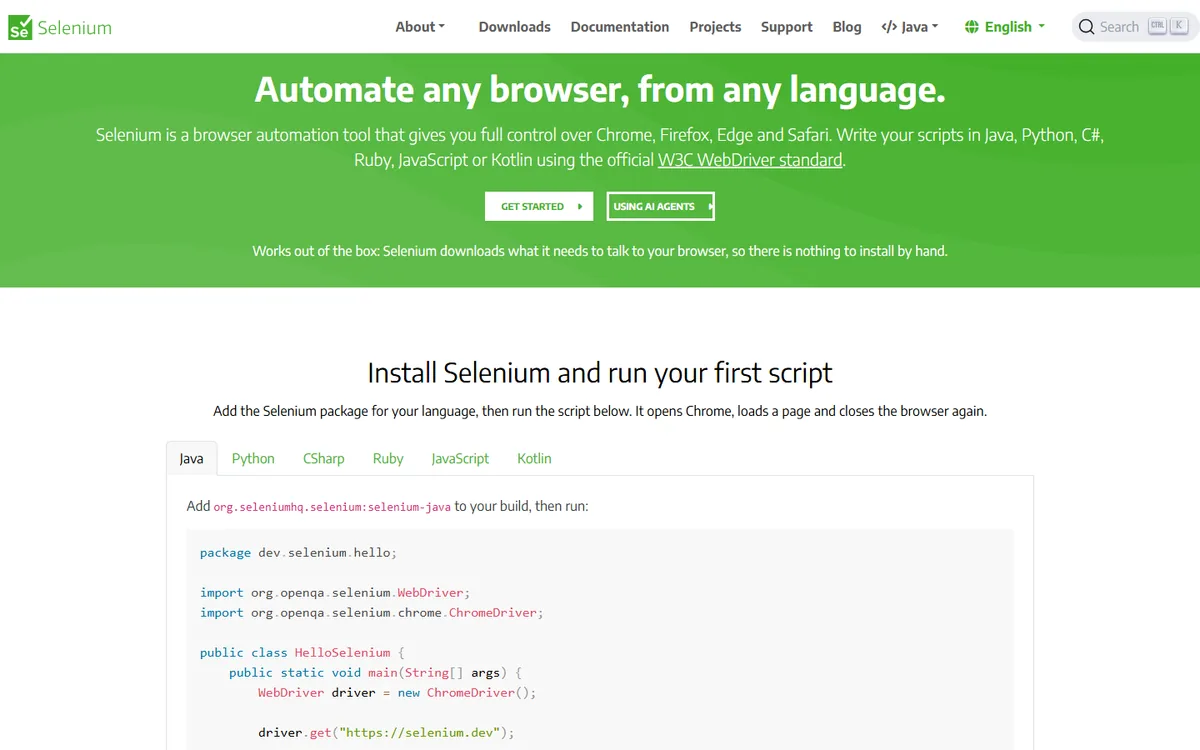
Selenium is the open-source project behind WebDriver, the standard way to automate browsers. It supports Java, Python, C#, JavaScript and Ruby, and nearly every other testing tool integrates with it in some way.
Selenium is where many QA careers start, and a large share of enterprise test suites still run on it. It is flexible and well documented. The price of that flexibility is setup: you assemble waits, reporting and parallel execution yourself, and a poorly structured Selenium suite becomes costly to maintain. I recommend it when your team already knows it or needs a language the newer tools do not support.
Selenium Strengths
- Supports many languages and every major browser
- Enormous community, with answers for almost any problem
- Integrates with nearly all cloud testing and reporting tools
Selenium Weaknesses
- Needs more setup and discipline than newer frameworks
- Flaky tests are common without careful design
Selenium Pricing
Selenium is free and open source. Your costs are the infrastructure and the engineering time to maintain the suite.
Selenium Reviews
- G2: rating not shown for the standalone project
Cypress
A Developer-Friendly Test Runner That Shows You Exactly What Happened at Each Step
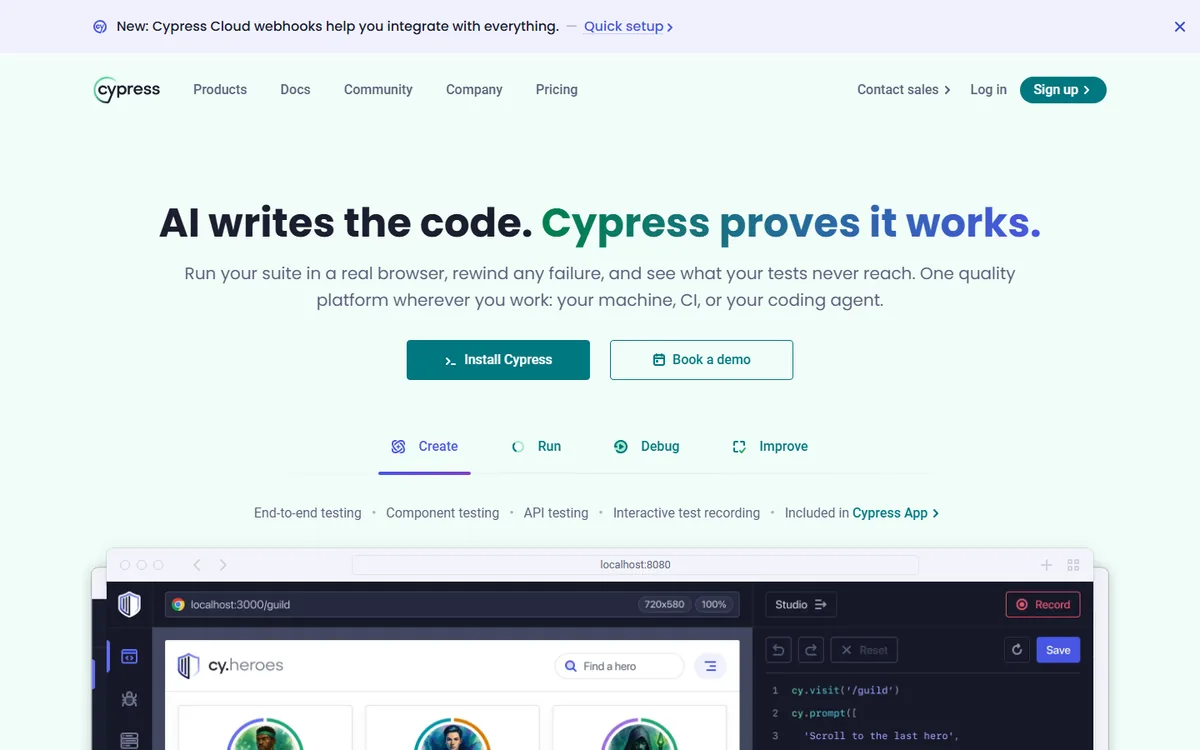
Cypress runs inside the browser and gives you a visual runner with time-travel snapshots, so you can see the page at every step of a test. The core framework is free, and Cypress Cloud adds recording, parallel runs and analytics.
Front-end developers pick up Cypress quickly, and that speed matters: tests that developers enjoy writing are the ones that actually exist. I have seen teams double their number of end-to-end tests within a quarter after switching. Its limits are real, however. It focuses on JavaScript and the browser, and multi-tab or cross-origin scenarios need workarounds.
Cypress Strengths
- Excellent debugging with snapshots and clear error messages
- Quick to learn for JavaScript developers
- Cloud dashboard shows flaky tests and trends
Cypress Weaknesses
- Limited to JavaScript and TypeScript
- Cross-origin and multi-tab flows are harder than in Playwright
Cypress Pricing
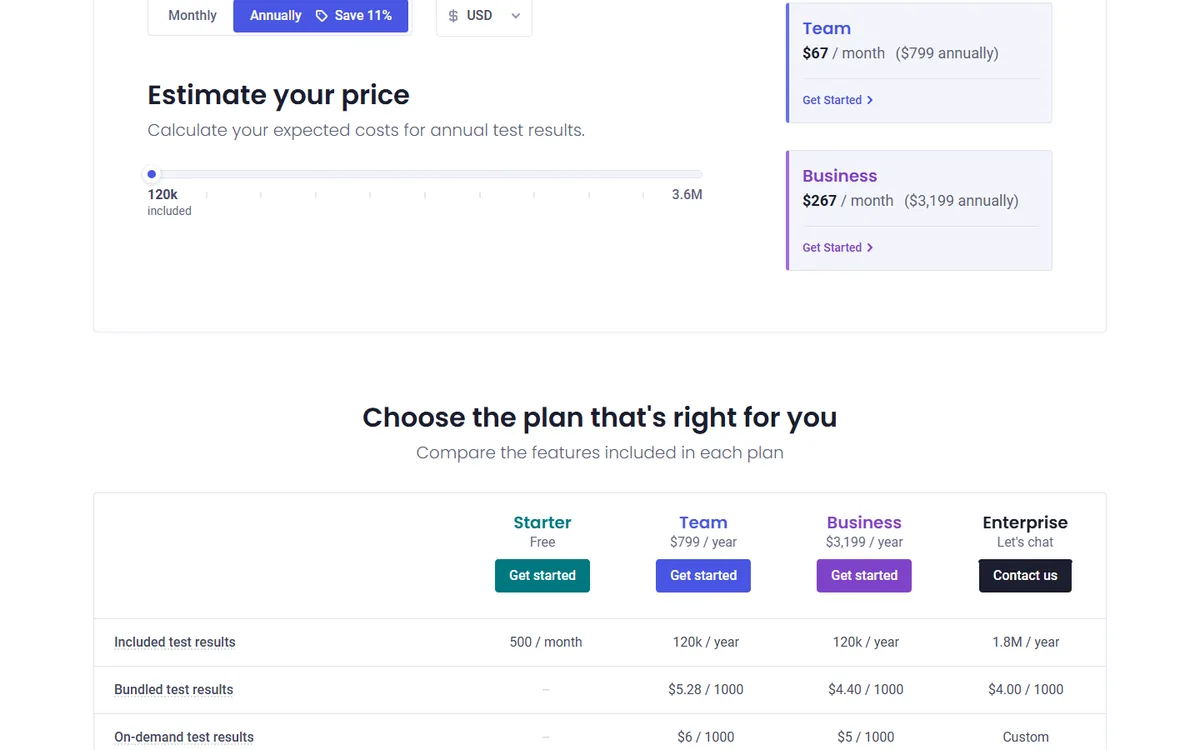
The Cypress app is free. Cypress Cloud has a free Starter plan, a Team plan from $67 a month billed annually at $799, and a Business plan from $267 a month billed annually at $3,199. Enterprise pricing is custom.
Cypress Reviews
- G2: 4.7 of 5 stars (based on 107 verified reviews)
Postman
The Go-To Place to Build, Test and Share API Checks Across Your Whole Team
Postman lets you send requests, write assertions, run collections and monitor APIs from one workspace. It also helps teams share API documentation and mock servers.
Modern products are mostly APIs, and API tests are faster and steadier than browser tests. In my experience a good Postman collection run in the pipeline catches a large share of integration breaks before the interface is even built. Its weakness shows when collections grow large: organization and review of tests needs discipline, or the workspace turns into a pile of unlabeled requests.
Postman Strengths
- Easy to start, so non-developers can run API checks
- Collections run in CI through the command line
- Shared workspaces keep API knowledge in one place
Postman Weaknesses
- Large collections get hard to organize
- Some collaboration features need paid plans
Postman Pricing
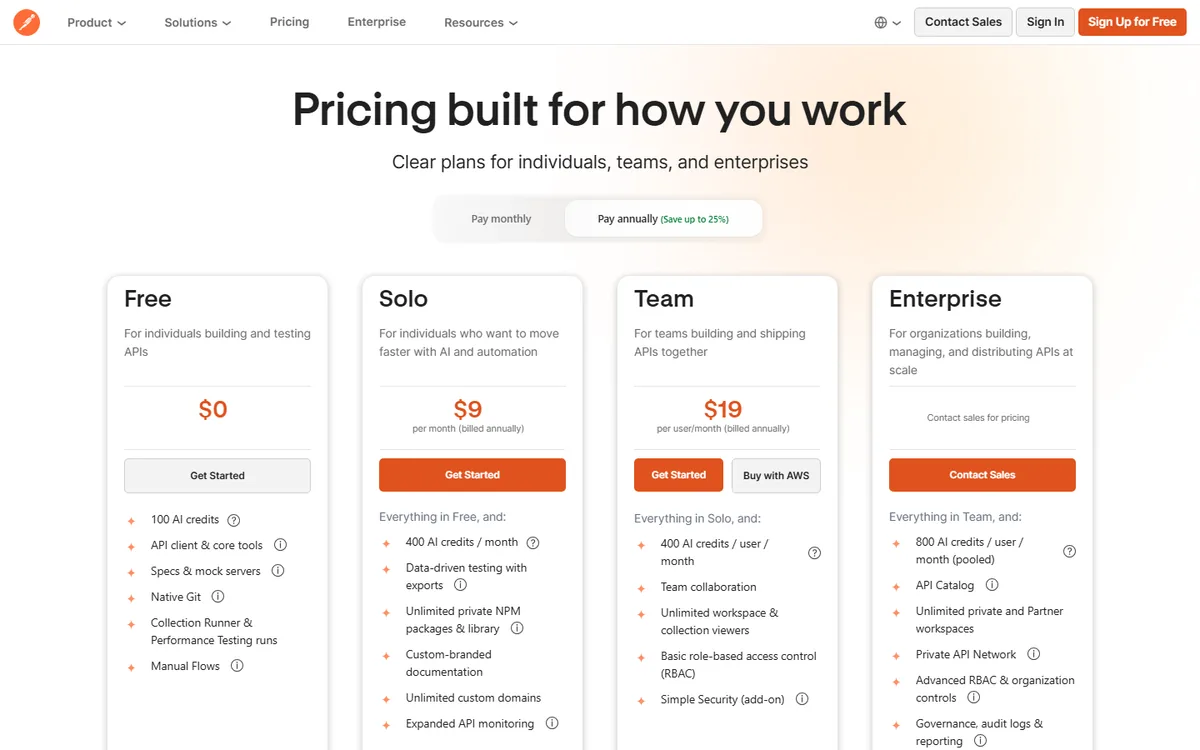
Postman has a free plan, a Solo plan at $9 a month and a Team plan at $19 per user a month, both billed annually. Enterprise pricing is not published.
Postman Reviews
- G2: 4.6 of 5 stars (based on 1,795 verified reviews)
TestRail
The Reliable Home for Test Cases, Runs and Reports When Spreadsheets Stop Scaling
TestRail stores your test cases, organizes them into plans and runs, and reports results with traceability to requirements and defects. It connects to Jira and many automation tools.
Every team outgrows spreadsheets, usually when a second tester joins or an auditor asks for evidence. TestRail gives you history and reporting that stand up to that question. It does not run tests itself, so budget for it alongside your automation tools. The interface feels dated next to newer products, but the structure is clear and testers learn it fast.
TestRail Strengths
- Clear structure for cases, suites, plans and runs
- Strong reporting and traceability for audits
- Integrates with Jira, CI tools and automation frameworks
TestRail Weaknesses
- Does not execute tests
- Interface looks older than newer rivals
TestRail Pricing
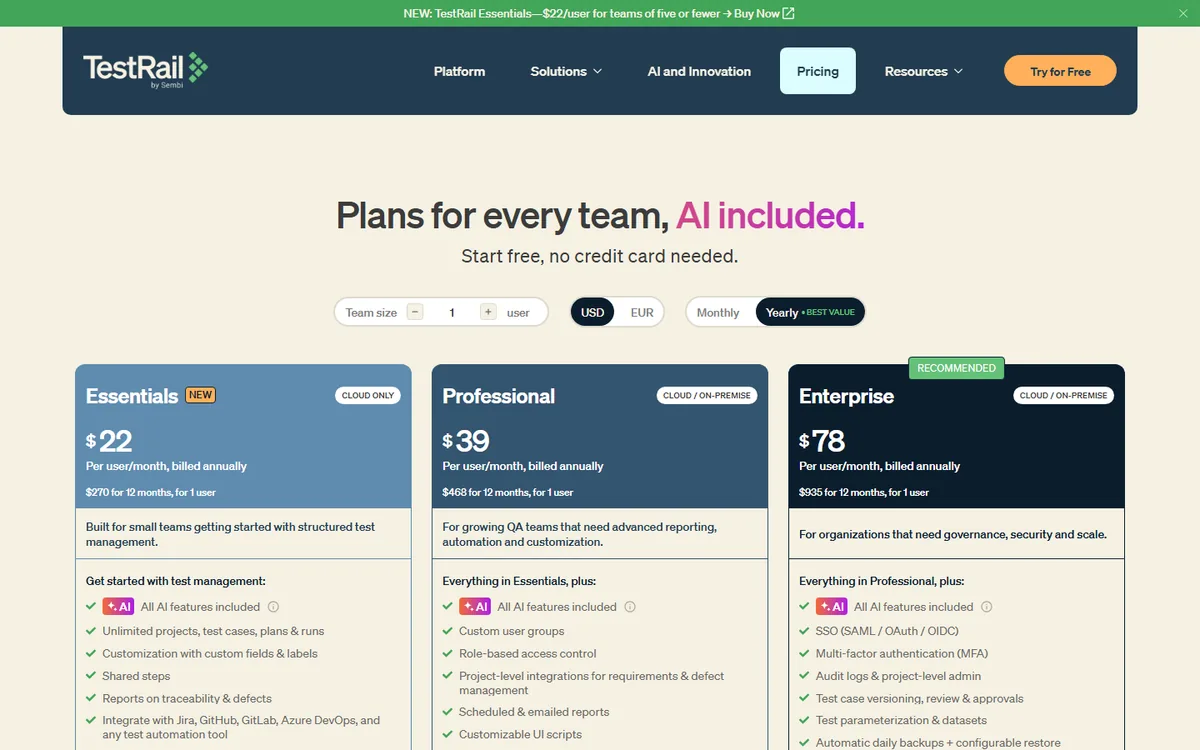
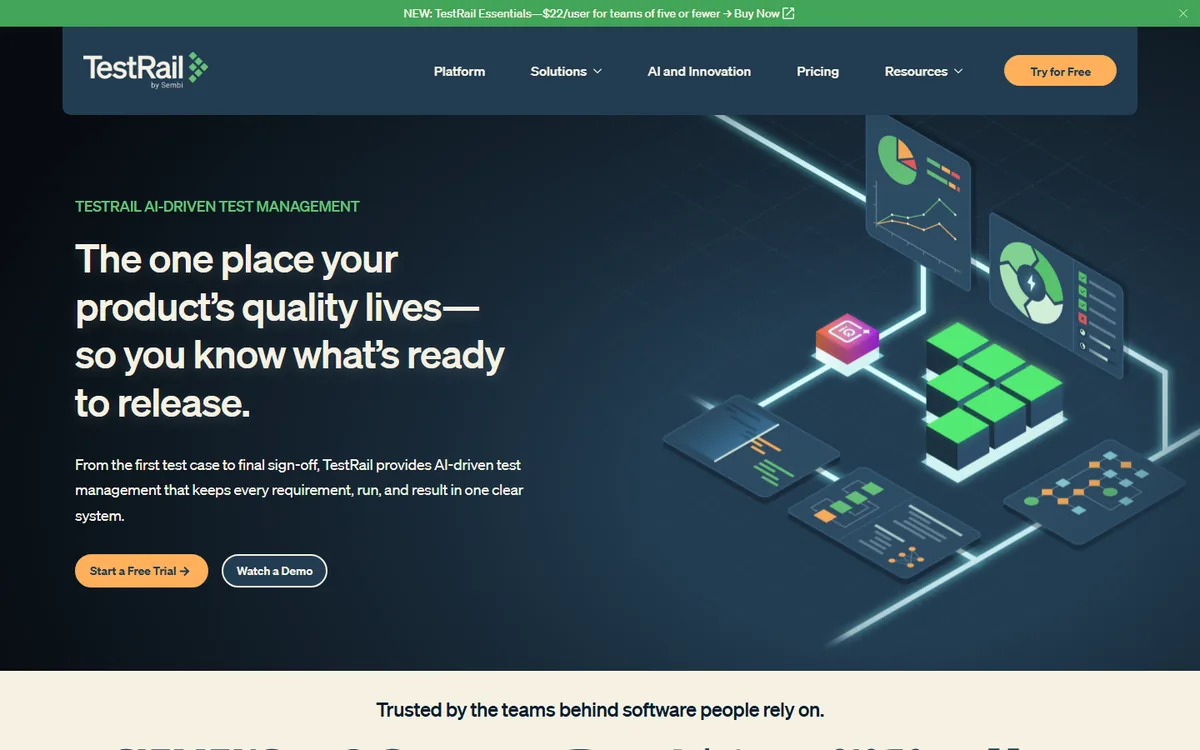
TestRail Cloud lists Essentials at $22 per user a month for up to five users, Professional at $38 and Enterprise at $78, all billed annually. Essentials and Professional can also be billed monthly. The page shows $39 for Professional in one place, so confirm the figure with sales.
TestRail Reviews
- G2: 4.4 of 5 stars (based on 663 verified reviews)
Katalon
A Single Platform for Web, Mobile and API Tests That Testers Without Deep Coding Skills Can Use
Katalon combines record-and-playback with a scripting mode, so testers can start with recorded steps and developers can extend them with code. It covers web, mobile, API and desktop testing, and adds test management and execution in its wider platform.
Katalon suits teams where manual testers need to move into automation without a full programming course. I have watched testers build their first stable web suite within a few weeks. The downside is lock-in to the platform's structure, and larger suites can feel slower to maintain than code-based frameworks.
Katalon Strengths
- Record and playback plus scripting for different skill levels
- Covers web, mobile, API and desktop in one tool
- Built-in reporting and integrations
Katalon Weaknesses
- Costs per seat add up for larger teams
- Less flexible than code-first frameworks
Katalon Pricing
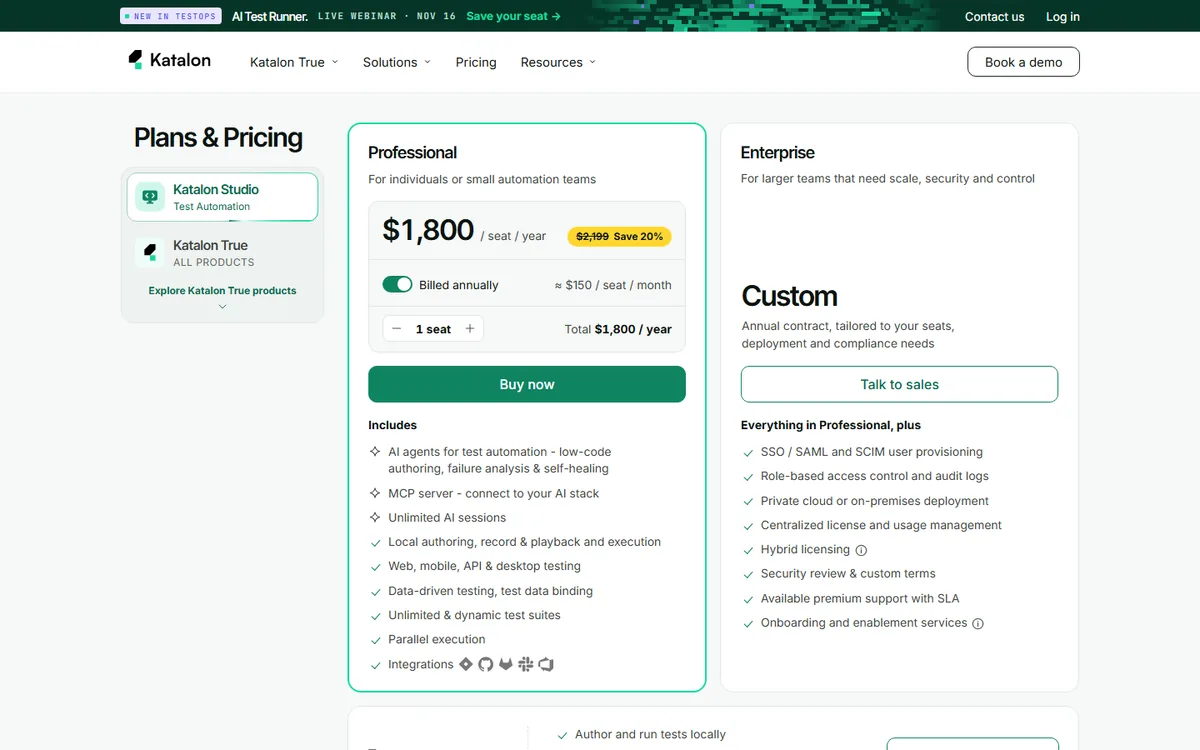
Katalon Studio has a free tier with local authoring and execution. Professional costs $1,800 per seat per year on annual billing, and Enterprise pricing is custom. Pricing for its True platform bundles is not published.
Katalon Reviews
- G2: 4.4 of 5 stars (based on 230 verified reviews)
Sauce Labs
A Mature Cloud for Running Large Automated Suites, With Strong Mobile and Reporting Options
Sauce Labs runs your automated tests on browsers, emulators and real devices in the cloud, with analytics that show failure trends. It also covers app beta distribution and error reporting.
Sauce Labs competes closely with BrowserStack, and the choice often comes down to reporting, support and price at your volume. In my comparisons, its analytics for spotting flaky tests were a strong point. Check the real device availability for the specific models your customers use before you commit.
Sauce Labs Strengths
- Detailed analytics for failures and flaky tests
- Supports Selenium, Playwright, Cypress and Appium
- Combines testing with app distribution and error reporting
Sauce Labs Weaknesses
- Higher tiers require sales conversations
- Pricing is split across several products
Sauce Labs Pricing
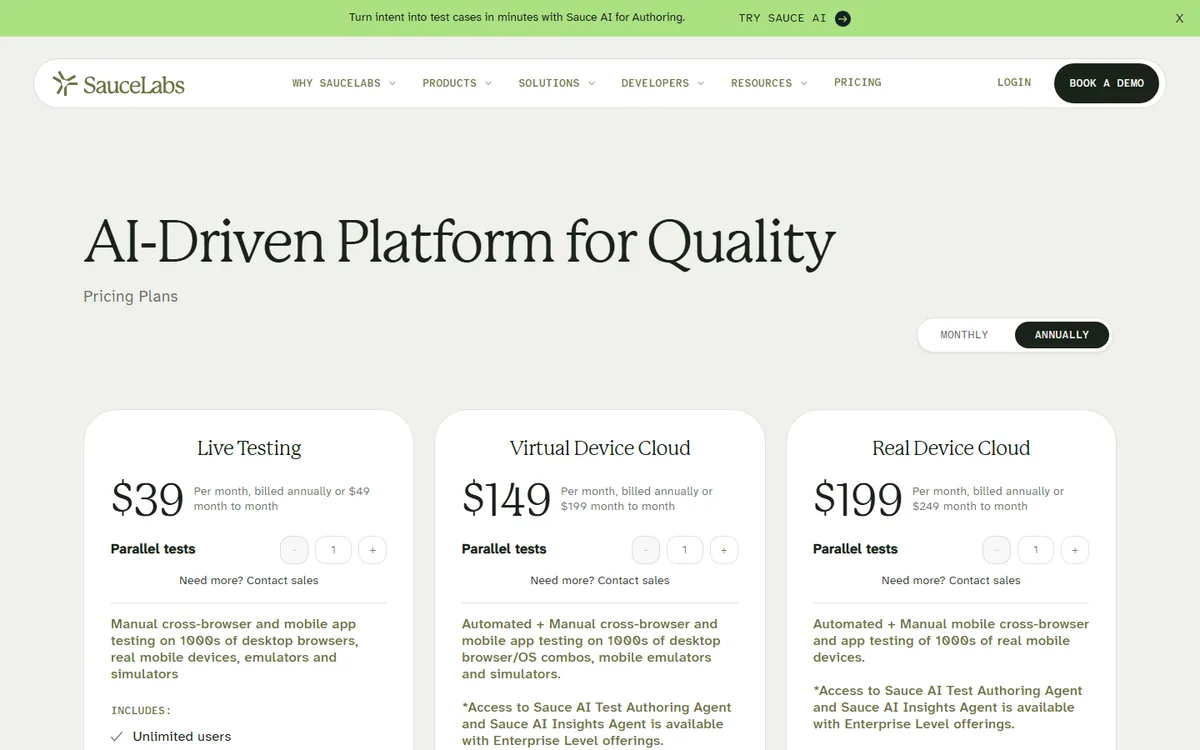
Sauce Labs lists Live Testing at $39 a month billed annually, Virtual Device Cloud at $149 and Real Device Cloud at $199. Mobile App Distribution is $249, also billed annually. Enterprise, Error Reporting and Visual are quote-only.
Sauce Labs Reviews
- G2: 4.4 of 5 stars (based on 197 verified reviews)
Applitools
The Best Option for Catching Visual Bugs That Functional Tests Walk Right Past
Applitools compares screenshots of your application against approved baselines using visual AI, so it flags real layout problems and ignores harmless pixel noise. It plugs into Selenium, Playwright, Cypress and others.
A functional test can confirm a button works while the button sits behind a banner. Visual testing catches that. I recommend adding Applitools to a stable functional suite and not buying it first, since visual checks need predictable data. Reviewing baselines takes human time, and the savings come only if someone owns that review.
Applitools Strengths
- Ignores minor rendering noise that creates false alarms in simple screenshot tools
- Adds to your existing test frameworks without a rewrite
- Good for cross-browser layout checks
Applitools Weaknesses
- Not a replacement for functional tests
- Baseline review needs regular attention
Applitools Pricing
Applitools publishes a Starter plan at $667 per month, paid annually. Professional and Enterprise plans have no fixed price and need a quote.
Applitools Reviews
- G2: 4.3 of 5 stars (based on 92 verified reviews)
mabl
A Low-Code Tool With Self-Healing Tests That Cuts the Upkeep of Browser Suites
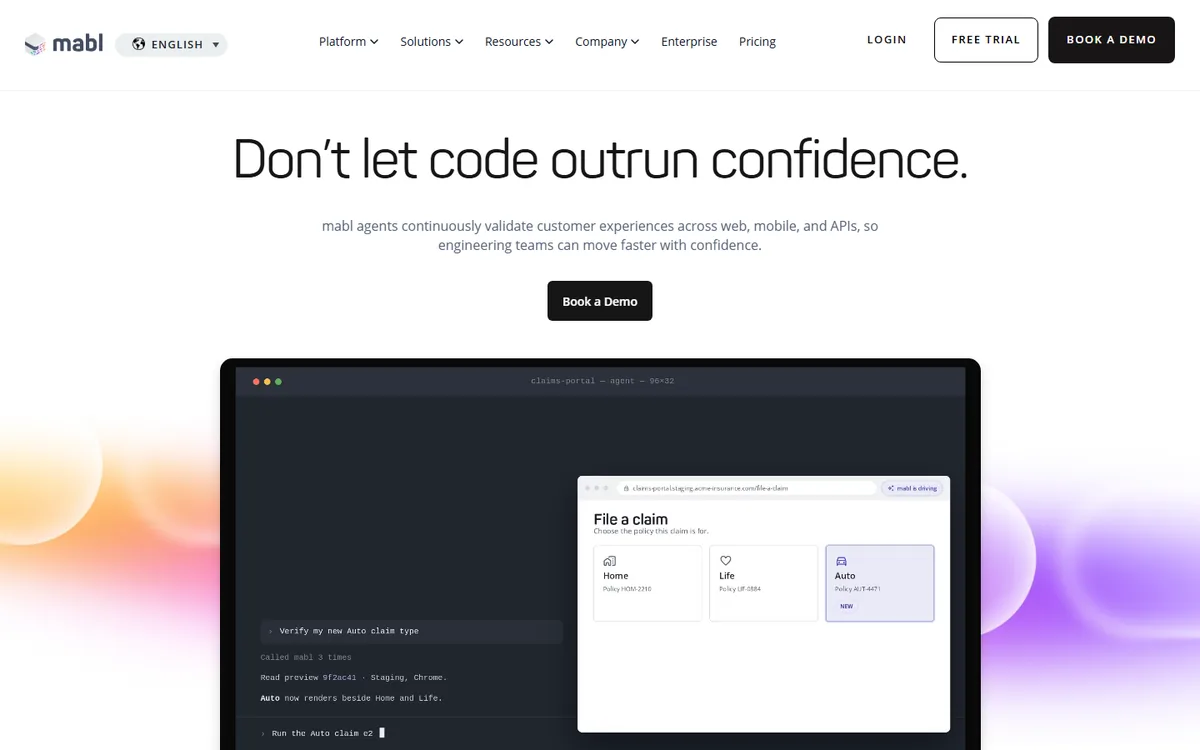
mabl lets you build tests by recording or low-code steps, then uses AI to adapt tests when the interface changes. It runs in the cloud and covers web, mobile web and API checks.
Test maintenance eats more QA time than test creation, so anything that cuts upkeep matters. Self-healing tests help, though they can hide real changes if no one reviews what healed. I treat the healing log as something to read weekly, not something to trust blindly.
mabl Strengths
- Quick to create tests without deep coding
- Self-healing reduces breakage after interface changes
- Cloud execution and reporting included
mabl Weaknesses
- Custom pricing
- Less control than code-first frameworks
mabl Pricing
mabl does not publish plan prices. Pricing is custom, and cloud test runs start at 500 credits a month, while local runs are free. A 14-day free trial is available.
mabl Reviews
- G2: 4.4 of 5 stars (based on 40 verified reviews)
Tricentis Tosca
A Heavyweight Platform for Enterprise Applications Where Code-Based Frameworks Struggle
Tosca uses a model-based approach: you scan an application once, build reusable modules and assemble tests from them without writing scripts. It has long been used for SAP, Salesforce and other packaged enterprise software.
If your core systems are ERP and CRM platforms, a Selenium script is a poor fit and Tosca earns its place. It also brings licensing, training and consultant costs that smaller teams will not justify. I suggest it only where test volume and application complexity are high.
Tricentis Tosca Strengths
- Strong support for packaged enterprise applications
- Reusable modules cut maintenance across many tests
- Scriptless approach suits non-developers
Tricentis Tosca Weaknesses
- Expensive and heavy for small teams
- Needs training to use well
Tricentis Tosca Pricing
Tricentis does not publish Tosca pricing. You request a quote or demo.
Tricentis Tosca Reviews
- G2: 4.3 of 5 stars (based on 77 verified reviews)
TestComplete
One of the Few Tools That Handles Windows Desktop Applications as Well as Web and Mobile
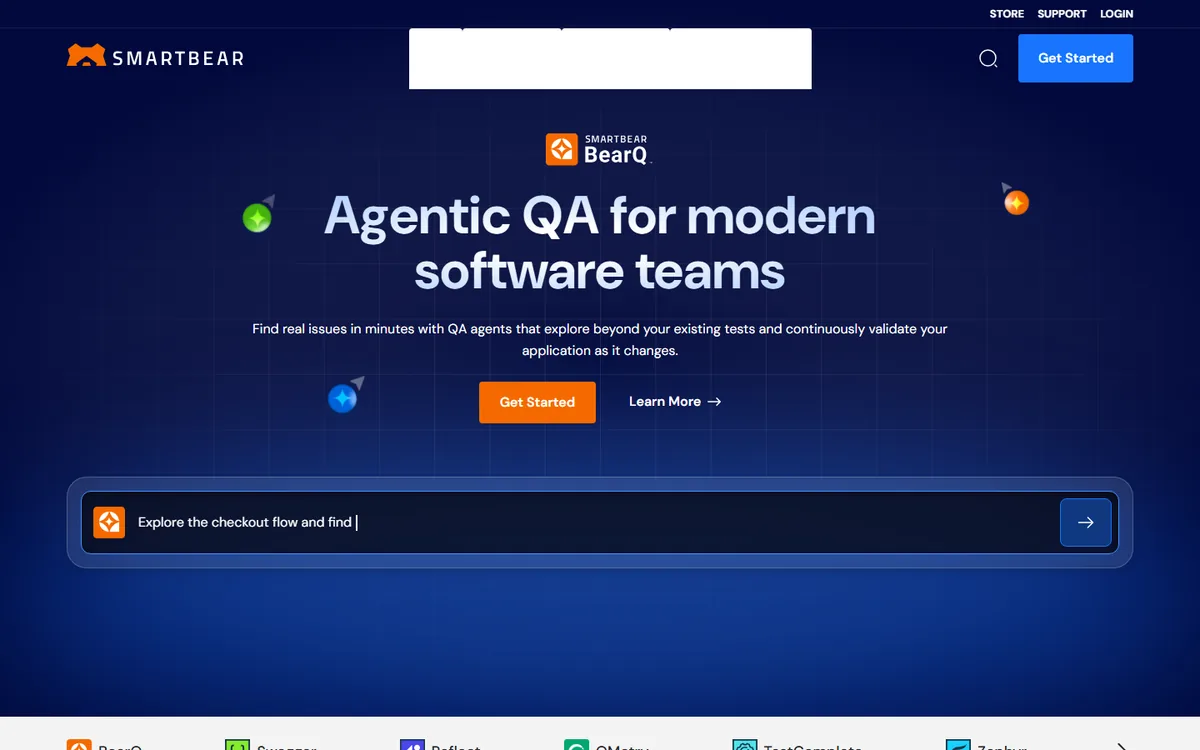
TestComplete from SmartBear automates tests for desktop, web and mobile applications, with record and playback, scripting in several languages and object recognition for tricky interfaces.
Desktop software is where many modern frameworks stop. If you maintain a Windows application, TestComplete is one of the few tools that tests it properly. It is a Windows-based product and pricing is not public, so plan a trial before you commit.
TestComplete Strengths
- Tests desktop, web and mobile in one tool
- Strong object recognition for legacy interfaces
- Scripting in several languages plus record and playback
TestComplete Weaknesses
- Runs on Windows only for authoring
- Pricing on request
TestComplete Pricing
SmartBear does not list TestComplete prices on its pricing page. Plans are customized, and a free 14-day trial is available.
TestComplete Reviews
- G2: 4.2 of 5 stars (based on 96 verified reviews)
Estimate the Return on a QA Tool
Before you pick a plan, check whether the numbers work. Enter the manual testing hours you want to remove and the monthly tool price, and you will see what it could return over a year. Then confirm that you track the right results, using the QA metrics guide.
Does the Tool Make Sense for You?
Drag the sliders to reflect your tasks and the plan you want to compare.
How to Choose the Right QA Tool
Fit with your team and product decides more than any feature list. Before you compare vendors, answer four questions:
- Who will write and maintain the tests: developers, testers or both?
- What are you testing: browsers, mobile apps, APIs, desktop software or packaged enterprise systems?
- How many devices and browsers must you cover, and how often do you release?
- Where will test cases and results live, and who needs reports?
If your developers write the tests, start with Playwright or Cypress and add BrowserStack when device coverage matters. If your testers have little coding experience, look at Katalon or mabl. For API-heavy products add Postman, and for a growing manual test library add TestRail. Enterprise application testing points to Tosca, and Windows desktop software points to TestComplete. If your team lacks the capacity to run it all, the QA outsourcing guide covers when a vendor makes sense, and the QA checklist helps you verify the basics before you buy.
Questions About Choosing QA Tools
What Is the Best Software Quality Assurance Tool Overall?
There is no single best tool, because it depends on what you test and who writes the tests. For most development teams I would start with Playwright or Cypress for browser tests, Postman for APIs and a cloud service such as BrowserStack for device coverage.
Are Free QA Tools Good Enough?
For many teams, yes. Playwright, Selenium and the Cypress app are free and widely used. You still pay in engineering time and for the infrastructure that runs the tests, so compare total cost and not just licence fees.
Do I Need a Test Management Tool?
Once more than one or two people test, or when an auditor asks for evidence, a test management tool such as TestRail keeps cases, runs and results organized. Small teams can start with a shared document and move later.
Playwright, Cypress or Selenium: Which Should I Pick?
Playwright and Cypress offer a smoother experience and fewer flaky tests. Selenium offers more languages and the widest ecosystem. Pick based on your team's language skills and what you must test.
Can Non-Programmers Automate Tests?
Yes, with low-code tools such as Katalon and mabl. They suit manual testers moving into automation, though code-first tools give you more control over complex scenarios.
How Do I Test on Real Mobile Devices?
Use a cloud device service such as BrowserStack or Sauce Labs, or build a small in-house device set for your top models. Check which devices your own customers use before you decide.
How Much Should I Spend on QA Tools?
Start with what a first project needs and measure the hours saved. Use the calculator above to compare the tool cost with the time you expect to recover, and expand only when the numbers hold.
Important: prices, plans and ratings move quickly. They reflect our last update, so double-check each vendor’s site before purchasing. Nothing in this article is legal or financial advice.
Did this article help you?
Thanks, noted.
Whitney Sorensen
Whitney leads the Umber editorial team and works with the consultants to turn real client projects into practical guides on software selection, custom development, integration and legacy modernization. Before joining Umber, she spent years writing and editing for engineering and IT teams. She has since reviewed architecture audits, system selections and modernization plans from client projects across industries from manufacturing to healthcare. She works remotely from the USA.