Main Points
- A framework is a shared way to describe a system, with views, layers and quality targets.
- Four views are enough for most systems: context, services, data and deployment.
- Sort decisions into three layers so you know which ones are costly to reverse.
- Tie every view to a measurable quality target, or the diagrams drift from reality.
Ask five engineers to draw their system and you get five pictures. A framework fixes that. It names the views everyone draws, the questions each view answers and the people who read it. If you want help applying one to your own systems, software architecture consulting usually starts with this step.
Formal frameworks fill whole books. The model below is the light version I use on client work. It has four views, three layers of decisions and a short list of quality targets, and it fits on a few pages.
What a Framework Gives You, and What It Does Not
A framework gives a team a common language. When someone says "container view", everyone knows they mean the deployable pieces and how they talk to each other. It also gives you a checklist of questions you would otherwise forget, such as where data lives or how the system is deployed.
It does not give you a good design. I have seen beautiful diagrams of systems that failed under load, because nobody had written down what load meant. A framework is a way to make decisions visible. Whether the decisions are good depends on the people and the quality targets they work against.
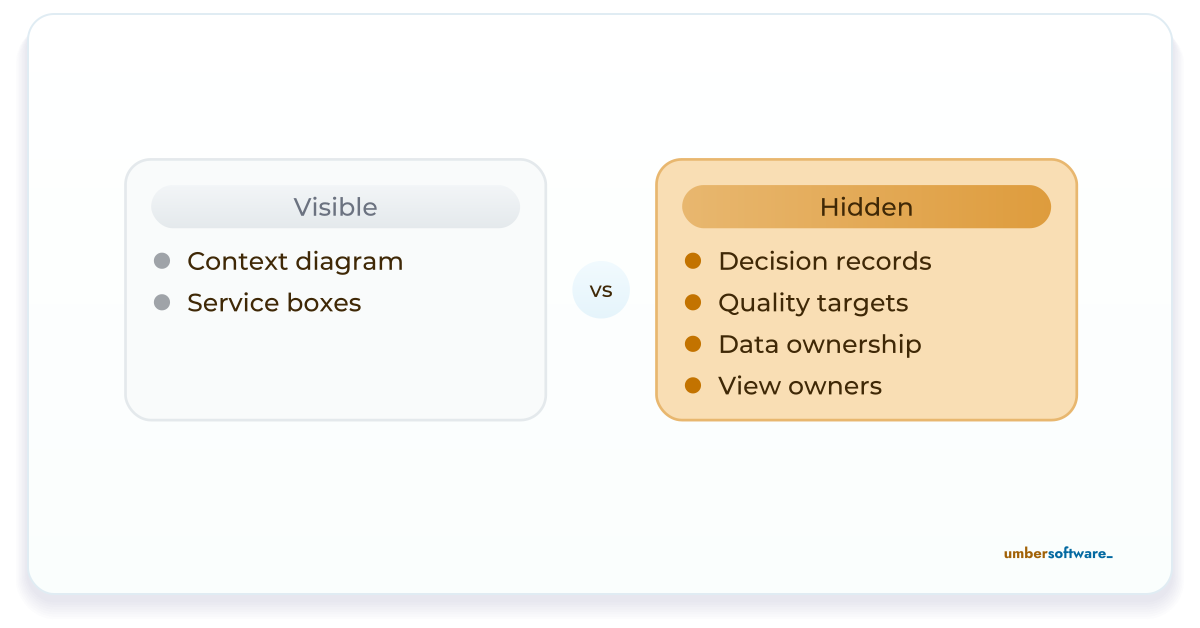
Heavy Frameworks Versus Light Models
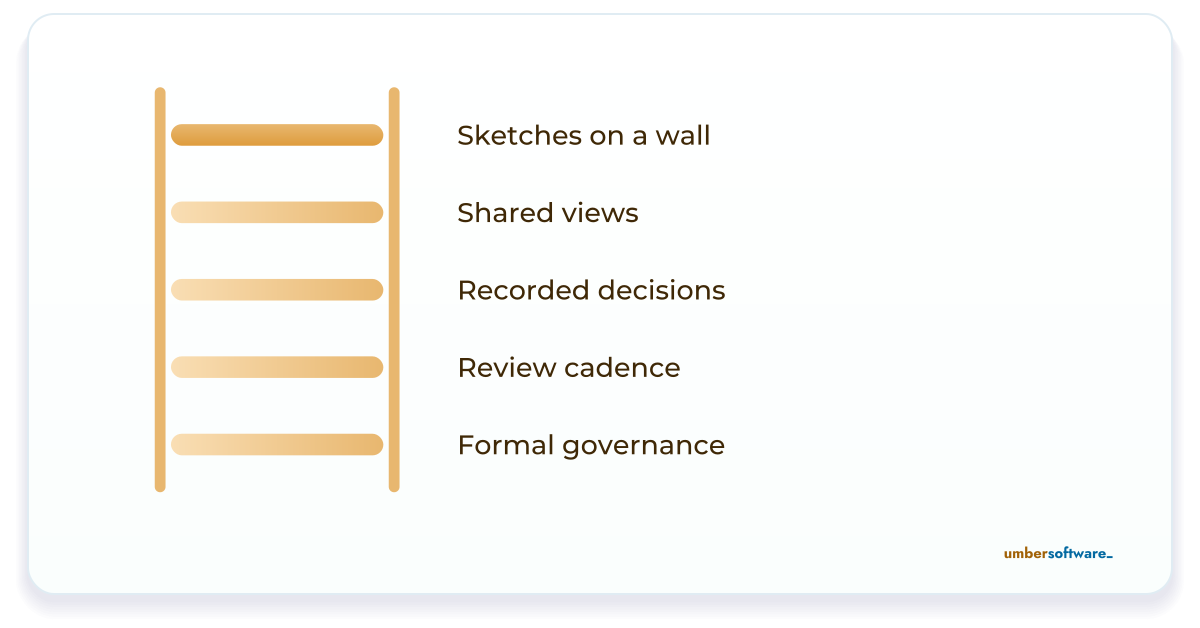
Enterprise frameworks cover business strategy, information systems and technology across a whole organization. They suit an architecture office with dozens of systems. A product team of ten does not need that weight, and a team that tries to follow it fully usually stops after the first quarter.
A light model keeps what pays off: shared views, recorded decisions and explicit quality targets. It is cheaper to keep current, and people actually read it.
The Four Views
Each view answers a different question for a different reader. Together they describe the system without burying anyone in detail.
| View | What it answers | Main reader | Keep current by |
|---|---|---|---|
| Context | What is the system, who uses it and what does it connect to? | Business owners, new hires | Reviewing when a new integration appears |
| Services | Which deployable parts exist and how do they talk? | Developers, architects | Generating from build or deployment files |
| Data | Where does data live, who owns it and how does it move? | Developers, analysts, security | Updating with each schema change |
| Deployment | Where does it run and how does it get there? | Operations, security | Generating from infrastructure code |
Draw the context view first. It has one box for your system and a handful of boxes around it for users and outside systems. If you cannot fill in that page, nothing detailed will help. The services view comes next, and it is where most disagreement shows up, because it forces a decision about what counts as one part.
The data view is the one teams skip, and the one I would never skip. Data outlives code. A clear picture of who owns which data tells you more about the real boundaries than any diagram of services.
The Three Layers of Decisions
Views describe the system. Layers help you decide how much care each decision deserves. I sort decisions by how costly they are to reverse.
Layer One: Foundations
These are decisions that shape everything else: main language and runtime, data store type, hosting model, how services communicate and how identity works. Changing one means a project measured in quarters. They deserve a written decision note, an alternative that was considered and a named owner.
Layer Two: Structure
Module boundaries, service responsibilities, shared libraries, event formats and API contracts sit here. A change costs weeks and touches several teams. Review these when the team grows or the product splits, and run checks in the build so the structure stays as drawn. My software architecture best practices list covers how to keep those boundaries intact.
Layer Three: Details
Naming, libraries inside a module, internal patterns and code style belong to the teams. Changing them is cheap, so let teams decide and do not slow them with reviews. Most architecture arguments I sit in are layer-three debates that someone treated as layer one.
Quality Targets That Drive the Views
Every system has a few qualities that matter more than the rest. Pick three to five and give each a number. "Fast" is not a target. "Ninety-five percent of checkout requests under 800 milliseconds at peak load" is one.
- Availability: how much downtime per month the business can stand.
- Latency and throughput: response time and volume at normal and peak load.
- Security: which data classes need which protections.
- Changeability: how long a typical feature takes from start to release.
- Cost: what the system may spend per user or per transaction.
Qualities pull against each other. Higher availability costs more. Tighter security slows delivery. The framework's job is to make those trades visible, so you choose them deliberately. A short table that lists each target and the decision that serves it is one of the most useful pages you can write.
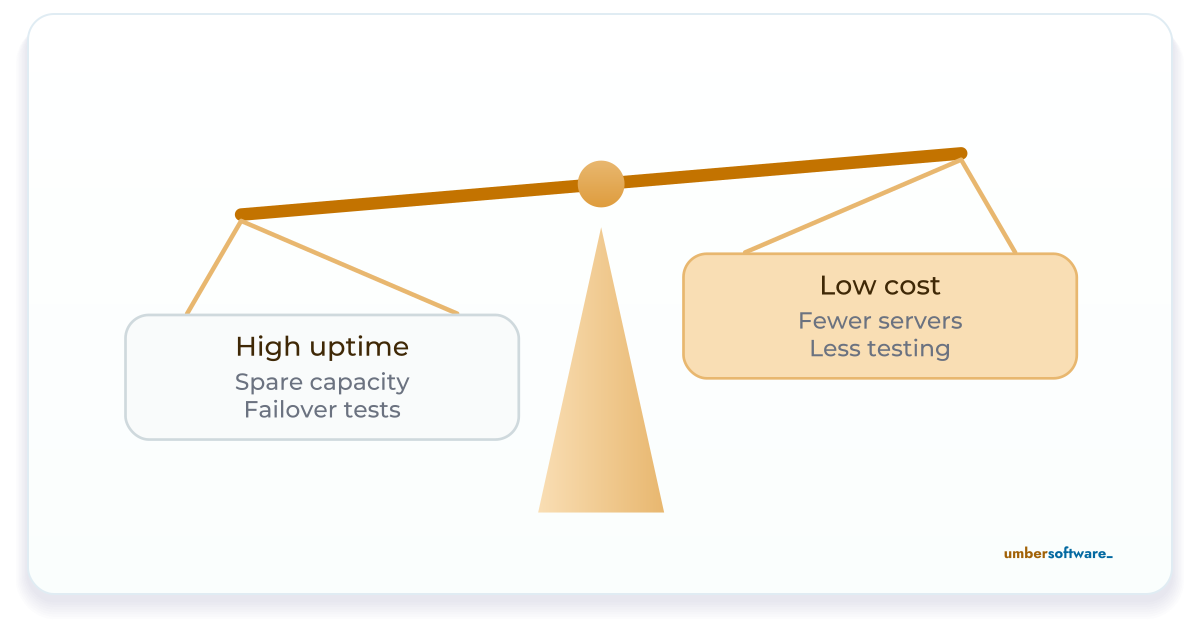
A manufacturer I worked with wanted both near-perfect uptime and low hosting cost for a plant scheduling system. Writing the targets side by side made the conflict obvious. They agreed on a four-hour outage window at night, which saved them a second region and a large part of their budget.
Applying the Model in Four Steps
- Write the quality targets on one page and get the business owner to sign off on them.
- Draw the context view, then the services, data and deployment views, using generated output where you can.
- Sort your ten biggest decisions into the three layers and write a decision note for each foundation.
- Put the views and notes next to the code, and add a review step to any change that crosses a layer-two boundary.
Expect the first pass to take a few days and to surface disagreements. That is the point. Settle them with evidence where you can, and record the rest as open decisions with an owner. The software architecture checklist gives you eleven checks to confirm the result is complete.
Once your model exists, an architecture assessment goes much faster, because the team already agrees on what the system looks like. Teams that arrive with views and decision notes often cut a week from the review.
Where Framework Adoption Goes Wrong
The most common failure is documentation theater. A team spends a month producing diagrams for a review, then never opens them again. Six months later the diagrams describe a system that no longer exists. The fix is to tie each view to a moment of use: the context view goes into onboarding, the deployment view into the incident runbook, the data view into schema reviews.
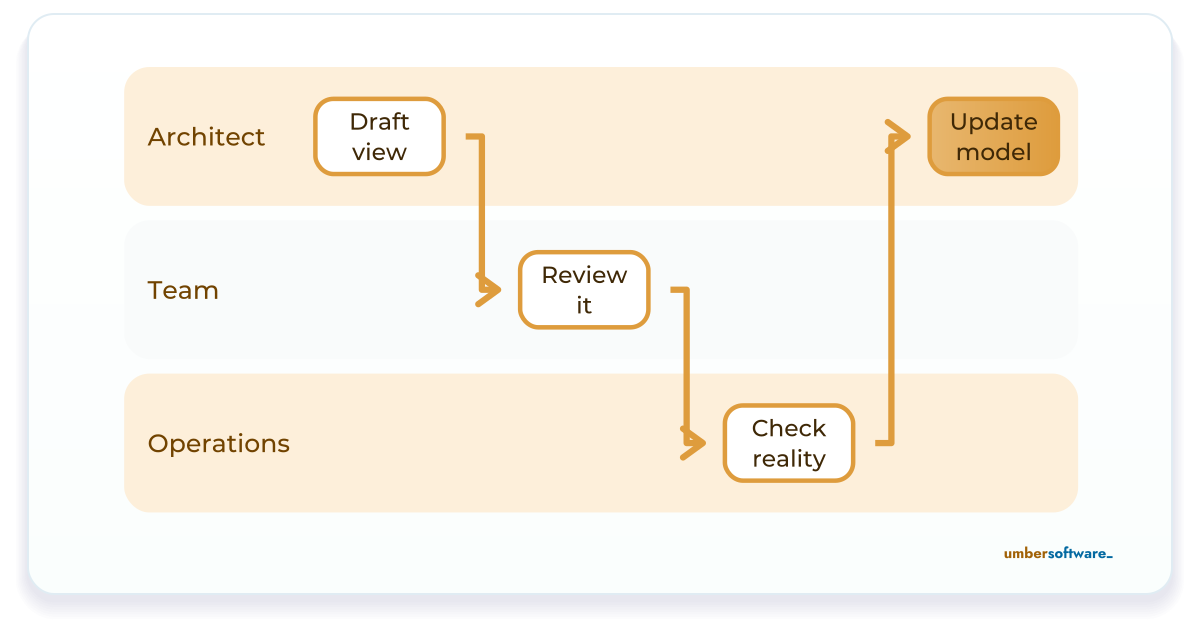
The second failure is an architect who owns the model alone. Views drawn by one person and approved by nobody drift away from the code. Let the developers who work in each part draw and own that part, and let the architect review the seams between them.
The third is skipping quality targets because they are hard to agree on. Without them, every decision is an opinion. If the business cannot name an availability target, propose one, price it and ask whether they accept the cost. That conversation is uncomfortable once and useful for years.
A last caution on vocabulary. Many frameworks use their own terms for the same ideas, and teams waste meetings arguing over words. Pick one set of names, write them on a single page and move on. The words matter less than everyone using them the same way.
Finally, remember that a framework is a living thing. Revisit the views when the team doubles, when a major vendor changes or when an incident shows the picture was wrong. A model that is updated a few times a year stays useful, and one that is never touched becomes a poster.
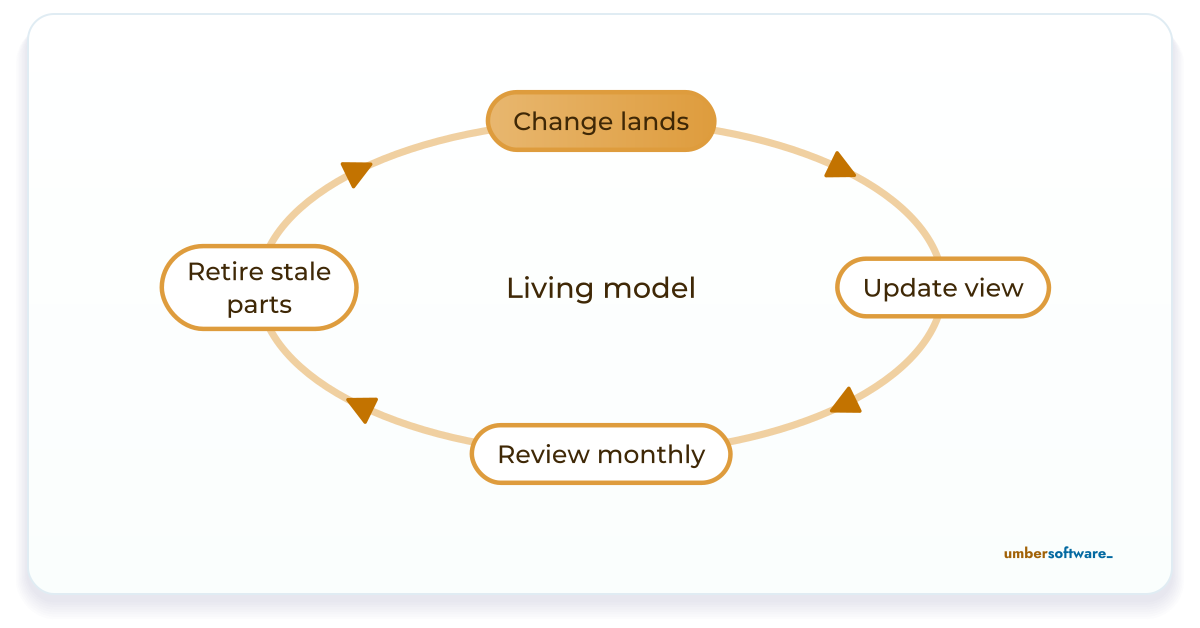
Start small if the idea is new to your team. Pick one system, draw only the context view and a services view, and use them in the next planning meeting. If people point at the pictures and correct them, the model has already paid for itself. Add the data and deployment views once the first two are trusted, and add decision notes the next time a foundation choice comes up.
Tooling for the Model
You can run this model with a whiteboard photo and a folder of text files. As the system grows, diagram-as-code tools and dependency analyzers keep the views honest by generating them from the real codebase. The software architecture tools ranking looks at the main choices. Choose after you have settled the views, and pick what the team can maintain without a specialist.
How to Choose a Framework Weight for Your Organization
Match the weight to the number of systems and teams. One product with one team needs the light model. Several products sharing platforms need common views and a small review group. Dozens of systems across business units may justify a formal framework with an architecture office.
- Choose the lightest option that lets two teams talk about the same system without confusion.
- Add weight only when a real problem, such as duplicate systems or inconsistent security, calls for it.
- Review the choice yearly, and drop anything people have stopped using.
Questions About Software Architecture Frameworks
What Is a Software Architecture Framework?
It is a structured way to describe a system: which views you draw, which concerns each view answers and who reads it. It does not tell you what to build. It tells you what to write down so that developers, operators and the business can discuss the same system without talking past each other.
Do I Need a Formal Framework Such as TOGAF or Zachman?
Large organizations with many systems and a central architecture group often benefit from one. A team with a single product rarely does. For most teams, a light model with four views and a few decision notes gives most of the value at a fraction of the effort.
How Many Diagrams Do We Need?
Four is a good ceiling for one system: a context view, a container or service view, a data view and a deployment view. Add a fifth only when a specific question cannot be answered with the four. Each extra diagram is one more thing to keep current.
How Do We Keep the Diagrams from Going Stale?
Generate what you can from code and infrastructure definitions, and keep hand-drawn views small enough to update in minutes. Put each diagram next to the code it describes and review it whenever a related pull request changes structure. A date and an owner on every diagram help too.
Where Do Quality Requirements Fit?
They drive the design. List the three to five qualities that matter most, such as availability, latency, security, cost and changeability, and give each a measurable target. Then check every major decision against those targets. A framework without quality targets produces tidy diagrams of the wrong system.
How Does a Framework Relate to an Architecture Assessment?
The framework gives you the vocabulary and the views. The assessment uses them to test a real system against a planned change. If you have no shared model, the first week of an assessment goes into building one.
Can a Small Team Use a Framework Without Slowing Down?
Yes, if it stays small. A one-page context view, a one-page deployment view and a folder of decision notes take about a day to set up. After that the upkeep is minutes per change, and new developers get productive faster.
Please note: this guide is general information and not legal, financial or tax advice. Numbers and examples are typical-project estimates; confirm current details with your providers and advisers.
Did this article help you?
Thanks, noted.
Whitney Sorensen
Whitney leads the Umber editorial team and works with the consultants to turn real client projects into practical guides on software selection, custom development, integration and legacy modernization. Before joining Umber, she spent years writing and editing for engineering and IT teams. She has since reviewed architecture audits, system selections and modernization plans from client projects across industries from manufacturing to healthcare. She works remotely from the USA.