Main Points
- AI coding assistants are now mainstream, but trust is low and review matters more than ever.
- Platform engineering and automated delivery pay off by removing repeated setup work.
- Supply chain security and observability have moved from specialist topics to basic expectations.
- Adopt a trend only when it fixes a measured bottleneck, and trial it on a small scope first.
Every year brings a fresh list of things developers are told to care about. I try to sort them by one question: does this change what my clients spend their weeks on? The seven below pass that test. They come from client projects, public surveys and my work as part of the software development consulting team at Umber.
For each trend I give the evidence, the catch and a sensible first step. Sources sit at the end, so you can check the figures yourself.
1. AI Coding Assistants Became the Default
The Stack Overflow 2025 Developer Survey found that 84% of respondents use or plan to use AI tools in their development process, up from 76% the year before, and 51% of professional developers use them daily. Adoption is no longer the question. Quality is.
The same survey shows the friction. About 46% of respondents distrust the accuracy of AI tool output and only around 33% trust it, and 66% name "almost right, but not quite" solutions as their top frustration. I see this on projects: generated code compiles, passes a quick look and hides an edge case that surfaces in production.
A good first step is a short team agreement: where AI help is welcome, what gets extra review and who owns the result. Pair it with the habits in my guide to software development tools, since the editor and pipeline you choose decide how easy that review is.
2. AI Amplifies the Process You Already Have
DORA's 2025 research on AI-assisted software development describes AI's main role as an amplifier that magnifies an organization's existing strengths and weaknesses. Teams with clear workflows and fast feedback get more out of the tools, and teams with chaos get more chaos, faster.
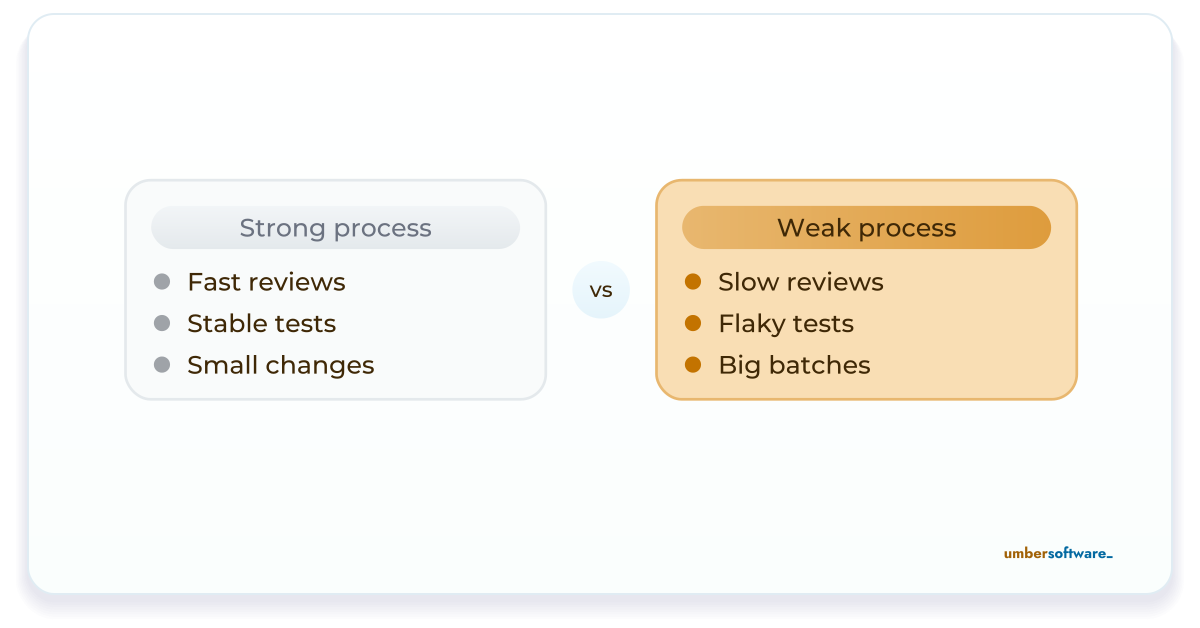
That matches what I see in audits. A team with slow reviews and a flaky test suite does not ship faster just because code appears sooner. Work simply piles up in review. Fix the system first, then add the assistant.
The first step here is measurement. Track lead time for changes and the rate of failed deployments before and after you roll out any assistant. If the numbers do not move, the tool is a nice editor feature and not a delivery change.
3. Platform Engineering Replaces Repeated Setup Work
In many companies, every product team builds its own deployment pipeline, logging setup and environment templates. Platform engineering gives them a shared, well-documented path instead, so a new service starts with the pipeline, monitoring and security checks already in place.
The payoff is easiest to see in onboarding. A new developer who can deploy a change on day two is a different experience from one who spends two weeks asking for access. The catch is that a platform is a product: if its users find it harder than doing it themselves, they will route around it.
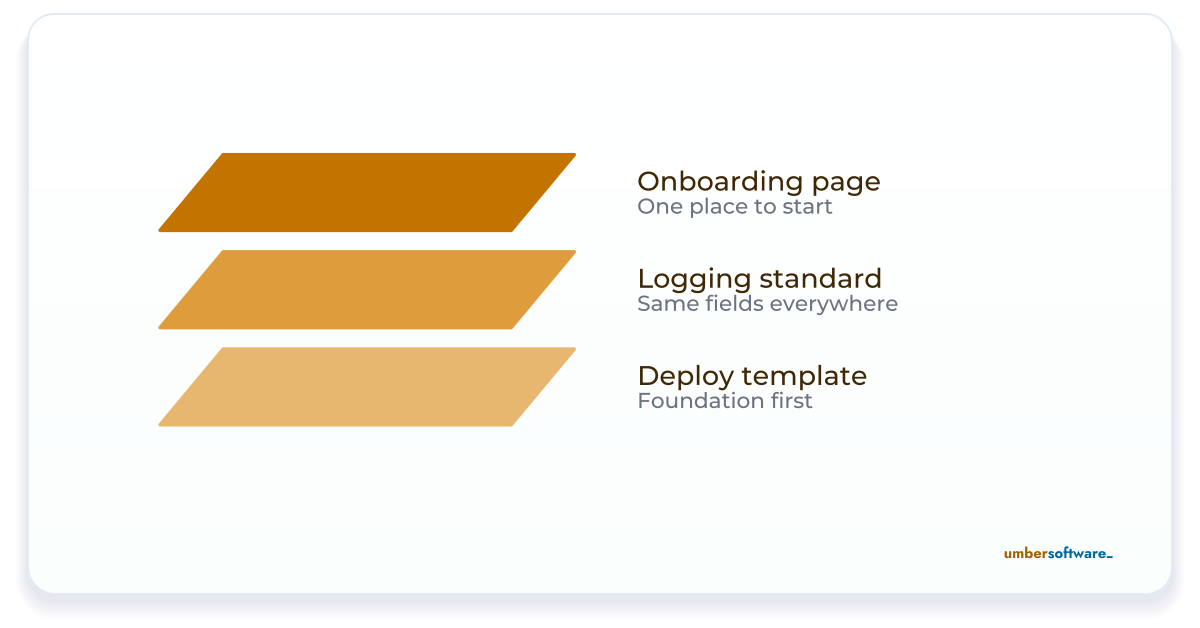
You can start small. Write one deploy template, one logging standard and one "how we ship" page. Only form a dedicated platform team when several teams keep repeating the same work.
4. Software Supply Chain Security Goes Mainstream
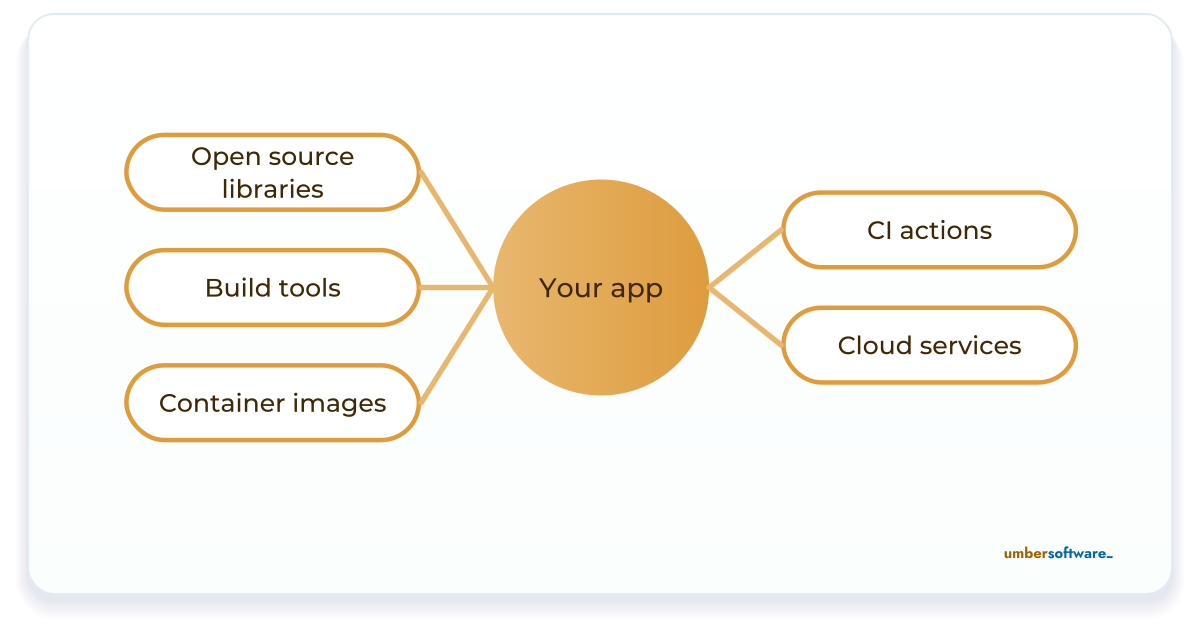
Most of the code in a typical application comes from open-source libraries and build tools, not from your own developers. Attackers have noticed, and customers now ask vendors to prove what is inside their software. A component list, known as a software bill of materials, is a growing part of procurement questionnaires.
Practical steps are modest. Keep an inventory of dependencies, pin versions, scan for known vulnerabilities on every build, and sign what you release. I also suggest limiting who can publish packages. A single compromised maintainer account is a common entry point.
Security is one of several themes I group under software development risks, where I also cover failure patterns that no scanner finds.
5. Observability Replaces Guesswork in Production
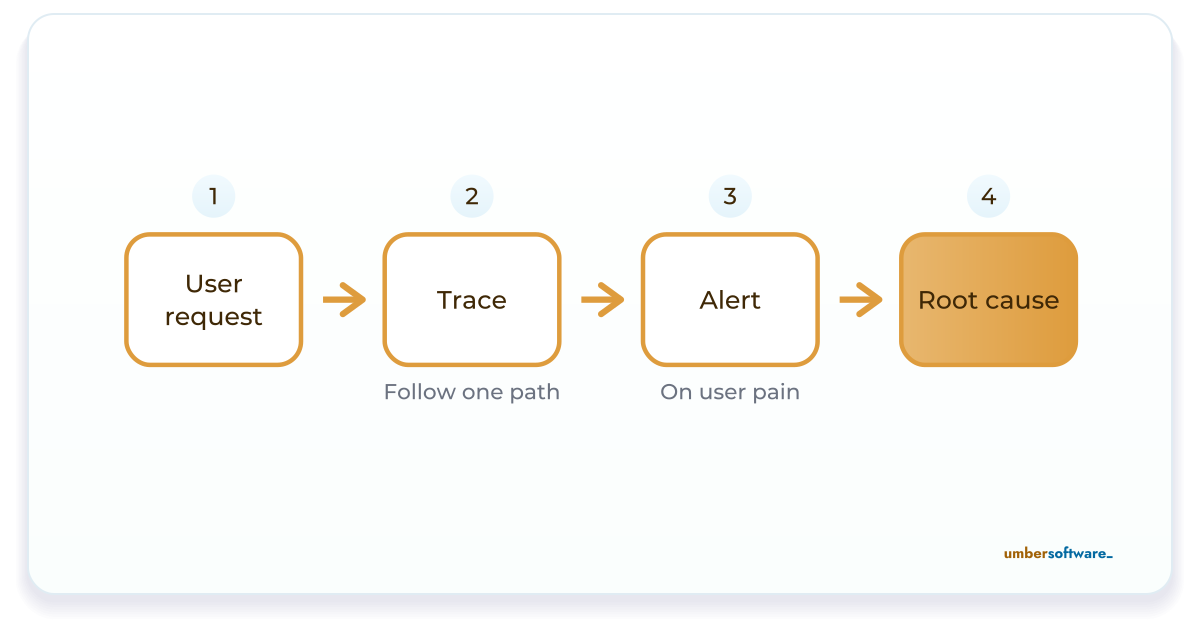
Logs, metrics and traces used to be an operations topic. As systems split into more services and more integrations, developers need to see how a request travels to find why it failed. Teams with good observability answer "what changed?" in minutes, and teams without it argue about it in meetings.
The trap is volume. Collecting everything is expensive and makes search slow, so choose a small set of signals for each critical user journey and alert on symptoms customers feel, such as errors and slow pages, and not on every CPU spike.
6. Software Spending Keeps Rising, and Buy-or-Build Gets Harder
Gartner's July 2026 forecast puts worldwide IT spending at $6.37 trillion for 2026, up 14.2%, with software growing 15.5% to about $1.47 trillion. That money shapes your options: vendors keep adding AI features, prices shift and a tool you bought for one purpose now overlaps with three others.
For development teams, this makes the decision between building and buying a recurring one. Re-check it each year, since a custom module may now be a standard feature of a product you already pay for. For small teams, my notes on software development for startups apply the same logic to the first build.
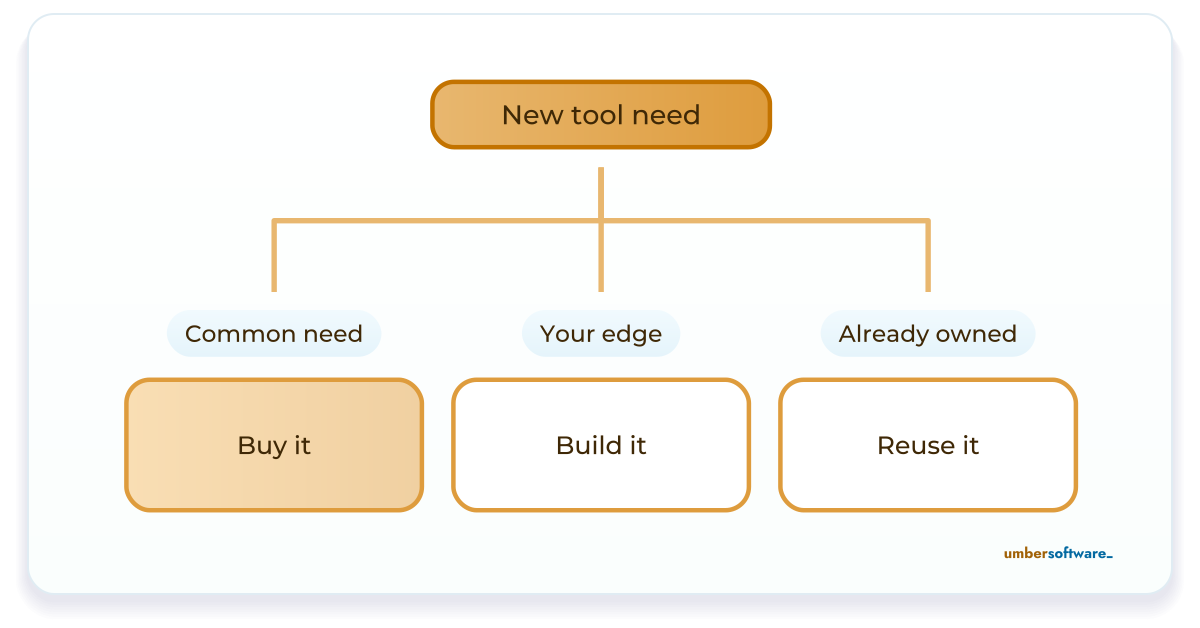
A practical step is a yearly review of your tool and service list: what each item costs, who uses it and what would break if it vanished. Most teams find at least one tool to drop.
7. Developer Experience and Distributed Teams
Teams now mix employees, contractors and outside partners across time zones. What separates the ones that work is writing: clear tickets, short design notes and documented decisions. When knowledge lives in chat history, every handover loses something.
Developer experience is the practical side: fast builds, reliable test environments and simple access. These are cheap to improve compared with the cost of developers waiting. Many companies bring in outside capacity, and my guide to software development outsourcing covers how to keep control when you do.
What Will Not Change While the Tools Do
Behind every trend above sits the same short list of basics. Teams that write clear requirements, keep changes small, review each other's work and ship often get more from every new tool. Teams that skip those habits find that each trend adds a new way to fall behind.
When I review a client's plans for the coming year, I look first at the unglamorous numbers: how long a change takes from commit to production, how often a release fails and how long recovery takes. Those three numbers tell you whether you have room for experiments or need to fix the foundation first. If they are weak, an AI assistant or a new platform will not rescue the year.
It also helps to decide what you will not do. A short "not this year" list, with the reason for each item, protects the team from chasing every announcement and gives your leaders a clear answer when someone asks why you are ignoring a popular tool.
Another habit worth building is a quarterly review of the experiments you ran. For each one, write down the baseline, the result and the decision: adopt, extend, or drop. After a year you have a small, honest record of what actually helped your team, and it is far more useful than any trend list, including this one.
Include your newer developers in that review. They see friction that long-time team members stopped noticing, such as a confusing setup guide or a build that always fails on the first try, and those small frictions often hide the best improvements for the coming year.
Finally, watch the people side of each trend. Tools change how work feels: reviews get longer when AI writes more code, and platform work needs product thinking from engineers who may never have done it. Talk with your team about what they expect before you start, and ask again after the trial. Their answers will tell you more about adoption than any dashboard.
Which Trend Fits Which Problem
If you only have room for one or two experiments, use this table to match a trend to the pain you feel today.
| Your problem | Trend to try | First step |
|---|---|---|
| Slow coding on routine tasks | AI coding assistants | Pilot with a team agreement and measure lead time |
| New services take weeks to set up | Platform engineering | One deploy template and one onboarding page |
| Customers ask about your dependencies | Supply chain security | Dependency inventory and automated scanning |
| Outages take hours to explain | Observability | Traces and alerts for one critical journey |
| Rising tool and license costs | Build-or-buy review | Yearly list of tools, owners and usage |
How to Choose What to Adopt
I use four checks before a team commits to a trend. They stop most hype-driven projects early.
- It targets a bottleneck you can measure today.
- You can trial it with one team for four to six weeks.
- Someone owns it after the trial ends.
- You know in advance which number should move.
If you want an outside view of which of these fit your codebase and team, a short review can rank them for you. Whatever you pick, write down the baseline first.
Questions About Software Development Trends
Will AI Replace Software Developers?
In the teams I work with, AI changes what developers spend time on and leaves the roles in place. Typing boilerplate gets faster, while reading, reviewing and deciding take a bigger share of the day. Someone still has to understand the system and answer for it.
Which Software Development Trend Should I Act on First?
Act on the one that removes your biggest delivery bottleneck. For many teams that is a slow, manual path to production, so deployment automation and platform work come before anything flashy. Ask where work waits the longest and start there.
Is Platform Engineering Only for Large Companies?
No, but it scales down as a habit and not as a team. A small company can write one good deploy template, one logging setup and one onboarding guide. A dedicated platform team makes sense once several product teams repeat the same setup work.
How Safe Is AI-Generated Code?
It is as safe as the review it gets. Treat generated code like code from a new colleague: read it, run the tests and scan it for known weaknesses. The risk grows when teams accept large blocks of output without understanding them.
What Is Software Supply Chain Security?
It means knowing and controlling what goes into your software besides your own code: open-source libraries, build tools and container images. Practical steps include keeping a list of components, pinning versions, scanning for known vulnerabilities and signing builds.
Should We Adopt Low-Code Tools?
They fit internal workflows and simple forms, where speed matters more than control. They fit poorly where you need custom logic, tight performance or portability. Pilot one tool on a small internal process before you commit.
How Do I Keep Up with Trends Without Chasing Every One?
Pick one or two a year that match a real problem, run a small trial and measure the result against a baseline. Drop anything that does not move delivery time, quality or cost.
Sources
- Stack Overflow Developer Survey 2025, AI section
- DORA 2025 State of AI-assisted Software Development
- Gartner IT spending forecast, July 2026
Disclaimer: Statistics come from the sources linked at the end of this article and reflect the survey years named. Check the original reports for current figures. Nothing in this article is legal or financial advice.
Did this article help you?
Thanks, noted.
Whitney Sorensen
Whitney leads the Umber editorial team and works with the consultants to turn real client projects into practical guides on software selection, custom development, integration and legacy modernization. Before joining Umber, she spent years writing and editing for engineering and IT teams. She has since reviewed architecture audits, system selections and modernization plans from client projects across industries from manufacturing to healthcare. She works remotely from the USA.