Main Points
- Scope creep, dirty data and weak adoption cause most of the trouble in rollouts.
- Unclear ownership is the quiet cause behind many other challenges.
- Price every change request, and run at least two trial loads of your data.
- Fix the challenges in order of schedule impact, starting with decisions.
Every implementation hits snags. What separates smooth projects from painful ones is how early the team sees them. I have worked on rollouts of ERP, CRM and custom systems, and the same seven hurdles keep returning. If you want help avoiding them, software implementation consulting can set up the controls before the project begins.
Each hurdle below has a typical cause, a sign to watch for and the steps I take to deal with it. The table shows where each one tends to bite.
The Seven Hurdles and What They Put at Risk
| Challenge | Main risk | Early signal |
|---|---|---|
| 1. Scope That Keeps Growing | Budget and schedule | Requests without prices |
| 2. Dirty Data and Messy Migration | Quality and timeline | First trial load fails reconciliation |
| 3. Users Who Do Not Adopt the System | Adoption and value | Spreadsheets still open next to the system |
| 4. Integrations That Break in Production | Reliability | Alerts missing on interfaces |
| 5. Unclear Ownership and Slow Decisions | Schedule and quality | Open decisions older than a week |
| 6. Vendor and Partner Gaps | Cost and trust | Features missing from the contract |
| 7. Go-Live Pressure and Weak Support Afterward | Risk and morale | Testing and training cut to hold the date |
Scope That Keeps Growing
Scope creep rarely arrives as one big request. It comes as many small ones, each reasonable on its own: one more report, one more approval step, one more integration. Added together, they can add a third to the work, and the schedule stays the same.
In a distribution project I joined mid-way, the team had accepted forty-one small changes in three months. None had a price. When the total was added up, it matched a second project.
How to Keep Scope Under Control
- Write the scope list and have the sponsor sign it.
- Route every new request through one person.
- Price each request in days and in money.
- Trade a new item for an existing one, or move it to phase two.
- Show the running change total at every steering meeting.
Helpful Tools
A simple change log in a shared sheet is enough for most projects. Larger programs can use the change-request module of their project tool, as long as every request has a price attached.
Dirty Data and Messy Migration
Old systems hold years of duplicates, free-text fields and codes with several meanings. The new system exposes every one of them, because it enforces rules the old one did not. Teams often find this out in the first trial load.
The cost is more than time. Bad data that reaches production produces wrong invoices, failed shipments and reports nobody trusts, and trust is slow to rebuild.
Steps to Clean and Move Data Safely
- Profile source data in the first weeks.
- Decide what not to migrate, such as old closed records.
- Assign a data owner in the business.
- Run at least two full trial loads.
- Reconcile counts and totals after each load.
Helpful Tools
Profiling scripts or the data quality features in your integration platform find duplicates and gaps quickly. A reconciliation spreadsheet with source and target totals is the simplest control, and the one I rely on most.
Users Who Do Not Adopt the System
A system that works technically can still fail if people keep using spreadsheets next to it. Users resist when the system adds clicks, when they were not asked about the design or when they first see it in the week of go-live.
The warning sign is shadow work: parallel files, email approvals, a trusted colleague who does it for everyone. It starts small and spreads.
How to Win Adoption Early
- Involve users in design workshops and testing.
- Name champions in each team.
- Train on real tasks, close to launch.
- Remove old spreadsheets and shortcuts on a set date.
- Track usage per team in the first 90 days.
Helpful Tools
Usage dashboards inside the new system show who logs in and what they do. A short pulse survey after two weeks tells you where people are stuck.
Integrations That Break in Production
Interfaces work in test with clean sample data and fail in production with real records. A long name, a missing postal code or a duplicate order is enough to stop a message queue and halt a process.
The second problem is silence. Failed messages sit in a queue and nobody knows until a customer asks where an order went.
How to Harden Integrations
- Test with real, messy records, not samples.
- Set timeouts and retries on every call.
- Raise an alert for every failed message.
- Keep failed messages so they can be replayed.
- Name an owner for each interface.
Helpful Tools
Most integration platforms include monitoring and a dead-letter queue. If yours does not, a daily reconciliation job that compares counts on both sides catches silent failures.
Unclear Ownership and Slow Decisions
Implementations stall when nobody can say yes. Design questions wait for a meeting, the meeting waits for a manager, and the vendor's team sits idle at your expense. Delays compound, because every decision unlocks several tasks.
The cause is usually a missing business owner. IT is asked to decide how finance should approve invoices, and wisely refuses.
How to Speed Up Decisions
- Name one business owner per process.
- Give owners a fixed weekly time slot for decisions.
- Set a rule for how fast decisions are made.
- Keep a visible log of open decisions with dates.
- Escalate to the sponsor after a fixed number of days.
Helpful Tools
A decision log in a shared document works well. Add the date raised, the owner and the cost of waiting, so delay has a visible price.
Vendor and Partner Gaps
Sales teams show a polished demo, then the delivery team arrives with different people and different assumptions. Features shown as standard turn out to be add-ons, and your requirements were summarized wrongly in the statement of work.
The remedy is to write down what you were shown. Detailed requirements, scripted demos and named delivery staff in the contract make it hard for gaps to hide.
How to Protect Yourself from Gaps
- Run scripted demos on your own scenarios.
- Get named key staff in the contract.
- Attach requirements to the statement of work.
- Ask for references from similar customers.
- Hold milestone payments until acceptance tests pass.
Helpful Tools
A requirements traceability sheet that links each requirement to a test and a deliverable is the most useful control. It also makes disputes factual instead of personal.
Go-Live Pressure and Weak Support Afterward
As the date nears, teams cut testing and training to hold the schedule. The cuts show up in the first weeks, when users hit problems and the project team has already left.
A late date hurts less than a failed launch. Executives rarely remember a two-week delay a year later. They remember the month the invoices were wrong.
How to Protect the Launch
- Set go-live criteria in advance, with the sponsor's agreement.
- Rehearse cutover and time it.
- Agree on a rollback plan and a point of no return.
- Staff extra support for the first two weeks.
- Keep the project team together until the first month-end.
Helpful Tools
A go-live readiness scorecard with pass or fail criteria takes emotion out of the decision. A shared issue board with daily triage keeps the first weeks under control.
How the Hurdles Feed Each Other
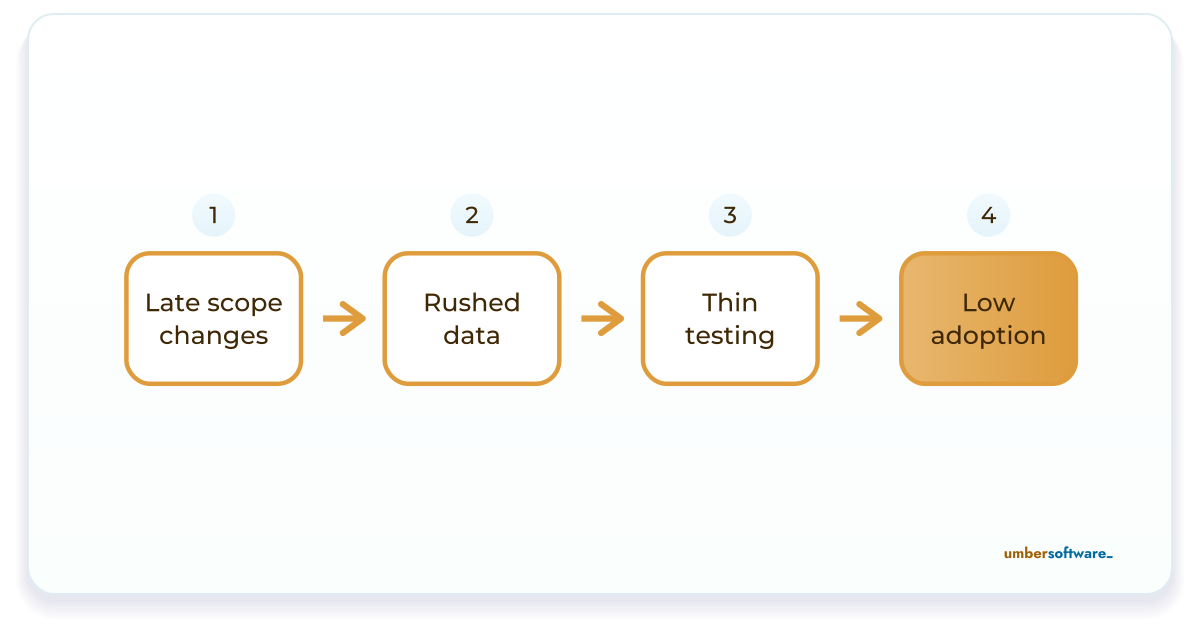
The seven rarely come alone. Slow decisions delay data mapping, which delays testing, which squeezes training, which hurts adoption. Scope creep adds work to every stage. When a project is in trouble, look for the first domino, not the loudest symptom. It is often one of the first two items: scope or ownership.
Planning helps, which is why a clear software implementation roadmap belongs at the start. So does honest risk tracking. My piece on software implementation risks shows how to score each hurdle by likelihood and impact so you spend time on the ones that matter.
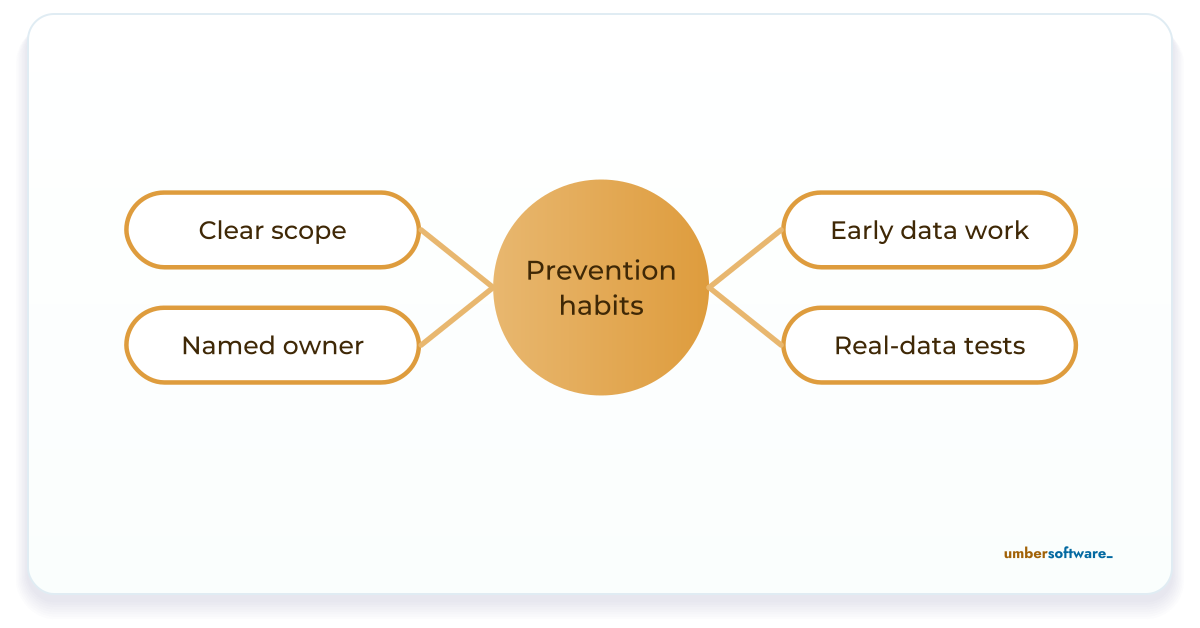
Practice also beats reaction. The software implementation best practices pair each hurdle with habits that prevent it, and the software implementation checklist gives you gates to catch what slips through.
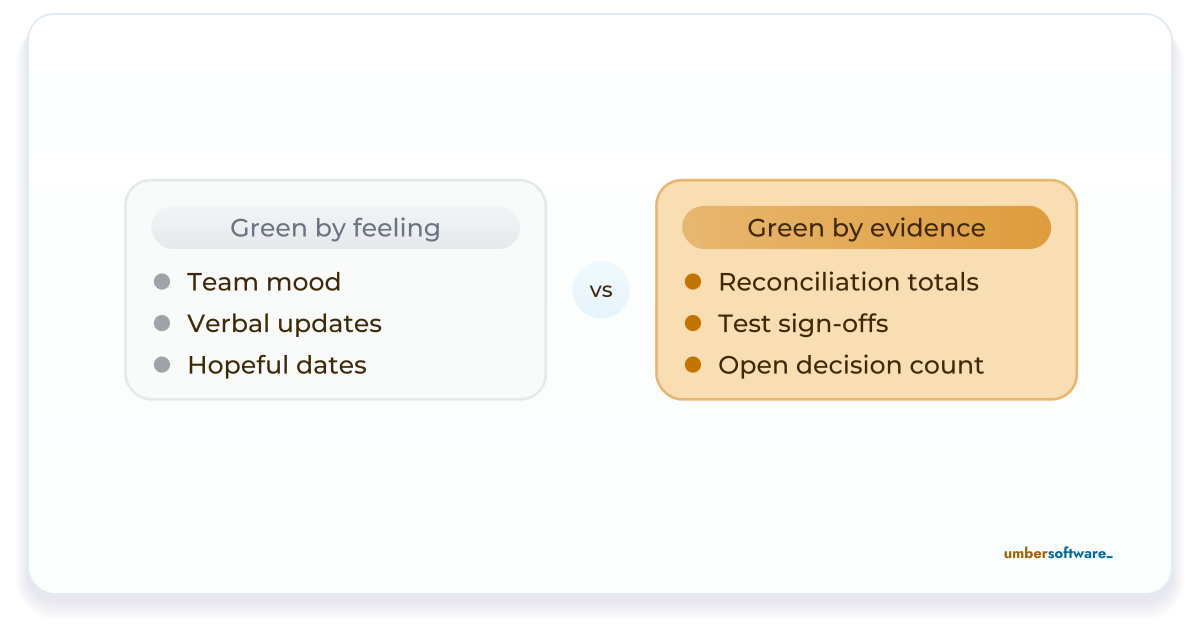
One more pattern is worth naming: optimism. Teams report green status until the day they cannot. Ask for evidence in every status report, such as reconciliation totals, test sign-offs and open decision counts. Numbers expose trouble weeks before feelings do, and an independent reviewer can read them without any stake in the plan looking good.
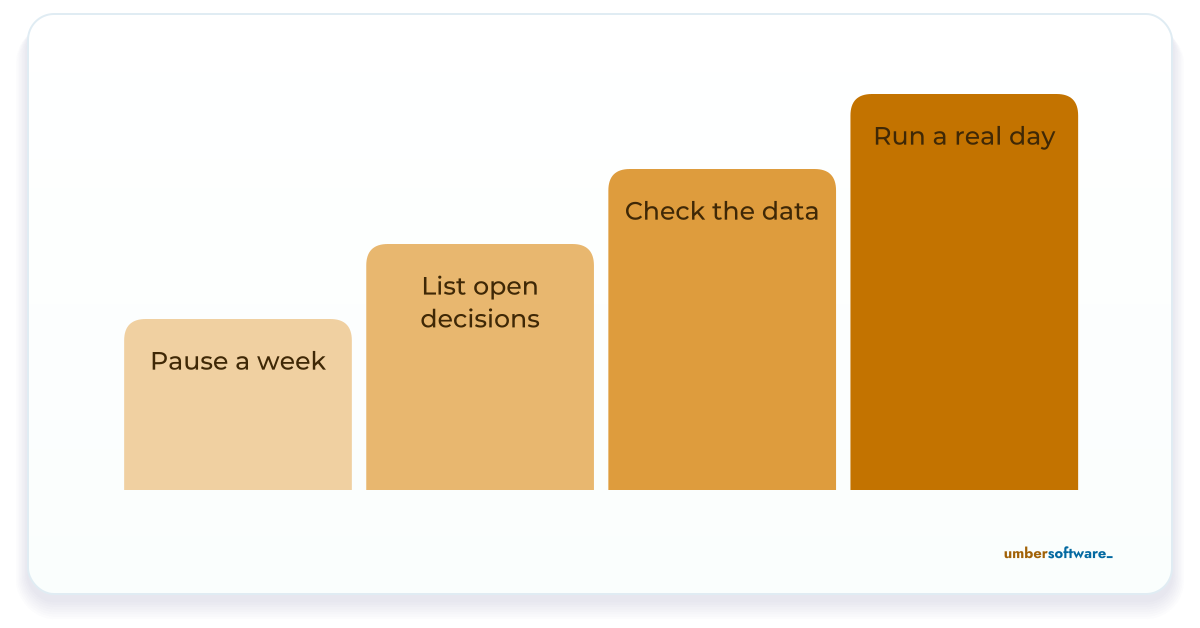
If you inherit a project that is already in trouble, resist the urge to add more meetings. Pause for a week, list open decisions, check the data reconciliation and ask users to run one real day in the test system. Those three checks show which hurdle is the real one, and they give you a recovery plan grounded in facts instead of opinions.
How to Choose Which Hurdle to Tackle First
You will not fix all seven at once. Rank them by schedule impact and by how soon the problem grows. Decisions and scope come first, because every other task depends on them. Data comes next, since it takes the longest to repair. Adoption and support planning can start in parallel once owners are named.
- If decisions take more than a week, fix ownership before anything else.
- If the first trial load fails reconciliation, add a second and a third load to the plan.
- If users avoid the test system, bring them into design sessions at once.
- If go-live is within a month, hold a readiness review against agreed criteria.
Questions About Software Implementation Challenges
What Is the Biggest Challenge in Software Implementation?
In my experience, it is unclear ownership. Technical problems have technical solutions. Missing decisions stall everything and cannot be fixed by the vendor. Name a business owner with real time for each process and many other challenges become smaller.
Why Do So Many Software Implementations Go Over Budget?
Scope grows in small unpriced steps, data work takes longer than planned and testing finds gaps late. Price every change request, start data work early and keep a contingency for the parts that run long.
How Can We Reduce Implementation Risk?
Define measurable goals, rehearse cutover, release in slices where possible and keep a rollback plan. A short list of go-live criteria agreed in advance protects you from pressure at the end.
How Do We Handle Resistance from Users?
Treat it as feedback. Ask what the new system makes harder and fix what you can. Involve users in design, train them on their own tasks and set a firm date to retire the old tools.
Should We Replace the Project Manager If the Project Is Struggling?
Check the cause first. Missing ownership, unclear scope and vendor gaps will trouble any manager. A fresh outside review of the plan often finds the real problem in a week and avoids a disruptive change.
How Long Does It Take to Recover a Failing Implementation?
A rescue often starts with a short pause of two to four weeks to reset scope, owners and the plan. Teams that skip the pause tend to repeat the same mistakes at higher cost.
Can We Avoid These Challenges by Choosing Better Software?
Better software helps with fit, but most challenges come from data, people and decisions. A well-chosen product still fails without owners, clean data and training. Choose the product, then plan for those three.
Please note: this guide is general information and not legal, financial or tax advice. Numbers and examples are typical-project estimates; confirm current details with your providers and advisers.
Did this article help you?
Thanks, noted.
Whitney Sorensen
Whitney leads the Umber editorial team and works with the consultants to turn real client projects into practical guides on software selection, custom development, integration and legacy modernization. Before joining Umber, she spent years writing and editing for engineering and IT teams. She has since reviewed architecture audits, system selections and modernization plans from client projects across industries from manufacturing to healthcare. She works remotely from the USA.