Main Points
- Eight checks cover scope, ownership, data, integrations, testing, training, cutover and review.
- Each check needs evidence, such as a signed list, a test report or a named sign-off.
- Settle scope and ownership before the contract, when you still have leverage.
- A failed check close to go-live is either a blocker or a recorded risk with an owner.
Most implementation problems are visible weeks before they hurt. The data was never reconciled, nobody owned the process after launch, or a key integration was tested only with sample records. The checklist below turns those warnings into eight questions you can answer with evidence. It reflects the way software implementation consulting projects are run on my team.
The checks are ordered by project stage. Use them as gates: a check that is not passed gets a decision, not a shrug.
The Eight Checks by Project Stage
| Stage | Check | Evidence |
|---|---|---|
| Before contract | 1. Scope and success measures are written down | Signed scope list with three measurable outcomes |
| Before contract | 2. Every process has a business owner | Owner named for each process in scope |
| Build | 3. Data is mapped, cleaned and reconciled | Reconciliation report with counts and totals |
| Build | 4. Integrations work with real records | Test log with real, messy data |
| Test | 5. Users have run their daily work in the system | Signed-off test scripts by role |
| Test | 6. People are trained for their own tasks | Attendance and a short practical test |
| Go-live | 7. Cutover and rollback are rehearsed | Timed rehearsal and written rollback plan |
| After launch | 8. Results are reviewed against the measures | Review at 30 and 90 days |
Checks 1 and 2: Scope and Ownership Before You Sign
Scope is the first check because everything else depends on it. Write down which processes, users, locations and integrations are in the project, and which are not. Add three outcomes you can measure, such as invoice cycle time or order entry errors. A project with no measures cannot be called a success or a failure, which makes every later dispute harder.
Ownership is the second. For every process in scope, one named person in the business owns how it should work. That person approves design choices and signs off tests. When the answer is "IT", you have a technical project with no business sponsor, and I have seen those stall at user testing when nobody could decide how an approval should flow.
A reliable roadmap helps with both checks. The software implementation roadmap shows how to sequence scope decisions so the contract matches the plan.
Checks 3 and 4: Data and Integrations
Data is the check that fails most often. Map every field from the old system to the new one, clean what you can before moving it, and reconcile after each trial load. Reconcile means counts and totals match: customers, open orders, balances. A migration that loads without errors can still be wrong, for example when two old fields were merged into one.
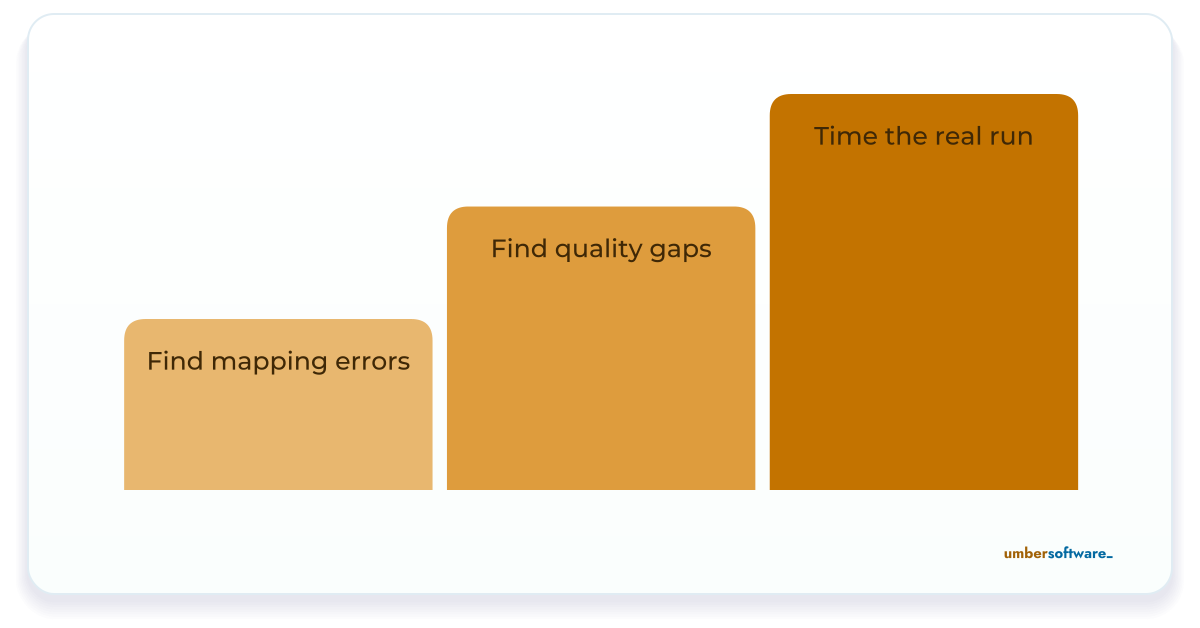
Run at least two full trial loads. The first one finds mapping mistakes. The second proves the fixes worked and gives you a realistic time for the real cutover. A third is cheap insurance when the data is old and messy.
Integrations come next. Test them with real records, including the odd ones: long names, missing fields, special characters, duplicate entries. Sample data hides most bugs. Check that failed messages raise an alert and can be replayed, because the first night in production will surface at least one.
Checks 5 and 6: Testing and Training
Technical tests prove the software works. User testing proves your people can do their jobs in it. Ask each role to run a normal day from start to finish using real examples, and have them sign the result. A script that only clicks through a happy path misses the cases that fill an actual week: returns, corrections, month-end.
Training belongs here, not after go-live. Train people on their own tasks, in the system with their own data. A generic session on every menu is forgotten by the next morning. A short practical test at the end shows who needs a second session before launch rather than after.
Ask about support during the first weeks too. Name who answers questions, how fast and where people can find short guides. This is one of the points where software implementation best practices and the checklist overlap, and it is worth planning early.
Checks 7 and 8: Cutover and the Review After Launch
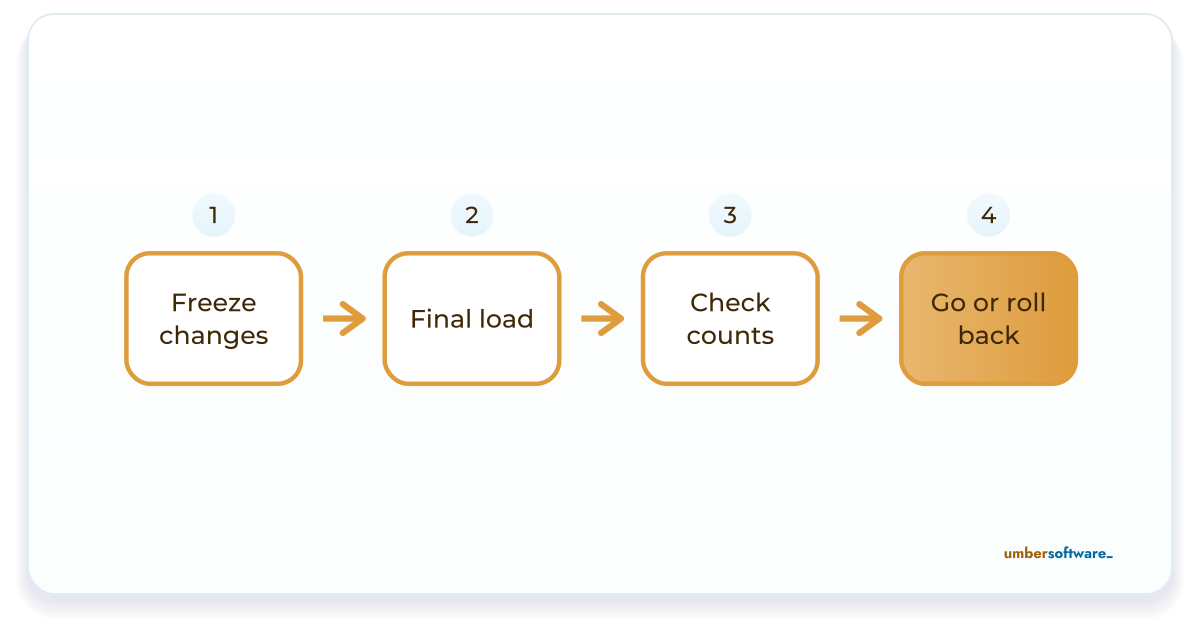
A cutover plan lists every step, who does it, how long it takes and when you decide to stop. Rehearse it once, with a stopwatch. I have seen plans that assumed a four-hour window and ran for eleven in rehearsal. Finding that out before the weekend of go-live is the whole point.
Write a rollback plan alongside it and set the point of no return. Before that point you can go back to the old system without losing data. After it you cannot. Everyone should know when that moment is, and who has the authority to call it.
The last check is the one most teams skip. At 30 and 90 days after launch, compare results against the measures from check one. Meet with the process owners and ask what still takes longer than before. Some gaps are training, some are configuration, and some are real design problems. Hold the review even when everything feels fine, because the measures tell you more than the mood does.
What to Do When a Check Fails
Failures are normal. What matters is the response. For every failed check, decide whether it is a blocker, a risk you accept or a task you schedule. Write the decision with a name and a date, and send it to the people who will live with it.
Look for patterns across checks. Two failures in data and integration suggest the technical team is under-resourced. Failures in ownership and training suggest the business side is not engaged. Many of these patterns are described in the software implementation challenges I see most often, and the software implementation risks article explains how to rate them.
A Worked Run: A Warehouse System Rollout
Here is how the gates played out on a mid-sized distributor replacing its warehouse and order system. Scope passed on paper, but ownership failed: receiving and shipping each assumed the other would decide on bin locations. A one-hour meeting with the operations director settled it, and the delay was three days instead of three weeks.
Data was the next gate. The first trial load showed 312 customers with no payment terms and about 1,900 products with two unit-of-measure codes. The team cleaned both, ran a second load and reconciled open orders to the cent. Integration testing with real records then found that long product descriptions broke the label printing interface, a bug no sample file had triggered.
Training was split by role, with ten minutes of practical test at the end. Six people failed the shipping scenario and got a second session. The cutover rehearsal ran seven hours against a plan of four, mostly because of a slow label print queue. The team moved go-live by one weekend and made the real cutover in four hours.
At 30 days the review compared pick accuracy and order entry time against the baseline. Accuracy had improved, but entry time had not, because one screen needed three extra clicks. A small configuration change fixed it. The review caught what the mood in the warehouse never would have.
One habit raises the hit rate of every check: ask for the evidence a week earlier than you need it. Evidence requested at the deadline gets produced in a rush, and rushed evidence is the weakest kind. A reconciliation report asked for on Monday arrives with the gaps already explained, while the same report requested on Friday arrives with excuses.
Keep a Record of Every Gate
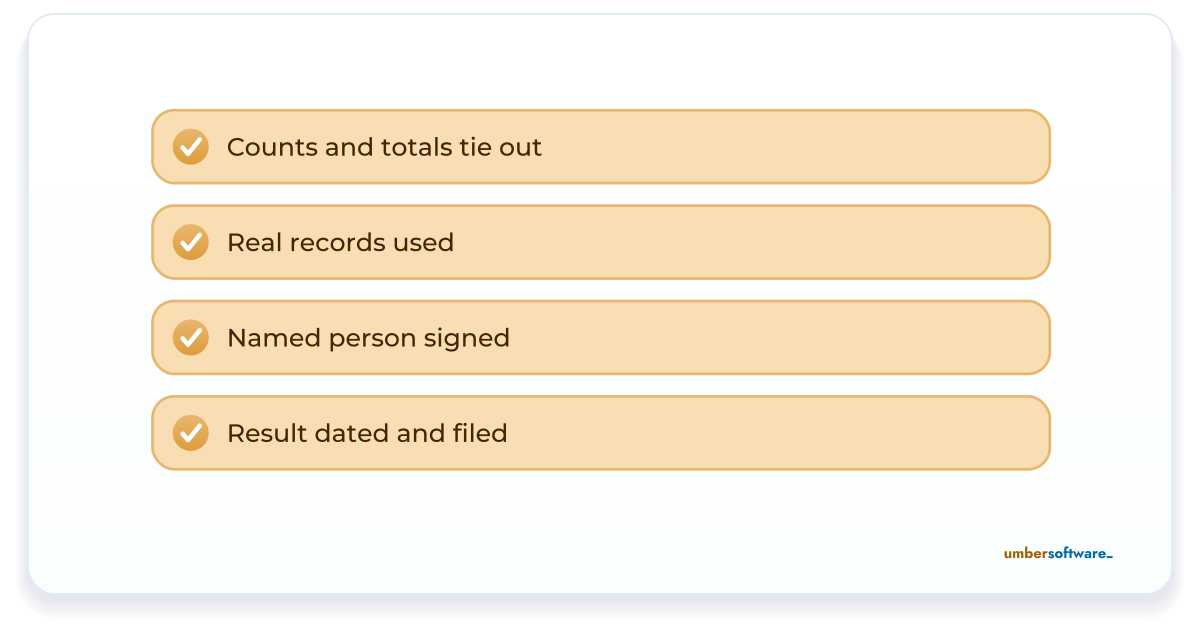
Store the evidence in one shared folder, with a single page that lists the eight checks, their status and the date. The page becomes the steering committee's main document. It replaces long status decks with one question: which gates are green, and what is the plan for the rest?
A record also protects you in disputes with the vendor. When acceptance is tied to documented tests, "it works" has a definition. Dated sign-offs show who accepted what, and the discussion stays on facts. Teams that keep this record also finish the next project faster, because the templates are already in place.
Do not try to run every check at full depth on a small project. A team tool with twenty users needs a one-page scope, a named owner, a single trial load and a short training session. The questions stay the same and the evidence shrinks to fit, which keeps the checklist useful instead of heavy.
How to Choose Who Verifies Each Check
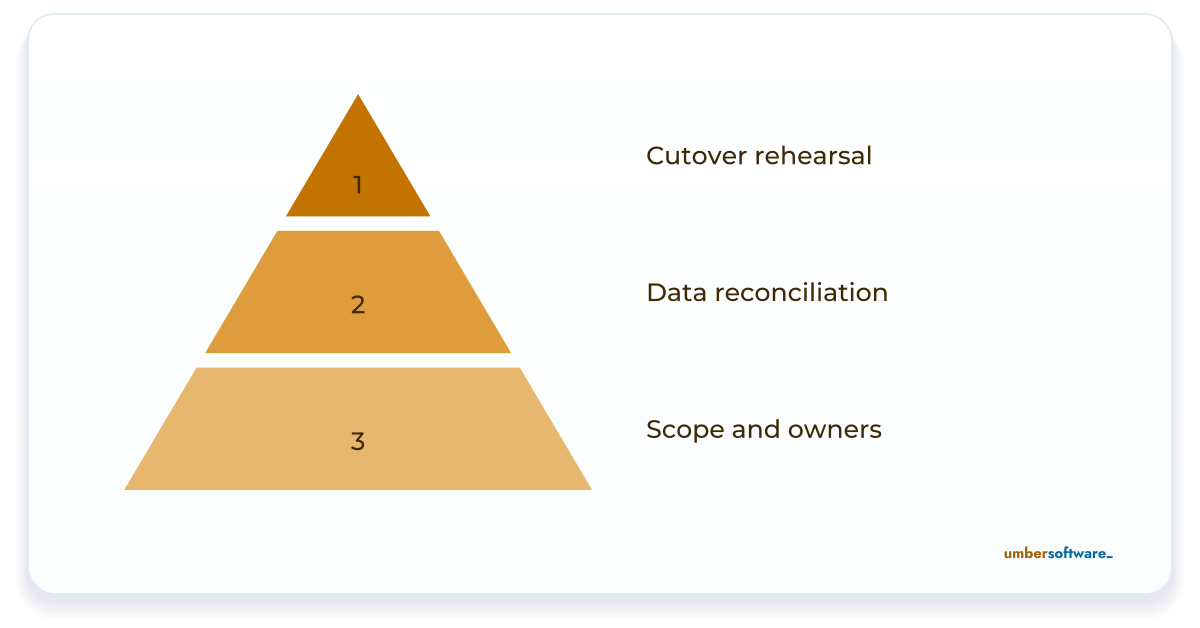
Do not let the same person who does the work sign it off. Pair each check with a reviewer from a different group.
- Scope and ownership: the executive sponsor reviews, the project lead prepares.
- Data and integrations: a business analyst reviews, the technical team prepares.
- Testing and training: process owners review, the vendor prepares.
- Cutover and review: the sponsor reviews, the project lead prepares.
Where your team lacks the capacity or an independent view, an outside reviewer can run the gates for you and report to the sponsor.
Questions About the Software Implementation Checklist
When Should I Start Using an Implementation Checklist?
Before you sign the contract. Points one and two on the list, scope and ownership, are easiest to settle while you still have leverage with the vendor. Starting at kickoff means you negotiate those points with a team that is already booked and a deadline that is already set.
Who Should Own the Checklist?
The person who owns the business outcome, not the vendor and not the IT lead alone. A single named owner with the authority to say no to scope changes keeps the checklist honest. Vendors can contribute evidence, but they should not mark their own work as done.
How Long Should the Checklist Take to Complete?
The eight checks map to the stages of a project, so they run from before the contract until a month or two after go-live. The effort is small: an hour or two per check, plus the time to gather evidence. Most of the value comes from asking at the right moment.
What If a Check Fails Close to Go-Live?
Decide whether the failure is a blocker or a known risk. A failed data migration test blocks go-live. A missing training video does not. Write the decision down with a name and a fix date, and share it with the people affected.
Does the Checklist Work for Small Tools as Well as Big Platforms?
Yes, scaled down. A small team tool may need only a day for each check, and some checks, such as integration testing, may be a single test. The questions stay the same. What changes is how much evidence each answer needs.
What Evidence Counts for Each Check?
A document, a test result or a named person's sign-off. For example, a signed scope list for check one, a migration reconciliation report for data, or an attendance and quiz record for training. A statement of 'we are on track' is not evidence.
Should the Vendor See the Checklist?
Yes. Sharing it early sets expectations and makes disputes later less personal. Good vendors welcome it, since a clear definition of done protects them as well. If a vendor resists a written checklist, take note of that.
Please note: this guide is general information and not legal, financial or tax advice. Numbers and examples are typical-project estimates; confirm current details with your providers and advisers.
Did this article help you?
Thanks, noted.
Whitney Sorensen
Whitney leads the Umber editorial team and works with the consultants to turn real client projects into practical guides on software selection, custom development, integration and legacy modernization. Before joining Umber, she spent years writing and editing for engineering and IT teams. She has since reviewed architecture audits, system selections and modernization plans from client projects across industries from manufacturing to healthcare. She works remotely from the USA.