Main Points
- Scope growth and low estimates cause most overruns, and both respond to visible lists and range estimates.
- Every open decision needs a named owner and a due date.
- Report finished, usable work and the forecast, not hours or tasks started.
- Plan capacity and technical debt work from the start, or they will take it from you later.
Software projects fail for the same few reasons, and the reasons rarely have to do with technology. After years of reviewing late and over-budget projects, I see the same seven patterns again and again. If you want a partner to look at yours, that is the daily work of software project management consulting.
Each challenge below has the cause, a fix I use and a short set of steps. The numbers come from my client work, so treat them as examples from real projects and not as industry averages.
The Seven Challenges Compared
The table shows where each problem tends to hit and how fast a fix pays off.
| Challenge | Where it shows up | Effort to fix | Time to see results |
|---|---|---|---|
| 1. Scope That Grows Every Week | Late dates | Low | One month |
| 2. Estimates That Are Always Too Low | Budget | Medium | Two releases |
| 3. Decisions Nobody Owns | Stalled work | Low | One week |
| 4. Dependencies on Other Teams and Vendors | Blocked handoffs | Medium | One month |
| 5. Staffing Gaps and Single Points of Failure | Schedule slips | Medium | One quarter |
| 6. Status Reports That Hide the Truth | Surprise red status | Low | Two weeks |
| 7. Technical Debt Pushed Below the Line | Slow changes | High | Two quarters |
Scope That Grows Every Week
Scope creep is the most common challenge I see, and it rarely arrives as one big request. It arrives as ten small ones, each reasonable on its own. Together they push a delivery date by a quarter, and nobody remembers agreeing to it.
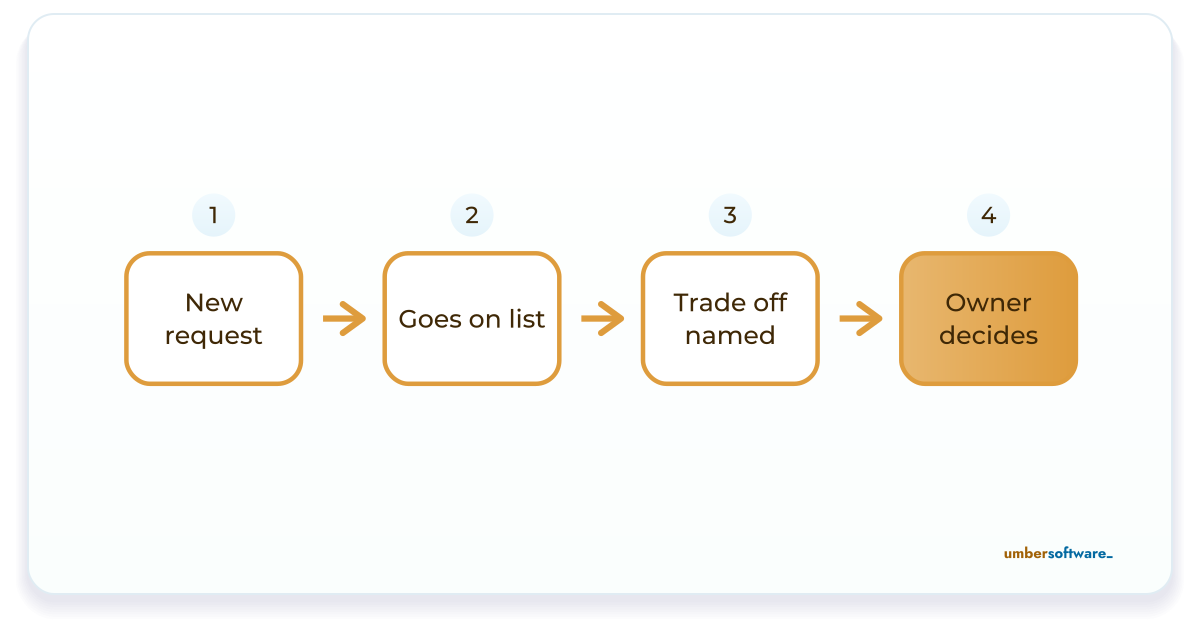
The fix is a visible list and a rule. New requests go on the list with a size, and the sponsor chooses what moves out when something moves in. In my client work, simply showing the sponsor that every addition has a cost cut new requests by about a third within a month.
Holding the Line on Scope
- Write the scope in the charter with a clear list of what is out.
- Log every new request with a rough size.
- Ask the sponsor which existing item leaves when a new one enters.
- Review the change log at each steering meeting.
- Tell users which release will carry their request.
Keeping the List Honest
A shared backlog in any tracker works, as long as one person owns the ordering. A short change log in the project document is enough for small projects.
Estimates That Are Always Too Low
Teams estimate the happy path. The work then meets old code, missing test data and a review queue, and the estimate turns out to be half of the real effort. Pressure from the sponsor makes it worse, because a low number is easier to approve than an honest range.
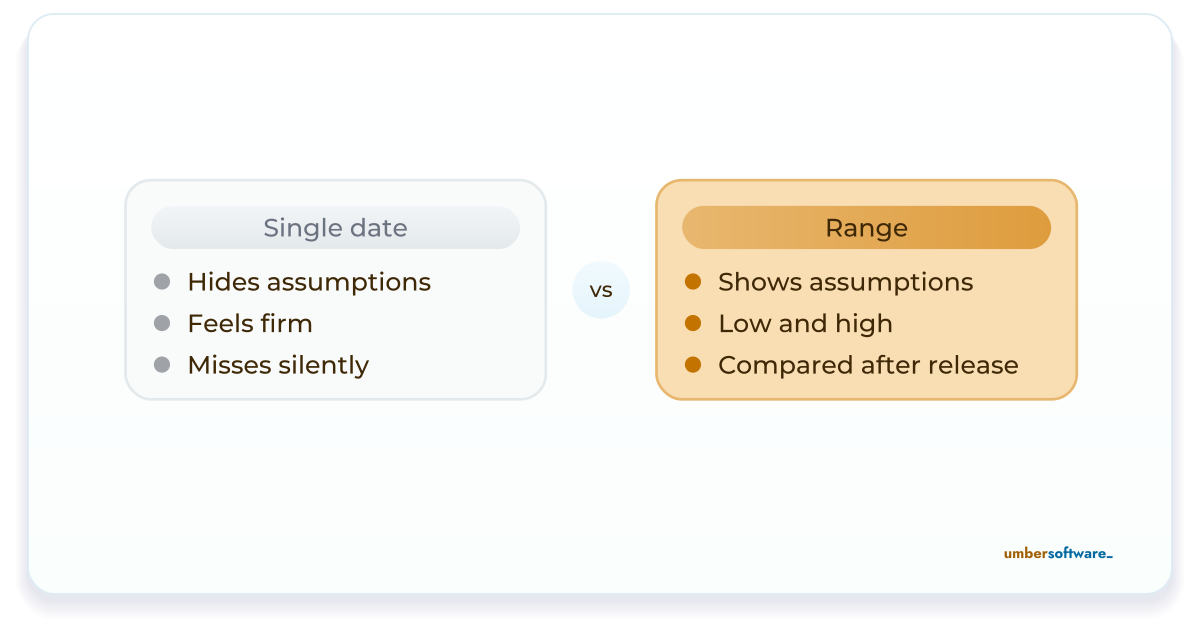
Use ranges and compare them with actuals after every release. The gap between your estimates and reality is a stable number for each team, often between 1.4 and 2 times the first guess in the projects I review. Once you know your team's factor, you can apply it openly.
Making Estimates Usable
- Estimate as a low and high value per item.
- Add the ranges and report the total as a range.
- Record the actual effort for every finished item.
- Calculate the team's average gap after each release.
- Narrow the range as uncertain items get resolved.
Tracking Estimate Accuracy
Export the estimate and actual columns from your tracker into a simple sheet. A chart of the gap per release is all you need.
Decisions Nobody Owns
A project stalls quietly when a question has no owner. Should the old customer IDs be kept? Who approves the new screen? Each one waits for someone else to answer, and the team works around the gap until the work built on top of it has to be redone.
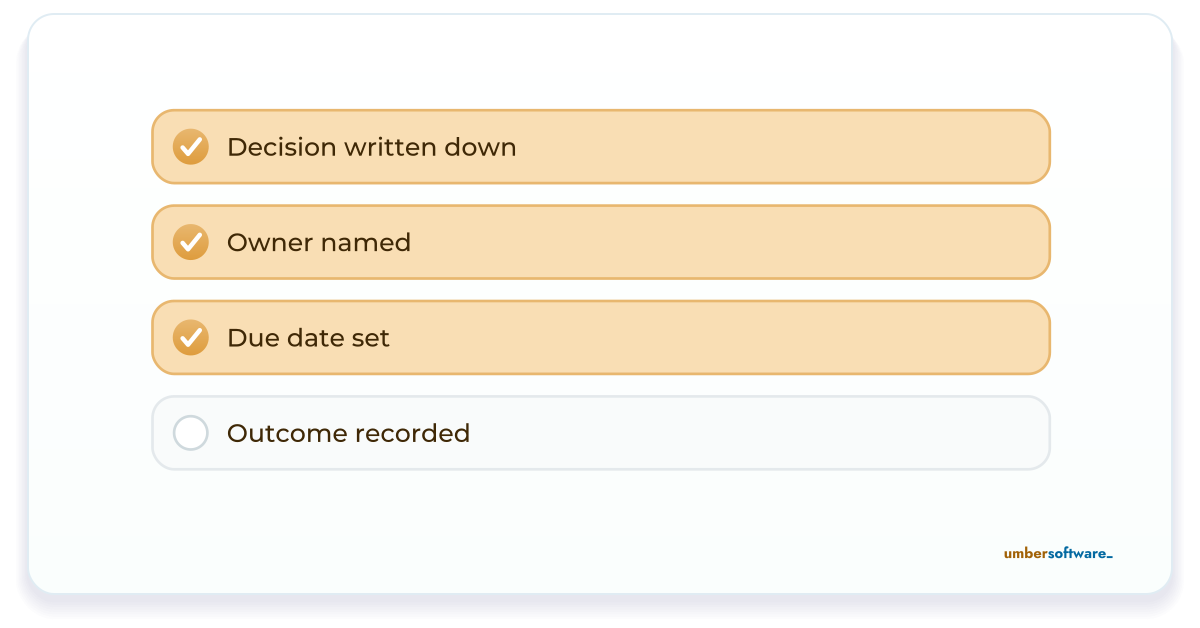
I ask every project to keep a decision log with a name and a due date per entry. It takes five minutes a week and removes most of the waiting. When a decision is stuck, the log shows who it is stuck with, which is usually enough to move it.
Giving Decisions an Owner
- List open questions in a shared log.
- Assign one named person to each.
- Set a due date, no longer than a week.
- Escalate overdue items to the steering group.
- Record the outcome and the reason.
Where to Keep the Log
A page in the team wiki or a pinned table in the tracker is enough. Pick the place people already open every day.
Dependencies on Other Teams and Vendors
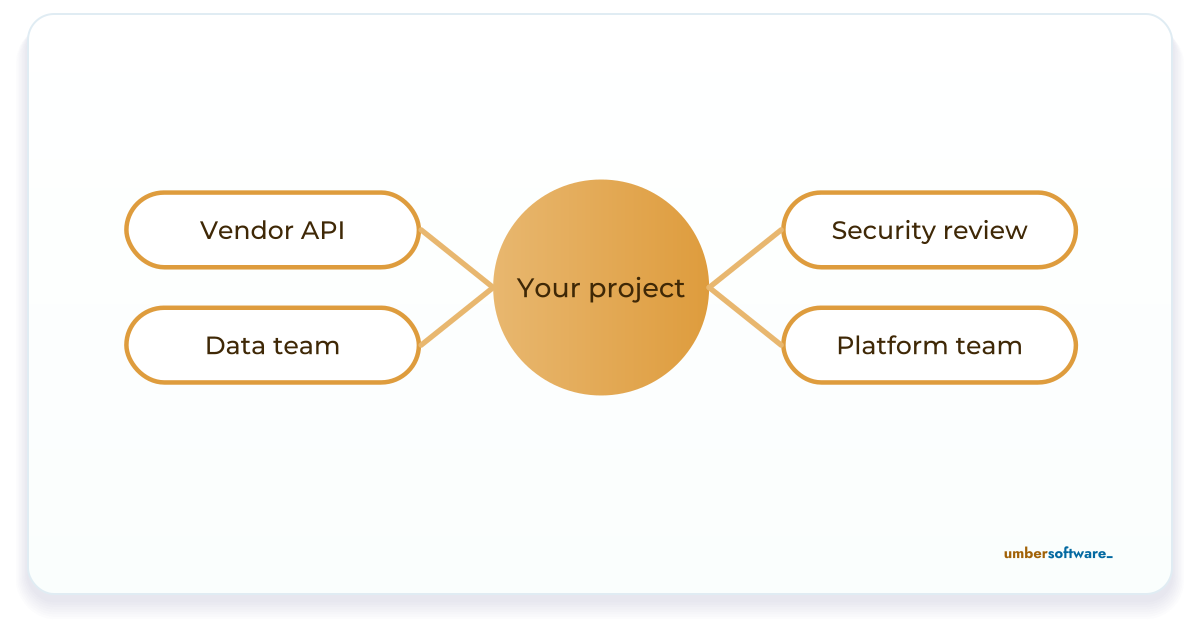
Software rarely ships from one team alone. You need a data export from finance, an API from another squad, a security review and a vendor's test environment. Each handoff has its own queue and its own priorities, and none of them shares your deadline.
Map every dependency in week one, with an owner on the other side and a date you need the result. I mark dependencies with no confirmed date as risks from day one. The ones that slip hardest are usually environments and access, so request those first.
Untangling Dependencies
- List every outside team, vendor and system the project needs.
- Name a contact on the other side for each.
- Agree on dates in writing, not in chat.
- Request access and test environments in the first week.
- Check each dependency in the weekly status note.
Making Dependencies Visible
A simple board with a column for waiting items works better than a long diagram. Keep it on the screen during the weekly call.
Staffing Gaps and Single Points of Failure
A project plan assumes people are available at full capacity for the whole time. Real teams have holidays, urgent support work and one engineer who knows the billing module. When that person leaves or falls ill, the schedule stops.
Check the plan for names, not roles. If one name appears on every critical task, you have a single point of failure. Pair people on the risky parts early, and write the knowledge down while it is still fresh.
Reducing Key-Person Risk
- Mark which tasks only one person can do.
- Pair a second person on each of them.
- Plan capacity after support work and leave, not before.
- Record how the risky parts work in short notes.
- Review the staffing picture at every steering meeting.
Capacity Planning Aids
A shared calendar with leave and support rotas gives you a realistic number. Fancy resource planners add little for teams under twenty people.
Status Reports That Hide the Truth
A project can be green for two months and then red within a week. The reports were not lies. They measured activity, such as tasks started or hours logged, and not progress that a user could see.
I prefer a weekly note with four lines: what finished, what is next, what is blocked and how the forecast changed. If the forecast line never moves, nobody is looking at it. Show working software to real users every few weeks, because that is the only status that cannot be argued with.
Reporting That Tells You Something
- Report finished work that a user can try.
- Show the forecast and any change to it.
- List blockers with an owner and a date.
- Keep the note under 150 words.
- Ask the team monthly what the report leaves out.
Choosing a Reporting Format
A short email or a pinned message in the team channel does the job. Dashboards help only when somebody reads and acts on them.
Technical Debt Pushed Below the Line
Every project has pressure to skip refactoring, tests and clean-up work in order to hit a date. The cost does not disappear. It returns as slower changes, more defects and a team that dreads touching certain files.
Reserve a fixed share of capacity for this work, usually 15 to 20 percent in the projects I run, and treat it as part of the plan, not as a favor. Tie the work to outcomes the sponsor cares about, such as faster releases or fewer incidents, so that it survives budget talks.
Paying Down Debt on Purpose
- List the debt items that slow the team most.
- Estimate each one in the same way as features.
- Reserve a fixed share of every iteration.
- Link each item to a measurable outcome.
- Report debt work in the weekly note.
Spotting Where Debt Hurts
Code analysis tools show hotspots, and your incident history shows where the pain is real. Start with the files that change most often and break most often.
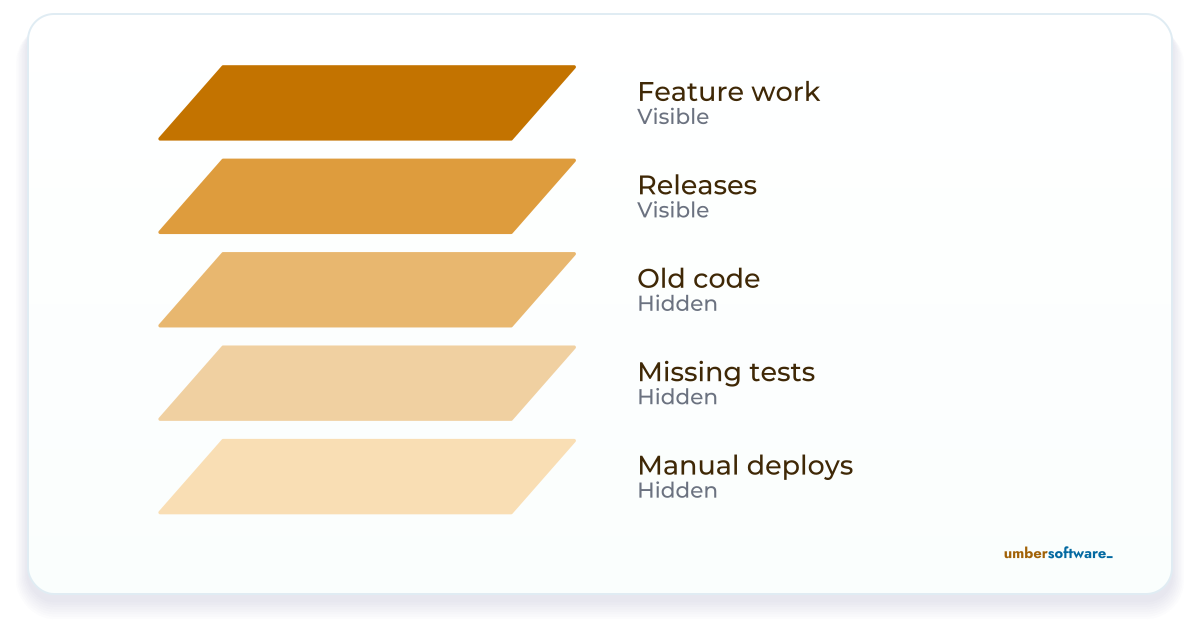
Why These Seven Travel Together
The challenges feed each other. Unowned decisions create waiting, waiting pushes the date, and a pushed date invites scope cuts, shortcuts and technical debt. A status report that hides the first slip lets the whole chain run for weeks. When you fix one link, the others get easier to spot.
A good habit is to run the same short check every week: which decisions are open, which dependencies are late, how did the forecast change and who is overloaded? The six steps in my software project management framework build that check into the project rhythm, and the software project management best practices list the habits that keep it going.
Tooling helps a little. A shared board, a log and a calendar cover most needs, and my review of software project management tools shows which ones fit which team size. Before a release or a handover, the software project management checklist catches what memory misses.
How to Choose Which Challenge to Tackle First
Pick the problem you can already see in your own numbers. A few signals point the way:
- Releases keep slipping by the same margin: start with estimates and scope.
- The team is busy and nothing finishes: start with decision ownership and dependencies.
- Sponsors are surprised late: start with status reporting.
- Every change takes longer than the last: start with technical debt and key-person risk.
Fix one challenge at a time and review it after a month. Trying all seven at once overloads the team and hides which change made the difference.
Questions About Software Project Management Challenges
What Is the Biggest Challenge in Software Project Management?
In my experience it is unmanaged scope, because it feeds every other problem: late dates, overtime and weak quality. Close behind is poor estimation. Fix those two with a visible change log and range estimates, and many of the other issues shrink on their own.
How Do I Tell Whether a Project Is in Trouble Early?
Watch the forecast, not the task count. If the forecast end date moves twice in a month, or if work keeps being marked 90 percent complete, trouble is coming. Ask the team to demo something working every two to three weeks.
Are These Challenges Different for Agile Teams?
The symptoms look different, but the causes are the same. Agile teams still face scope growth, hidden dependencies and weak estimates. Short iterations make the problems visible sooner, which is the main benefit.
How Much Buffer Should I Add to a Plan?
Keep a visible reserve of 15 to 25 percent for projects with unfamiliar technology and 10 to 15 percent for routine work. Hold it at project level, owned by the project lead, and not as padding in each task.
How Should I Handle a Stakeholder Who Keeps Changing Requirements?
Show the cost of each change in schedule or budget and ask which item leaves. Most people stop adding when they see the trade-off. If changes are valid, move to shorter releases so that new ideas can land in the next one.
When Should I Bring in Outside Help for a Struggling Project?
Bring in help when the team has lost the sponsor's trust, when the same issues repeat in every project or when a decision is stuck inside the company. An outside lead can reset the plan in a few weeks, then hand it back.
Which of These Should I Fix First?
Fix decision ownership and status reporting first. They cost almost nothing, they work within a week and they make the other five problems easier to see. Scope and estimates come next.
Please note: this guide is general information and not legal, financial or tax advice. Numbers and examples are typical-project estimates; confirm current details with your providers and advisers.
Did this article help you?
Thanks, noted.
Whitney Sorensen
Whitney leads the Umber editorial team and works with the consultants to turn real client projects into practical guides on software selection, custom development, integration and legacy modernization. Before joining Umber, she spent years writing and editing for engineering and IT teams. She has since reviewed architecture audits, system selections and modernization plans from client projects across industries from manufacturing to healthcare. She works remotely from the USA.