Main Points
- Business Central, Odoo and SAP Business One suit small and mid-sized companies, while NetSuite and Acumatica fit growing mid-sized firms.
- SAP S/4HANA Cloud, Dynamics 365 Finance and Oracle Fusion fit large organizations with complex finance.
- Epicor Kinetic, Infor and IFS Cloud fit manufacturing, industry-specific and asset-heavy operations.
- Choose by process fit and implementation partner, then verify total five-year cost before you sign.
The Best ERP Software at a Glance
| System | Type | Best for |
|---|---|---|
| 1. Oracle NetSuite | Cloud ERP | Mid-sized, several entities |
| 2. Microsoft Dynamics 365 Business Central | Cloud ERP | Small and mid-sized, Microsoft shops |
| 3. Odoo | Modular ERP | Small and mid-sized, tight budgets |
| 4. Acumatica | Cloud ERP | Mid-sized, integration-heavy |
| 5. Sage Intacct | Financial management | Finance-led mid-sized firms |
| 6. SAP Business One | SMB ERP | Small manufacturers and distributors |
| 7. SAP S/4HANA Cloud | Enterprise ERP | Large, global companies |
| 8. Microsoft Dynamics 365 Finance | Enterprise ERP | Large, complex finance |
| 9. Epicor Kinetic | Manufacturing ERP | Discrete manufacturers |
| 10. Infor CloudSuite | Industry cloud ERP | Industry-specific operations |
| 11. IFS Cloud | ERP with asset management | Asset-heavy, service-driven |
| 12. Oracle Fusion Cloud ERP | Enterprise ERP | Large enterprises |
The 12 Best ERP Software Systems, Ranked
I start with systems that suit the widest range of small and mid-sized companies and move toward enterprise suites, so you can stop reading when you find your fit. The platform is only half the result. In the ERP software consulting projects I review, the implementation partner and the quality of your data decide the outcome at least as much as the vendor. Ratings come from G2 and Capterra, and where I could not read a current rating I say so. If you run a small company, read my guide to ERP software for small business next.
Oracle NetSuite
The Cloud ERP That Mid-Sized Companies With Several Entities Tend to Grow Into
NetSuite runs financials, inventory, orders, procurement and reporting in one cloud system, with strong support for multiple subsidiaries and currencies.
NetSuite is the system I see most often when a growing company has outgrown accounting software and now runs two or three legal entities. Consolidation, intercompany transactions and multi-currency work out of the box, which saves finance teams a lot of spreadsheet effort. Inventory and order management are solid, and the SuiteCloud tools let a partner tailor workflows and screens.
The catch is the project around it. A NetSuite rollout usually needs a specialist partner, and the cost of customization adds up as fast as it does on any platform. I advise clients to keep the first release close to standard and to price every custom script with its upgrade effort in mind.
Oracle NetSuite Strengths
- Consolidation and multi-entity finance work well without add-ons
- One cloud platform covers finance, inventory, orders and reporting
- A large partner network means you can compare implementers
Oracle NetSuite Weaknesses
- Total cost is high once modules, users and services are added
- Heavy customization makes upgrades and support harder
Oracle NetSuite Pricing
NetSuite is sold by quote, based on a core license, modules and the number of users. G2 shows a perceived cost of the highest level and an average discount of 25 percent, so negotiate. Ask for the multi-year price and renewal terms in writing.
Oracle NetSuite Reviews
- G2: 4.1 of 5 stars (based on 5,258 verified reviews)
Microsoft Dynamics 365 Business Central
A Practical Pick for Small and Mid-Sized Companies Already Living in Microsoft 365
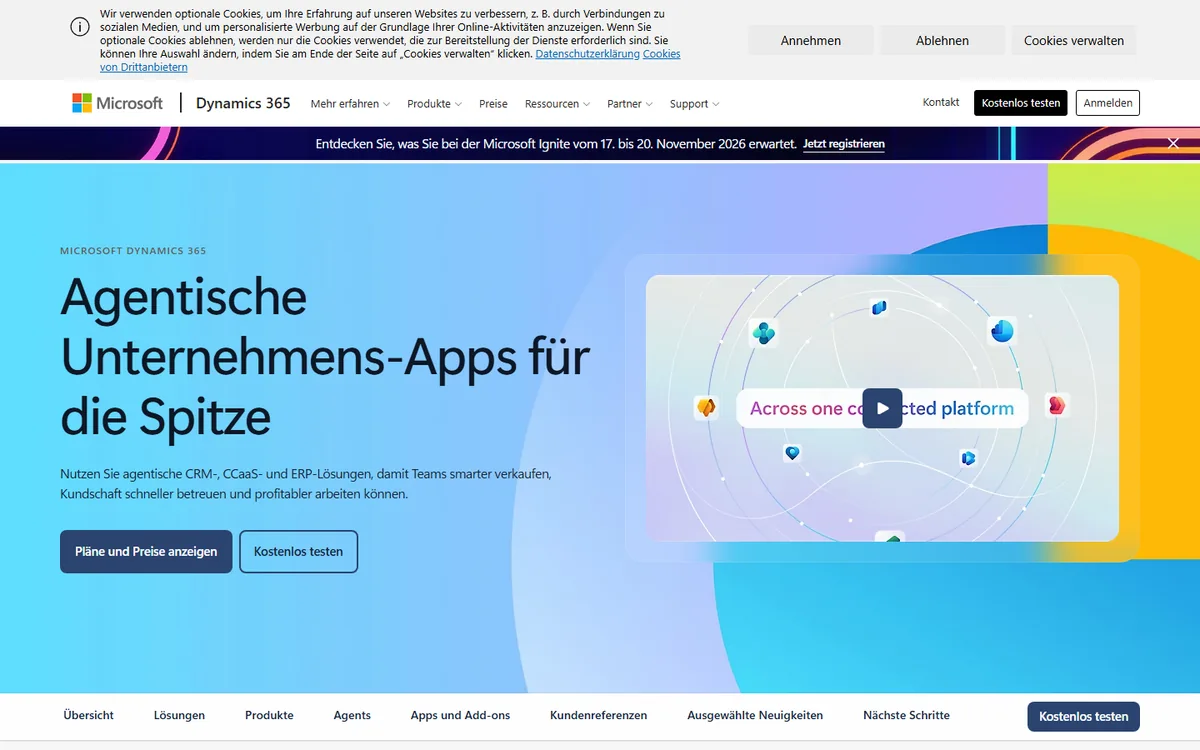
Business Central combines finance, sales, purchasing, inventory and light manufacturing, with close links to Excel, Outlook, Teams and Power BI.
If your people already work in Excel and Outlook all day, Business Central feels familiar quickly. Finance, inventory, purchasing and sales sit in one system, and the Microsoft tools around it make reporting and approvals easier to adopt. The AppSource marketplace adds industry extensions, so you can often add a feature without custom code.
Business Central is sold and implemented through Microsoft partners, and partner quality drives the outcome more than the product does. I ask clients to speak with two reference customers of their size before choosing a partner, and to check how the partner handles upgrades, since Microsoft updates the cloud service on a regular cadence.
Microsoft Dynamics 365 Business Central Strengths
- Familiar interface for Excel and Outlook users
- Extensions on AppSource cover many industry needs
- Power BI and Teams connect without custom work
Microsoft Dynamics 365 Business Central Weaknesses
- Results depend heavily on the partner you choose
- Advanced manufacturing features are lighter than in specialist systems
Microsoft Dynamics 365 Business Central Pricing
Capterra lists a Team Members plan from $8 per user per month. Full user plans cost more, and the price depends on the edition and your partner's licensing arrangement, so ask for a complete quote that includes services.
Microsoft Dynamics 365 Business Central Reviews
- Capterra: 4.1 of 5 stars (based on 211 verified reviews)
Odoo
The Most Flexible and Affordable Option If You Have a Strong Partner and Clear Processes
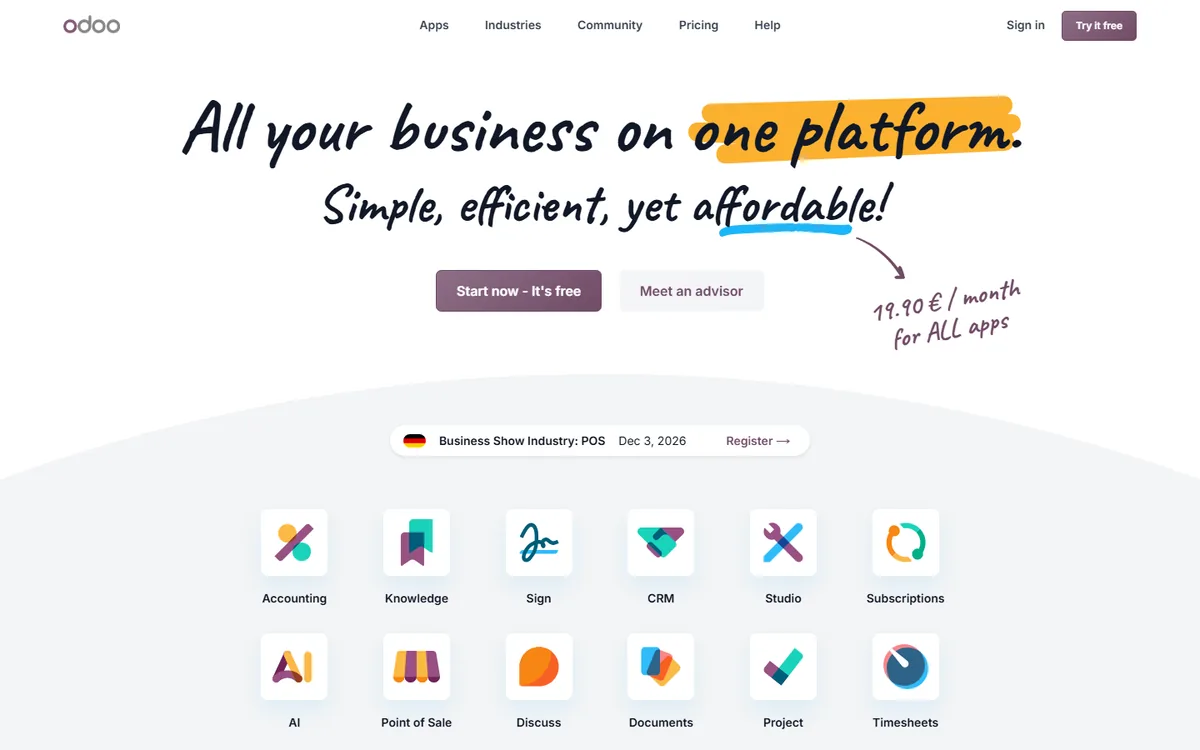
Odoo is a modular suite covering accounting, inventory, manufacturing, sales, e-commerce and more, with a low entry price and a large app library.
Odoo lets you start with one app and add others as you grow, which keeps the entry cost low. The accounting, inventory, manufacturing and sales apps share one database, and the interface is modern and easy to learn. Small companies that need ERP without an enterprise budget often land here.
The flexibility is also the risk. Odoo is easy to customize, and teams can end up with a heavily modified system that is hard to upgrade. Partner quality varies a lot, so I suggest you check references and ask to see a previous upgrade project. Keep customizations in a documented module list and limit them to what truly differs from your competitors.
Odoo Strengths
- Low entry price and the option to start with one app
- Modern interface that new users learn quickly
- Modules share one database, so data is not duplicated
Odoo Weaknesses
- Partner quality is uneven, so reference checks matter
- Easy customization can create upgrade debt
Odoo Pricing
G2 lists a free One App plan for one user, a Standard plan at $24.90 per user per month and a Custom plan at $49.00 per user per month. Check the current Odoo pricing page, because plans and hosting terms change.
Odoo Reviews
- G2: 4.2 of 5 stars (based on 370 verified reviews)
Acumatica
A Cloud ERP With Open APIs and Pricing That Does Not Punish Every New User
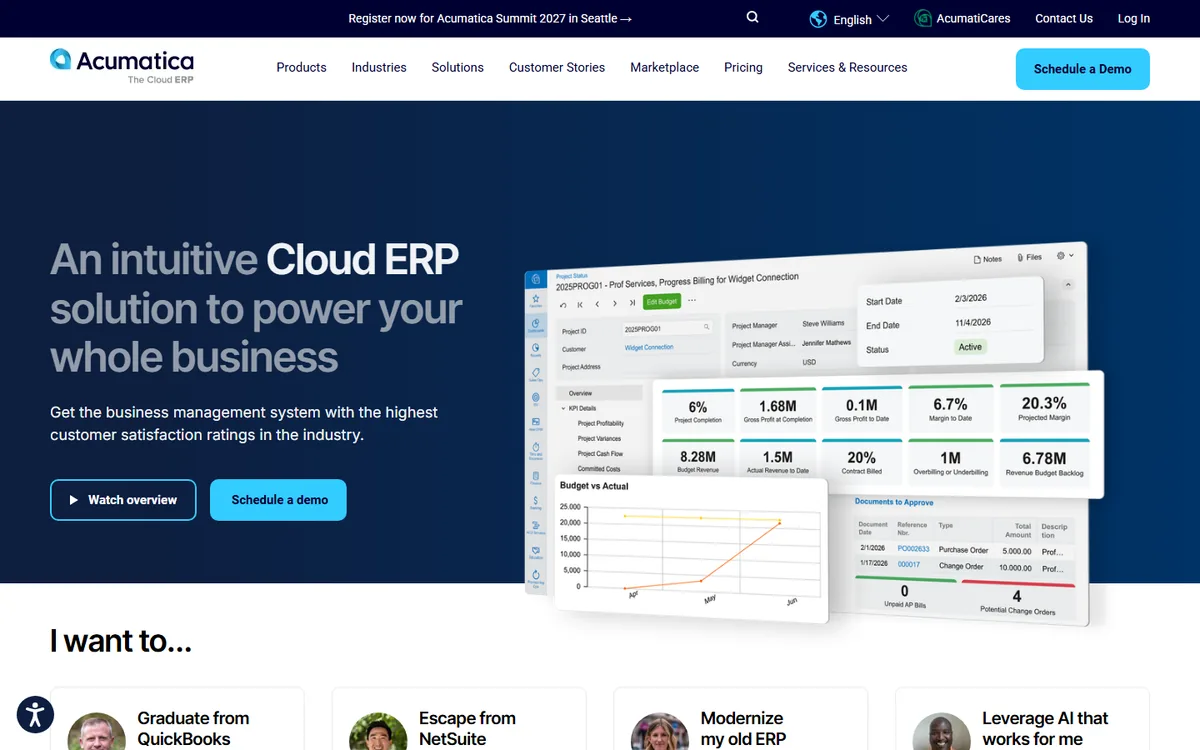
Acumatica offers financials, distribution, manufacturing, construction and project accounting editions on a cloud platform with open integration tools.
Acumatica stands out for how it licenses: pricing is based on the resources you use, not on every named user. For companies where many people need occasional access, that changes the cost picture. The platform has industry editions for distribution, manufacturing, construction and field services, and its open APIs make integrations easier to build.
I find it a good fit for mid-sized firms with custom processes who want to connect other systems. As with any ERP sold through partners, the implementer matters. Ask for examples of integrations they have built, and ask how they handle the twice-yearly releases.
Acumatica Strengths
- Resource-based licensing keeps broad user access affordable
- Open APIs simplify integrations with other systems
- Industry editions cover distribution, manufacturing and construction
Acumatica Weaknesses
- Smaller partner network in some regions
- Sizing resources correctly takes care at contract time
Acumatica Pricing
Acumatica is quoted rather than listed, and the model is based on the resources you consume. Ask for the sizing assumptions behind the quote and how overages are handled.
Acumatica Reviews
- G2: 4.4 of 5 stars (based on 2,055 verified reviews)
Sage Intacct
The Finance-First Choice for Mid-Sized Companies With Multiple Entities and Heavy Reporting
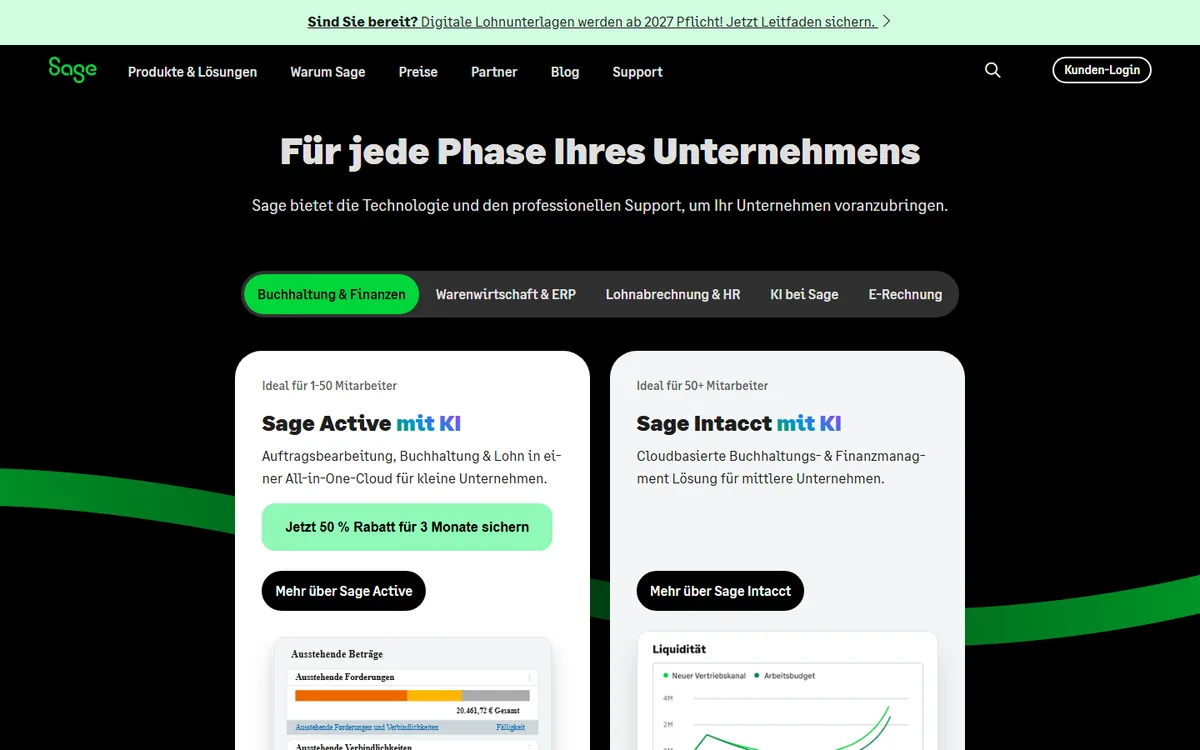
Sage Intacct is a cloud financial management system with multi-entity consolidation, flexible reporting dimensions and add-on modules.
Sage Intacct is strongest where finance leads the project. Its reporting dimensions let you slice results by department, project, customer or any other tag without rebuilding the chart of accounts, and multi-entity consolidation is a core feature. Finance teams I work with value how quickly they can answer a new reporting question.
It is not a full operations suite. Production planning and shop-floor features are limited, so manufacturers often pair it with a separate system. If your main pain is financial close and reporting, it is a good shortlist candidate. If you need deep manufacturing, look elsewhere on this list.
Sage Intacct Strengths
- Flexible reporting dimensions answer new questions fast
- Multi-entity consolidation is built in
- Strong fit for finance-led projects and project accounting
Sage Intacct Weaknesses
- Limited production and shop-floor capability
- Operations modules often need partner add-ons
Sage Intacct Pricing
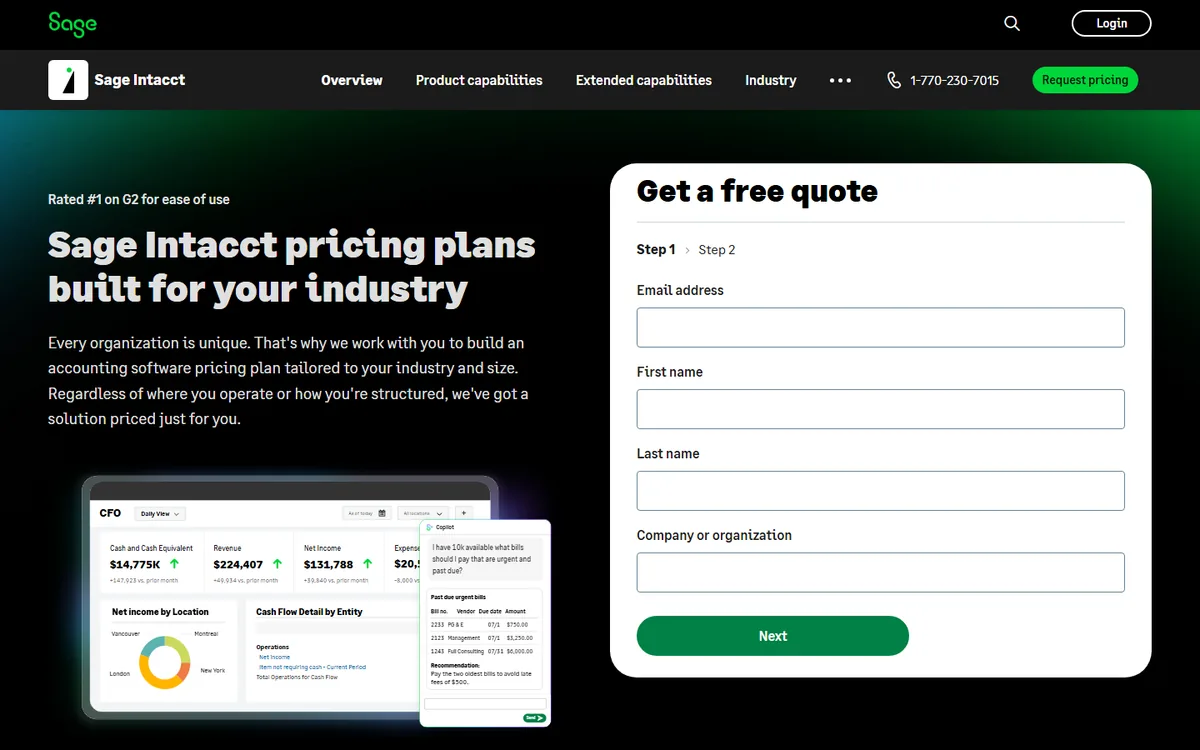
Sage Intacct is sold by quote, based on modules and users. G2 shows an average discount of 11 percent. Ask which modules are included in the base price and which are add-ons.
Sage Intacct Reviews
- G2: 4.3 of 5 stars (based on 4,544 verified reviews)
SAP Business One
A Proven Choice for Small Manufacturers and Distributors That Want SAP Without the Enterprise Scale
SAP Business One covers finance, sales, purchasing, inventory and production for small and mid-sized companies, delivered through SAP partners.
Business One is SAP's system for smaller companies. It covers accounting, inventory, purchasing, sales and basic production in one package, and it can run in the cloud or on your own servers. Distributors and light manufacturers use it as a step up from accounting software.
Like most partner-sold systems, it depends on the partner. The add-on ecosystem is large, and add-ons from different vendors can complicate upgrades. I ask clients to list every add-on they plan to use, and to confirm that the partner supports each one for future releases.
SAP Business One Strengths
- Solid inventory, purchasing and light production features
- Choice between cloud and on-premises deployment
- Large partner and add-on ecosystem
SAP Business One Weaknesses
- Add-ons from different vendors can complicate upgrades
- Interface feels older than newer cloud-first systems
SAP Business One Pricing
SAP sells Business One through partners, so there is no single public price. G2 lists the perceived cost at the highest level. Ask your partner for a quote that splits licenses, services and annual maintenance.
SAP Business One Reviews
- G2: 4.3 of 5 stars (based on 542 verified reviews)
SAP S/4HANA Cloud
The Standardized Cloud ERP for Larger Companies That Are Ready to Follow Best-Practice Processes
SAP S/4HANA Cloud is SAP's cloud ERP for large and global companies, with finance, supply chain, procurement and manufacturing built on one data model.
S/4HANA Cloud suits companies that want a standardized system with frequent updates. The cloud editions push you to adopt SAP's best-practice processes and keep custom code outside the core, so upgrades stay manageable. Global companies value its depth in finance, supply chain and manufacturing.
The trade-off is discipline. If your processes are far from the standard, the fit-to-standard workshops will be uncomfortable, and that is exactly where a rollout needs a firm sponsor. Plan generous time for change management and for data migration, and check which edition (public or private) matches your need for extension.
SAP S/4HANA Cloud Strengths
- Deep finance, supply chain and manufacturing functions
- Standardized processes keep upgrades manageable
- Strong fit for global, multi-country operations
SAP S/4HANA Cloud Weaknesses
- Requires process discipline and strong change management
- Implementation is a large project with high services cost
SAP S/4HANA Cloud Pricing
SAP prices S/4HANA Cloud by quote. G2 shows only a $1,000 per month usage-based archiving item, which is an add-on and not the starting price. Ask for a full multi-year quote with services.
SAP S/4HANA Cloud Reviews
- G2: 4.4 of 5 stars (based on 1,104 verified reviews)
Microsoft Dynamics 365 Finance
The Enterprise Microsoft Option for Companies With Complex Finance and Supply Chains
Dynamics 365 Finance handles multi-entity accounting, budgeting, fixed assets and compliance, and pairs with Supply Chain Management for operations.
Dynamics 365 Finance is Microsoft's larger ERP, built for global companies with many legal entities and complex reporting. It connects to the Power Platform, so business teams can build apps and flows around it, and to Microsoft 365 for everyday work.
It is a bigger project than Business Central, with higher services costs and a longer timeline. I recommend it when your finance structure is truly complex or when you plan to run it with Supply Chain Management. For smaller teams it is usually more system than they need.
Microsoft Dynamics 365 Finance Strengths
- Strong multi-entity and global finance functions
- Power Platform extends the system without heavy code
- Fits companies that standardize on Microsoft
Microsoft Dynamics 365 Finance Weaknesses
- Larger project and higher services cost than Business Central
- Licensing across Finance and Supply Chain needs careful review
Microsoft Dynamics 365 Finance Pricing
Microsoft licenses Dynamics 365 Finance per user per month through partners, and I could not read a current public price, so confirm it with a partner quote. Ask which user types you need, since mixed licensing changes the total.
Microsoft Dynamics 365 Finance Reviews
- I could not confirm a current rating for this product, so check G2 and Capterra directly.
Epicor Kinetic
A Manufacturing-Focused ERP for Shops That Need Deep Production Control
Epicor Kinetic targets discrete manufacturers and distributors, with production planning, shop floor tracking and quality management at its core.
Epicor Kinetic is built for manufacturers. Production scheduling, job costing, quality tracking and shop floor data collection are central, not add-ons. Many mid-sized machine shops, fabricators and industrial distributors run on it.
Its G2 rating is the lowest of the rated systems in this list, and in my experience that reflects the effort involved in a manufacturing rollout rather than a single flaw. Complex routings, bills of material and shop-floor data collection take serious design time. Plan for it, and pick a partner who has implemented your type of production before.
Epicor Kinetic Strengths
- Strong production planning and job costing
- Shop floor data collection is built in
- Deep experience with discrete manufacturers
Epicor Kinetic Weaknesses
- Rollouts demand serious process design time
- Rating among users is lower than most rivals on this list
Epicor Kinetic Pricing
Epicor quotes Kinetic based on modules, users and deployment. G2 shows an average discount of 15 percent. Ask for the services estimate alongside the license quote.
Epicor Kinetic Reviews
- G2: 3.9 of 5 stars (based on 740 verified reviews)
Infor CloudSuite
A Set of Industry-Specific Cloud ERPs for Manufacturers, Distributors and Healthcare Providers
Infor CloudSuite is a family of industry editions, with preconfigured processes for sectors such as manufacturing, distribution, healthcare and fashion.
Infor takes an industry-first approach. Instead of one generic product, it offers editions with processes preconfigured for specific sectors, which can shorten design time when your business looks like the template. Manufacturers and healthcare organizations are among its typical customers.
If your processes differ from the edition's assumptions, the advantage shrinks. I suggest you run a scripted demo on your hardest scenario and ask for a reference in your sector. Because editions differ a lot, compare the exact edition, not the brand.
Infor CloudSuite Strengths
- Industry editions come with preconfigured processes
- Good fit for specialized manufacturing and healthcare supply needs
- Cloud delivery with regular updates
Infor CloudSuite Weaknesses
- Editions differ, so comparing across them is confusing
- Smaller partner pool than some rivals
Infor CloudSuite Pricing
Infor prices CloudSuite by quote and does not publish a list price. Ask for the pricing of the specific edition and modules, plus the services estimate.
Infor CloudSuite Reviews
- I could not confirm a current rating for this product. You can read the latest user feedback on G2.
IFS Cloud
The Pick for Asset-Heavy and Service-Driven Businesses That Need ERP Next to Maintenance and Field Work
IFS Cloud combines ERP with enterprise asset management, field service and manufacturing in one platform.
IFS Cloud is strongest where physical assets and service work matter: maintenance, field service, project-based manufacturing and complex equipment. It brings asset management and service scheduling into the same platform as finance and supply chain.
That depth comes with scope. If you only need finance and inventory, you will pay for capability you do not use. I recommend IFS when your service or asset operations are a core revenue source, and I ask clients to scope the first release to those processes before expanding.
IFS Cloud Strengths
- Asset management and field service sit inside the same platform
- Strong for project-based and equipment-heavy operations
- Modern cloud delivery
IFS Cloud Weaknesses
- More platform than a finance-and-inventory business needs
- Smaller community and partner base than the largest vendors
IFS Cloud Pricing
IFS sells by quote and has no published list price on its public pages. G2 shows an average discount of 10 percent. Ask for a multi-year quote that includes services.
IFS Cloud Reviews
- G2: 4.0 of 5 stars (based on 183 verified reviews)
Oracle Fusion Cloud ERP
A Full Enterprise Suite for Large Organizations With Complex Finance, Procurement and Planning
Oracle Fusion Cloud ERP covers financials, procurement, project management, risk and planning for large and global organizations.
Fusion Cloud ERP is Oracle's enterprise suite, covering financials, procurement, project portfolio management and planning, and it is updated on a regular cloud cycle. Large organizations with complex reporting and strict controls use it to replace a patchwork of older systems.
It is a heavy project and a heavy budget. I see it chosen when the organization already uses Oracle products or needs the breadth in one vendor. Check the update cadence against your testing capacity, since quarterly updates mean your team must test regularly.
Oracle Fusion Cloud ERP Strengths
- Broad suite covering finance, procurement, projects and planning
- Strong controls and audit features for large organizations
- Regular cloud updates reduce big upgrade projects
Oracle Fusion Cloud ERP Weaknesses
- High cost and long implementation
- Regular updates need a standing test routine on your side
Oracle Fusion Cloud ERP Pricing
Capterra lists Oracle Fusion Cloud ERP from US$50,000 and tells buyers to contact Oracle for detailed pricing. Treat that as a floor, and request a full quote with services.
Oracle Fusion Cloud ERP Reviews
- Capterra: 4.3 of 5 stars (based on 73 verified reviews)
Estimate the Return on an ERP System
Before you shortlist vendors, check whether the numbers can work. Enter the manual hours your team spends on re-keying, reconciliations and chasing data that an ERP would remove, and the monthly subscription you are considering. The result is a rough yearly figure before implementation costs. For a fuller model, see my guide to ERP software ROI, and for budgets read ERP software cost.
Does the Tool Make Sense for You?
Drag the sliders to reflect your tasks and the plan you want to compare.
How to Choose the Right ERP Software
In my experience, fit with your processes and the quality of the implementation partner decide more than any feature list. Before you compare vendors, answer these four questions:
- Which processes must run in the new system on day one, and which can wait for phase two?
- How many entities, sites and currencies do you need to support in the next three years?
- How much of your work is production, project or service related, not only finance?
- Who will own the system after go-live, and who will test regular updates?
If you are a small team with Microsoft tools, I usually point to Business Central. If budget is tight and you have a strong partner, look at Odoo. Finance-led mid-sized firms should look at Sage Intacct and NetSuite, manufacturers at Epicor, Infor and Acumatica, and large enterprises at SAP, Dynamics 365 Finance and Oracle. Use the ERP software checklist to verify a shortlisted vendor, and read ERP software trends to see where the market is going. If you want a second opinion, a short call usually settles it.
Questions About Choosing ERP Software
What Is the Best ERP Software for a Small Business?
For most small businesses I would start with Microsoft Dynamics 365 Business Central, Odoo or SAP Business One, depending on your tools and budget. Odoo has the lowest entry price, Business Central fits Microsoft users and Business One suits small manufacturers and distributors. The partner you choose matters as much as the product.
What Is the Difference Between ERP and Accounting Software?
Accounting software handles the books. ERP connects accounting with inventory, purchasing, sales, production and reporting in one database. If your team re-enters data between systems or waits for reports from several tools, ERP removes that duplication. If you only need bookkeeping, accounting software is simpler and cheaper.
How Much Does ERP Software Cost?
Costs range from a few hundred dollars a month for small modular systems to six or seven figures for enterprise suites, and services often cost more than software in the first year. Few vendors publish list prices. My guide to ERP software cost shows how to build a five-year model.
Should I Choose Cloud or On-Premises ERP?
Most new projects choose cloud because updates, hosting and security are handled by the vendor. On-premises still fits companies with strict data rules or heavy customization. Check how each vendor handles upgrades, since regular cloud updates mean you need a testing routine.
How Long Does an ERP Implementation Take?
Published benchmarks put small company projects at 2 to 6 months and mid-market ones at 4 to 12 months. Enterprise programs take a year or more. Data cleanup and integrations are the biggest schedule risks, so list them in your first month.
Is It Better to Buy a Manufacturing ERP or a General One?
If production planning, job costing and shop floor data are central to your business, a manufacturing-focused system such as Epicor Kinetic or Infor will fit better than a finance-led one. If manufacturing is a small part of operations, a general system with an extension can be enough.
How Should I Compare ERP Vendors Fairly?
Write your requirements first, weight them, and score every vendor on the same demo script with your own data. Compare total five-year cost, not just license price, and talk to two reference customers of your size. An independent consultant can run this scorecard so vendor sales teams do not set the agenda.
Important: prices, plans and ratings move quickly. They reflect our last update, so double-check each vendor’s site before purchasing. Nothing in this article is legal or financial advice.
Did this article help you?
Thanks, noted.
Whitney Sorensen
Whitney leads the Umber editorial team and works with the consultants to turn real client projects into practical guides on software selection, custom development, integration and legacy modernization. Before joining Umber, she spent years writing and editing for engineering and IT teams. She has since reviewed architecture audits, system selections and modernization plans from client projects across industries from manufacturing to healthcare. She works remotely from the USA.