Main Points
- Every ERP quote mixes five fee types, so split them before you compare vendors.
- Implementation services typically take 50 to 70 percent of first-year spend.
- Hidden items add 15 to 30 percent, so add contingency and price your own staff time.
- Negotiate renewal caps, user definitions and the services estimate, where the money sits.
ERP prices are hard to compare because vendors quote different things. One quote covers a per-user subscription, another includes services, a third is a range that assumes "standard" scope. When I review quotes for clients through ERP software consulting, the first job is to turn them into the same shape. This guide gives you that shape: the fee types, typical rates, the hidden fees and a budgeting method you can reuse.
Figures come from public sources and my own project reviews, and I mark which is which. Use them as a frame for your own quotes, not as a price list.
The Fee Types in an ERP Quote
Every ERP proposal is a mix of five fee types. Seeing them separately is the quickest way to spot what is missing.
| Fee type | How it is charged | What to ask |
|---|---|---|
| Subscription or license | Per user per month, per module or by usage, billed yearly | Which users count as full users? What is the renewal cap? |
| Implementation services | Hourly rate or fixed price per phase | What are the assumptions, and how are changes priced? |
| Integration and data work | Hourly or per interface | Which interfaces are included? How many trial migrations? |
| Training and change | Per session or per person | Is it role-based, and who builds the materials? |
| Support and upgrades | Percentage of license or a monthly plan | What is covered, and how fast are responses? |
ERP Research reports that implementation typically costs 1x to 3x the first-year software fee and makes up about 50 to 70 percent of first-year spend, with license or subscription fees at about 20 to 30 percent. If a quote shows services far below that, find out what was left out.
Subscription Prices You Can Verify
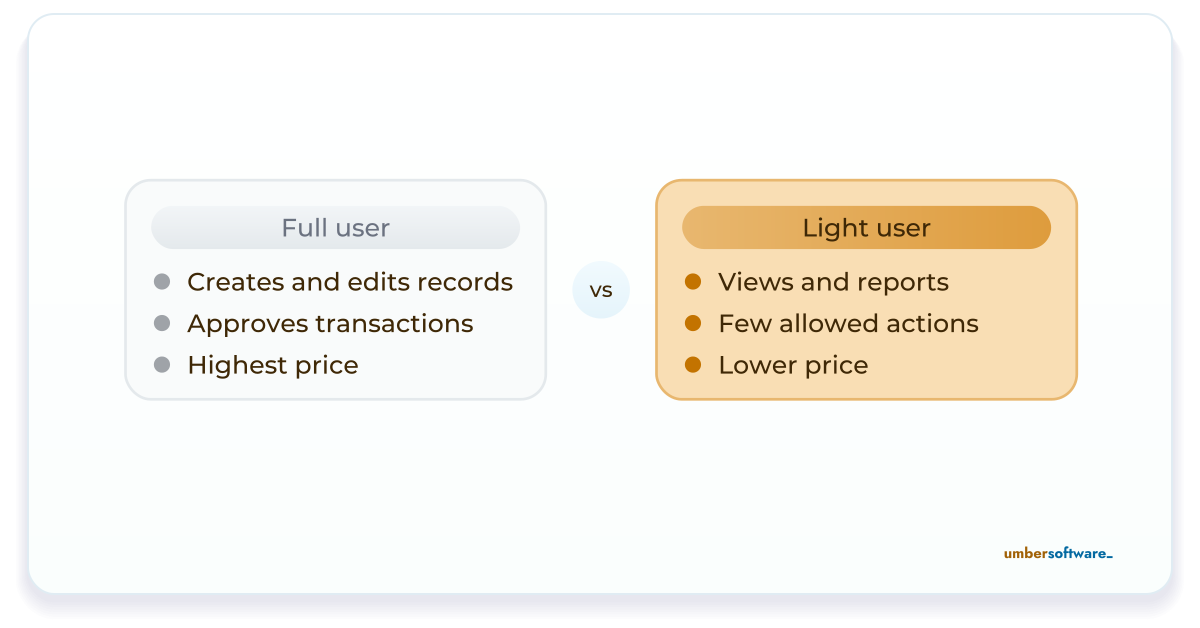
Most vendors publish no list price, but a few give public numbers. Capterra lists Dynamics 365 Business Central from $8 per user per month for the Team Members plan, a light-user license. G2 shows Odoo with a free One App plan, a Standard plan at $24.90 per user per month and a Custom plan at $49.00 per user per month. Capterra lists Oracle Fusion Cloud ERP from US$50,000 and tells buyers to contact Oracle for details. NetSuite, SAP, Sage Intacct and Epicor price by quote.
Compare them with care. A light-user license is not a full-user license, a free plan covers one app and one user, and a starting price is a floor. When you request quotes, give every vendor the same user counts by role and ask for a three-year price table. My ranking of the best ERP software notes how each vendor charges.
Typical Rates for Implementation Work
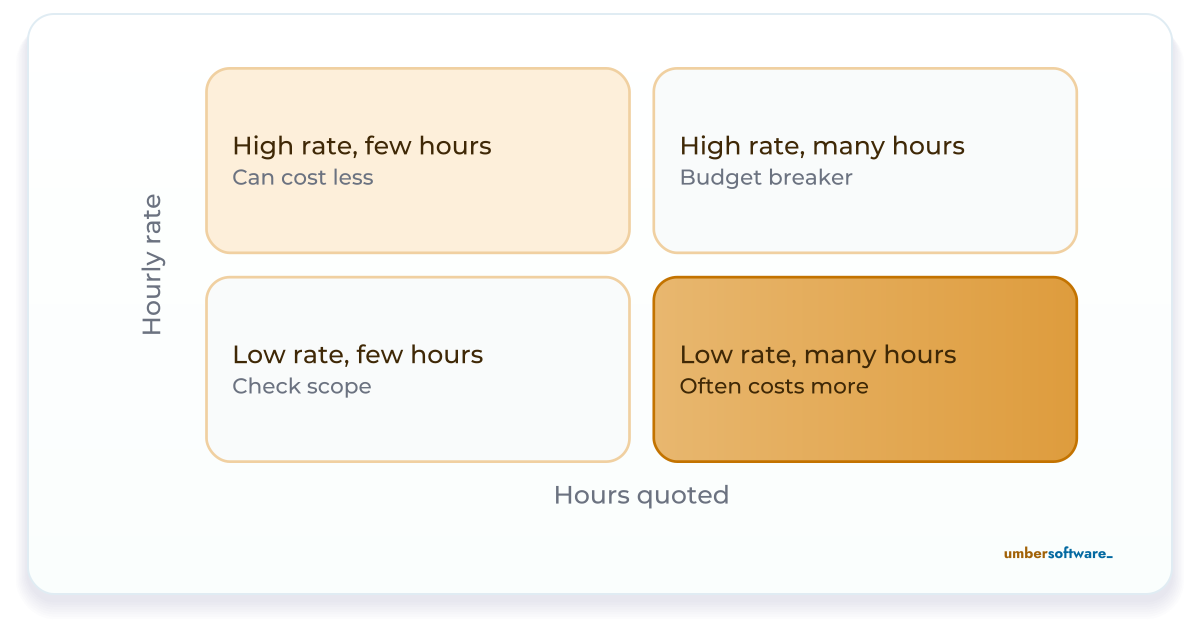
Hourly rates vary by region and by partner size. Public benchmarks are patchy, so treat these as ranges from my own project reviews rather than a published standard: junior consultants often bill in a lower band, functional and technical consultants in a middle band and architects and project managers in a higher band. A global integrator bills more than a regional partner for the same role.
What matters more than the rate is the number of hours and the mix of roles. A quote that uses mostly senior hours for configuration is expensive. A quote that uses mostly junior hours for design is risky. Ask for the role mix by phase, and ask the partner who will actually be on your project.
Budget Ranges by Company Size
ERP Research gives implementation budget ranges by user count, excluding subscription and support.
| Users | Implementation budget | Timeline | Share paid to the integrator |
|---|---|---|---|
| 1 to 50 | $25,000 to $150,000 | 2 to 6 months | 40 to 55% |
| 51 to 250 | $150,000 to $750,000 | 4 to 12 months | 45 to 60% |
| 251 to 1,000 | $500,000 to $2,000,000 | 8 to 18 months | 50 to 65% |
| 1,001+ | $1,500,000 to $5,000,000+ | 12 to 36 months | 50 to 70% |
The same source cites about $7,200 per user over five years as a benchmark, and notes that per-user cost falls as headcount grows. If you run a small company, my guide to ERP software for small business explains how to keep the first release lean.
Hidden Fees That Show Up After Signing
Hidden fees are usually not hidden on purpose. They are items nobody priced. ERP Research estimates they add 15 to 30 percent to the real total. These are the ones I check first.
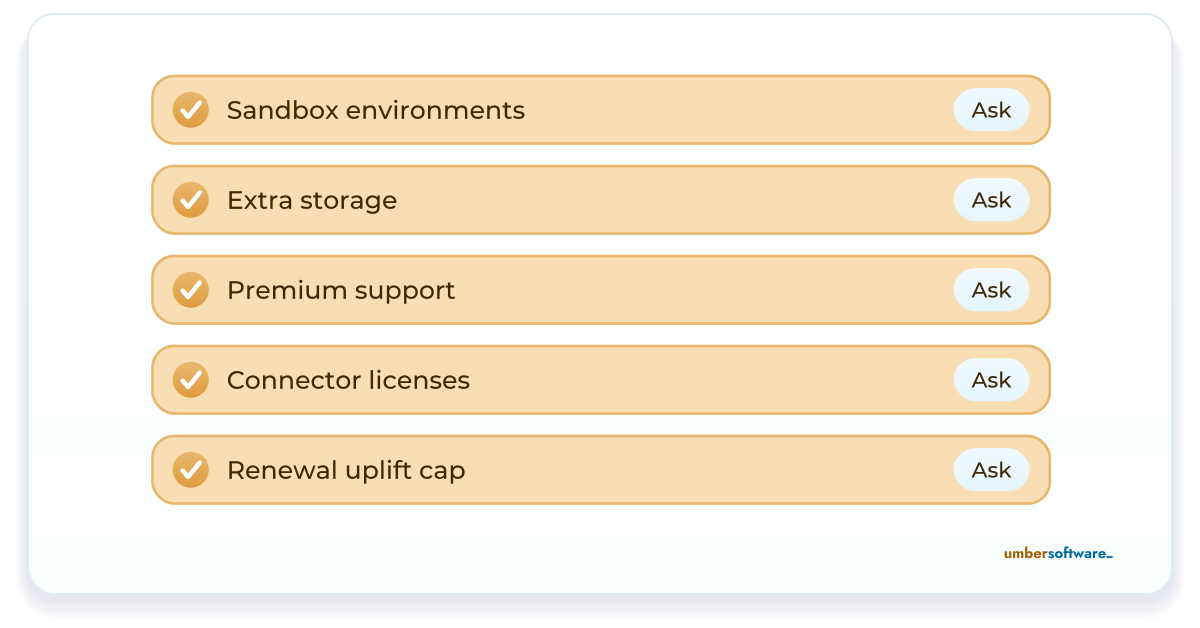
- Sandbox and test environments billed as extra subscriptions.
- Integration connectors and API call limits.
- Data storage above the included amount.
- Extra modules switched on later, such as advanced warehouse or planning.
- Annual renewal uplifts, often 5 to 10 percent, unless capped in the contract.
- Travel and expenses for on-site workshops.
- Your own staff time and temporary backfill.
Ask each vendor to confirm in writing which of these are included. A short list of "what is not included" in the proposal is a good sign. A proposal with no such list is a warning.
A Five-Step Budgeting Method
Use this method to build a budget you can defend to your owners or board.
Step 1: Count Users by Type
Split users into full, light and read-only. Vendors price them differently, and the split often moves the subscription by 20 to 40 percent in my reviews.
Step 2: Price the Subscription for Five Years
Take the vendor's table and add the renewal uplift you expect. If the vendor will not cap it, assume 7 percent a year.
Step 3: Estimate Services by Phase
Ask two partners for hours by phase: design, build, data, test, training and go-live. Compare the two, and ask about gaps larger than 20 percent.
Step 4: Add Integrations and Data
Price each interface and each trial migration separately. These are the largest source of change orders.
Step 5: Add Internal Cost and Contingency
Value your internal hours, add backfill and add 15 percent contingency, or 30 percent when integrations are unclear. For the full total-cost approach, see my guide to enterprise software cost.
A Worked Budget for a 60-User Company
This example is my own illustration, built from the ranges above. Replace each line with real quotes.
| Line | Assumption | Five-year amount |
|---|---|---|
| Subscription | 60 users at $90 per month, 7% yearly uplift | $373,000 |
| Implementation | Mid-range of the 51 to 250 user band | $220,000 |
| Integrations and data | Four interfaces, three trial migrations | $60,000 |
| Training | Role-based, 12 percent of implementation | $26,000 |
| Internal time | One project lead at 40 percent for 8 months | $35,000 |
| Support and enhancements | $25,000 per year after year one | $100,000 |
| Contingency | 15 percent of the lines above | $122,000 |
| Total | Five years | $936,000 |
That is about $15,600 per user over five years, higher than the $7,200 benchmark. A small company has fewer seats to spread fixed project costs over, which matches the trend ERP Research describes. If your own total lands far from any benchmark, ask why before you celebrate or panic. To see whether the number can pay back, use the method in ERP software ROI.
Payment Terms and Milestones Worth Asking For
The way you pay changes your risk as much as the price. Subscriptions are usually billed yearly in advance. Services can be billed monthly on time and materials, or by milestone. For milestones, tie a share of the fee to results you can verify: approved design, a passed integration test, a rehearsed cutover and a stable first month after go-live.
Hold back a retention of 10 to 15 percent of the services fee until hypercare ends. Partners respond well to a clear definition of done. It also gives you a lever if quality slips late in the project, when your options are few.
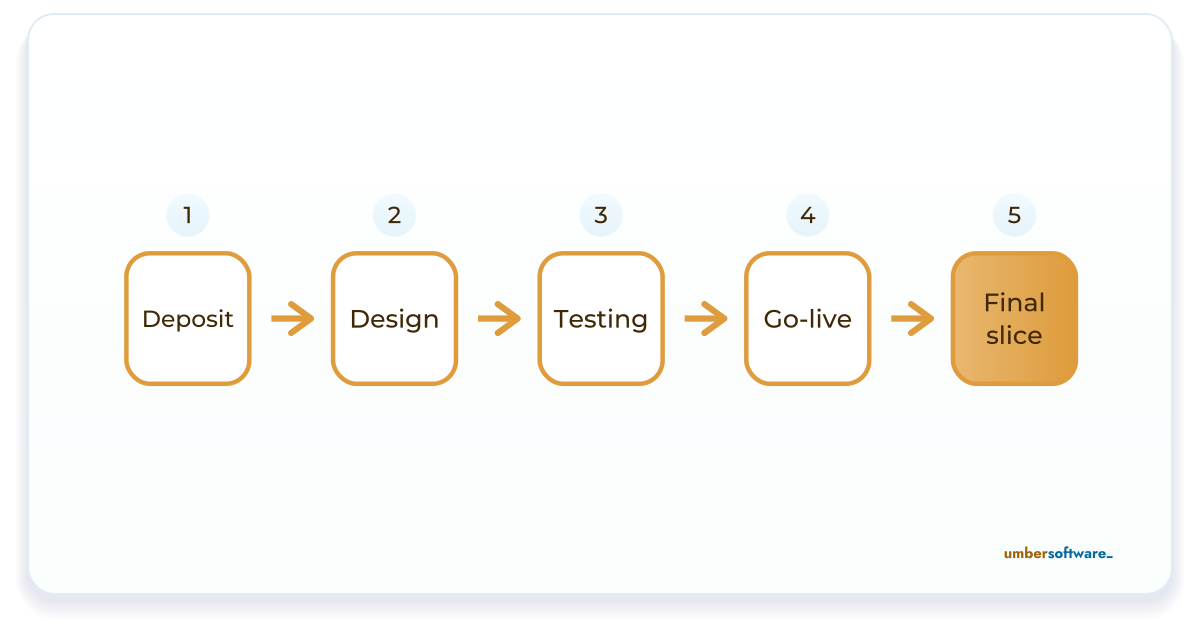
Ask for a delayed subscription start or a ramp in user counts, because paying for 60 seats while only ten people are testing wastes money. Many vendors will agree if you commit to a multi-year term.
What Pushes Your Price Up or Down
Five drivers explain most of the difference between a cheap and an expensive project. Entities and countries come first, since each adds tax, currency and reporting rules. Number of integrations is second. Data volume and quality is third. The share of standard versus custom processes is fourth, and the strength of your internal team is fifth. A company with one site, standard processes and a motivated project lead can land at the bottom of a published range. A company with three countries and old data lands at the top, whatever the user count says.
How to Negotiate and Compare Quotes
Three habits make the biggest difference. First, ask every vendor and partner for the same assumptions: the same user counts, the same modules and the same interfaces. Second, ask for a renewal cap and price protection for three years. Third, ask for a price per phase with a change-order rate, not one fixed price that hides assumptions.
Do not skip the checklist work before you sign. My ERP software checklist lists what to verify in a contract, and software contract negotiation consulting covers clause-level advice. To see how prices may move over the next few years, read about ERP software trends.
Sources
- ERP Research: ERP Implementation Cost Breakdown 2026
- Capterra: Dynamics 365 Business Central pricing
- G2: Odoo reviews and pricing
- Capterra: Oracle Fusion Cloud ERP
Questions About ERP Software Cost
How Much Does ERP Software Cost per User?
Public prices start as low as $8 per user per month for a light-user plan on Business Central, and $24.90 for Odoo's Standard plan, both as listed on Capterra and G2. Full-user licenses on mid-market and enterprise systems cost much more and are quoted individually. Five-year cost per user, including services, was about $7,200 in one 2025 benchmark.
Why Is the Implementation More Expensive than the Software?
Software is a product with low marginal cost, while implementation is skilled labor: process design, configuration, data migration, integration and testing. ERP Research reports that implementation takes about 50 to 70 percent of first-year ERP spend, versus 20 to 30 percent for the subscription.
What Are Typical ERP Consultant Hourly Rates?
Rates vary by region, role and firm size, and no single published standard exists. Ask for a blended rate for the project, a cap on senior hours and the role mix by phase. The number of hours and the experience of the team matter more than the headline rate.
What Hidden Fees Should I Look For?
Extra test environments, connector and API limits, storage overages, add-on modules, renewal uplifts and travel. Estimates put hidden costs at 15 to 30 percent of the real total. Ask each vendor to list what is not included, and add your own staff time.
How Much Contingency Should I Add?
I add 15 percent as a default and 30 percent when integrations or data quality are unclear. A contingency that nobody touches is a good outcome. A project with no contingency usually pays through scope cuts at the end.
Is a Fixed-Price ERP Implementation a Good Idea?
It works for well-defined phases such as design workshops or training. For a whole project it often hides thin assumptions, and each real requirement becomes a change order. I prefer fixed prices per phase with review gates.
How Do I Compare Quotes from Different Vendors?
Give each vendor the same user counts, modules, interfaces and timeline. Convert every quote into the same five fee types, then compare five-year totals and the assumptions behind each. A neutral advisor can build the comparison so sales teams do not frame it.
Disclaimer: Prices, ratings and benchmarks change often and were checked when this article was last updated, so confirm them with each vendor. The worked budget is my own illustration. Nothing here is legal, tax or financial advice.
Did this article help you?
Thanks, noted.
Whitney Sorensen
Whitney leads the Umber editorial team and works with the consultants to turn real client projects into practical guides on software selection, custom development, integration and legacy modernization. Before joining Umber, she spent years writing and editing for engineering and IT teams. She has since reviewed architecture audits, system selections and modernization plans from client projects across industries from manufacturing to healthcare. She works remotely from the USA.