Main Points
- An assessment scores your security habits across six areas, from governance to operations, instead of listing individual bugs.
- Give a point only for what you can show with a ticket, a log or a setting.
- Your weakest area limits you more than your total score.
- Turn every area scoring 0 or 1 into one action with an owner, then re-score in six months.
A software security assessment answers one question: how ready is your software, and the team behind it, to handle an attack? It is faster and cheaper than a formal audit, and it tells you where to spend your next security dollar. When clients come to our software security consulting team unsure where to start, the assessment is almost always step one.
Below you will find a scoring method you can run yourself in an afternoon, a maturity table to place your results and a plan for turning scores into work. If a customer or insurer needs formal evidence instead, jump to the software security audit guide.
What a Security Assessment Evaluates
An assessment looks at capability, not individual bugs. It asks whether your team has the habits, tools and ownership to prevent, find and fix security problems. A scanner can list a thousand flaws. An assessment tells you why you keep producing them.
I score six areas, each from 0 to 3. They mirror the structure of the OWASP Software Assurance Maturity Model, which is a good public reference if you want the full version.
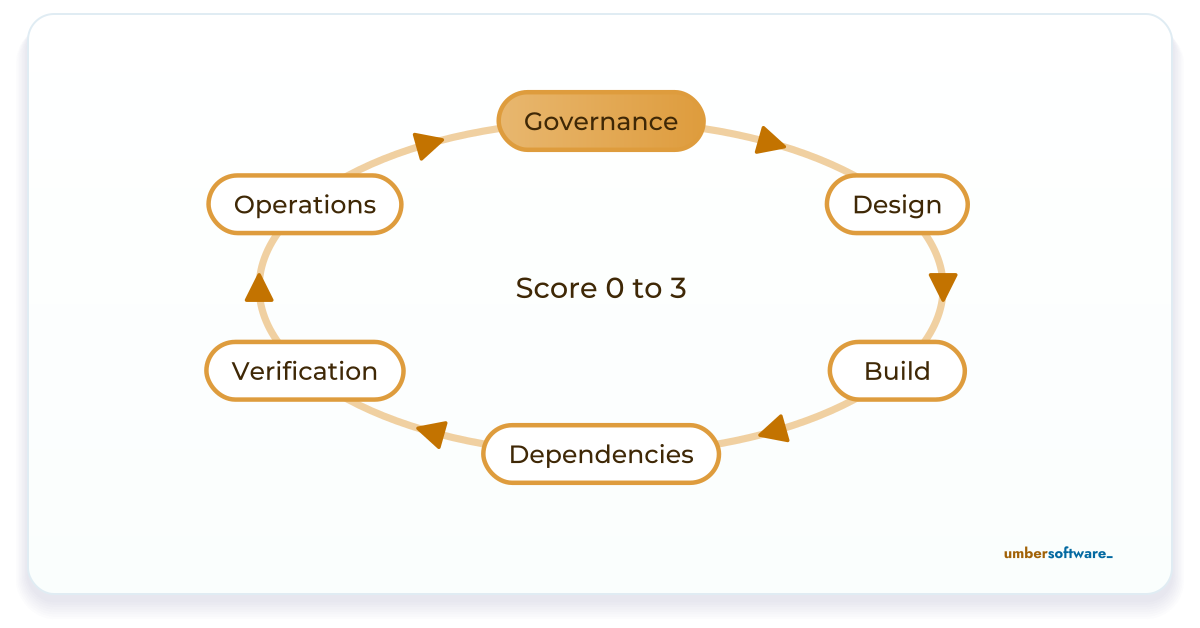
| Area | What it answers | Score 0 looks like | Score 3 looks like |
|---|---|---|---|
| Governance | Who owns security decisions? | Nobody; decisions happen by accident | Named owner, written policy, regular review |
| Design | Are threats considered before code is written? | No design reviews | Threat modelling on every major feature |
| Build | Is code reviewed and scanned? | Occasional peer review | Required review plus automated scans on every change |
| Dependencies | Do you know what you ship? | No inventory | Inventory, automated alerts and an upgrade routine |
| Verification | Is security tested before release? | Ad hoc testing | Scripted tests and periodic outside testing |
| Operations | Can you detect and respond? | No logging review or incident plan | Monitored logs, tested response plan, fast patching |
Run a First Pass Yourself in One Afternoon
You do not need an outside team to get a rough picture. Gather your lead developer, whoever manages your cloud accounts and one person from the business side. Walk through each area and agree on a score. Argue about the edge cases. The arguments teach you more than the numbers do.
Scoring rules that keep you honest
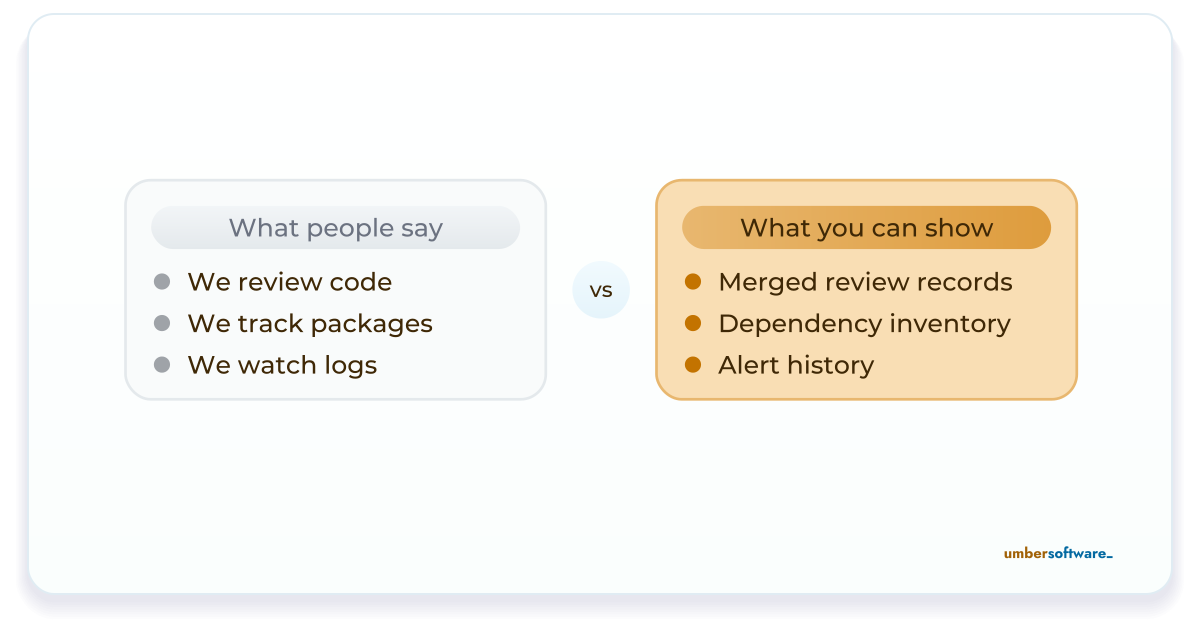
Give a point only for things you can show. A policy that exists in a wiki nobody reads is a 0. A scan that runs but whose results nobody triages is a 1 at best. If the person who answers cannot point to a ticket, a log or a setting, the answer is no.
Add the six scores for a total out of 18. Teams I assess often land between 5 and 9 on the first pass. That range is normal, so do not read it as failure. It is a baseline.
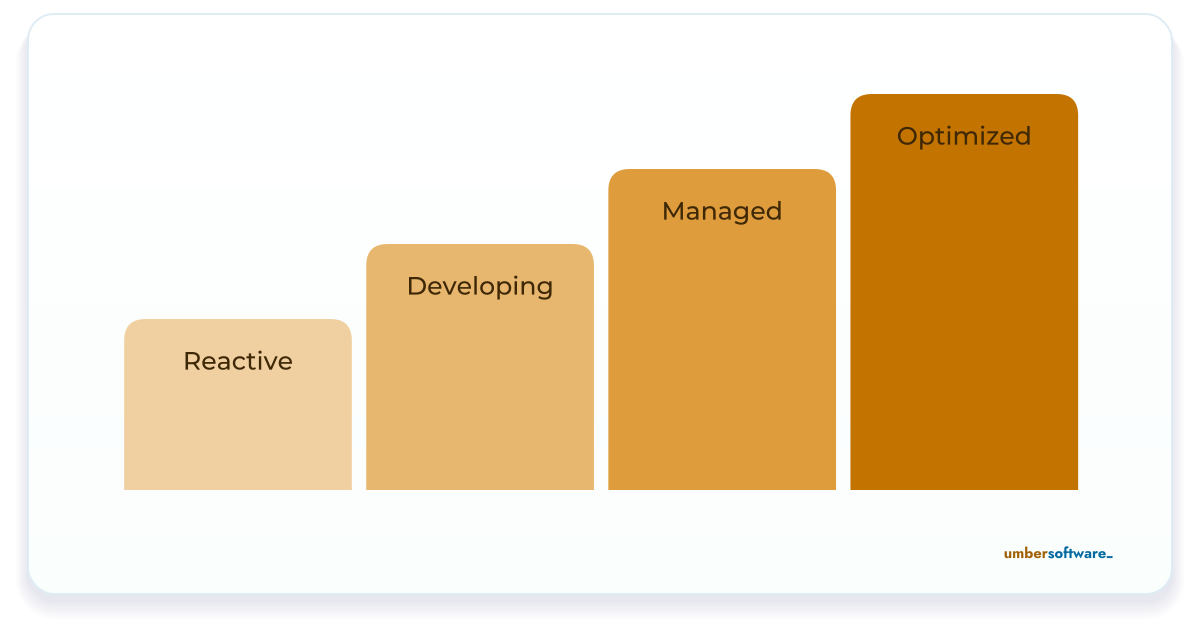
| Total score | Maturity level | What it usually means |
|---|---|---|
| 0 to 4 | Reactive | Security happens after incidents. Quick wins are plentiful. |
| 5 to 9 | Developing | Some good habits exist but they depend on individuals. |
| 10 to 14 | Managed | Practices are written down and mostly followed. |
| 15 to 18 | Optimized | Security is measured and improved on a regular cycle. |
Add Technical Evidence to the Interview
Interview answers are opinions until you back them with data. After the scoring session, collect four artifacts and compare them with what people told you.
- A dependency report listing known vulnerable packages and their age.
- The last three pull requests, to see whether review and scanning happened.
- The list of people with production access and when each last used it.
- The last incident or near miss, with notes on how long detection took.
I once assessed a payments startup whose team rated their dependency management a 3. The report showed 41 packages with known issues, one of them nine releases behind. The score became a 1, and the conversation that followed changed their whole sprint plan. The application security tools comparison covers scanners that produce this kind of report without much setup.
Turn Scores Into a 90-Day Plan
An assessment that ends in a slide deck wastes money. Convert every area scoring 0 or 1 into one concrete action with an owner and a date. Resist the urge to fix everything. A realistic plan for a small team has three to five items.
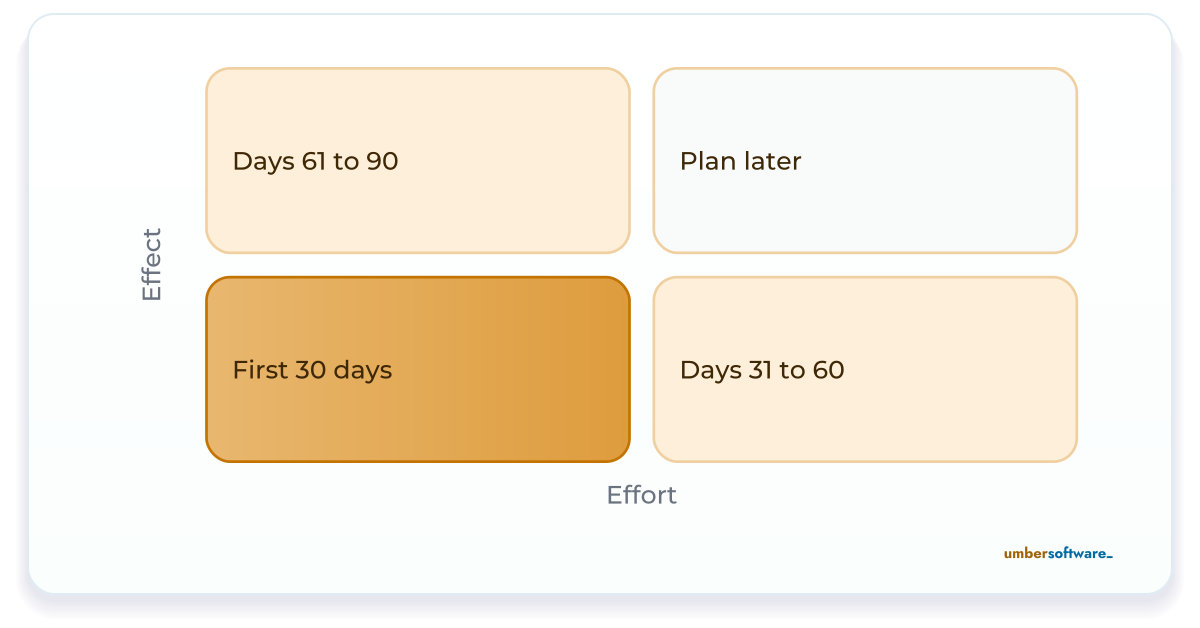
Sequence the work by effort and effect
Start with items that are cheap and remove obvious exposure: turn on automated dependency alerts, remove stale accounts, enforce multi-factor sign-in for production systems. Move on to items that need habit changes, such as design reviews. Leave tooling purchases and policy rewrites for last, since they take longest and help least on their own.
| Priority | Typical action | Effort | Effect |
|---|---|---|---|
| First 30 days | Dependency alerts, access cleanup, secrets out of code | Low | High |
| Days 31 to 60 | Required code review, basic scans in the pipeline | Medium | High |
| Days 61 to 90 | Lightweight threat modelling, incident drill | Medium | Medium |
| After 90 days | Outside testing, formal policy set | High | Medium |
The 12-point checklist gives you a ready list of items for the first phase, and the security framework model shows how to keep the work organized after the first quarter.
A Worked Example: A 14-Person SaaS Team
A software company with 14 people and one product asked us for an assessment before signing its first enterprise customer. Their own estimate was "pretty good." The scoring session took three hours and produced these results.
| Area | Self-score | Evidence-based score | Reason for the change |
|---|---|---|---|
| Governance | 2 | 1 | Policy existed but no one owned updates to it |
| Design | 1 | 1 | No design reviews, as the team expected |
| Build | 3 | 2 | Review was required but two of the last ten pull requests skipped it |
| Dependencies | 3 | 1 | No inventory and 38 packages with known issues |
| Verification | 1 | 1 | Only an annual test by a friendly contractor |
| Operations | 2 | 1 | Logs were collected and never read |
The team's total fell from 12 to 7, which put them in the developing range. Nobody was happy about the drop, though the gap showed exactly where the sprint time should go. Within 90 days they turned on dependency alerts, cleared 30 of the 38 flagged packages, made review mandatory in the repository settings and ran a one-hour incident drill. At the six-month re-score they reached 11.
The important detail is what they skipped. They did not buy a new platform, hire a security lead or rewrite their policy set. Small habit changes moved the score more than any purchase would have.
Questions I Ask in Every Assessment Interview
Good questions are specific and ask for proof. These are the ones that reveal the most in the least time, and you can use them in your own session.
- What happened the last time a vulnerability was reported in a library you use, and how long did the fix take?
- Who can deploy to production today, and when did you last review that list?
- Where are the keys and passwords your application uses, and who can read them?
- If a customer's data leaked tonight, who would you call first and what would they do?
- Which part of the system does everyone avoid touching, and why?
The last question tends to reveal the most. Areas that developers avoid are usually old, poorly understood and unpatched. They also tend to hold the most sensitive data, because they were built when the business was small and nobody expected it to grow.
What Changes in Your Team After the Score
The most useful outcome of an assessment is shared language. Once a team has scored itself, "we are a 1 on dependencies" becomes a sentence people can say in a planning meeting. Product managers start to understand why a sprint item exists, and developers get permission to spend time on fixes that do not ship a visible feature.
Put the scorecard in a place the whole team can see, and review it at the same meeting where you review delivery numbers. Security work that sits in a separate conversation gets postponed. Security work that sits in the roadmap gets done.
Common Ways Assessments Go Wrong
The first mistake is assessing the wrong scope. A team that scores its newest microservice and ignores the ten-year-old billing system gets a flattering result and a false sense of safety. Always include the oldest system that touches money or personal data.
The second is letting the vendor of a security product run the assessment. Their report tends to find gaps that happen to match the product. Choose an assessor with nothing to sell you beyond the assessment itself.
The third is skipping the re-score. Run the same exercise every six months using the same questions. A score that moves from 7 to 11 in a year is a story you can tell customers. It also exposes areas that stalled, and the software security risks article helps you explain why those stalls are dangerous.
What an Assessment Costs in Time and Money
Budget for people's hours first, because they are the real cost. A self-assessment takes three to four hours of three people, plus a day to collect evidence and write the plan. An outside assessment adds a fee and one to two weeks of calendar time, mostly spent waiting for answers and exports.
Money is easier to justify when you compare it to the alternative. A single enterprise deal often asks for a security questionnaire, and weak answers can stall the contract for months. An assessment that costs a few days of effort and gives you honest, documented answers pays for itself the first time a buyer asks how you handle vulnerabilities. Keep the written results, since you can reuse them in questionnaires and in the next audit.
Choosing Between a Self-Assessment and an Outside Assessor
A self-assessment costs a few hours and works well when your team is small and honest with itself. An outside assessor costs more, and brings comparison data from other projects plus the ability to say uncomfortable things. I suggest the outside route when your team has never done one, when a major customer is asking for proof, or when internal opinions are split.
- The assessor shows a scoring method before you sign.
- Interview answers are checked against technical evidence.
- You receive a prioritized plan, not only a scorecard.
- The same method can be repeated next year for comparison.
Questions About Software Security Assessments
What Is a Software Security Assessment?
It is a structured review of how well your software and your team handle security. Instead of listing every bug, it scores areas such as governance, design, build, dependencies, verification and operations, so you can see where to invest first.
How Is an Assessment Different from an Audit?
An assessment estimates maturity and guides your priorities. An audit checks your software against a defined standard and produces evidence for each control. Assessments are quicker and cheaper, and audits carry more weight with customers and regulators.
How Much Time Does an Assessment Need?
A self-assessment can be done in an afternoon. An outside assessment of one product usually takes one to two weeks, including interviews and a review of technical evidence such as dependency reports and access lists.
Who Should Be in the Room?
Include your lead developer, whoever manages infrastructure and one business owner. Developers know what actually happens, and the business owner knows which data and processes matter most.
What Score Should I Aim For?
A first assessment often lands in the developing range. Aim to raise your lowest area first, then lift the total by a few points each half year. Chasing a perfect score is rarely worth the cost.
Do I Need Special Tools?
Not for the first pass. A dependency report, a list of production access and a few recent pull requests are enough to check the answers people give. Tools help later when you want the checks to run automatically.
How Often Should I Reassess?
Every six months works well for growing teams, and once a year for stable ones. Repeat the same questions so scores are comparable, and reassess sooner after a major change like a new payment flow or a platform migration.
Sources
Please note: this guide is general information and not legal, financial or tax advice. Numbers and examples are typical-project estimates; confirm current details with your providers and advisers.
Did this article help you?
Thanks, noted.
Whitney Sorensen
Whitney leads the Umber editorial team and works with the consultants to turn real client projects into practical guides on software selection, custom development, integration and legacy modernization. Before joining Umber, she spent years writing and editing for engineering and IT teams. She has since reviewed architecture audits, system selections and modernization plans from client projects across industries from manufacturing to healthcare. She works remotely from the USA.