Main Points
- Twelve items cover the basics of software security, and each ends with a test you can verify.
- Do multi-factor sign-in, secrets cleanup and patching first, because they cost the least and block the most.
- Attach evidence to every item, since a tick without proof is only a promise.
- Re-run the list every quarter and add items only when an incident or audit shows a gap.
Security checklists are everywhere, and most of them are too long to finish. This one has twelve items. Each is specific, takes hours or days rather than months, and ends with a test you can check. I use it as the first filter in engagements run by our software security consulting team, before any formal review.
Work through it in order. The first four items remove the most risk for the least effort, and the later ones build habits. If you want to know how your team scores overall before you start, the software security assessment gives you a method, and a full security audit is the next step when you need outside proof.
The Twelve Points at a Glance
| # | Checklist item | Typical effort | Risk it removes |
|---|---|---|---|
| 1 | Multi-factor sign-in | Hours | Stolen passwords |
| 2 | Secrets out of code | 1 to 2 days | Leaked keys |
| 3 | Dependency inventory | 1 day | Unknown exposure |
| 4 | Patch schedule | 1 day to set up | Known flaws |
| 5 | Input validation | Ongoing | Injection |
| 6 | Server-side authorization | Days | Data exposure between users |
| 7 | Encryption | Days | Interception and theft |
| 8 | Code review | Hours | Unreviewed mistakes |
| 9 | Pipeline scans | 1 to 3 days | Late discovery |
| 10 | Build path protection | Days | Supply chain tampering |
| 11 | Security logging | Days | Slow detection |
| 12 | Incident plan and drill | 1 day | Chaos during a breach |
How to Use This Checklist Without Fooling Yourself
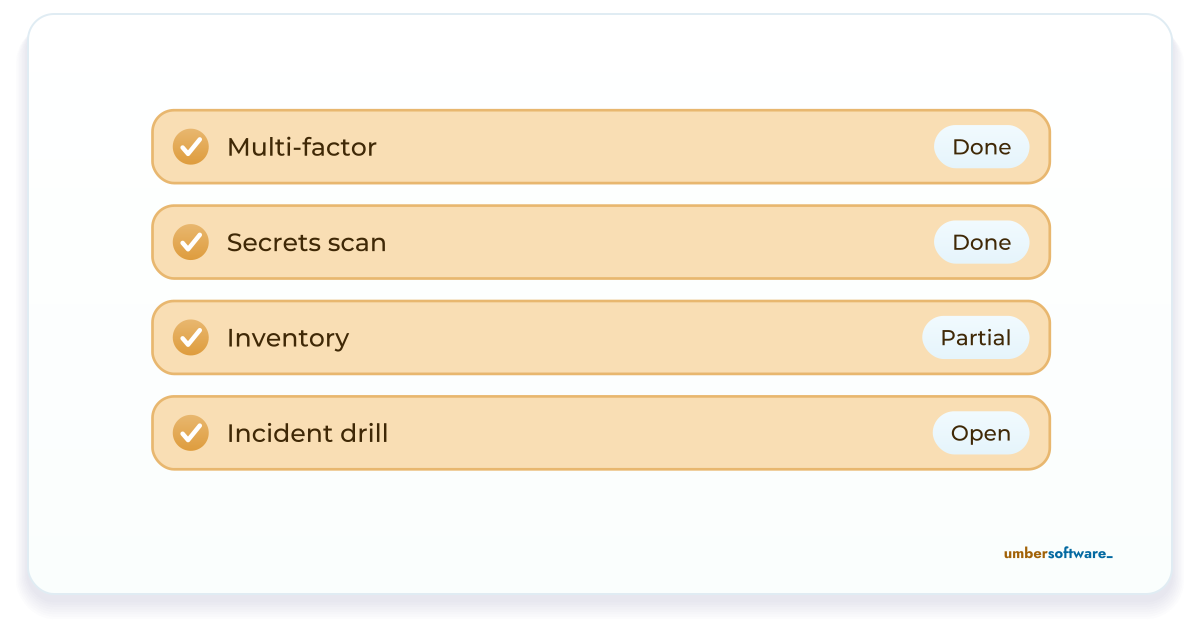
Assign each item one owner. Shared ownership means nobody checks. Then ask that owner to attach proof: a screenshot of the setting, a link to the ticket or the output of a scan. Evidence turns a checklist into a record you can show a customer.
Mark each item red, amber or green. Amber is honest and useful: it means the control exists but has gaps. A list that shows twelve greens on the first try is almost always wrong. Teams I work with typically start with four to six greens and reach ten within a quarter.
The Twelve Items in Detail
1. Require multi-factor sign-in everywhere that matters
Start with production cloud accounts, the code repository, the CI system and your email. Stolen passwords remain one of the most common ways in, and this single setting blocks most of them. Use an authenticator app or a hardware key rather than text messages where you can.
Done when: Every account with production or repository access shows multi-factor enabled in the admin console.
2. Keep secrets out of source code
Keys, tokens and database passwords belong in a secrets manager or in your platform's encrypted variables. Search your repository history, not just the current files, because an old commit still leaks what it contains. Rotate anything you find, since removing a secret from code does not make it safe again.
Done when: A secrets scan of full history returns nothing, and every key found earlier has been replaced.
3. Know every dependency you ship
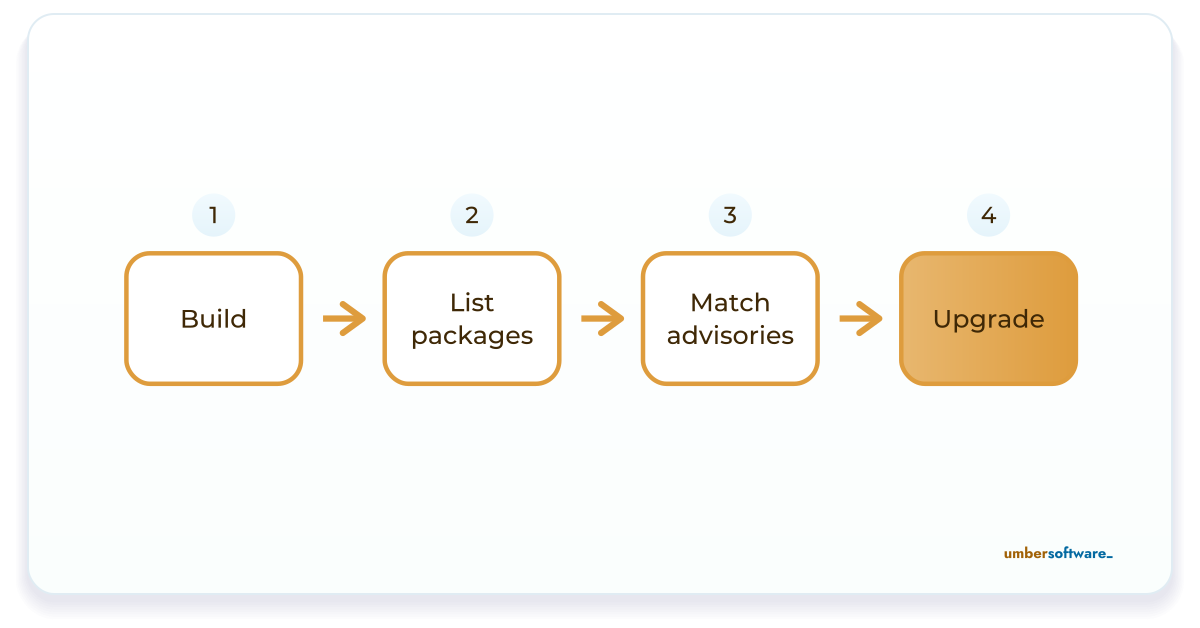
Generate a software bill of materials on each build so you always know which libraries and versions are inside your product. When a new flaw makes the news, you want to answer 'are we affected?' in minutes. The application security tools comparison lists scanners that produce this automatically.
Done when: A current bill of materials exists for every deployable service and updates on each build.
4. Patch known-vulnerable components on a schedule
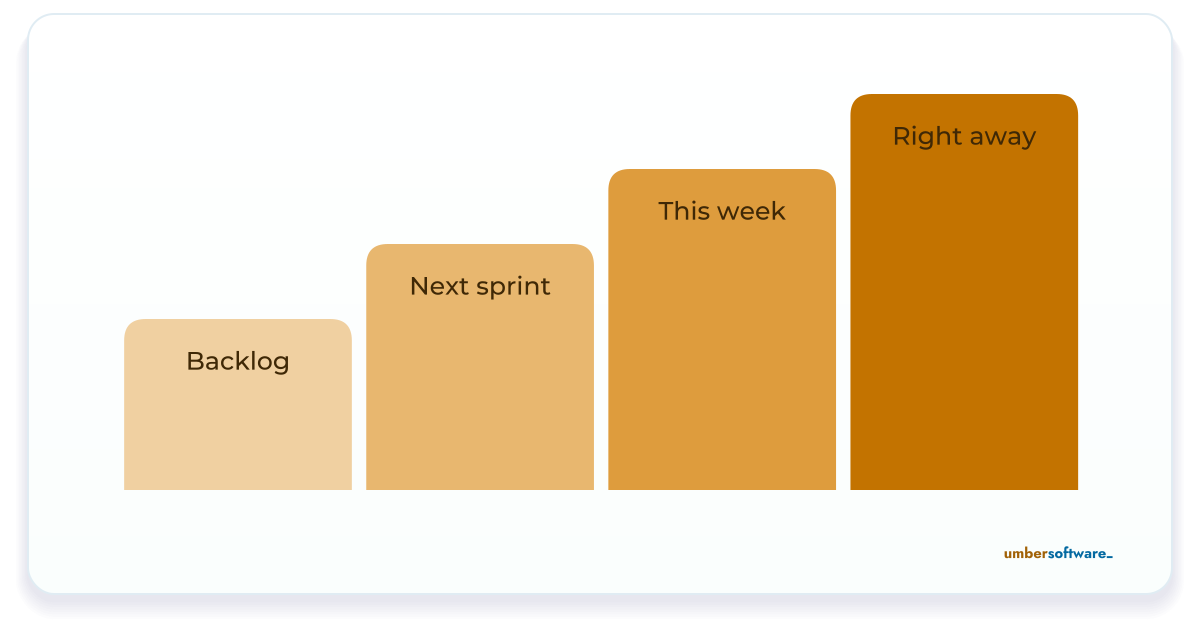
Set a rule you can keep: critical flaws within days, high within a few weeks, the rest in your regular upgrade cycle. A rule that nobody follows is worse than none, because it creates a false record. The CISA Known Exploited Vulnerabilities catalog is a useful tiebreaker, since it lists flaws attackers are using now.
Done when: Open critical and high findings are all inside your stated deadline, and an owner is named for each.
5. Validate input and encode output
Treat everything from users, files, APIs and other services as untrusted. Use parameterized queries for databases and your framework's built-in output encoding for pages. Hand-written string building is where injection flaws are born, and the same few mistakes appear in audit after audit.
Done when: No database query is built by joining user input into a string, and a scan for injection patterns is clean.
6. Check authorization on the server for every request
Hiding a button in the interface protects nothing. Each endpoint must confirm that the signed-in user may access that specific record. Broken access control sits at the top of the OWASP Top 10 for good reason, and it is rarely found by scanners because it depends on your business rules.
Done when: A test using one customer's login to request another customer's record returns a refusal on every endpoint.
7. Protect data in transit and at rest
Use current TLS on every connection, including internal service calls, and encrypt databases and backups. Decide which fields are sensitive, such as payment details and health data, and keep them out of logs. A leaked log file has ended more than one otherwise careful security program.
Done when: Encryption is on for all stores, certificates renew automatically and logs contain no sensitive fields.
8. Review code before it merges
Require at least one reviewer who did not write the change, enforced by repository settings and not by habit. Give reviewers a short list of security prompts: new inputs, new permissions, new dependencies. Habits slip under deadline pressure, so the setting matters more than the intention.
Done when: Direct pushes to the main branch are blocked, and the last twenty merged changes all show a review.
9. Scan automatically in the pipeline
Run dependency, secret and static code scans on every pull request so developers hear about problems while the code is fresh. Start with a small set of rules to avoid alert fatigue, then widen it. A scan that fails the build on every minor warning will be switched off within a month.
Done when: Scans run on each pull request, and the team triages results within an agreed time.
10. Lock down the build and deploy path
Your pipeline can push code to production, so it deserves the same protection as production. Limit who can change pipeline settings, use short-lived credentials and sign or verify build outputs where your tooling supports it. The SLSA framework describes useful levels of build integrity.
Done when: Only named roles can edit pipeline definitions, and deploy credentials expire automatically.
11. Log security events and watch them
Record sign-ins, permission changes, failed access attempts and admin actions, then send them somewhere that a person or an alert actually checks. Logging nobody reads only helps after the damage, and even then only if the logs survived.
Done when: An alert fires when a test admin account is created, and someone responds within the agreed time.
12. Write and rehearse an incident plan
Decide who leads, who talks to customers and who can shut a system down at 2 a.m. Keep the plan to one page, with phone numbers that work outside the company network. Run a one-hour tabletop exercise twice a year, because a plan that has never been practiced fails on the first real day.
Done when: The plan exists, contacts are current and a drill has taken place in the last six months.
A Sample 90-Day Schedule for a Small Team
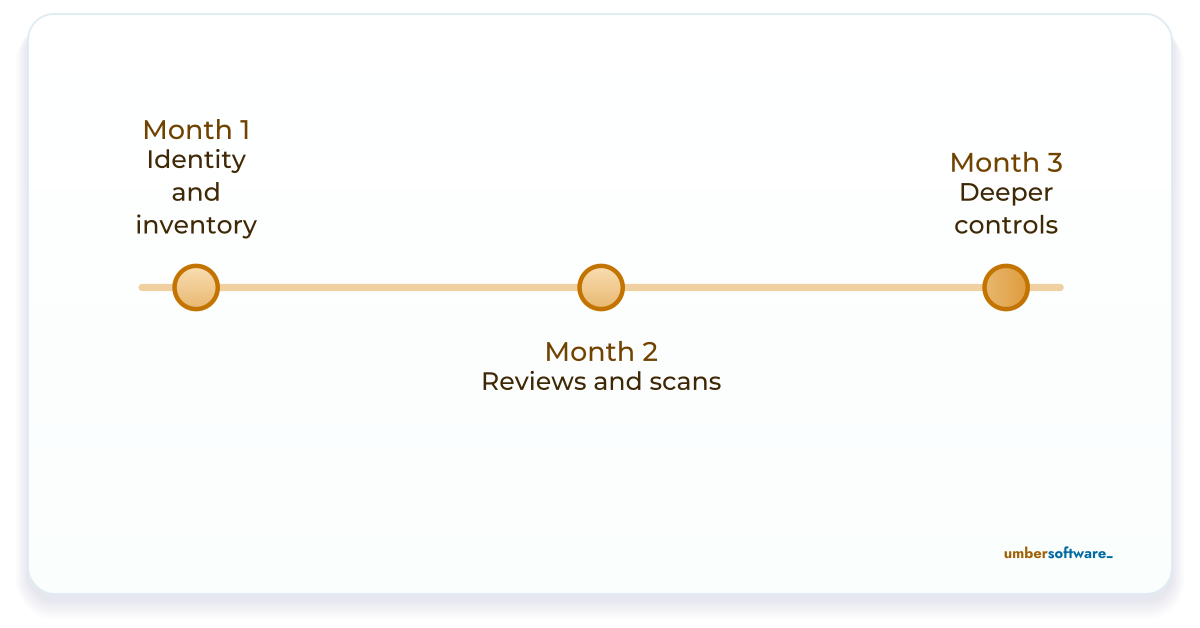
Teams often stall because the list feels large. Spread it over three months and the load becomes manageable. Here is the schedule I give a team of about ten developers with no dedicated security person.
| Month | Items | Who leads | Result to show |
|---|---|---|---|
| Month 1 | 1, 2, 3, 4 | Lead developer and whoever manages cloud accounts | Multi-factor everywhere, clean secrets scan, first bill of materials, written patch rule |
| Month 2 | 8, 9, 11 | Lead developer | Mandatory review, scans on pull requests, alerts on admin actions |
| Month 3 | 5, 6, 7, 10, 12 | Lead developer with outside help on 6 and 10 | Authorization tests, encryption confirmed, protected pipeline, first drill |
Notice that validation and authorization land in the third month. They take longer because they touch existing code across the product. Starting with the quick wins builds confidence and frees attention for the harder work. Expect delays: in my experience at least one item slips by a few weeks because of a release or a vacation, and that is fine as long as the owner and date stay visible.
Hold a fifteen-minute review at the end of each month. Show the evidence for each completed item, move the unfinished ones forward with a new date and agree on the next month's focus. Short, regular reviews keep the checklist alive far better than a big kickoff.
Where Teams Usually Get Stuck
Three patterns come up repeatedly. First, teams treat the checklist as a one-time project and let it decay. Second, they mark items done at the moment a ticket closes, without testing the result. Third, they skip the hard items, authorization and incident planning, because the easy ones feel like progress.
Counter each one directly. Put a recurring quarterly date in the calendar. Require a test result before an item turns green. And schedule the difficult items early, with a named owner, so they cannot drift to the bottom of the list.
What the Checklist Cannot Do
A checklist covers known, common problems. It will not find a design flaw unique to your product, such as a refund workflow that can be abused, and it will not tell you how mature your practices are over time. For that you need a structured model, and the software security framework article shows how to organize your controls into a repeatable program.
It also will not tell you which threats matter most to your business. Read the software security risks breakdown to see how the same control failures play out in real incidents, then adjust the order of your checklist to match your own exposure.
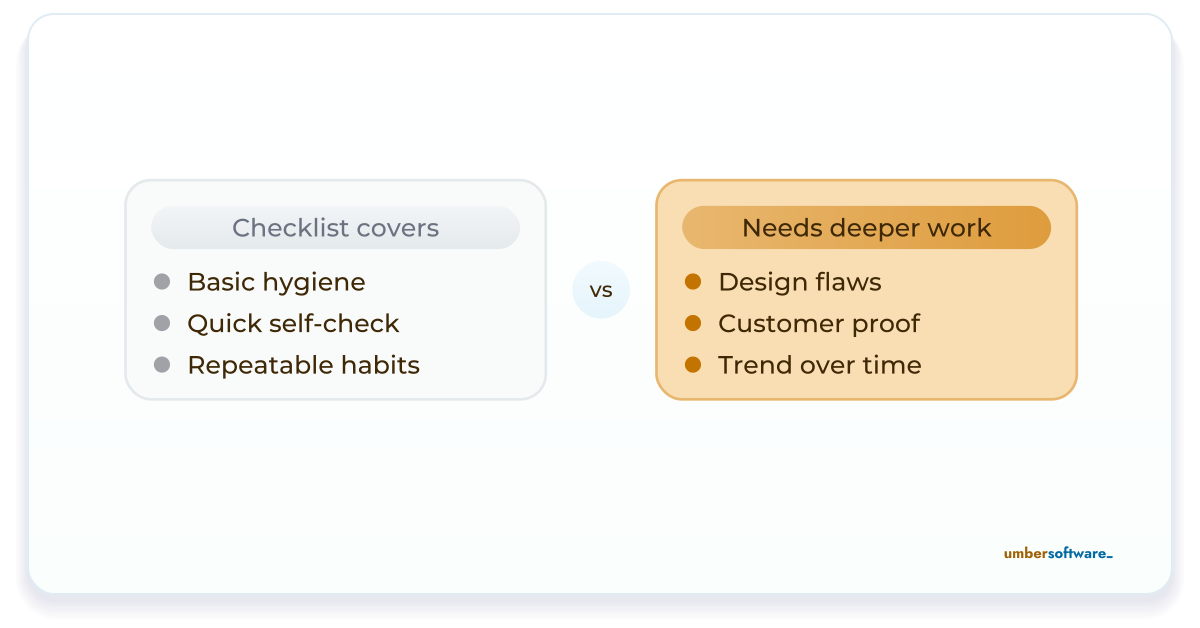
| Question | Use the checklist | Use something deeper |
|---|---|---|
| Are the basics covered? | Yes, this is its purpose | No |
| Is our design safe? | No | Threat modelling or an architecture review |
| Can we prove it to a customer? | Partly, with evidence | A formal audit |
| Are we getting better over time? | No | A maturity assessment, repeated |
Deciding When to Bring In Help
Most teams can complete items 1 to 4 and 8 on their own. Bring in outside help for items 6, 10 and 12, where experience matters more than tooling. Authorization bugs are subtle. Pipeline security needs someone who has seen build systems attacked. Incident plans benefit from an outsider who asks the questions your team has stopped noticing.
- Pick an owner and a due date for each item.
- Collect evidence as you go.
- Re-run the whole list every quarter.
- Add items only when an incident or an audit shows a real gap.
Questions About the Software Security Checklist
How Long Does the Checklist Take to Complete?
Most small teams finish the first four items in a week and the full list in one to three months. The time depends on how many systems you run and whether items like authorization testing need outside help.
Is This Checklist Enough for Compliance?
It covers common technical basics, but compliance frameworks ask for policies, records and sometimes independent testing. Use the checklist to fix the foundations, then map the evidence to the framework a customer or regulator names.
Which Item Should I Do First?
Start with multi-factor sign-in. It takes hours, costs little and blocks the most common way attackers gain access. Secrets in code and patching come next.
How Often Should I Run Through the List?
Quarterly works well. Add a review after major changes such as a new integration, a cloud move or a change in who has production access.
Do I Need Paid Tools?
Not at first. Many scanners for dependencies, secrets and static analysis have free tiers or open-source versions. Pay for tools when the volume of alerts or the need for support justifies it.
Who Should Own the Checklist?
One person should own the list overall, usually a lead developer or head of engineering, and each item needs its own named owner. Security that belongs to everyone tends to belong to no one.
What If an Item Does Not Apply to My Product?
Mark it not applicable and write down why. A short note explaining the decision is useful evidence later, and it forces you to confirm that the item really has no relevance.
Sources
- OWASP Top Ten
- CISA Known Exploited Vulnerabilities Catalog
- SLSA, Supply-chain Levels for Software Artifacts
Please note: this guide is general information and not legal, financial or tax advice. Numbers and examples are typical-project estimates; confirm current details with your providers and advisers.
Did this article help you?
Thanks, noted.
Whitney Sorensen
Whitney leads the Umber editorial team and works with the consultants to turn real client projects into practical guides on software selection, custom development, integration and legacy modernization. Before joining Umber, she spent years writing and editing for engineering and IT teams. She has since reviewed architecture audits, system selections and modernization plans from client projects across industries from manufacturing to healthcare. She works remotely from the USA.